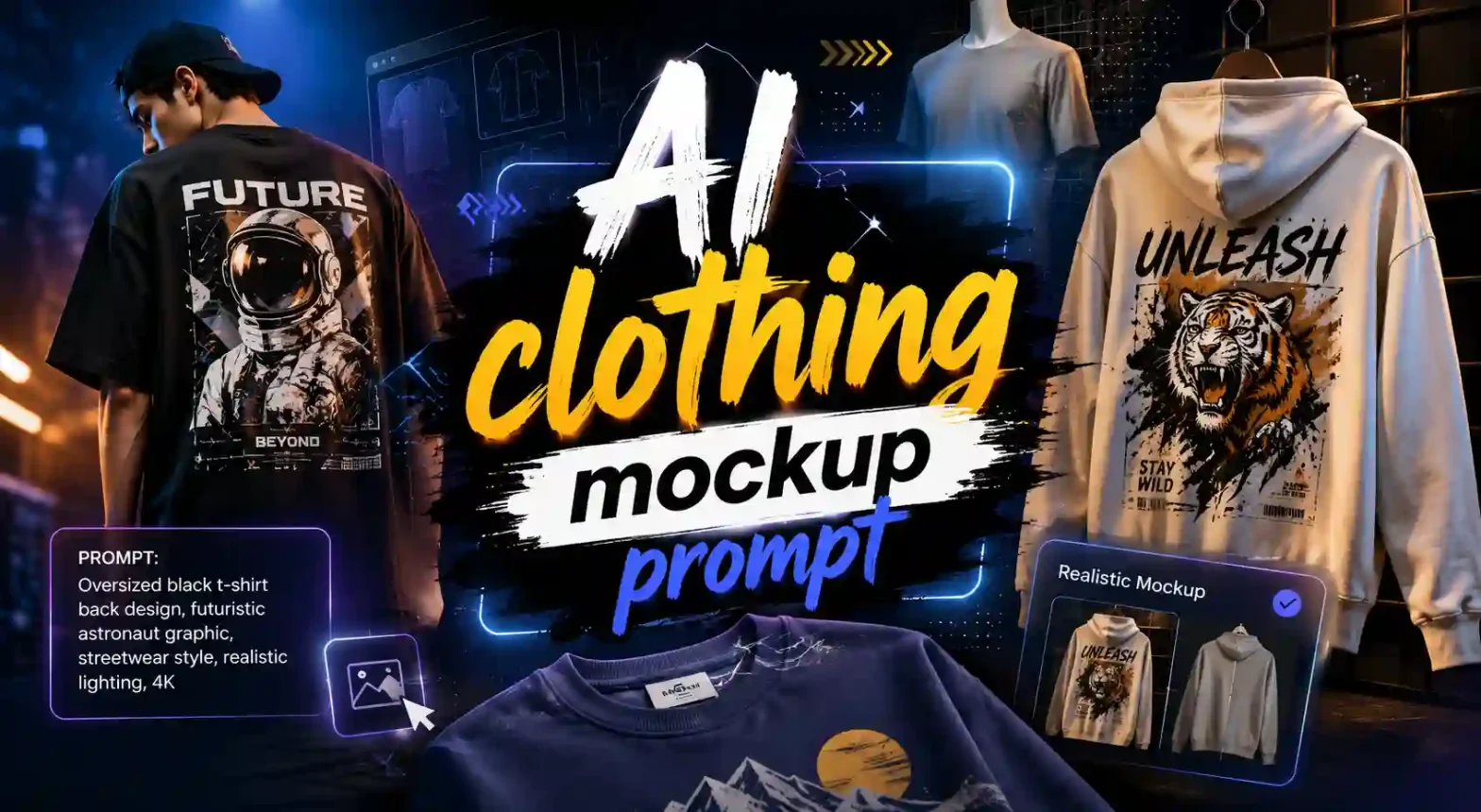
Ever generated a clothing mockup that looked almost right, but the design was stretched, the fabric looked fake, or the print seemed pasted on?
 Get on WhatsApp
New image & Video workflow everyday
Get on WhatsApp
New image & Video workflow everyday
The problem may not be your design. It could simply be the prompt.
A good realistic clothing mockup prompt tells AI exactly how your design should sit on the fabric, what the clothing should look like, and even how the final photo should be styled. For designers, ecommerce brands, and POD sellers, this can mean better mockups without complicated editing or costly photoshoots.
Why Use AI Clothing Mockup Prompts?
Creating a good clothing mockup shouldn’t take hours. With the right AI clothing mockup prompt, you can quickly turn your design into a realistic product visual and explore different garments, settings, and styles without starting from scratch every time.
- Save Time: Create multiple clothing mockups in minutes instead of manually editing every design, fold, shadow, and background.
- Cut Costs: Test your designs without spending on models, photographers, studio setups, or product samples for every concept.
- Create More Realistic Results: A detailed, realistic clothing mockup prompt helps AI understand the fabric, fit, design placement, lighting, and shadows you want.
- Improve Ecommerce Listings: Show customers how your design could look on an actual T-shirt, hoodie, sweatshirt, or jacket instead of displaying only a flat design file.
- Try Different Styles Easily: Turn the same design into clean studio shots, outdoor lifestyle images, streetwear visuals, or premium fashion mockups.
- Great for Testing Ideas: Designers, POD sellers, and clothing brands can visualize different colors, garments, placements, and creative directions before moving forward.
Best Clothing Mockup Prompts for AI Images
Here is a list of prompts you can simply copy and paste into AI tools like ChatGPT, Gemini, or LightX. Find ecommerce, lifestyle, studio, and designer mockup prompts for T-shirts, hoodies, and other apparel.
T-Shirt Mockup Prompts
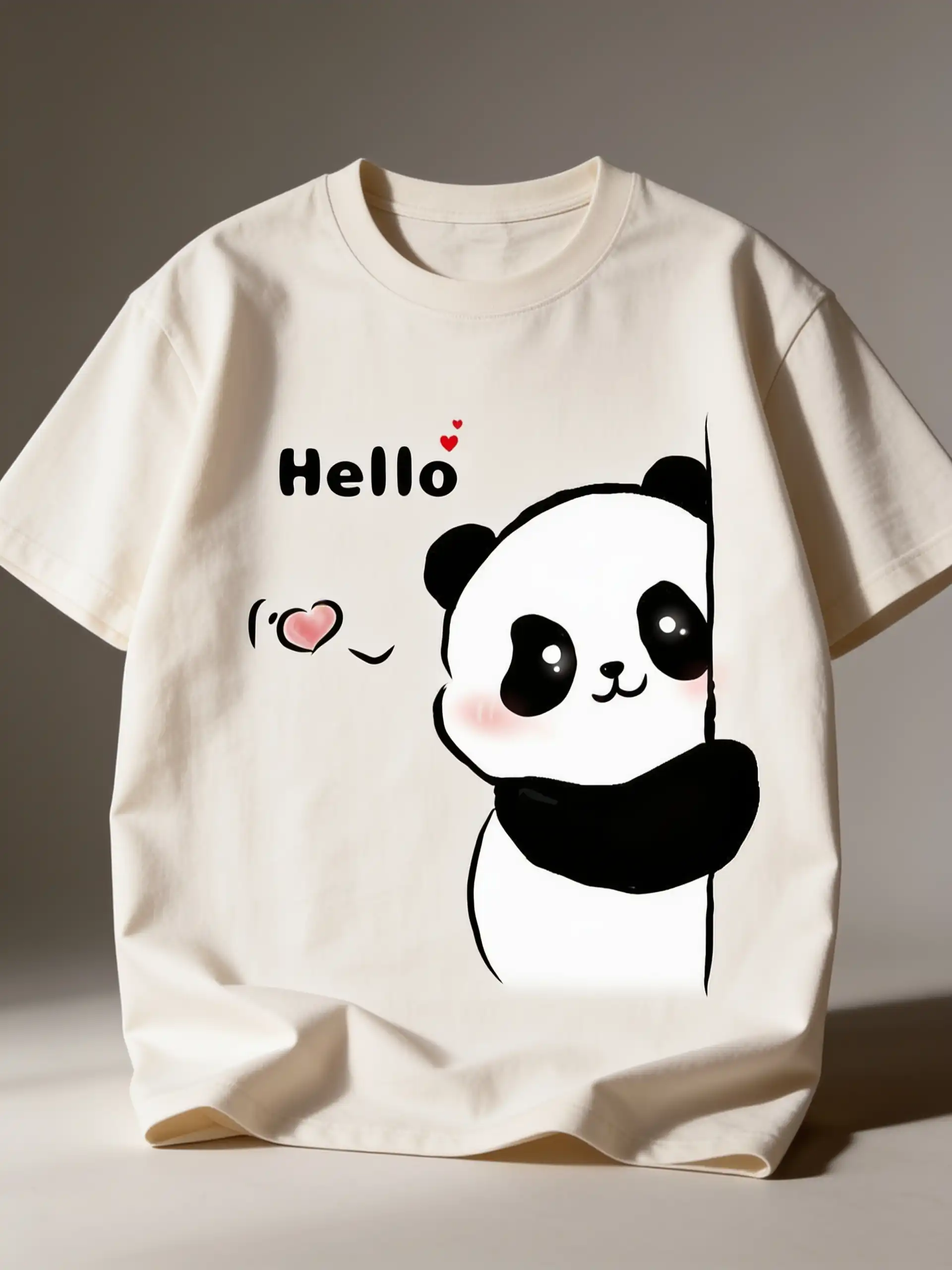
1. Premium Studio – Create a photorealistic mockup of a premium heavyweight cotton T-shirt using the uploaded design. Reproduce the design EXACTLY—preserve every letter, graphic, color, proportion, spacing, and detail without alteration. Place it perfectly centered on the chest, realistically conforming to fabric folds, curvature, and perspective. Minimal warm-gray studio, soft diffused lighting, natural shadows, visible cotton fibers, subtle wrinkles, luxury fashion campaign photography.
2. Flat Lay — Photorealistic top-down T-shirt mockup on textured concrete. Place the uploaded artwork precisely on the front, maintaining its exact appearance and aspect ratio. Realistic ink interaction with cotton fibers and wrinkles. Add tasteful sneakers, sunglasses, and magazine props around the shirt, soft window light, natural shadows, editorial styling.
3. Hanger — Premium white T-shirt hanging naturally from a wooden hanger against a textured plaster wall. Transfer the uploaded design exactly onto the chest with correct scale, alignment, perspective, and fabric deformation. Warm directional sunlight, plant-leaf shadows, realistic seams, stitching, cotton grain and folds.
Hoodie Mockup Prompts
4. Black Studio Hoodie — Photorealistic heavyweight black fleece hoodie, front-facing studio view. Apply the uploaded design EXACTLY as supplied, preserving typography, artwork, colors and proportions. Center accurately on the printable chest area and conform naturally to folds. Dark seamless backdrop, rim lighting, realistic fleece texture, drawstrings, stitching and premium shadows.
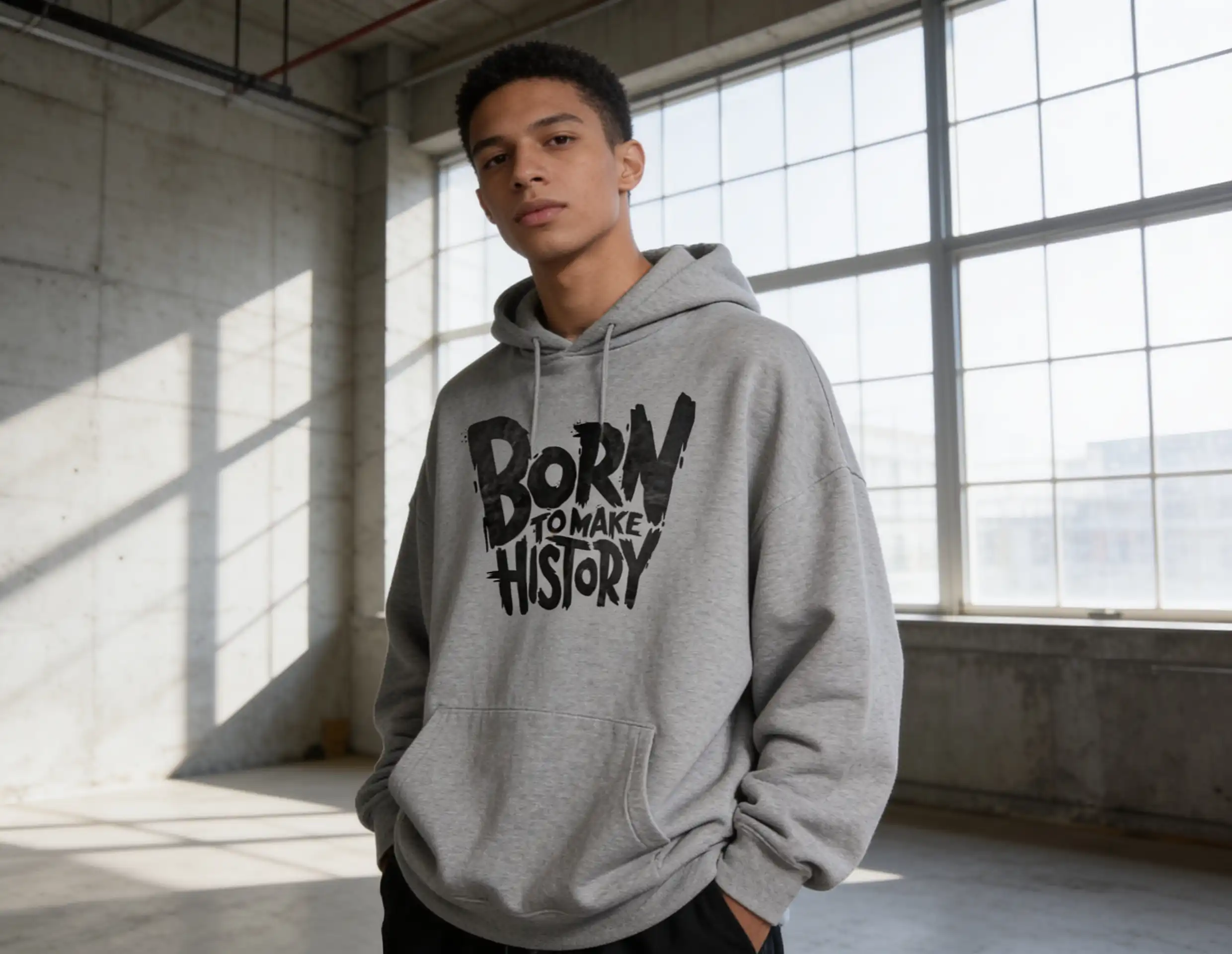
5. Lifestyle Hoodie — Oversized heather-gray hoodie worn by a model in a modern industrial loft. Place the uploaded artwork precisely on the chest without redesigning or changing any element. Print follows body curvature and fabric tension realistically. Large-window daylight, concrete walls, soft shadows, natural pose, premium apparel campaign quality.
6. Street Hoodie — Oversized washed-black hoodie worn in an urban parking structure. Apply the supplied artwork accurately without changing text, graphics, spacing or colors. Design realistically wraps around natural cloth folds. Cinematic flash photography, concrete environment, gritty atmosphere, realistic model and high-end streetwear campaign finish.
Sweatshirt Mockup Prompts
7. Beige oversized sweatshirt worn in a minimalist Scandinavian interior. Preserve uploaded artwork exactly and position naturally across the chest. No warped typography or invented design details. Realistic fabric deformation, stitching, ribbing, and print integration. Warm sunlight through windows, soft architectural shadows, shallow depth of field.
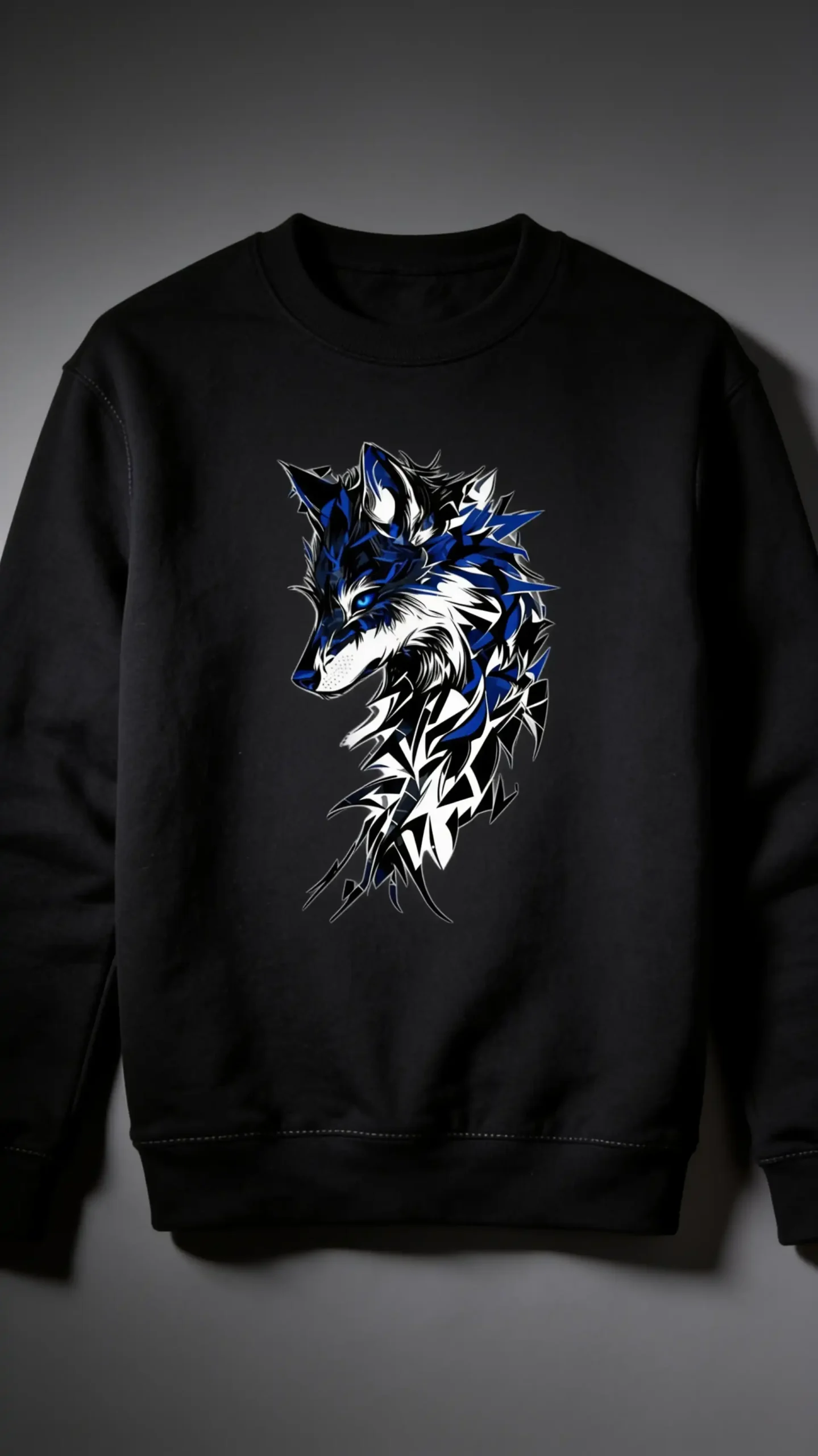
8. Black premium crewneck sweatshirt – photographed against a moody charcoal backdrop. Exact uploaded artwork centered on chest with authentic ink-on-fabric appearance. Preserve original design dimensions and details. Controlled side lighting revealing fleece texture, natural wrinkles and stitching; sophisticated fashion-campaign photography.
9. Heather-gray sweatshirt – hanging naturally on a premium wooden hanger against white brick. Precisely reproduce uploaded design with correct scale, perspective and placement. Print must follow garment contours while remaining visually accurate. Natural daylight, realistic cast shadow, detailed seams, ribbed cuffs, and commercial catalog quality.
Jacket Mockup Prompts
10. Premium black varsity jacket worn front-facing by a model. Place uploaded artwork accurately on the requested printable front area, preserving all original details. Adapt only perspective and surface curvature—never redesign artwork. Realistic embroidered/printed finish, wool body, leather sleeves, ribbed trims, studio lighting and luxury campaign backdrop.
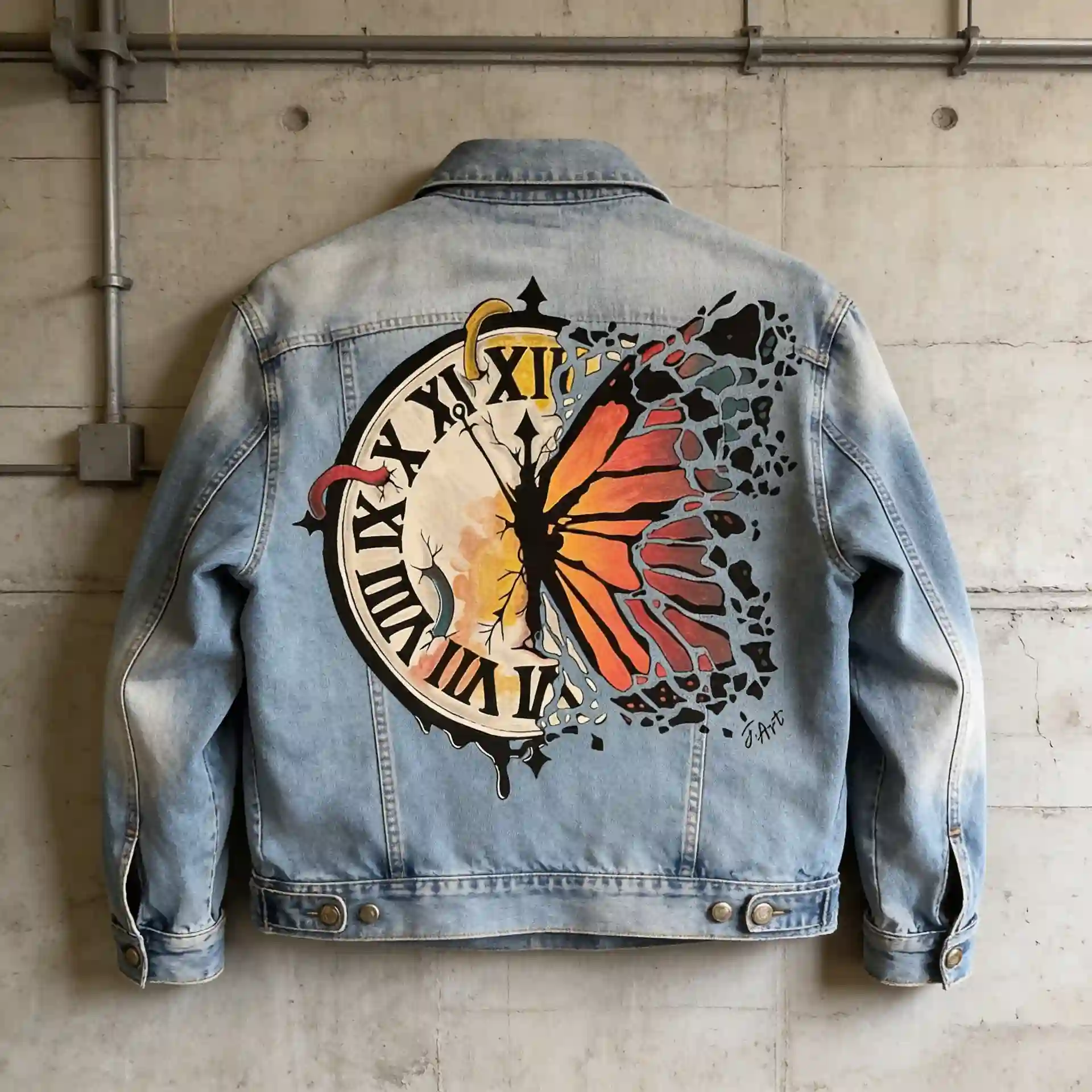
11. Washed denim jacket photographed from the back against an industrial concrete wall. Position uploaded design perfectly as a large back graphic, maintaining exact proportions, typography and colors. Artwork follows denim seams and natural folds convincingly. Detailed denim weave, stitching, metal hardware, soft directional daylight.
12. Black bomber jacket on hanger in a dark minimalist studio. Transfer uploaded artwork precisely to the back panel without changing any visual element. Natural perspective and subtle fabric deformation, realistic print integration on nylon, detailed zipper and stitching. Dramatic rim lighting and premium commercial photography.
Related blog: Jersey Mockup Prompts
Activewear Mockup Prompts
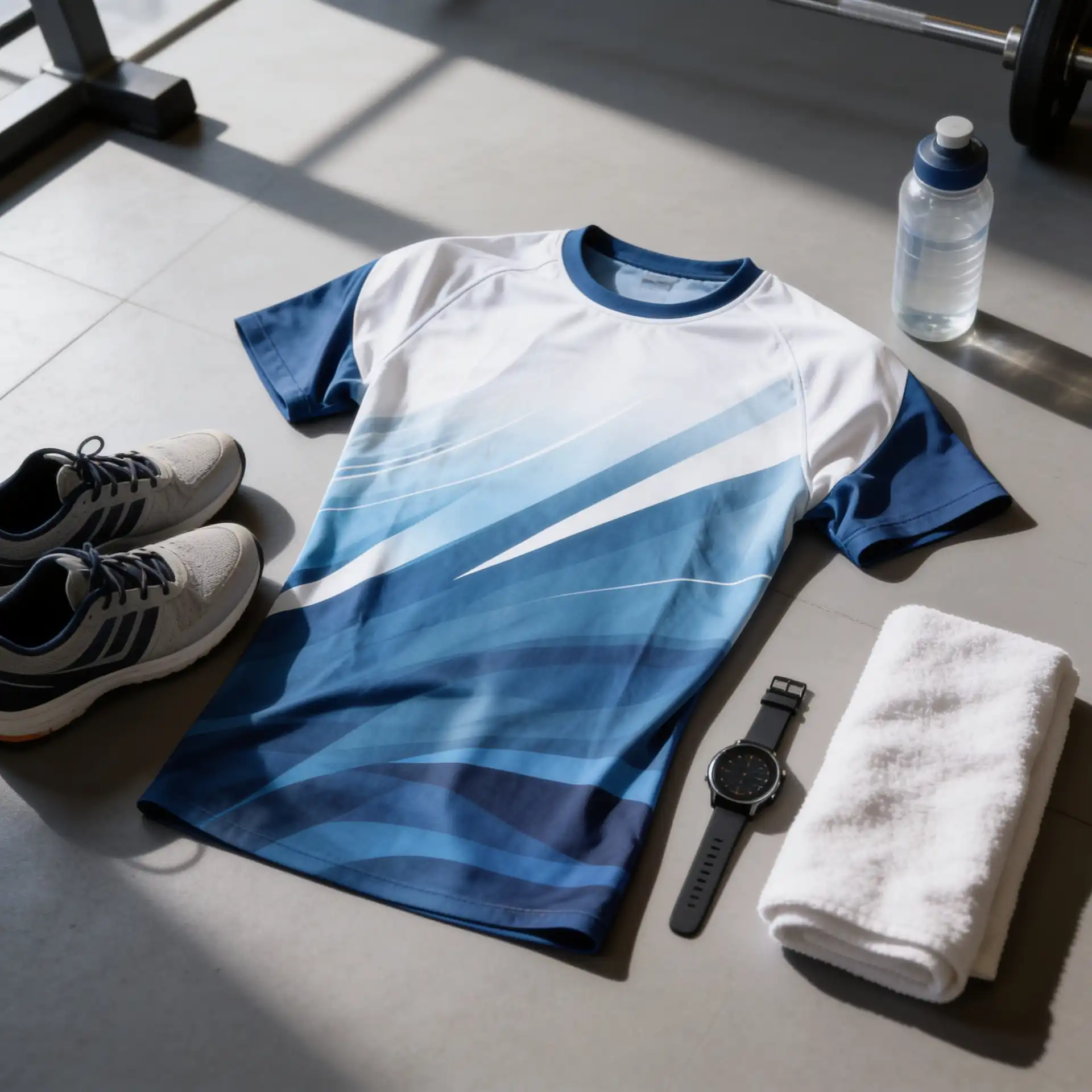
13. Performance training T-shirt worn by an athletic model in a modern gym. Reproduce uploaded design exactly on the chest. Maintain typography, proportions and colors while realistically conforming to stretched technical fabric. Moisture-wicking polyester texture, subtle movement, gym equipment softly blurred, dramatic natural lighting.
14. Premium compression shirt on a running athlete outdoors. Apply uploaded design precisely without modification; artwork follows torso curvature and fabric stretch naturally while remaining readable and accurate. Sunrise running track, subtle motion, realistic sweat and textile texture, commercial sports-brand photography.
15. Activewear tank top photographed front-facing in a bright fitness studio. Preserve uploaded design exactly and center it accurately. Realistic ink integration, fabric folds and body contours. Gym bench and weights softly out of focus, large-window daylight, crisp breathable fabric texture.
Streetwear Mockup Prompts
16. Boxy vintage T-shirt worn at a skatepark. Apply uploaded artwork accurately with no redesigning, recoloring or added details. Print conforms naturally to moving fabric while retaining original proportions. Skateboard prop, raw concrete ramps, late-afternoon sunlight, candid editorial composition.
17. Oversized streetwear hoodie photographed on a rooftop overlooking a modern city skyline. Precisely integrate uploaded artwork into the front fabric, maintaining exact design appearance. Wind creates realistic folds and tension that affect the print naturally. Overcast cinematic lighting, detailed heavyweight cotton and fashion-magazine realism.
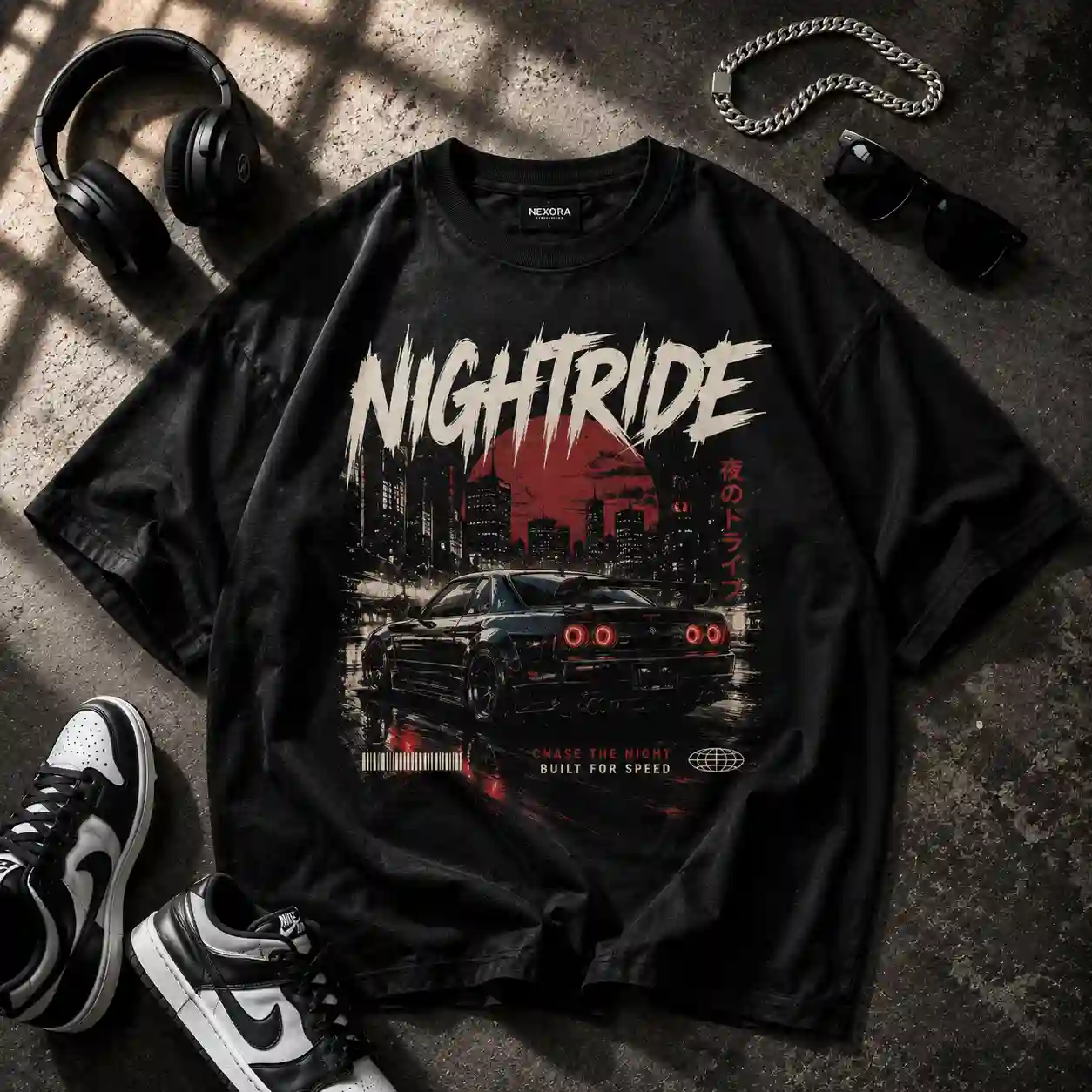
18. Oversized tee displayed as a premium streetwear flat lay on dark textured concrete. Place uploaded artwork perfectly centered and completely unchanged. Realistic screen-print ink absorbed into visible cotton fibers and following subtle wrinkles. Add silver chain, sneakers, headphones and sunglasses with balanced spacing; directional window light, strong natural shadows and photorealistic campaign finish.
Related blog: Outfit Prompts
Kidswear Mockup Prompts
19. Kids T-Shirt – Create a photorealistic mockup of a premium heavyweight cotton kids’ T-shirt using the uploaded design. Reproduce the design EXACTLY—preserve every letter, graphic, color, proportion, spacing and detail without alteration. Place it perfectly centered on the chest, realistically conforming to fabric folds, curvature and perspective. Clean pastel studio background, soft diffused lighting, natural shadows, visible cotton fibers, subtle wrinkles, premium kidswear catalog photography.
20. Kids Sweatshirt – Create a photorealistic mockup of a premium kids’ crewneck sweatshirt using the uploaded design. Reproduce the design EXACTLY—preserve every letter, graphic, color, proportion, spacing and detail without alteration. Place it precisely on the center chest with realistic fabric curvature and folds. Minimal cream studio background, soft diffused lighting, natural shadows, visible fabric texture, realistic stitching, polished kidswear catalog photography.
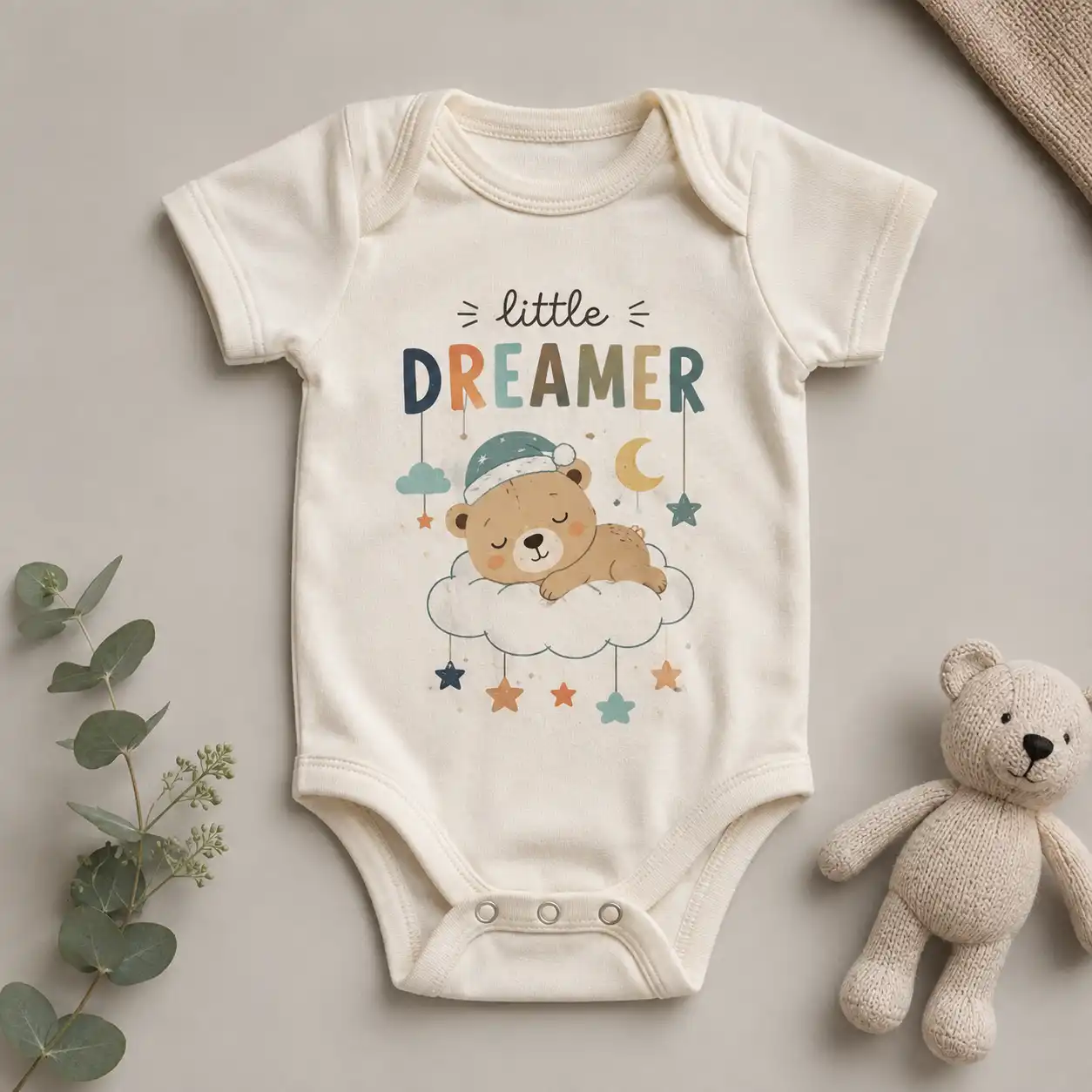
21. Kids Onesie- Create a photorealistic mockup of a premium soft cotton kids’ onesie using the uploaded design. Reproduce the design EXACTLY—preserve every letter, graphic, color, proportion, spacing and detail without alteration. Place the design perfectly centered on the front, realistically conforming to the fabric folds, seams, curvature, and perspective. Minimal warm-gray studio, soft diffused lighting, natural shadows, visible cotton fibers, subtle wrinkles, realistic snap buttons, premium baby and kidswear catalog photography.
Dresswear Mockup Prompts
22. Floral Summer Dress – Create a photorealistic mockup of a premium flowing summer dress using the uploaded design. Reproduce the design EXACTLY—preserve every letter, graphic, color, proportion, spacing and detail without alteration. Maintain the exact artwork while naturally following the dress’s curves, folds and movement. Bright sunlit studio, soft shadows, lightweight fabric texture, gentle wrinkles, fresh premium fashion catalog photography.
23. Maxi Dress – Create a photorealistic mockup of a premium floor-length maxi dress using the uploaded design. Reproduce the design EXACTLY—preserve every letter, graphic, color, proportion, spacing and detail without alteration. Place the design accurately across the dress with realistic draping, folds, curvature and perspective. Minimal luxury studio, warm diffused lighting, natural shadows, detailed fabric texture, elegant editorial fashion photography.
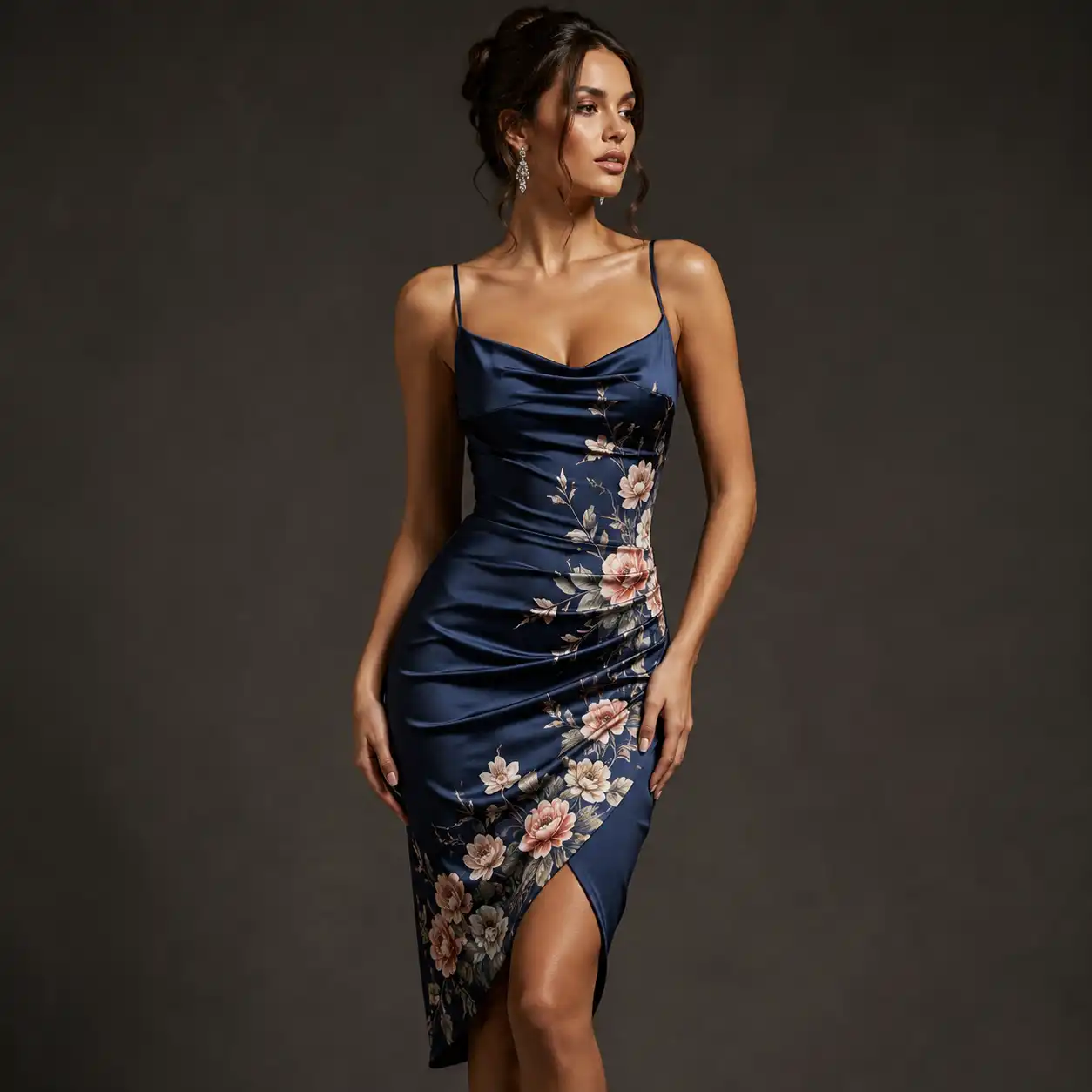
24. Cocktail Dress – Create a photorealistic mockup of a premium fitted cocktail dress using the uploaded design. Reproduce the design EXACTLY—preserve every letter, graphic, color, proportion, spacing and detail without alteration. Ensure the design follows the garment’s contours naturally without distortion. Sophisticated dark-neutral studio, focused soft lighting, realistic fabric texture, subtle folds and shadows, high-end fashion campaign photography.
MASTER INSTRUCTION — add every prompt before
You can use this master prompt to place your design on clothes realistically. This is a universal prompt :
Use the uploaded design image EXACTLY as provided. Preserve 100% of artwork, text, spelling, colors, proportions, spacing, orientation and details. Do not redraw, reinterpret, crop or modify it. Place it naturally and precisely on the garment, centered/aligned correctly, following fabric folds, seams, perspective and curvature. Realistic print texture, fabric interaction, shadows and lighting; no floating/sticker look. Photorealistic commercial apparel photography, ultra-sharp textile detail.
Tips for Creating Realistic Clothing Mockups
A realistic mockup comes down to the small details. Your prompt should tell the AI not only what clothing you want, but also how the design, fabric, lighting, and overall scene should look.
- Describe the fabric: Mention materials like heavyweight cotton, fleece, denim, polyester, or washed fabric to get more natural textures.
- Be clear about design placement: Specify center chest, left chest, full back, sleeve, or oversized front print.
- Keep the uploaded design accurate: Ask AI to preserve the original text, colors, graphics, proportions, and details without redesigning them.
- Mention lighting: Try soft studio lighting for product shots, natural daylight for lifestyle images, or direct flash for streetwear.
- Add realistic fabric details: Include natural folds, wrinkles, seams, stitching, fabric tension, and shadows.
- Choose a suitable background: Match the setting to your brand, whether that’s a clean studio, city street, gym, boutique, or home interior.
Best Use Cases for Clothing Mockup Prompts
Clothing brand mockup prompts can be useful long before a product reaches the customer. They make it easier to visualize ideas, experiment with presentation, and create different types of product imagery.
- Ecommerce listings: Create clean product visuals for T-shirts, hoodies, jackets, sweatshirts, and more.
- Print-on-demand products: Preview new artwork on different garments before adding products to your store.
- Clothing brands: Build consistent studio and lifestyle visuals that match your brand’s aesthetic.
- Social media: Turn designs into eye-catching fashion visuals for posts, stories, and promotional content.
- Design testing: Compare garment colors, fabrics, print sizes, and design placements before choosing a final direction.
- Marketing campaigns: Create lifestyle, streetwear, studio, or editorial-style concepts for ads and promotions.
Create Clothing Mockup Prompt with LightX
Creating a clothing mockup with LightX is pretty simple. You just need your design and an idea of how you want the final image to look.
Step 1: Upload your design
Open the LightX Image-to-Image tool and upload a clear image of your design.
Step 2: Describe your mockup
Write a simple prompt describing the look you want. You can mention the background, fabric, props, lighting, or other details.
Step 3: Choose an AI Model
Pick the AI model you want to use for your mockup. LightX offers options like Seedream 4.5, Wan 2.7, ChatGPT, Nano Banana, and FLUX, so you can try different models and choose the one that works best for your design.
Step 4: Generate and download
Click Generate to create your mockup. Once you like the result, download it and use it for your store, social media, ads, or other projects.
There are also other tools that you will definitely like :
- AI T-Shirt Mockup Generator
- AI Hoodie Mockup Generator
- AI Jacket Mockup Generator
- AI Crop Top Mockup Generator
- AI Scarf Mockup Generator
- AI Tank Top Mockup Generator
Common Mistakes to Avoid
Even a detailed fashion mockup prompt can produce an unnatural image if important instructions are missing. Watch out for these common mistakes:
- Using vague prompts: “Put my design on a T-shirt” doesn’t explain the fit, fabric, placement, lighting, or background.
- Ignoring design accuracy: Always specify that uploaded artwork should not be changed, redrawn, recolored, or distorted.
- Making the print look pasted on: Ask the design to follow the garment’s folds, curves, perspective, and fabric texture naturally.
- Adding too many elements: Too many props, colors, lighting effects, and background details can pull attention away from the clothing.
- Choosing the wrong setting: A dramatic street background may look great for streetwear but may not work for a clean ecommerce product image.
- Skipping the final check: Look closely at text, logos, colors, seams, hands, garment shape, and design placement before using the mockup.
Conclusion
You don’t need to make clothing mockups complicated. A clear prompt that describes the garment, fabric, design placement, lighting, and setting can make a big difference in the final result.
Whether you’re creating a t-shirt mockup prompt, experimenting with hoodies, or preparing product visuals for an online clothing store, AI clothing mockup prompts give you an easy way to explore different looks and ideas. Keep your instructions clear, pay attention to realistic details, and most importantly, make sure your original design remains the focus.
Get on WhatsApp
New image & Video workflow everyday