
AI Reference to Video Generator: Turn Your Photos into Videos

Wan 3.0
Wan 3.0
Explore Trending Video Templates
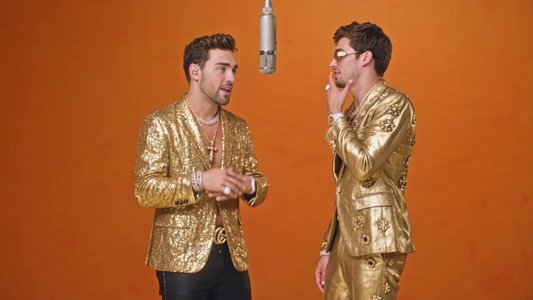
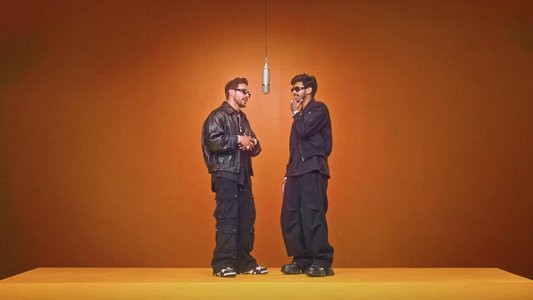
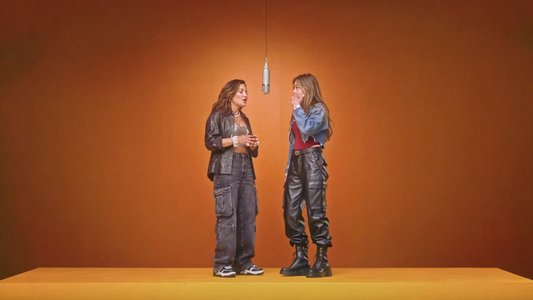
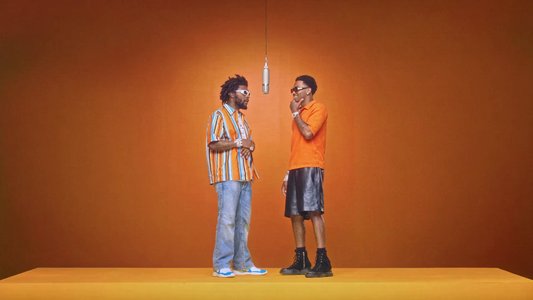

How to Make a Video from Reference Images
Step 1
Upload Images
Add up to 5 photos of people, products, or places.
Step 2
Write a Prompt
Describe the scene and action. Add dialogue, lyrics, or music if you like.
Step 3
Pick a Model
Choose the AI model that suits your video.
Step 4
Set Your Options
Select the ratio, length, resolution, and audio.
Step 5
Click Generate
Get your video in moments.
Turn Multiple Images Into One AI Video
- Upload up to 5 reference images of people, products, places, or anything else, write a simple prompt (or even lyrics and dialogue), pick an AI model, and hit Generate. LightX’s AI Reference to Video tool turns your still photos into short, realistic videos with natural motion, consistent characters, and scenes that actually look like they belong together. No complex editing. No stock footage hunt. Just your images, a few words, and you have a ready-to-use video.
Create UGC Product Ads With AI
- Turn a person and a product into short UGC-style videos that show the product naturally through simple actions and scenes. This works well for product demos, where you can show someone using or explaining a product, and for unboxing and review videos, where you can create short unboxing, testimonial, or review clips. It is also a great fit for social media ads, so you can make product videos for Reels, Shorts, and ecommerce campaigns.
Make Rap Music and Dance Videos With AI
- Turn photos of one or more people into fun music and dance videos by adding lyrics, music ideas, or dance directions to your prompt. You can create dance reels featuring solo, couple, or group performances, or make music videos by turning photos into short performance or lyric-based clips. You can also create festive performances, such as traditional, cultural, or celebration-themed dance videos.
Create Microdramas With Your Photos
- Upload a few pictures of people and places, write a short prompt with the story or dialogue, and generate a short dramatic video. The AI keeps the faces and scenes consistent, so it feels like a real mini-story. You can quickly make emotional scenes, short skits, or simple story moments that work well for social media. The kinds of microdrama videos you can create include short emotional story clips, mini dramatic skits, dialogue-based story videos, quick conflict or tension scenes, heartfelt or touching moment videos, and short character-driven stories.
More Ways to Use an AI Reference-to-Video Generator
- You can use your images for much more than ads and dance videos. By mixing people, places, products, and other references, you can create fashion lookbooks that show a model wearing an outfit with simple walking or posing shots. You can make travel reels by placing a person in different locations to create fun travel moments, or turn food and restaurant photos into short dining or promotional clips. Event videos are another option, with weddings, festivals, parties, and other special moments all making great subjects. You can even combine people, places, and objects to bring a simple short story to life.
Multi-Image References for Better Character Consistency
- Upload up to 5 images and treat them as different references, such as face, body, outfit, product, or background. The AI uses them together so that characters, products, and scenes stay consistent throughout the video. A helpful way to organize your images is to use the first image as the face or person, the second as a full body or outfit reference, and the third as a product or prop. The fourth image can then serve as the background or location, and the fifth as an extra styling or mood reference. You can also use multi-aspect images, meaning different angles of the same person or product, so the AI understands the body shape, clothing, and proportions better.
Which AI Model Should You Choose?
- Seedance 2.5 offers the best overall quality, with the highest fidelity, native audio, and precise camera control, making it ideal for final, realistic results, especially faces and products. Wan 3.0 delivers strong natural motion and consistency, and it is the best everyday choice for UGC, product demos, and lifestyle clips thanks to its great balance of quality and speed. Wan 3.0 Prime brings cinematic motion with richer details, so pick it when you want a more film-like, polished look. Seedance 2 fast is faster and cheaper, which makes it perfect for quick tests, drafts, or high-volume work, while Seedance 2 is a solid cinematic option with native audio and dynamic shots that works as a reliable middle ground. As a quick tip, start with Wan 3.0 or Seedance 2 fast for experiments, then switch to Seedance 2.5 or Wan 3.0 Prime for the final version.
What to Write in the Prompt Box
- The prompt box tells the AI what kind of video you want. You can keep it simple or add more details, and a few elements tend to work especially well. Start with a scene description that explains what is happening in the video, and add dialogue if you want the person to say specific lines. You can describe outfit and styling, including clothing, accessories, or the overall fashion vibe, and paste a few lines of lyrics for a singing or lip-sync video. It also helps to mention the type of music or mood you want, and to add camera and mood details such as zoom, lighting, or overall feel.
Tips for Better Results
- For better results, refer to your images in order, for example, "the man from image 1, the bag from image 2." Keep each clip to one main action, and describe the camera move and lighting for a more polished look. It is also smart to test with a short, cheaper clip first and then make the final version once you are happy with the direction.
Who Benefits Most From This Tool
- This tool is a great fit for a wide range of people. Creators can make Reels, Shorts, and social videos from photos, while brands can create product demos and ads without new shoots. Small businesses can make simple videos for their products and services, and musicians can turn photos into music, dance, and performance clips. Whoever you are, you can bring your favorite photos and ideas to life.
Frequently Asked Questions
Discover more tools
Explore AI Tools in LightX Mobile App for FREE


Drop an image anywhere to upload
Upload one image at a time