
AI Halloween Video Generator: Turn Your Photos into Spooky Videos

Create Your Halloween Transformation
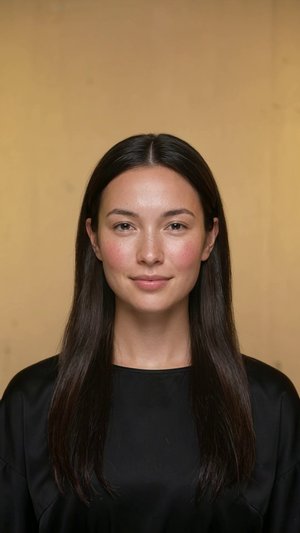
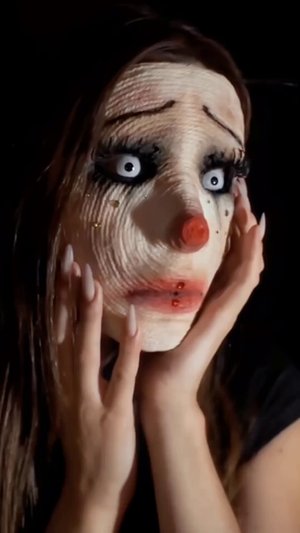
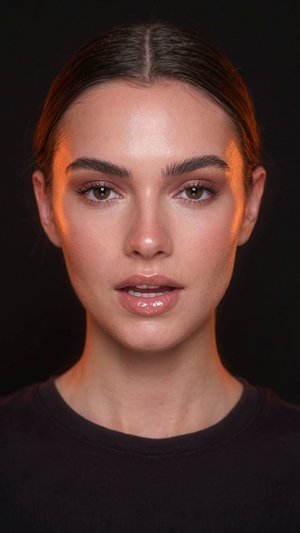

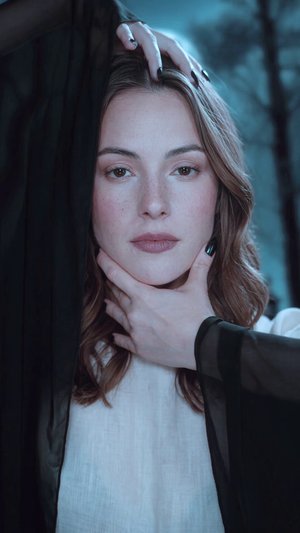
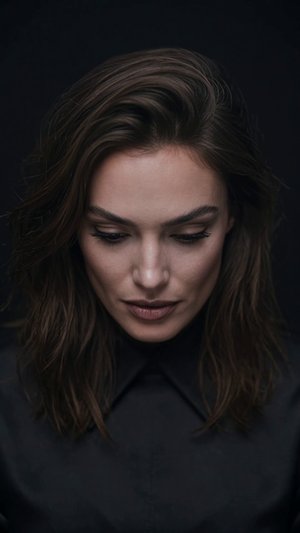
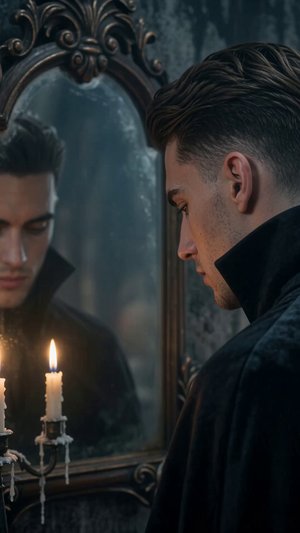
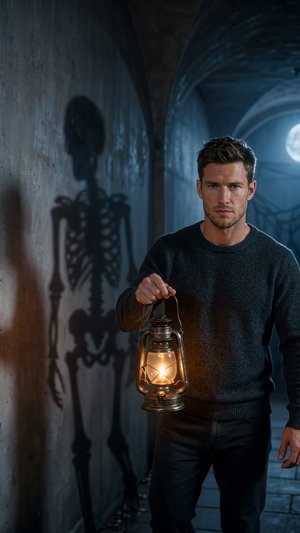
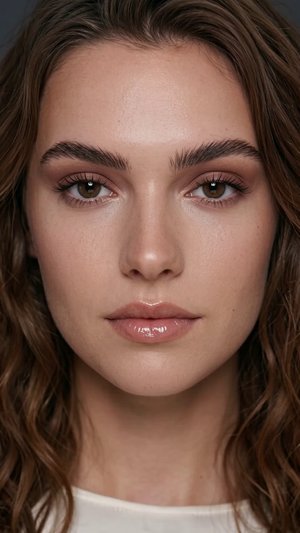
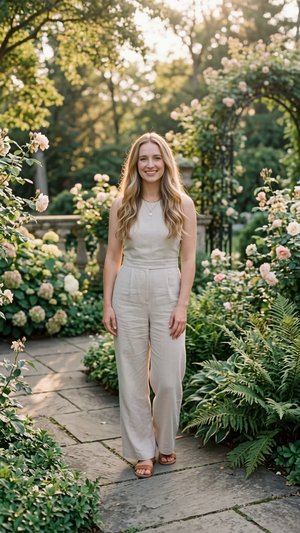
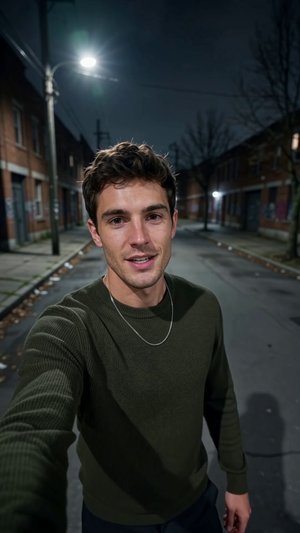

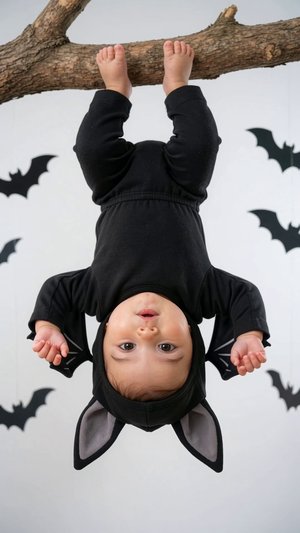
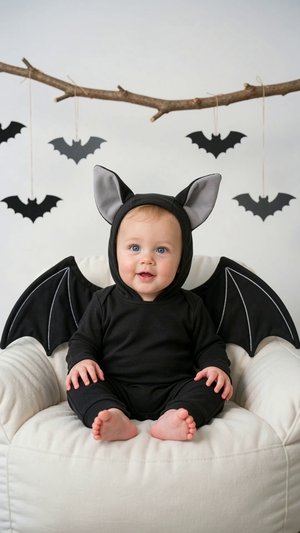
How to Make a Halloween AI Video from Images
Upload Images
Add up to 5 photos of people, pets, products, places, or anything else you want in your Halloween video.
Write a Prompt
Describe the Halloween scene, action, costume, or story. Add dialogue, lyrics, music style, or effects if you like.
Pick a Model
Choose the AI model that fits the look and quality you want.
Set Your Options
Select aspect ratio, length, resolution, and audio.
Click Generate
Get your Halloween AI video from an image ready in moments.
Give Your Photo a Spooky Halloween Identity
Every Halloween video starts with a character. Tell the Halloween AI video generator who your photo should become, and describe how they look and move.
• Vampire: "Turn me into an elegant vampire with pale skin, glowing red eyes, and a slow, mysterious smile."
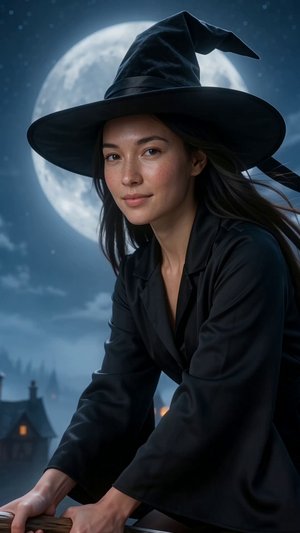
• Witch: "Transform my face into a witch stirring a bubbling green potion in a candlelit room."
• Zombie: "Make me a zombie with torn skin, dusty clothes, and a slow, stumbling walk."
• Werewolf: "Show me slowly changing into a werewolf under the full moon, with glowing yellow eyes."
• Friendly ghost: "Turn my pet into a cute ghost floating through the air with a soft glow."
Set the Scene with a Spooky Background
The setting decides the mood of your AI Halloween video. Add the location to your prompt and the AI will build the world around your photo.
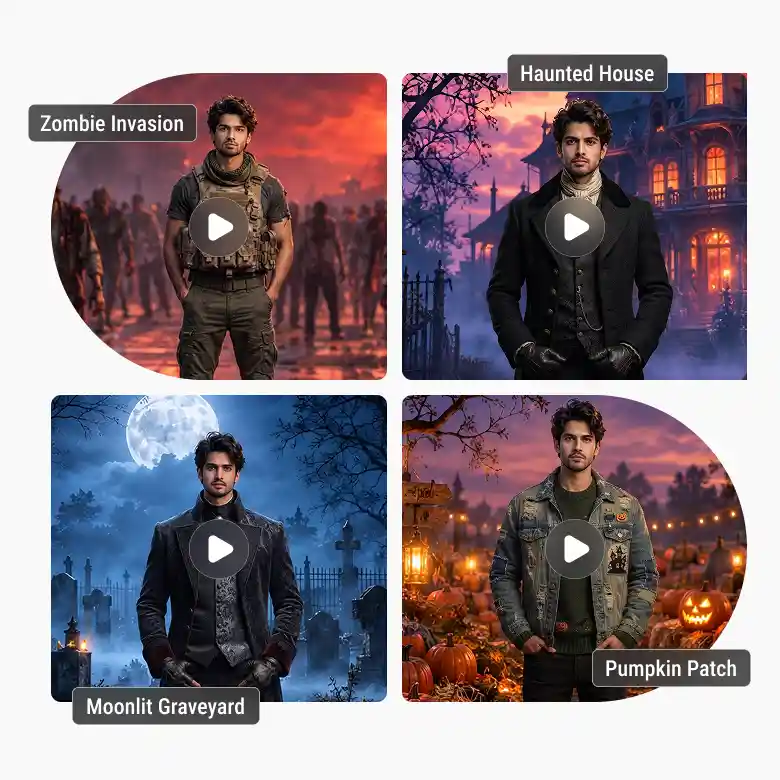
• Lonely road: "Standing on an empty road at midnight, with thick fog, a flickering streetlight, and bats flying overhead."
• Road filled with zombies: "Zombies walking slowly toward the camera on a dark road while I stand calm in the middle."
• Haunted house: "In front of an old haunted house with creaking doors and glowing windows."
• Foggy graveyard: "Walking through a graveyard under a full moon with mist around my feet."
• Pumpkin patch: "In a pumpkin patch at night where the lanterns light up one by one."
Pick the Perfect Halloween Outfit
You don't need to own a costume. Describe the outfit in your prompt and the AI will dress your photo for you.
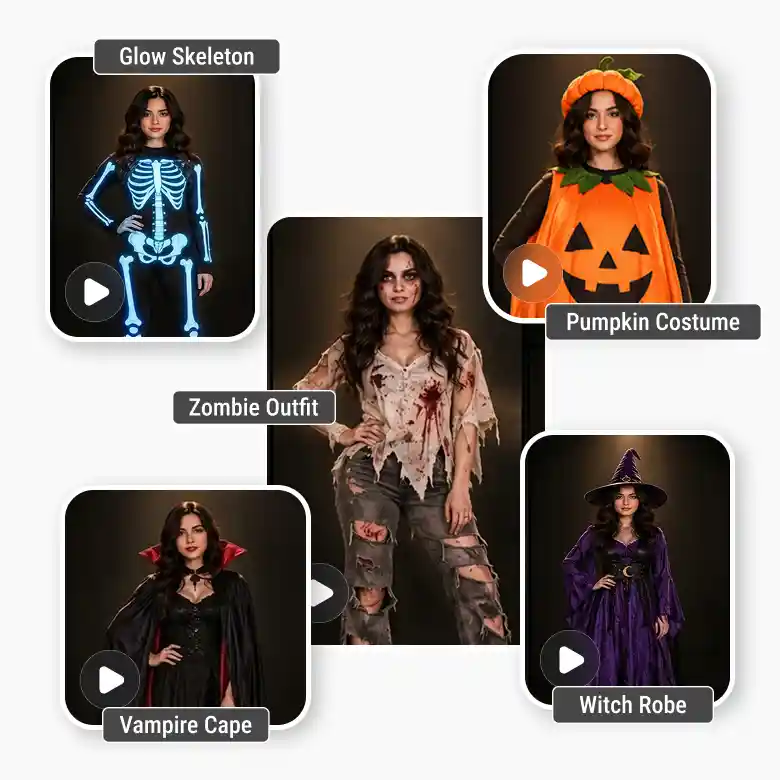
• Vampire look: A long black cape with a high collar and silver details.
• Witch look: A pointed hat and a flowing purple robe.
• Zombie look: Ripped, dusty clothes with zombie-style makeup.
• Skeleton suit: A glowing skeleton outfit that lights up in the dark.
• Pumpkin outfit: An orange pumpkin-themed costume, great for family and kids' videos.
• Mix and match: "A vampire in a royal red velvet coat" gives you a Halloween AI video from an image that feels original.
Add Background Music That Sets the Mood
Sound changes how a video feels. Add the music style to your prompt when you pick a model that supports audio.
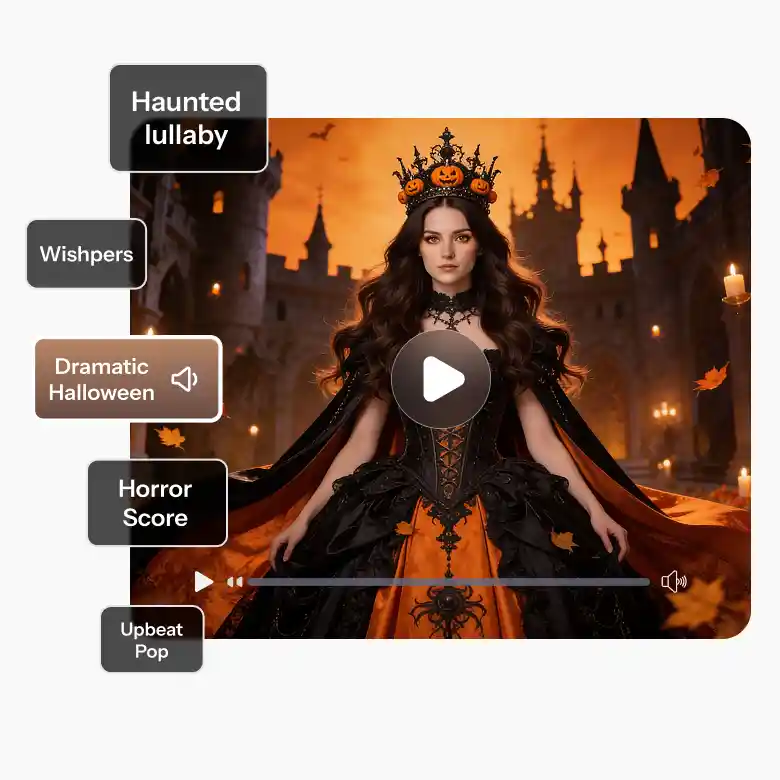
• Slow and eerie: Soft piano notes with distant whispers and a low, creeping hum.
• Haunted lullaby: A music-box tune that sounds slightly off-key, ideal for ghost and haunted house scenes.
• Dramatic horror score: Deep orchestral strings and heavy drums, for zombie crowds and werewolf transformations.
• Upbeat spooky pop: A catchy beat with a playful Halloween feel, for party clips and costume reveals.
Perfect Prompt Formula for a Halloween AI Video
- A strong prompt covers the character, the costume, the setting, the mood, and the sound. Keep it simple and describe what you want to see. Here's an example: Image 1 is a young woman turning into a vampire. She wears a black velvet cape with a high collar and stands on a foggy, empty road at midnight. Her eyes glow red and she smiles slowly. Camera: slow zoom-in on her face, then a wide shot as bats fly past. Lighting: cold moonlight with a faint orange glow from a distant pumpkin lantern. Audio: eerie piano with soft whispers. Mood: spooky, cinematic, a little playful.
Best Use Cases for a Halloween AI Video Generator
- A Halloween AI video generator turns a photo into a spooky video without a costume, a set, or editing skills. Here's where it works best. Social creators: Post quick transformation clips on Reels, TikTok, and Shorts. Families and kids: Turn photos into a friendly ghost or a little witch. Pet owners: Dress your dog or cat as a vampire or a tiny werewolf. Party hosts: Make a creepy or funny video invite. Brands: Add a spooky twist to a Halloween sale or campaign. Teachers: Create classroom and event videos with no costumes needed. Filmmakers: Test a horror look before a real shoot.
Which AI Model Should You Choose for Your Halloween Video?
- Pick a model based on the look you want and how much time you have. Seedance 2.5: Best for realistic faces and sharp detail in your final AI Halloween video. Wan 3.0: A reliable all-rounder with smooth motion, great for zombie walks and costume reveals. Wan 3.0 Prime: A cinematic, film-like look for haunted houses and foggy graveyards. Seedance 2 fast: Quick and light on credits, ideal for testing prompts. Seedance 2: A steady middle option with dynamic shots and audio support. Quick tip: Test your idea with Wan 3.0 or Seedance 2 fast first, then switch to Seedance 2.5 or Wan 3.0 Prime for the final version.
Frequently Asked Questions


