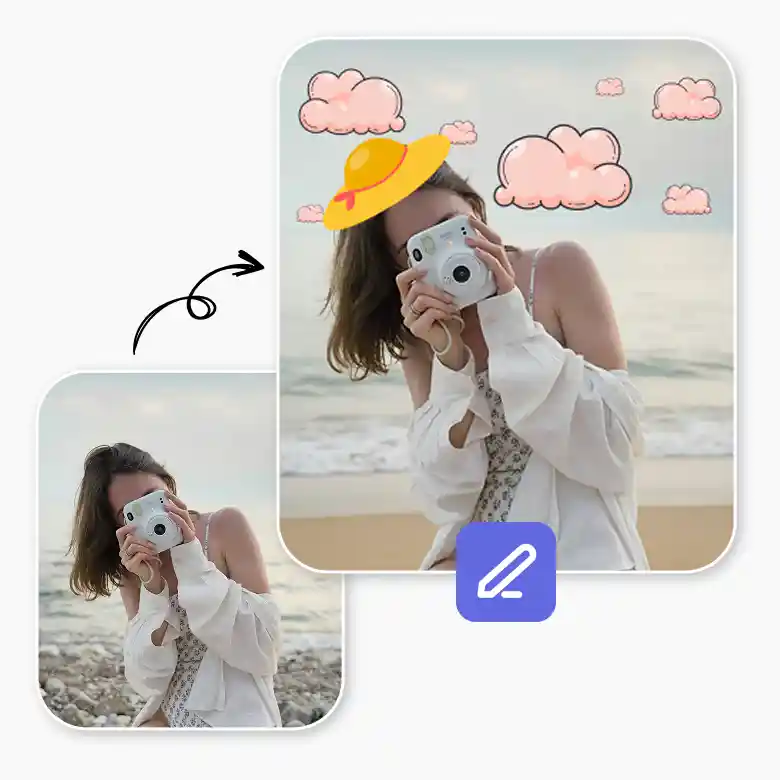
How to add a sticker to a picture?
Upload Image
Upload your image from your device, or you can also drag & drop it to the canvas.
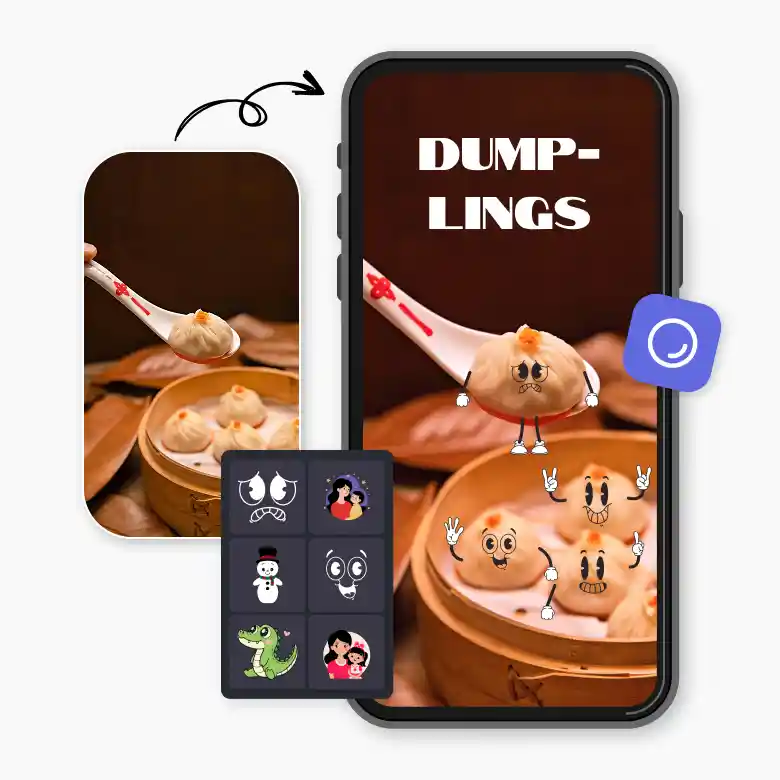
Browse Stickers
We have a variety of stickers. You can simply choose anyone you like. After adding stickers, you can adjust their framing, scale, transparency, color, and size or placement to fit your image perfectly.
Download & Share
Click the download button to save your image (JPEG or PNG) to your device.
Amazing stickers for photos with easy editing options
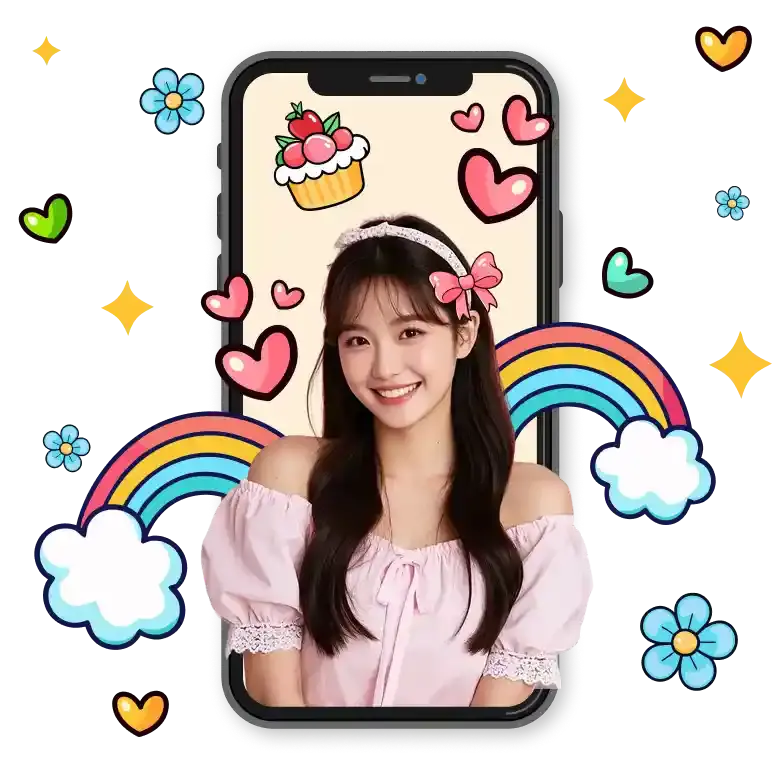
Want to make your social media posts more attractive? Or share more emotion without using words? Try adding stickers to your photos. We offer a large collection of online stickers to explore. You will find birthday stickers, funny memes, puns, anniversaries, hats, animal faces, and more. You can easily put stickers on photos, which are inspired by local cultures and different languages, so your creations feel more relatable.
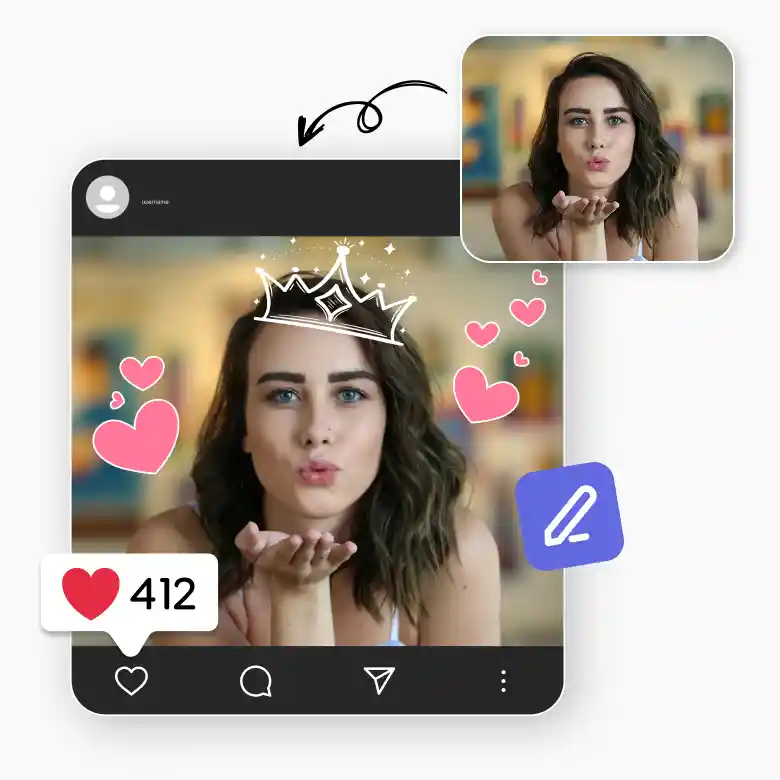
Brand-friendly stickers for every campaign
We offer you more than just basic stickers. You also get editable illustrations that you can easily customize to match your brand colors and style. We have various stocks of stickers that you can use for events like Black Friday, Cyber Monday, Christmas, and more. You can also get popular tags such as “50% OFF,” “Limited Time,” and “Flash Sale.” Adding stickers to the picture works well for website banners, product images, digital flyers, ads, and even physical packaging. You can use it for both online & print use.

Customize added stickers as per your need
With LightX, customization goes beyond basic placement. You can:
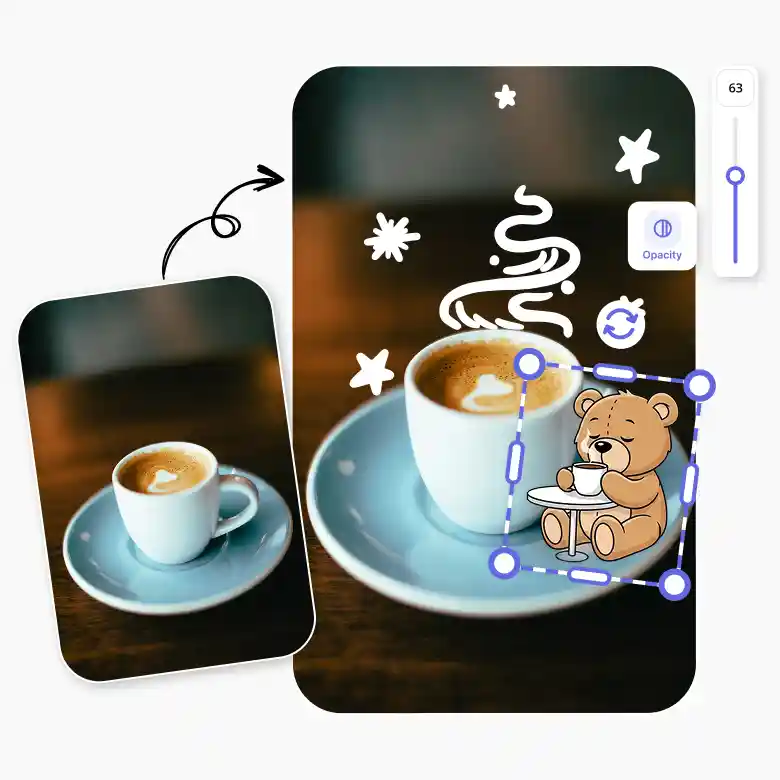
• Resize, rotate, flip, or reposition stickers
• Adjust opacity for subtle or bold effects
• Layer stickers with other elements
• Replace a sticker anytime while editing
We ensure that you have full control over the editing while the process stays simple. What's more? You can also create your own stickers and add them to photo.
Why choose the photo sticker editor
• Mobile-friendly: Use it easily on a phone or tablet.
• No watermarks: Download your creations freely.
• Copyright-free stickers: Safe to use for personal and commercial work.
• Easy to use: Anyone can use it without any experience or skills.
• Fast and fun: Add and edit stickers instantly.
• All-in-one editor: Use stickers, text, effects, and backgrounds in one app.
• Huge Sticker Library: Various stickers for every theme, festive season, and more.
Integrated with other editing tools for a full editing experience
Add text, edit backgrounds, apply overlays and merge, resize photos, and create collages all within LightX. It’s your all-in-one solution to get that post-worthy photo. These must-have and nice-to-have editing features pair perfectly with sticker editing. No more switching between apps, LightX, both as an app and on the web, is your single destination for creating scroll-stopping, viral content.