How to Use AI Relight?
Upload Your Photo
Choose the photo you want to transform and upload it in JPEG or PNG.
Change Lighting
Select from preset lighting effects or background scenes. You can also create your own using text prompts.
Download Your Image
Click 'Generate' to relight the photo and then Download it to your device in JPEG or PNG.
Get improved lighting instantly with AI relighting
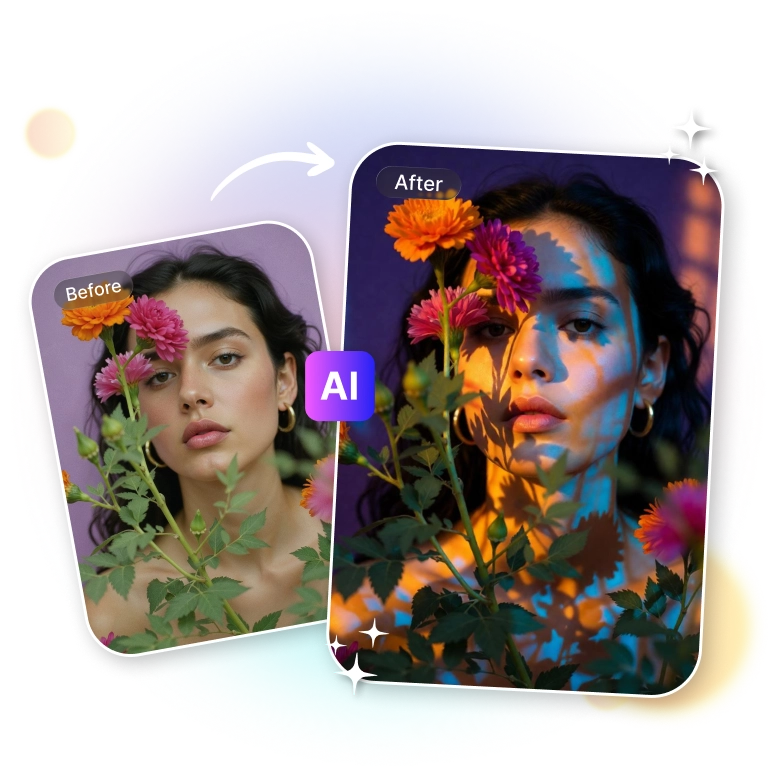
Fix lighting in photos instantly with LightX’s online AI image relighting. No Photoshop skills needed. The tool automatically analyzes and adds light to photos. It gives a realistic, professional look. Easily fix poor lighting, and improve brightness with AI, without losing any image details.
Apply dramatic light effects and backgrounds
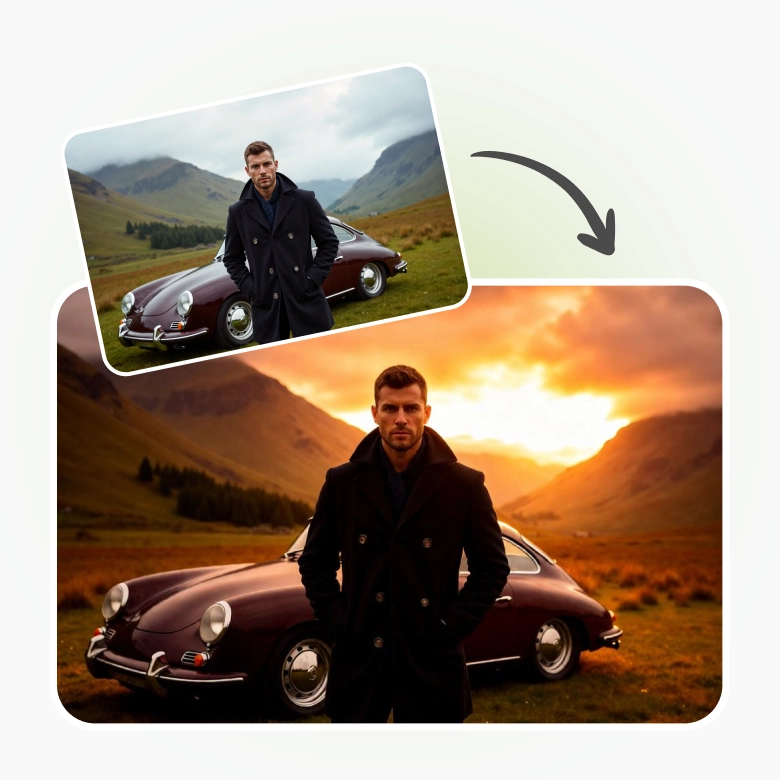
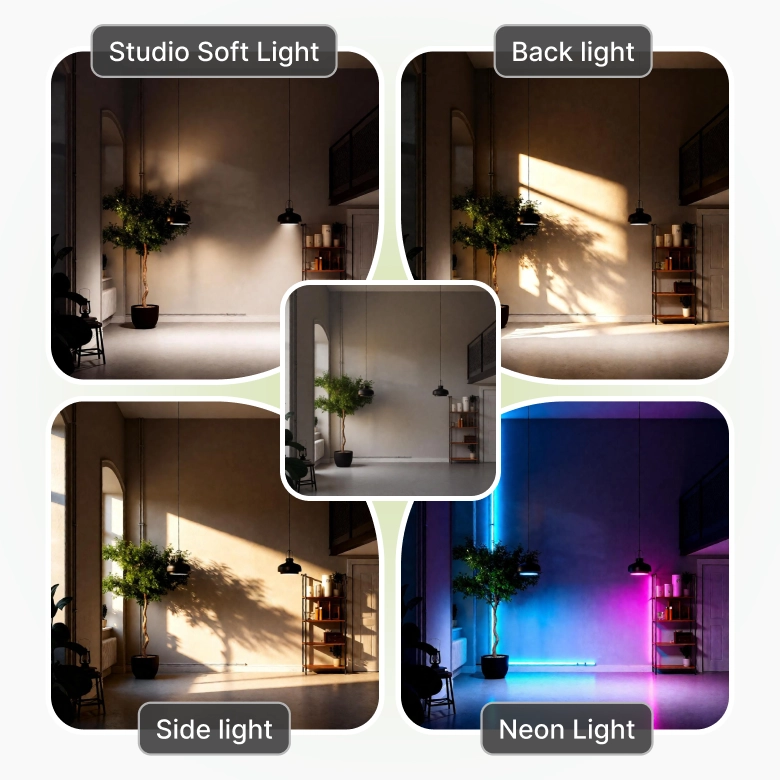
LightX AI Relight lets you add artificial lighting effects instantly. Choose from presets like side lighting, backlighting, neon, or soft studio glows in one click. Change the time of day or create a mood with dramatic lighting. The tool also generates fresh backgrounds and gives stunning scenes through simple text prompts.
Give a fresh look to any photo with relight AI
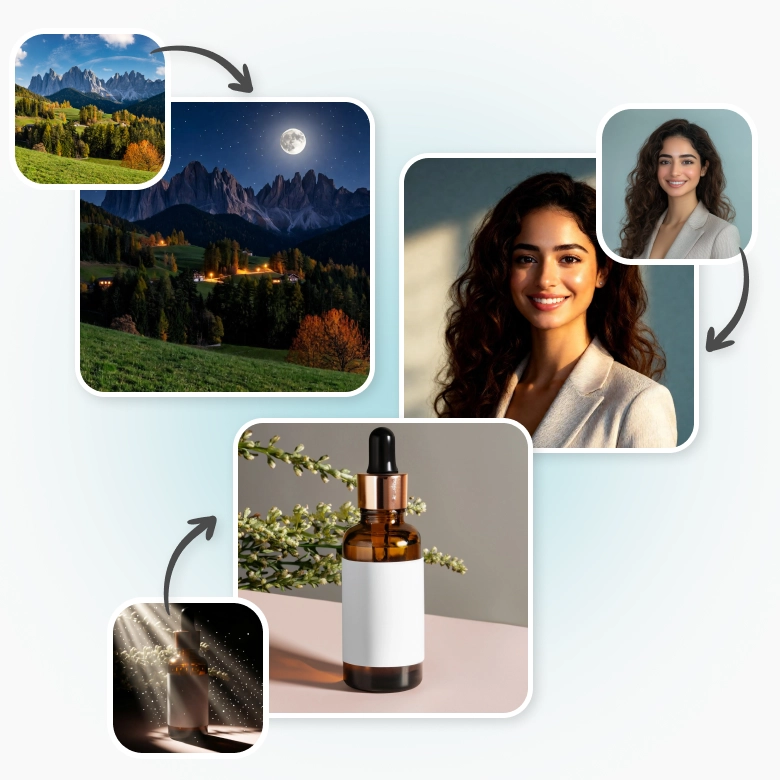
• Portraits: Adjust the lighting on face or simulate different light sources to make headshots, portraits, etc look cinematic.
• Landscapes: LightX can change the time of day like turning daytime into night or improve natural lighting like brightening up a blue sky.
• Product photos: Remove unwanted shadows or glares or you can also see your propdict photos in new light like a virtual product photoshoot.
• Interiors & architectures: correct lighting in real estate photo editing. Correct colors with precision.