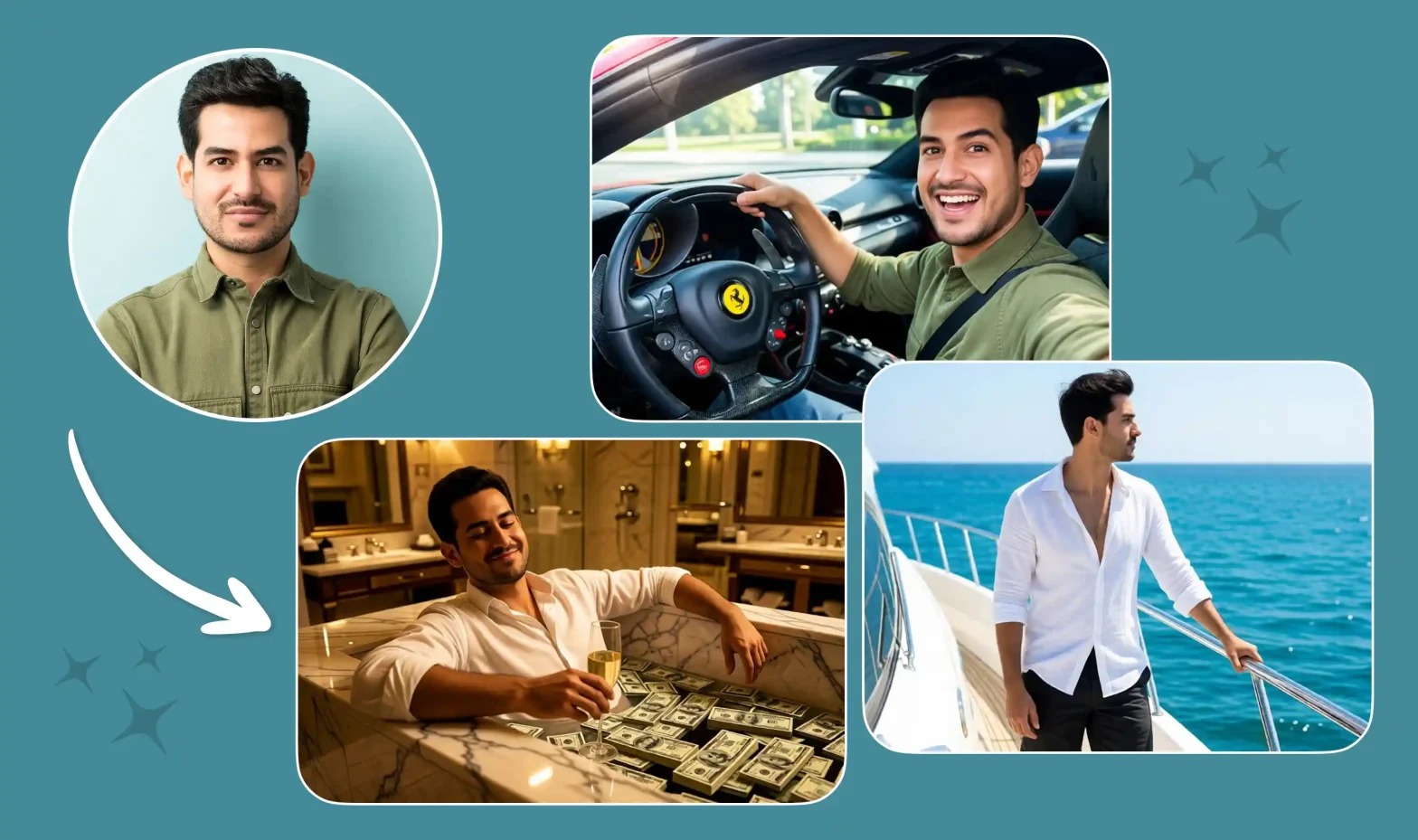
Haven’t you ever searched for ‘How to swap faces in videos’? I’m sure you have. Nowadays, face-swapping technology is one of the newest trends in the world of visual content creation. Whether you are looking for a way to create a famous dance video, become a star of some movie scene or make a video with several characters in it, an AI video generator will help you achieve these results easily.
 Gas Up the Trend ⛽🔥
Create your own gas station trend in seconds.
Gas Up the Trend ⛽🔥
Create your own gas station trend in seconds.
This breakdown is exclusively on how to create seamless face swap videos. Also make perfect prompts, handle multiple characters & avoid copyright issues.
What Is Video Face Swap?
In this age of digital autocracy, you must have stumbled upon a face swap video. This type of video generation allows you to supply a source clip (also referred to as a driving video). Then use it as the blueprint for camera movements, vibe and timing. By pairing this driving video with one or more character reference images, the AI model replaces the original individuals with your chosen characters. It also maintains the original motion, expressions and feel.
Main Uses of Video References
- Movement Imitation: Reproduce movements, choreography, and gestures of a main video into the characters story.
- Video Face Replacement: Effortlessly replace your face in a video (or your character’s face) and create a clip that’s trending.
- Use Any Reference Image: You can use your face in countless reference videos and create characters.
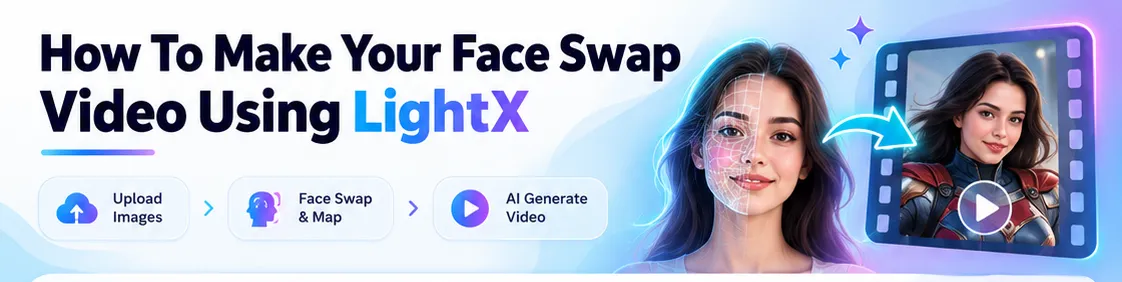
How To Make Your Face Swap Video Using LightX
1. Select the model and upload images
- Log in to your AI video platform (LightX) and navigate to the Reference-to-video module.
- Choose a specialized motion-tracking or face swapping model. Popular models to use are Kling V3 Motion Control , WAN 3.0 and SeeDance 2.5.
- Upload your reference video (the driving video features the motion scene and viral template you want to copy).
2. Input Images of Characters
- You should upload the high quality headshots or full body shots/images of the individuals that you want to include in the video.
- Try to upload images that are properly lit and show a clear representation of the character’s face.
- Do not use any heavy filters, extreme angles or blur on the face for best outcome.
3. Assign Place of Each Character
- If the driving video contains multiple people then you have to assign the character reference included in the video to every person in your original video.
- Character One: Assign reference image A to person 1 on left.
- Character Two: Assign reference image B to person 2 in the center of the frame.
- Character Three: Assign reference image C on right.
4. Create Video
- Before you generate or render any type of video, you should check your prompts, resolution and character mappings.
How To Write The Perfect Prompts For Face Swap Videos
To get the best results of face swapping and scene transformation, your text prompts must clearly define: character assignments, background settings and timing.
1. Single Character Replacement: When swapping a single subject in a simple video setup, keep this prompt like this:
“Replace the person in the reference video with the subject in Character Reference Image 1. Maintain exact facial expressions, head movements, and motion from the driving video. keep it all in a sleek modern studio background.”
2. Multi-Character Swaps: For videos with multiple people, specify exactly who gets replaced. Also mention where they are positioned:
“Replace Person 1 (standing on the left in the reference video) with Character Reference Image 1. Replace Person 2 (standing on the right) with Character Reference Image 2. Retain original dancing synchronization and interactions.”
3. Detailed Video With Scene Transitions and Timings: If the reference clip feature multiple camera cuts, outfit changes or background transitions, details the exact timestamps in your prompt:
“Replace the main subject in the reference video with Character Reference Image 1 across all scenes:
– (0 – 3 secs): Subject wears a red leather jacket in a neon-lit city street.
– (3 – 7 secs): Camera cuts to a close-up; subject transitions into a black formal suit inside a futuristic lounge.
– (7 – 10 secs): Subject performs the final dance routine under warm spotlighting.”
Related Blog: Make The Trending Desert Car Jump Video
Prompts You Can Use Directly
1. Basic Face Swap Prompts
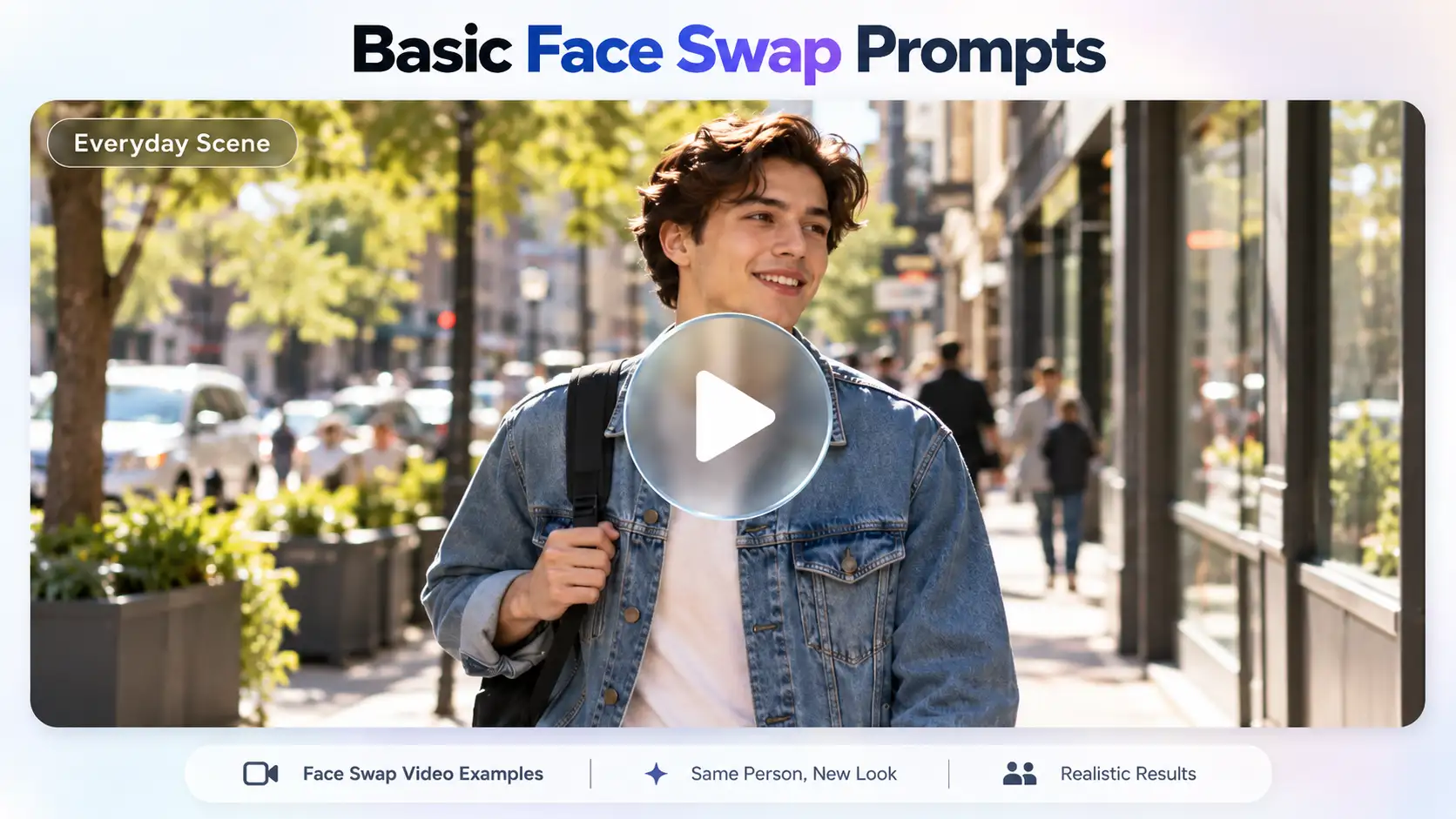
- Everyday Scene:
“Replace the face of the person walking down a sunny city sidewalk wearing a denim jacket with the subject face/image. Maintain natural facial movement, accurate skin tone blending, standard daytime lighting, and smooth expressions while preserving the original video’s camera motion.”
2. Realism and Quality Prompts
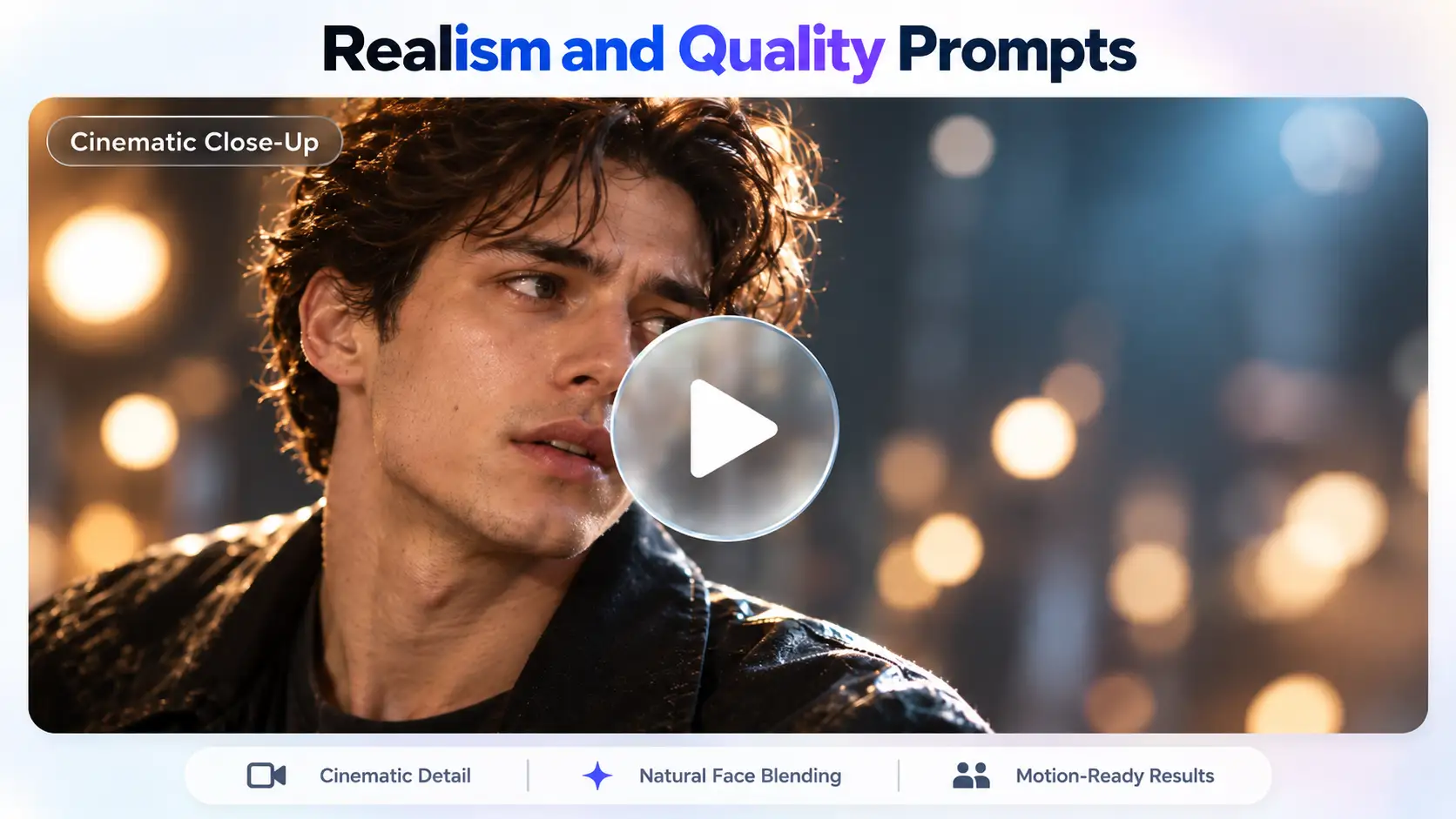
- Cinematic Close-Up:
“Seamlessly swap the head/face of the actor in a high-definition 4K dramatic close-up shot with [Target Face/Image]. Match shallow depth-of-field blur, realistic skin pores, subtle micro-expressions, rim lighting, and dynamic shadows under cinematic studio illumination.”
3. Funny and Meme Prompts
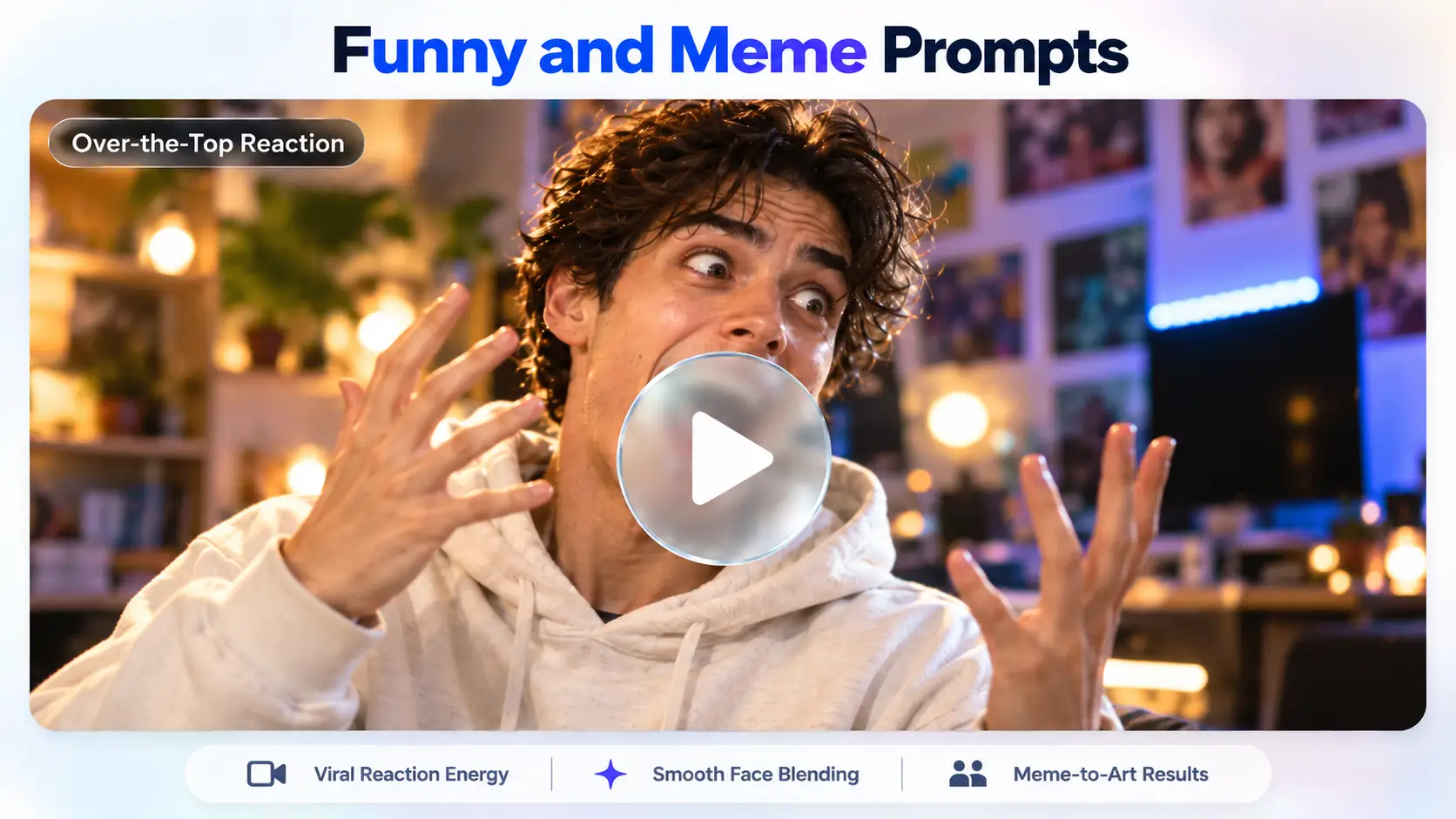
- Over-the-Top Reaction:
“Swap the subject face/image onto a viral clip of someone dramatically reacting in shock with wide eyes and open-mouthed laughter. Exaggerate facial expressions while maintaining smooth blending around the edges and hilarious, high-energy realism.”
4. Social Media and Trend Prompts
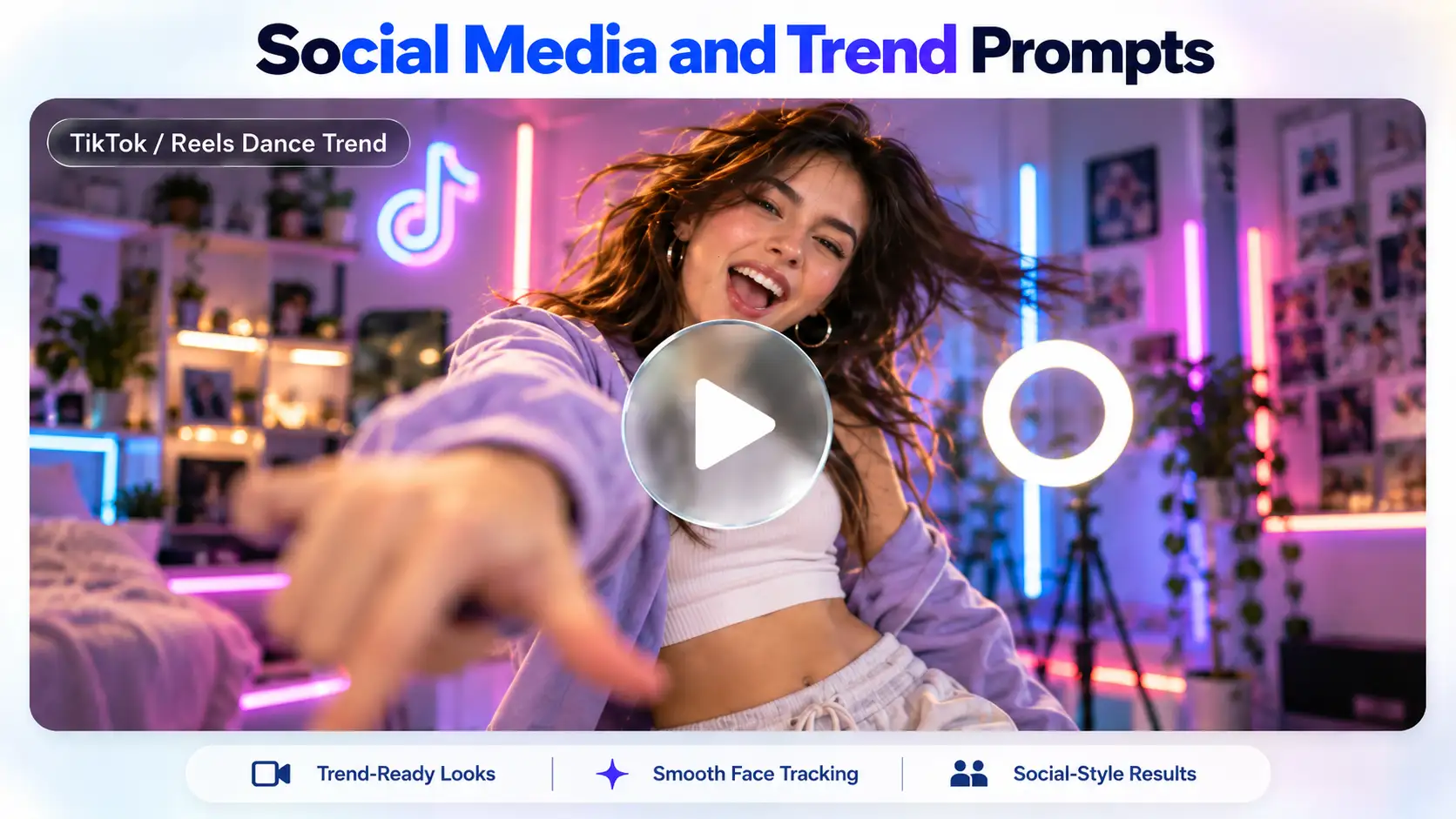
- TikTok / Reels Dance Trend:
“Swap Target Face/Image onto a creator performing a viral TikTok dance routine. Ensure flawless tracking during quick head turns, full sync with lip movements, natural skin lighting under soft ring light illumination, and vibrant, trendy colors.”
5. Festival and Seasonal Prompts
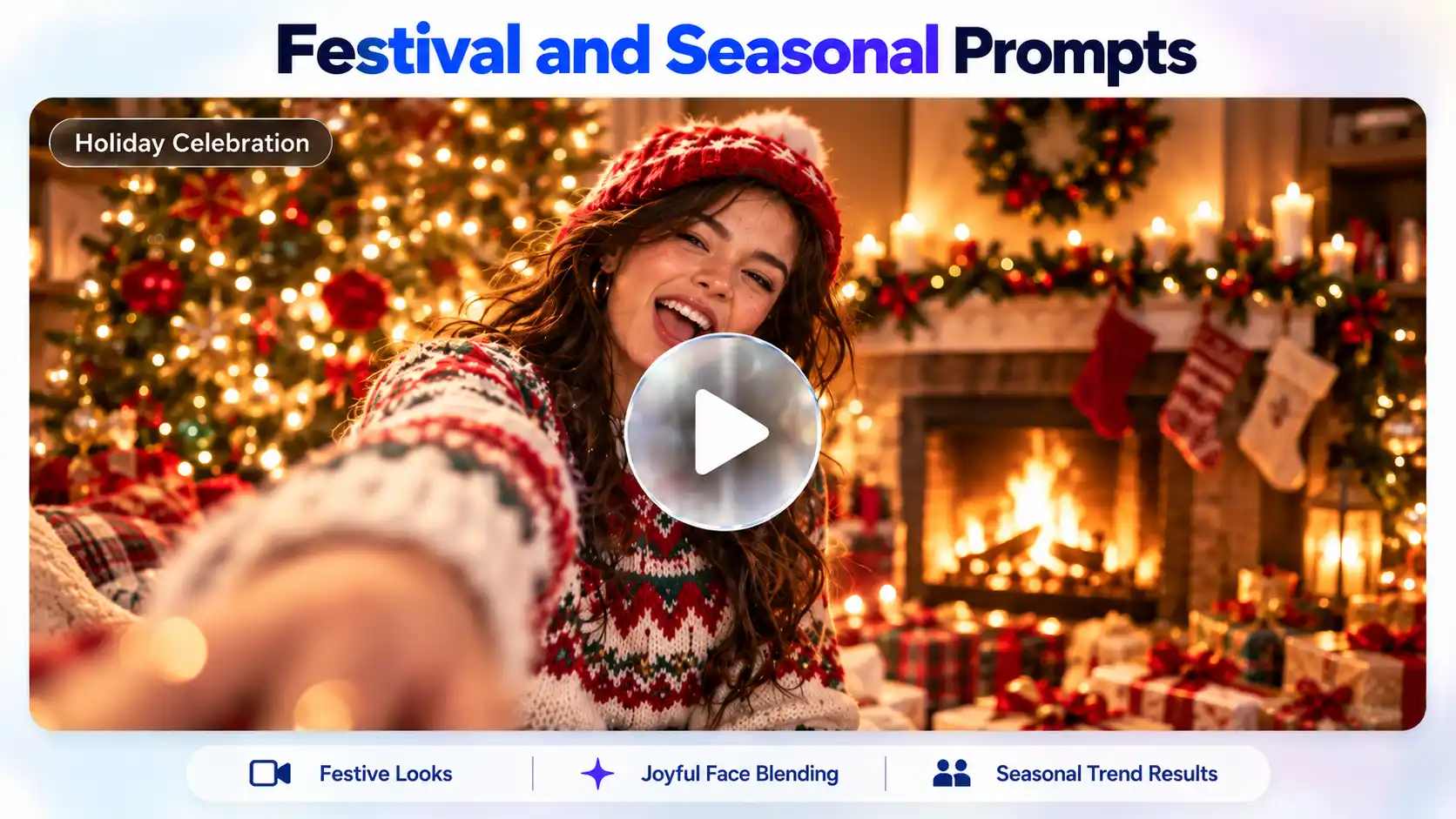
- Holiday Celebration:
“Swap the subject Face/Image onto a character wearing a cozy winter sweater laughing near a decorated Christmas tree. Match warm firelight glows, soft bokeh reflections, festive color grading, and joyful facial expressions.”
6. Prompts for Multiple Faces
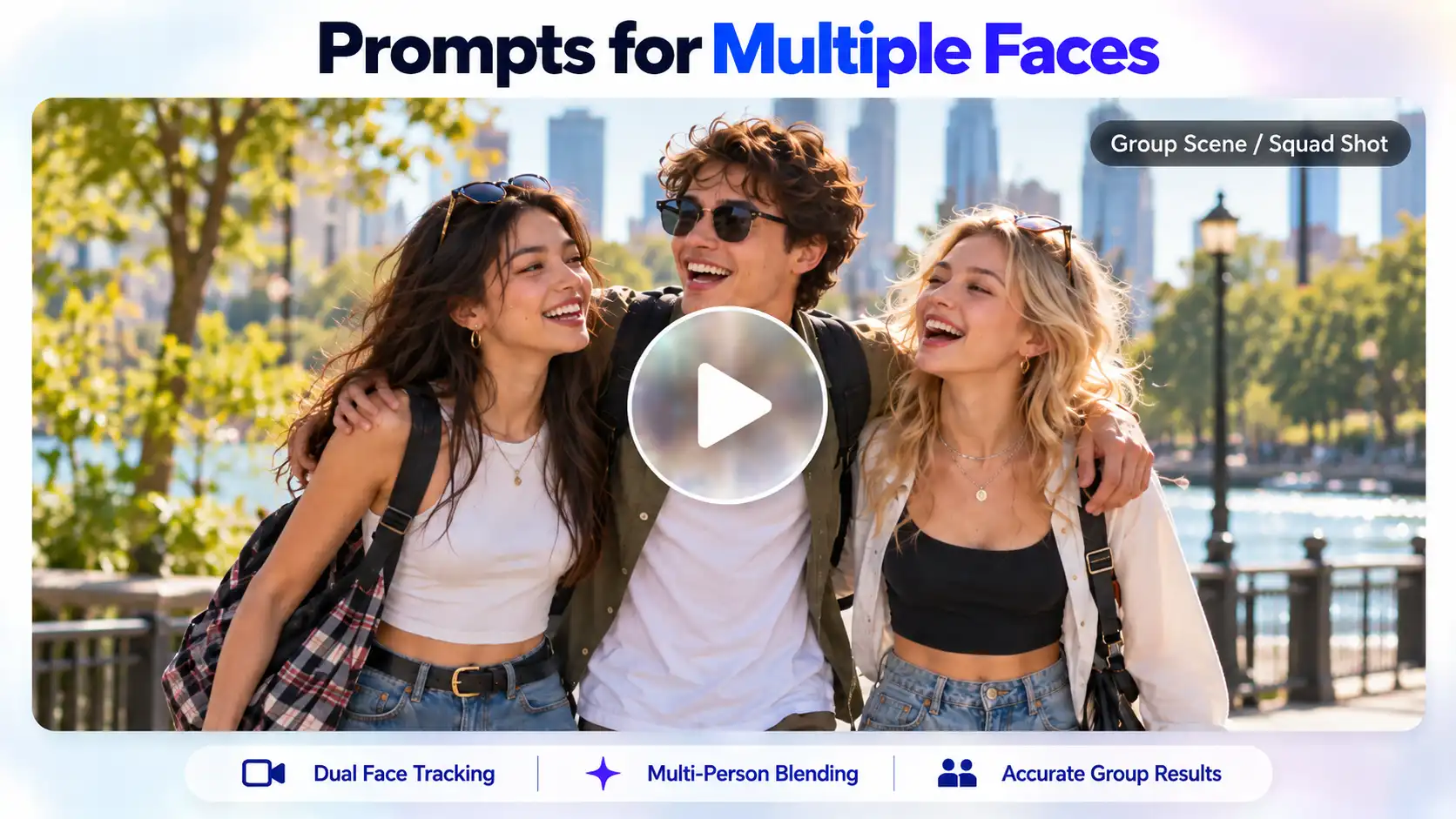
- Group Scene/Squad Shot:
“Perform a multi-face swap on a group of three friends walking together outdoors. Assign [Subject Face A] to the person on the left, [Subject Face B] to the middle person, and [Subject Face C] to the person on the right. Ensure precise edge blending, consistent depth perception, and proper occlusion when hands or hair pass in front of faces.”
Customise Your Outfits and Scenes
You don’t have to copy the original video as it is. You can simply modify the key moments of the video while keeping the essence alive:
1. Changing outfits: Specify custom clothing in the prompt. For instance, change outfit from athletic wear to a vintage 1970s suit while also keeping the exact body movement.
2. Changing Background Settings: Shift the location completely. For example: transfer the subject’s dancing motion from a studio setting to a sunlit tropical beach.
Disclaimer: To Avoid Copyright Infringement
If you reuse viral video snippets, cool beats or popular trends blindly, copyright infringements are a possibility. To transform these materials into original fair-use content, you must follow these rules:
- Always change the background: You must never keep the same original location and background. You need to adjust the environment creatively.
- Alter the styles and clothing of characters: You must change clothing, styles, colors, and choices of your objects.
- Rework the lyrics: Whenever you use lyrics from any famous artist, you remember to modify the lyrics or make a parody of a song.
- Change audio: You can retain the rhythms of the beats to conform rhythmically. But you should change the melody, tempo, instrumentation, or pitch of the music.
Why Use Face Swap in Videos?
Using swap faces in videos provides infinite creative opportunities for video creators and businesses. Here are the main purposes of swap faces in videos:
1. Social media and trends
Use viral dance challenges, trending videos or celebrity videos by swapping yourself into the videos.
2. Memes and funny edits
Make your entertaining shareable humor video by putting your friends and celebrities in funny unexpected videos.
3. Marketing and promotion
Blow up your video marketing with many local and relevant video variations that feature local models or celebrities, yet not having to shoot anything.
4.Personalized videos
Create unique and unforgettable video clips, birthday greetings or Christmas clips in which the person who gets a message is a star.
How To Make Popular Face Swap Videos
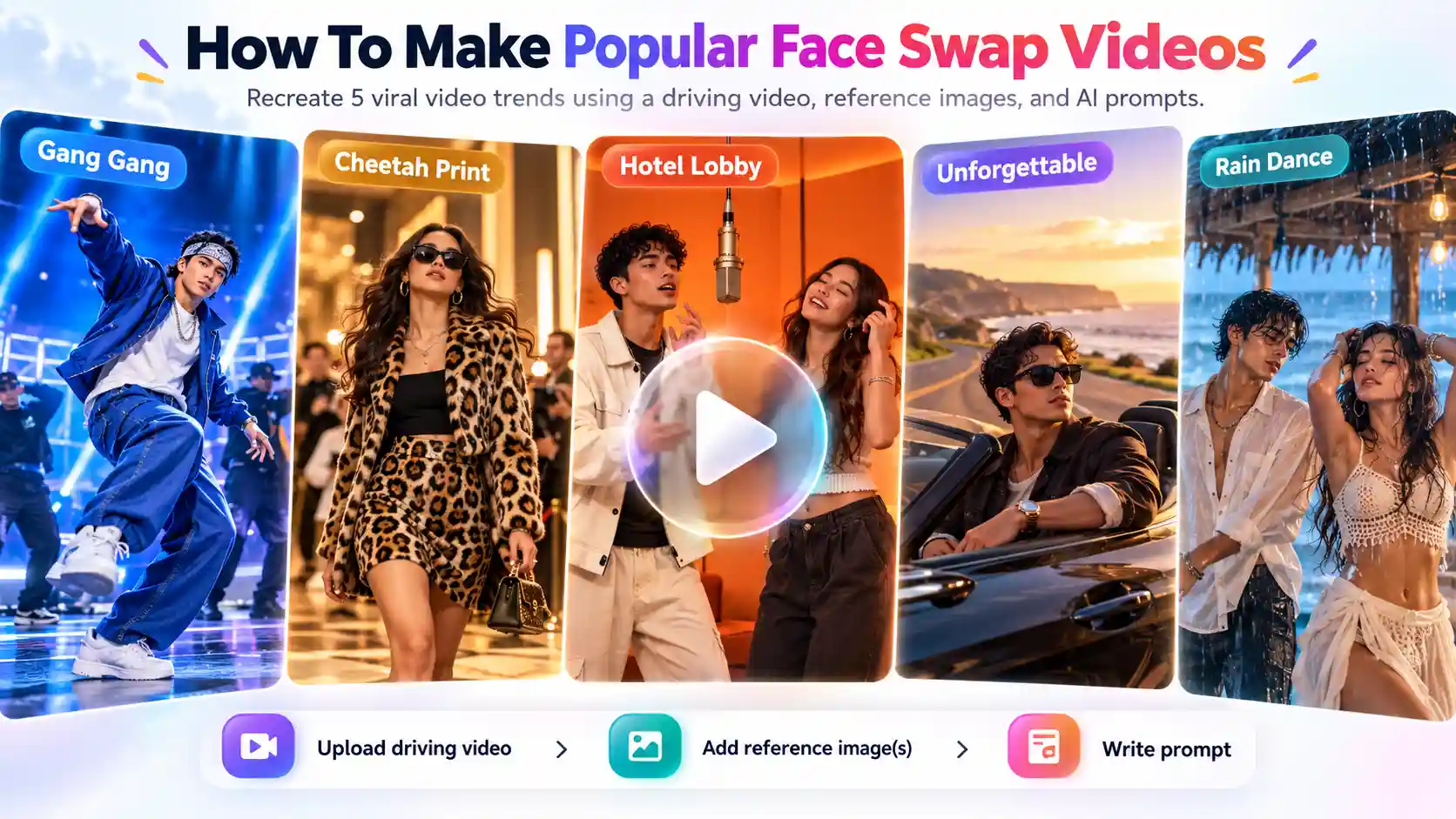
Making viral video templates into custom face-swapped creations is simple when you combine a driving reference video with AI prompts. Here’s how to you can also create five of the biggest AI trends on TikTok, Instagram Reels & YouTube Shorts using face swap:
How To Make Gang Gang Video Trend
Inspired by viral dance-battle clips like the Jean Phil trend, this video format places your chosen character on a blue-lit stage to perform a highly energetic 29-second dancing routine.
1. Driving Video: Upload the viral “Gang Gang” dance-battle template.
2. Reference Image: Upload 1 clear full-body reference photo of yourself, a pet, or a custom character.
3. Write a prompt.
How To Make Cheetah Print Video Trend
A sleek, high-fashion aesthetic trend where characters pose in bold, high contrast leopard/cheetah prints and outfits against a cinematic backdrop or luxe locations.
1. Driving Video: Upload a luxury fashion walk, model pose or runway clip.
2. Reference Image: Upload 1 character reference image.
3. Write a prompt.
How To Make Hotel Lobby Video Trend
Here’s how to make the “Hotel Lobby Video Trend”. This viral format features two subjects performing a duet inside an orange-lit studio booth with a single mic.
1. Driving Video: upload the 2-person “Hotel Lobby” studio performance clip.
2. Reference Images: Upload Image 1 (Left person) and Image 2 (Right person).
3. Write a prompt.
How To Make Unforgettable Video Trend
Here’s how to make the viral Unforgettable video trend with LightX. A cinematic car lovers reel trend that is set on French Montana’s song “Unforgettable.”
1. Driving Video: Upload a reference video set on a highway, on the road or any other location you’d like.
2. Upload a clear photo or a full-body character photo.
3. Write a prompt.
How To Make Rain Dance Video Trend
Inspired by Dave & Tems “Raindance,” this dual-character music video sequence transitions from a seaside shack performance to a sandy beach ending. Here’s a few simple steps on how to make the trending raindance video.
1. Driving Video: Upload the “Raindance” seaside music video reference clip.
2. Reference Images: Upload Image 1 (Female Lead/Source Role 1) and Image 2 (Male Lead/Source Role 2).
3. Write a prompt.
FAQs
1. How long can the video be?
You can create a video of up to 30 seconds.
2. Will the swapped video have a watermark?
No, none of the videos have a watermark.
3. Is it possible to swap multiple faces in one video?
Yes, you can swap multiple faces in one video just make sure to instruct that in your prompts.
4. Can I download the swapped video in HD?
Yes, you can export the video in 720p resolution.
5. What video length and file size can I upload?
You can upload a video of up to 30 seconds.
6. Which video formats are supported (MP4, MOV)?
MP4 video formats are supported in videos when you download it.
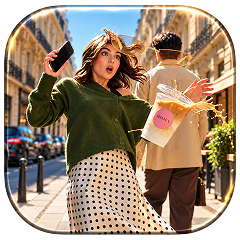 Create the Floating Fall Trend
Upload your image and create a cinematic floating fall effect.
Create the Floating Fall Trend
Upload your image and create a cinematic floating fall effect.