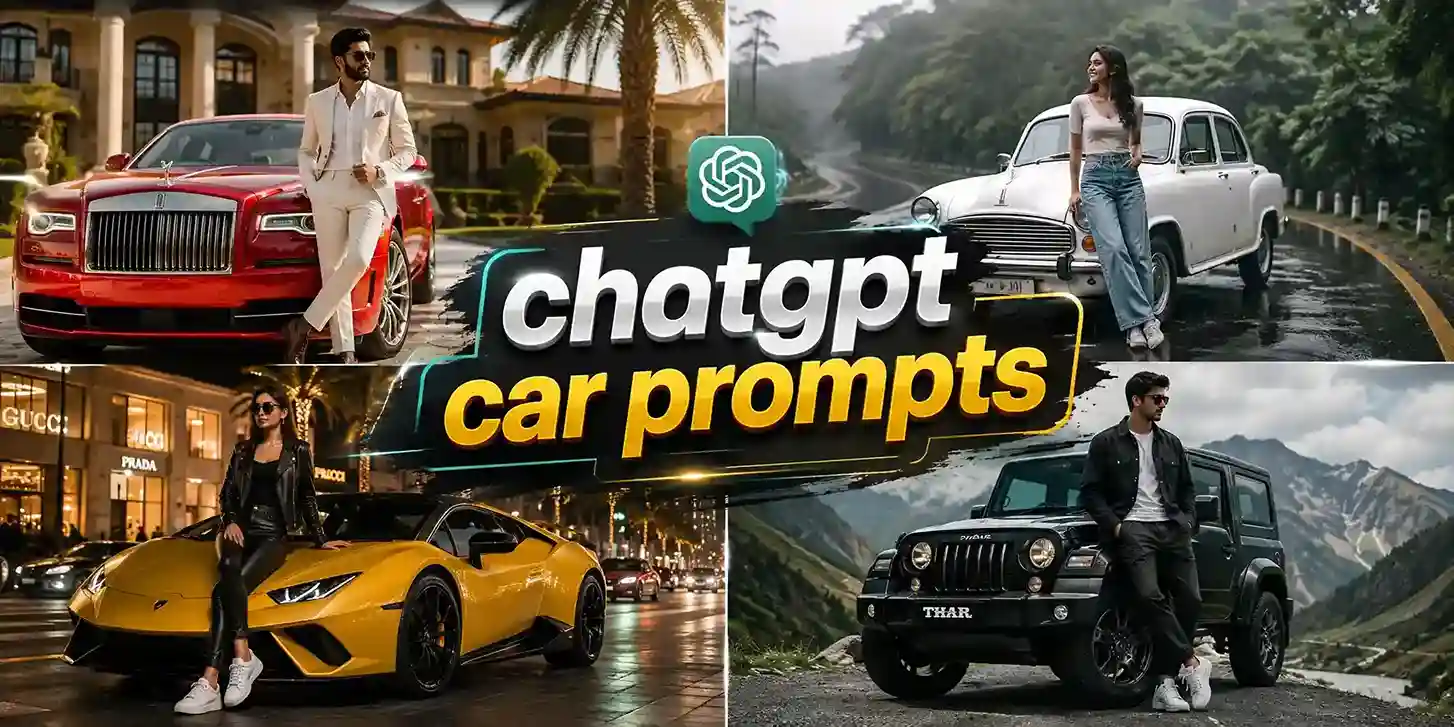
The internet is very obsessed with these mind-bending car stunt videos online. Learning how to make a Roadster Ramp car ai video just got super easy. The ultimate creative wave for the Gen Z content creators is here. If you want your social media feeds to hike up, jumping on this Tesla roadster ramp trend using AI is the fastest way to capture millions of views instantly.
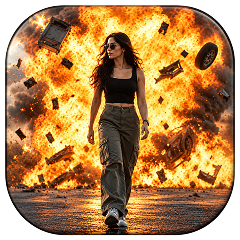 Create the Viral Car Blast 🚗🔥
Upload your image and create a dramatic cinematic car blast.
Create the Viral Car Blast 🚗🔥
Upload your image and create a dramatic cinematic car blast.
What Is the Roadster Ramp Video Trend?
The meme car trend started on 15th October 2026 during a Tesla car launching event. The car engineers did a jaw-dropping demonstration of futuristic supercars that were flying mid air. These cars were seen driving upside down using new technology and executing high-flying mid-air action. All of this was live on Instagram and was being streamed on several channels and news.
Creators everywhere are now making this viral Roadster Ramp car video trend to showcase impossible physics laws and aesthetics with personalized elements.
you can bring this trend to life without a movie studio budget or an actual supercar in real life. Utilizing image to video AI car generators allows you to take any static meme car photo to video and turn it into a high-speed cinematic action thriller.
How To Make The Roadster Ramp Video Trend
Depending on the platform or the look that you want to get; you can build your clip using our presets and templates or can customize the prompts. Here is the complete breakdown of this:
Using Pre-defined Template
Step 1: Upload the car image you want in the video. Select your model type and upload clear pictures.
Step 2: Background, camera settings: Select the background you want. Get a background setting (on a road, highway, space, planet) and where you are seen shooting this video. Apply necessary details that align your ideal video theme.
Step 3: Choose appropriate resolution and aspect: Select the layout that suits your project. Choose from 9:16 to ensure proper optimization.
Using Reference to Video (with driving video)
- Go To Reference to Video: Navigate to LightX’s video platform’s reference or motion-transfer tool.
- Step 1: Define your Characters: Establish clear visual profiles of the car image in the video.
- Step 2: Use Video Reference and Replace Images: If you own or have a source driving video (such as the Tesla Roadster Ramp Clip). Configure that as your video reference. Write a precise prompt to replace the car models. For example, replace Car in the video with reference image 1.
Related Blog: How To Swap Face In a Video
Using Reference to Video without driving video
- Step 1: Define your Characters: Establish clear visual profiles for your car.
- Step 2: Generate using prompts if there is no driving video. If you don’t have a reference video, generate the whole effect using a detailed prompt. Clearly specify your parameters. Check out the Image to Video Generator for more relevant details.
1. Define car, engine and style
Detail the specific car detailing such as tyre type, engine mode, car colour, car look, window type, car brand and more.
2. Define scene background, lighting, camera
Specify whether the shot uses a slow motion mid-air flip or ultra wide angle camera motion with perfect lighting and action ambience.
3. Define how the car is in motion
Explicitly outline the flipping time, car movement and actions such as flip or roll during a specific time or moment.
Prompt For Best Result
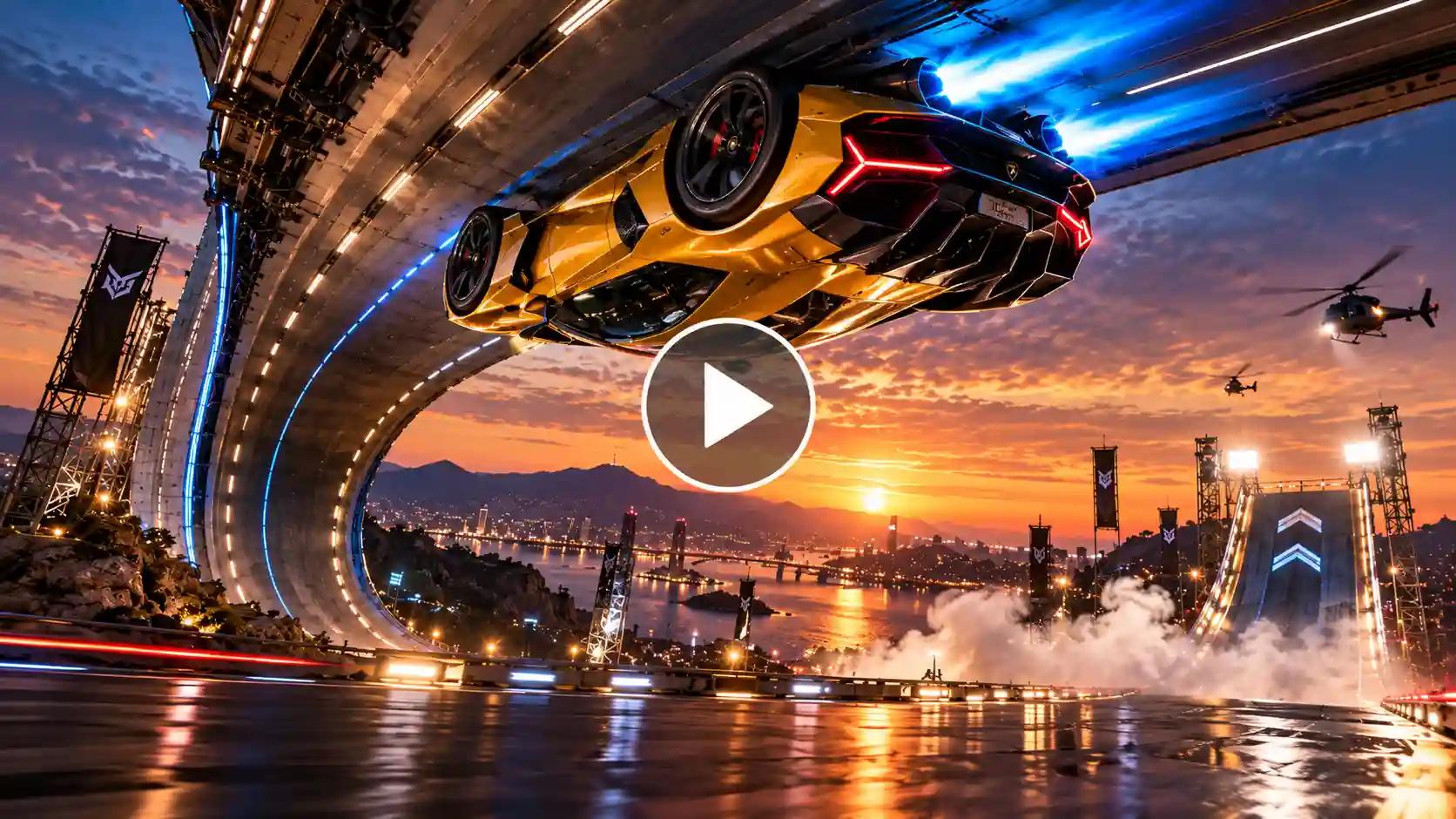
Cinematic 4K action shot of a sleek futuristic electric supercar aggressively charging up a vertical curved ramp during a twilight test run. The vehicle locks magnetically upside down along the ceiling track, releases bright blue cold-gas thrusters, and launches into a gravity-defying mid-air flip before executing a smooth, smoke-filled landing on a glossy asphalt runway. Photorealistic lighting, dynamic motion blur, dramatic angles, viral social media aesthetics, 60fps.
Tips For Ideal Outcome
- High-Quality Sources: Use clear and bright images of automobiles or concept cars so that they don’t smear while filming quickly.
- Match Illumination: Make sure that your source image has lighting that is in line with that of the twilight or stadium background depending on your choice.
- Preserve Portability: Design your outputs for vertical viewing (9:16) to get your content on many platforms: TikTok, Instagram Stories and Reels.
Related Blog: Desert Car Jump AI Video
Types of Cars and Images to Select
- Matte-Black Supercars: They take in outstanding reflections of neon colors and highlights of a sunset perfectly due to their smooth surface.
- Retro Classics: Showing an old-school vehicle capable of futuristic tricks creates a viral post.
- Unique Cars: Using foreign cars or limited edition cars increase views and engagement.
Final Thoughts
Learning how to produce Roadster AI video content is the key to success in modern times. By using the right prompts and tools, you can easily make an outstanding Tesla roadster ramp video AI that stops scrollers on their phones.
FAQs
How long does it take to generate a car video?
For a 480p resolution video it takes up to 3-4 minutes. If you want a 720p resolution video it may take up to 10-15 minutes.
Can I use any car for this video?
Yes, you can use any car image for this type of video.
Which aspect ratio should I choose?
9:16 is the best aspect ratio for these types of videos.
Can I add music to my car ramp video?
Yes, you can add any music. Make sure you do some lyrics modifications to avoid copyright issues.
 Create the Unforgettable UNO Trend
Upload your image and turn an UNO move into a viral transition.
Create the Unforgettable UNO Trend
Upload your image and turn an UNO move into a viral transition.