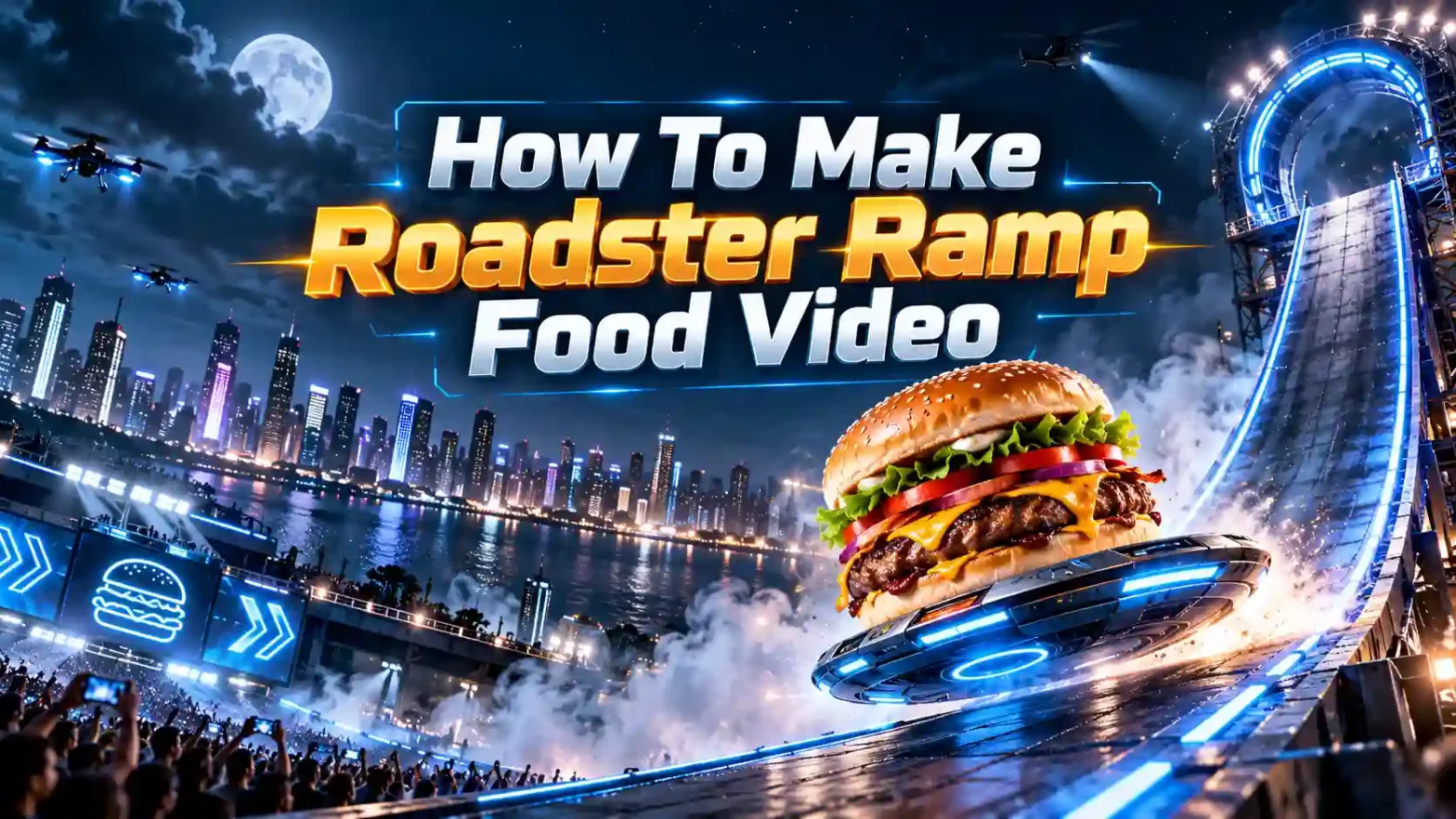
Learning how to make giant ramp climbing videos with AI has become one of the fastest ways to rule on the Internet. If you have scrolled through TikTok, Instagram, Shorts lately, you must have come across the trendy trending giant ramp climbing video featuring a person seen climbing up an inverted ramp and somehow defying gravity on a curved surface. This viral giant ramp challenge has taken over feeds, sparking an explosion of copycats eager to recreate giant ramp climbing video clips for their own channels.
 Follow us on Instagram
And get prompts daily
Whether you want to make a thrilling dam wall run AI video or play around with a fun alternative like a roadster ramp AI video, with LightX image-to video tools, you can produce jaw-dropping content in minutes.
What Makes This Trend So Viral
The giant ramp climbing video trend is on scale, high-octane action and seamless character generation. Viewers are instantly hooked on it. A tiny figure sprinting up a near-vertical, massive ramp like structure resembling a dam wall. Then he is executing a gravity-defying backflip off the top and sliding back down into a tight close-up.
The magic lies in how accessible modern tools have now become. With an advanced AI video generator or a specialized face swap AI generator, you no longer need expensive motion-capture suites or Hollywood CGI budgets to produce a hyper realistic AI stunt video. By utilizing an AI photo to video workflow, anyone can transform a standard portrait into an extreme sports protagonist.
What You Need Before You Start
Before diving into creation, gather your core things:
- Reference Image: A clear reference image to use for image to video AI tools. Here, you need to upload a well lit and front facing image.
- The Right Tool & Model: An advanced video tool that supports motion perfectly. And uploads more than one reference image. Use LightX image to video or reference to video tool to create this video hassle-free.
- Intent: A solid understanding of your video needs. Whether you are looking for a fun video or a stunt thriller, the intent needs to be defined.
Also read: How To Make Diwali Wishes Video
How To Make Giant Ramp Climbing AI Video
Depending on the platform or the look that you want to get; you can build your clip using our presets and templates or can customize the prompts. Here is the complete breakdown of this:
Using Pre-defined Template
Step 1: Choose the character of the person featuring in the video. Select your persona and upload clear front-facing portraits. Pick one crisp photo of yourself. The generator will create the rest and make your video as you want.
Step 2: Background, outfit and prompt: Select the background you want. Get a background setting (futuristic city, dessert wall, or classic dam like background) and where you are seen shooting this video. Apply stylistic things to align your outfit with the theme.
Step 3: Choose appropriate resolution and aspect: Select the layout that suits your project. Choose from 9:16 to ensure proper optimization.
Using Reference to Video (with driving video)
- Go To Reference to Video: Navigate to LightX’s video platform’s reference or motion-transfer tool.
- Step 1: Define your Characters: Establish clear visual profiles of the person in the video.
- Step 2: Use Video Reference and Replace Faces: If you own or have a source driving video (such as the giant ramp climbing video). Configure that as your video reference. Write a precise prompt to replace the faces and models. For example, replace person 1 with reference image 1.
Using Reference to Video without driving video
- Step 1: Define your Characters. Establish a clear visual profile for your video character.
- Step 2: Generate using prompts if there is no driving video. If you don’t have a reference video, generate the whole effect using a detailed prompt. Clearly specify your parameters. Check out the Image to Video Generator for more relevant details.
1. Define character image outfits, makeup & style
Detail the specific wardrobe pieces such as running clothes, sporty clothes, work clothes, casual weekend clothes, shirt or pants with styling.
2. Define scene background, lighting, camera
Specify whether the shot is a clean and natural looking shot that transitions into a high a cinematic thriller video gradually later. You can also explain the angle, camera motion with bright light and the natural ambience.
3. Define how the character is interacting or acting (along with motion)
Explicitly outline the timing and actions such as running or climbing during a specific time or moment. For example: run up the ramp at the start of the video that turns into a high speed thrilling clip when the video proceeds.
Prompts To Use Directly
If you are using a text-to-video tool then put this in the text box or refine your animation steps in our advanced generator, use this descriptive text to bring your scene to life:
Giant Ramp Climbing AI Video Prompt:
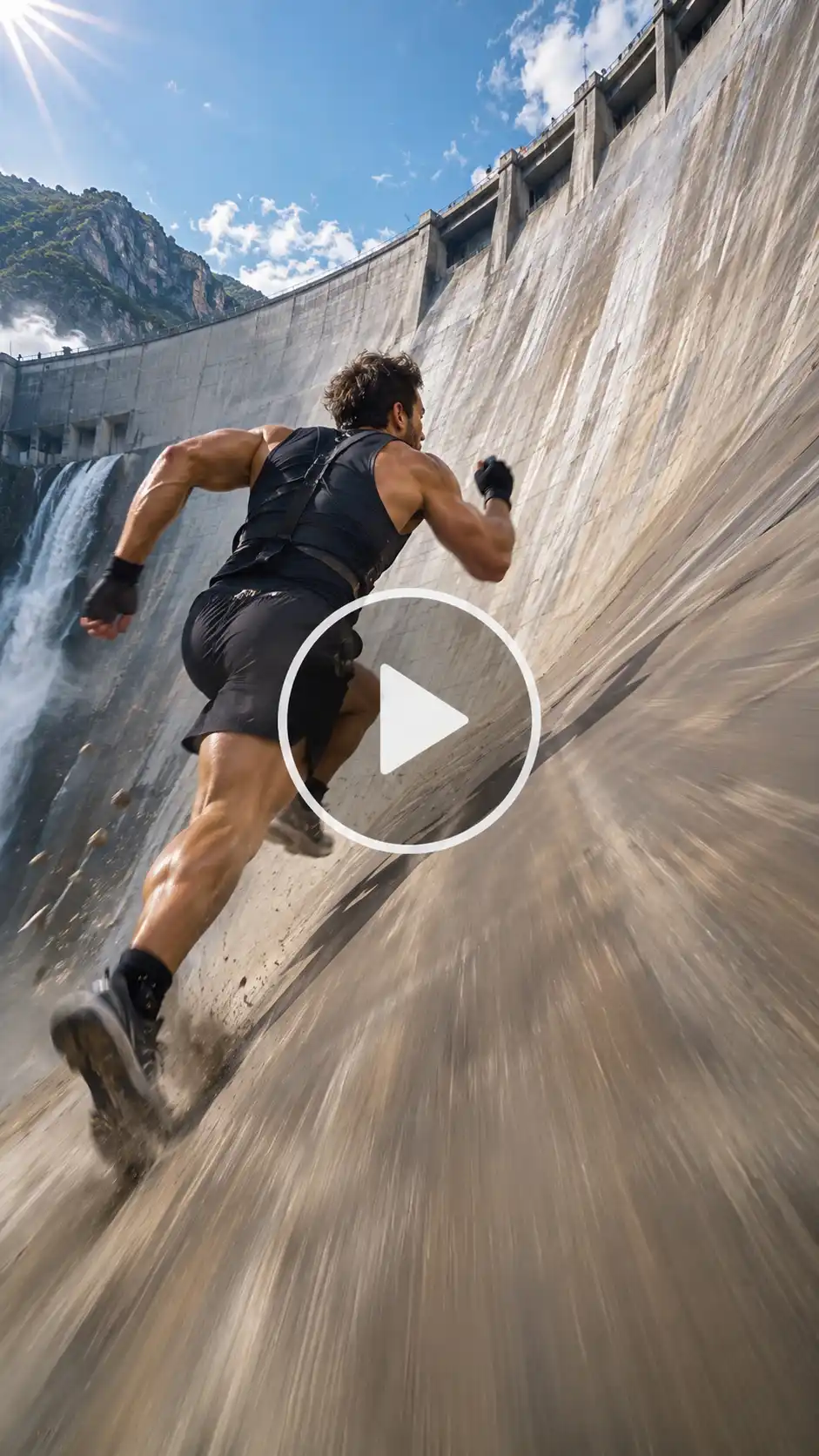
“Cinematic action sequence, a hyper-realistic athletic character sprinting at extreme speed up a monumental, curved concrete dam wall under dramatic daylight. The character reaches the apex, performs a sharp mid-air backflip, and slides down rapidly, finishing with a close-up direct-to-camera look, dynamic motion blur, high-energy viral stunt style.”
How To Make Your Video Go Viral
1. Do not Use a Low Quality Image: if your face is hidden or something is blurry, the AI won’t be able to create it. It is important that the AI maps the exact facial features and expressions from your photos.
2. Don’t Ignore Platform Rules: Keep text, watermarks and unnecessary things away from your inputs. Prevent anything that can cause poor quality video generation.
3. Aspect Ratios: Generate correct aspect ratios. Make sure you download the video in the correct format, resolution and aspect ratio.
Conclusion
Jumping from one trend to another, try making the giant ramp climbing trend AI video. It is an incredible trend that is popular beyond its ways. Because of the latest Tesla Car event and popularity, these thrilling videos are on the rage right now. So boost your engagement and make sure your content starts getting the likes it deserves. By just uploading an image and selecting the right features, prompts and settings, you can create one of the top ranking videos of all time.
FAQs
What kind of photo works best?
A well lit, natural looking photo works best for these AI videos.
What resolution should I export the video in?
You should export the videos in either 480p, 720p or 1080p according to your needs for the video.
What file formats and sizes can I upload?
You can upload webP, PNG or JPG format of files. There is no limit to the file size you can upload on LightX.
How long can the video be?
The video can be up to 30 seconds long.