If you have been watching Instagram trends closely, chances are you’ve already seen this by now. The Mi Chico Jason Derulo dance trend is a perfect example of a sensational clip. This song features slick, choreographed and synchronized, sharp finger points, clapping and punchy camera moves. This is a 14-second video clip that has taken social media by storm. Learn how to make the viral Mi Chico AI dance trend here.
 Create the Roadster Ramp Trend 🏎️
Upload your image and create a thrilling backward car jump off a ramp.
Create the Roadster Ramp Trend 🏎️
Upload your image and create a thrilling backward car jump off a ramp.
You don’t have to do anything for this. Generate this popular clip using LightX AI video generator. You can create a realistic viral mi chico ai video starring yourself, your friend or your kids and pets.
What Is The Mi Chico AI Video Trend?
This trend surrounds a short, reel type video on the official mi chico audio and sound track. In the classic setup, the subjects trade the spotlight right in the front of a phone camera. This video is a heartthrob, locking every beat in, synchronized till the last step and the claps are directly to the rhythm.
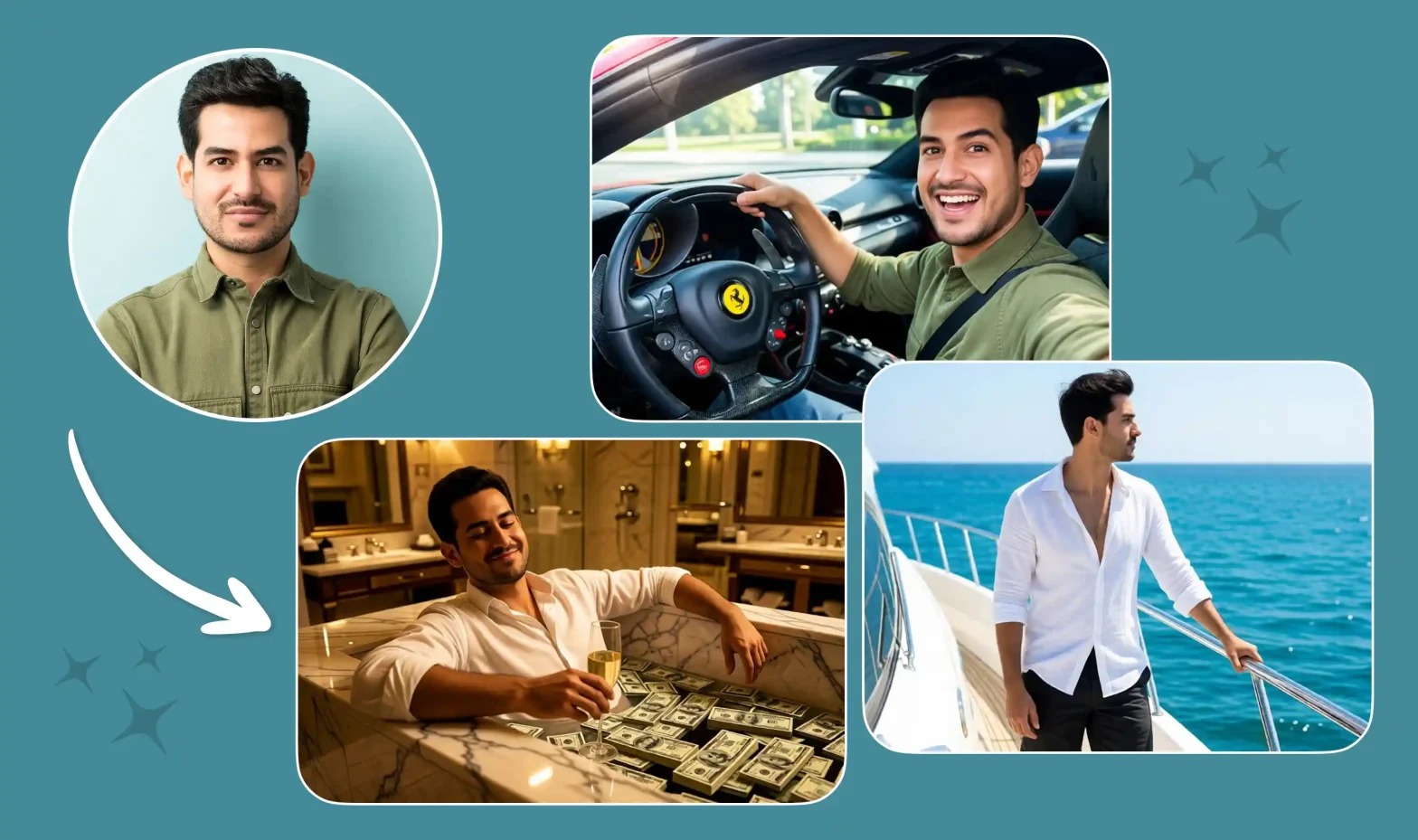
With reference to video option, you can even upload a driving video and then your reference images to create this video in a more simpler way. Creators and influencers are using their own photos for this trend. Specify in the prompts to keep the face, clothes and hair exactly the same.
With a single photo, the AI can easily duplicate your face onto the video. So you can enjoy the mi chico duo dance experience entirely. You can also use your kids photos, pets or friends in the video as well.
How To Make Your Mi Chico AI Video
Depending on the platform or the look that you want to get; you can build your clip using our presets and templates or can customize the prompts. Here is the complete breakdown of this:
Using Pre-defined Template
Step 1: Choose the character of the singers (Person 1 and Person 2) who you want to film: Select your persona and upload clear front-facing portraits.
- For a Duo Video: Select two clear, well-lit photos of you and your friend (or partner, pet). Photo 1 features the person who opens and closes the video. Photo 2 features the person who bursts into the middle for the overhead clap and camera punches.
- For a Solo Video: Pick one crisp photo of yourself. The generator will create a synchronized person to trade the spotlight with you.
Step 2: Background, outfit and prompt: Select the background you want. Get a background setting (your living room, backyard, office, stage) and where you are seen shooting this video. Apply stylistic things to align your outfit with the theme.
Step 3: Choose appropriate resolution and aspect: Select the layout that suits your project. Choose from 9:16 to ensure proper optimization.
Using Reference to Video (with driving video)
- Go To Reference to Video: Navigate to LightX’s video platform’s reference or motion-transfer tool.
- Step 1: Define your Characters: Establish clear visual profiles of the people in the video. (Person 1 & Person 2)
- Step 2: Use Video Reference and Replace Faces: If you own or have a source driving video (such as the Jason Derulo Mi Chico clip). Configure that as your video reference. Write a precise prompt to replace the faces and models. For example, replace person 1 who is singing with reference image 1 and person 2 who is dancing with reference image 2.
Related Blog: How To Swap Face In a Video
Using Reference to Video without driving video
- Step 1: Define your Characters: Establish clear visual profiles for your video character.
- Step 2: Generate using prompts if there is no driving video. If you don’t have a reference video, generate the whole effect using a detailed prompt. Clearly specify your parameters. Check out the Image to Video Generator for more relevant details.
1. Define character image outfits, makeup & style
Detail the specific wardrobe pieces such as party clothes, elite clothes, shirt or pants or an expensive tuxedo, statement jewellery, makeup and hair styling.
2. Define scene background, lighting, camera
Specify whether the shot uses a front facing selfie frame in the camera or ultra wide angle camera motion with bright light and natural ambience.
3. Define how the character is interacting or acting (along with motion)
Explicitly outline the singing timing, steps and actions such as singing or dancing during a specific time or moment.
Sample Prompt: Use Directly
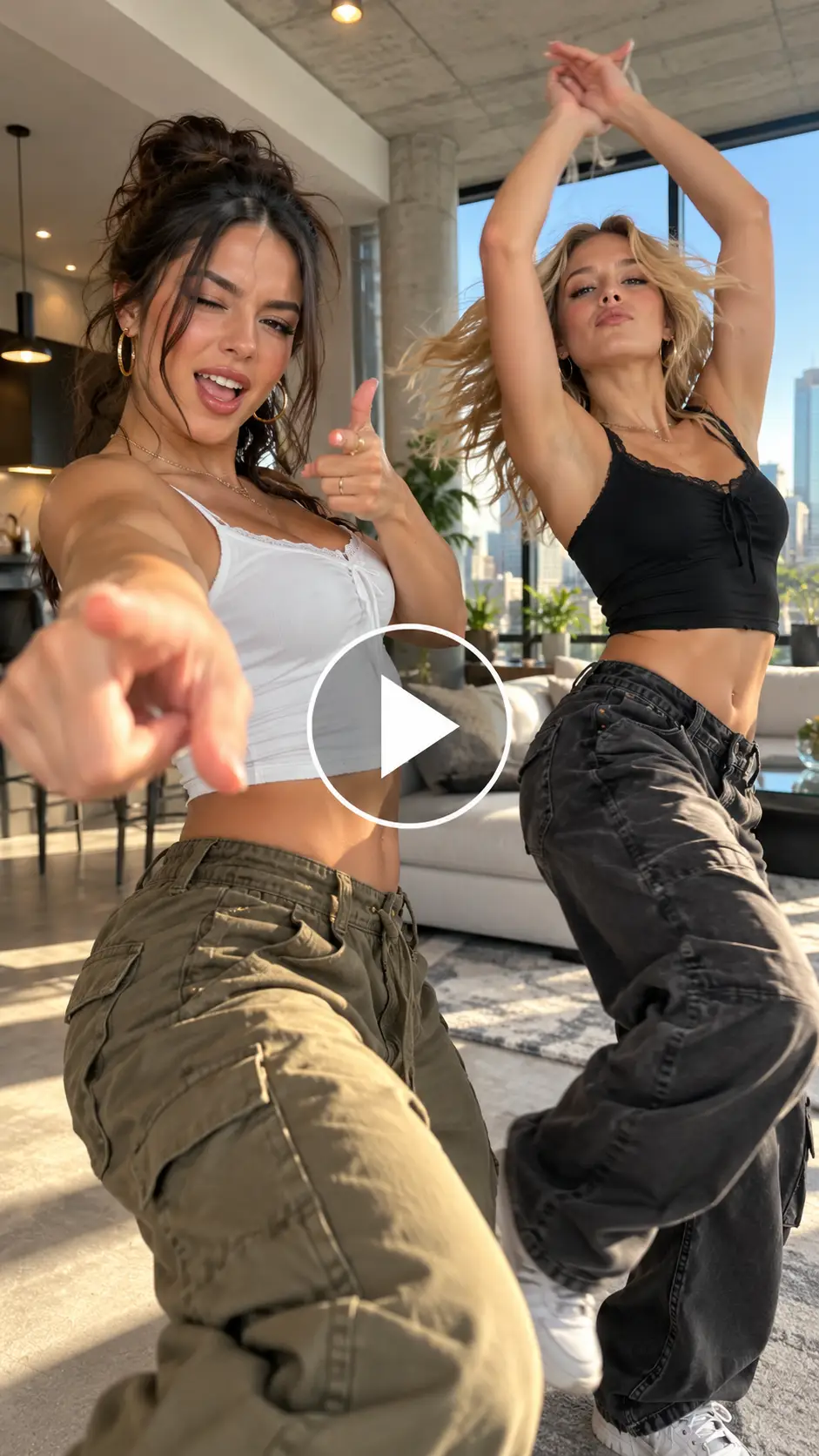
Prompt:
A vertical 9:16 high-energy cinematic dance video, 14 seconds long, set in a modern minimalist loft apartment. Two stylish friends take turns in the center spotlight facing a handheld, slightly moving smartphone camera at chest height. The video opens with person A on the left executing sharp finger-guns, rhythmic body rolls, and punchy camera taps on beat. At the 7-second mark, person B dynamically pops into the center frame for an energetic overhead clap, a fierce spin, and synchronized cross-body punches. High-speed action, crisp choreography, precise beat-matching, vibrant natural lighting, photorealistic 4K resolution, cinematic depth of field.
Tips For Best Outcomes
- Customize Your Backgrounds: Put the photo with the neatest and natural lit background. Because the subjects move dynamically across the frame, a vibrant yet clean room or outdoor space makes for a much more striking stage.
- Focus on Expressions: The mi chico dance challenge isn’t just about dancing and moves but is also an attitude trend. Make sure your input photos feature confidence, smirks or bold facial expressions so the AI translates that into the final animation.
- Embrace the Pets Version: If you want an instant viral hit, try using a photo of a dog or cat. Seeing a golden retriever or pet standing up and dancing with those moves with claps and punches is an absolute crowd-pleaser on social media feeds.
FAQs
What aspect ratio and length should the video be?
For Instagram and TikTok the ideal aspect ratio is 9:16. The video is 14 seconds long.
What image formats and file sizes can I upload?
You can upload WebP, JPEG and PNG format images.
Can I use the original Mi Chico clip as a reference?
Yes, you can use the original Mi Chico clip as a reference. You can modify the lyrics according to your needs.
Can I change the outfit or the location in the video?
Yes, everything is customizable in this video like background settings, lyrics, audio, outfits and more.
 Create the Viral Hotel Lobby Trend 🎵🔥
Upload your image and transform it into a viral music video.
Create the Viral Hotel Lobby Trend 🎵🔥
Upload your image and transform it into a viral music video.