If you’ve been checking your social media timelines recently, chances are you’ve seen some funny, zany crazy frog chase clips popping up everywhere. Today, let’s discuss why these clips are trending, how to make them using LightX and some tips for the best outcomes.
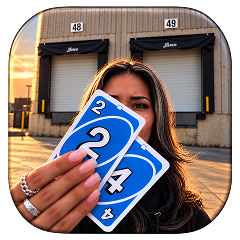 Create the Unforgettable UNO Trend
Upload your image and turn an UNO move into a viral transition.
Create the Unforgettable UNO Trend
Upload your image and turn an UNO move into a viral transition.
What is the Crazy Frog Chase Clip Trend?
Crazy frog video trends on TikTok and Instagram came together on the Internet in the form of nostalgic ideas along with a combination of chaos using AI. The essence of the trend relies heavily on early 2000s memories using the effects and sound from the Crazy Frog Axel F, the signature electronic theme song.
The creator films themselves running, riding a bicycle (Bike Chase) or driving down a long road (Highway chase). When they look back they realize that they are being chased by some maniac frog.
Why Is This Trend Going Viral?
As a standout funny AI video trend of 2026, this video works because of its comedic contrast. Viewers love the unexpected mashup of a terrifying, high-stakes pursuit paired with a goofy blue frog riding an invisible motorcycle. It hits all the right marks for viral Reels trend algorithms: high energy, immediate visual hooks and an instant audio recognition that keeps loops high. That’s why people love to scroll this video.
Stepwise Guide on How To Generate Crazy Frog Chase AI Video
Depending on the platform or the look that you want to get; you can build your clip using our presets and templates or can customize the prompts. Here is the complete breakdown of this:
Using Pre-defined Template
Step 1: Choose the character of the person who you want in the video. Select your base persona and upload a clear front-facing portrait. You can also upload the image of the frog to be specific.
Step 2: Characters, Outfit and prompt: You can choose from cartoon characters, animated characters and even celebrities. Select the outfit you want. Apply other details in prompts if any.
Step 3: Choose appropriate resolution & aspect: Select the layout that suits your project. Choose from 9:16 to ensure proper optimization.
Using Reference to Video (with driving video)
Go To Reference to Video: Navigate to LightX’s video platform’s reference or motion-transfer tool.
Step 1: Define your Characters: Establish clear visual profiles of the person in the video.
Step 2: Use Video Reference and Replace Faces: If you own or have a source driving video (such as a clip of the person being chased by the frog). Configure that as your video reference. Write a precise prompt to replace the faces and models. For example, replace person 1 with reference image 1.
Please refer to AI Video Face Swap for more guidelines.
Using Reference to Video without driving video
Step 1: Define your Characters: Establish clear visual profiles for your frog chase character.
Step2: Generate using prompts if there is no driving video. If you don’t have a reference video, generate the whole effect using a detailed prompt. Clearly specify your parameters. Check out the Image to Video Generator for more relevant details.
Define camera and more
Specify whether the shot uses a continuous chasing motion in the camera or running/speeding camera motion of being chased on a highway or a flyover bridge.
Related Blog – Bulin 47 AI Video
Crazy Frog Chase Video Prompts You Can Copy
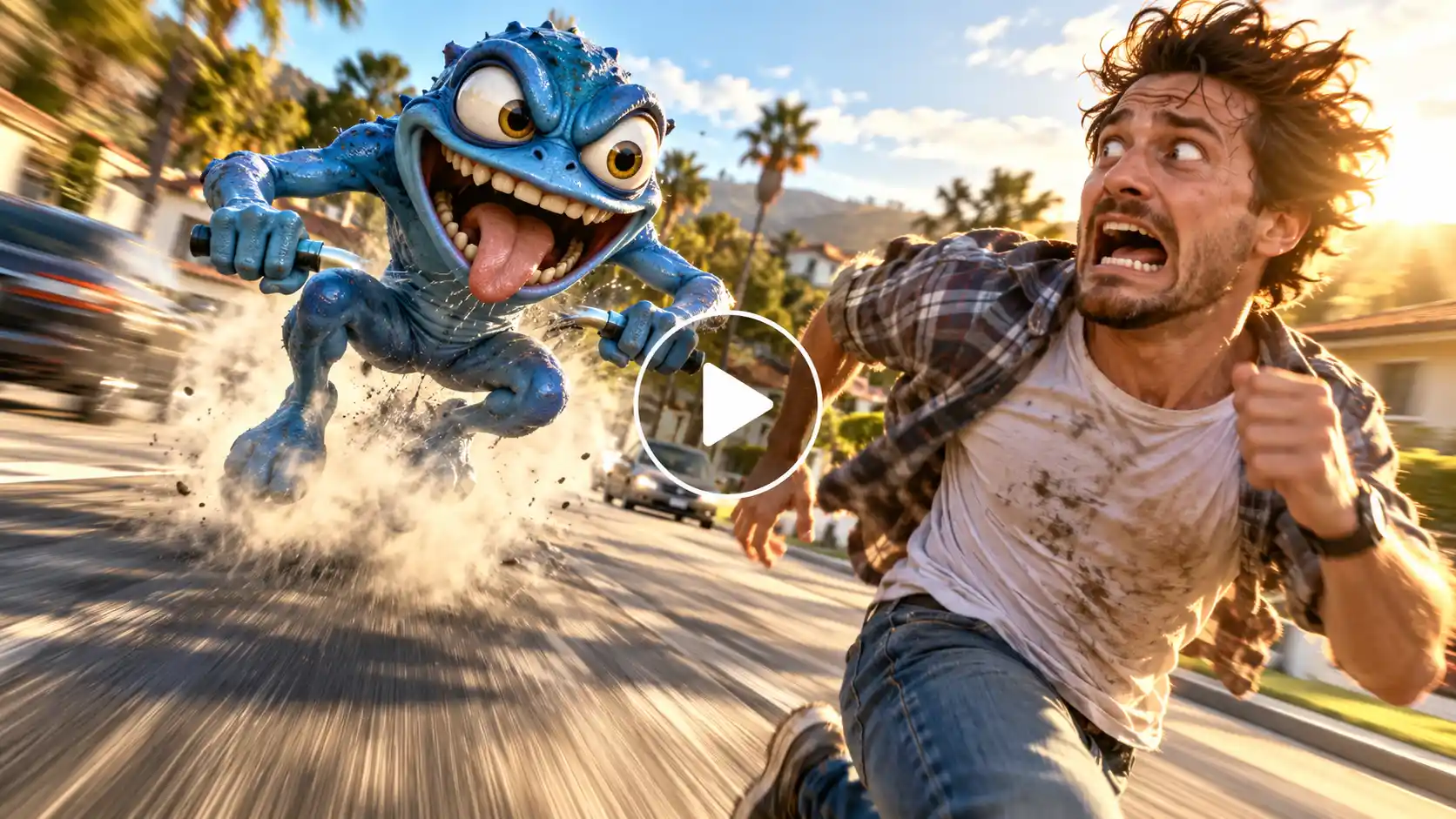
Prompt:
Cinematic tracking shot, a hyper-realistic chaotic blue animated frog riding an invisible motorcycle at high speed aggressively chasing a terrified person running down a sunlit suburban highway, dynamic motion blur, intense cinematic lighting, comedic yet terrifying action movie style, HD resolution.
Tips To Get Best Results
Sync the Beat Drop: The moment Crazy Frog runs faster so the audio clip should coincide with an event or reaction close-up.
Keep it Short: Short 5 to 7-second loops work best for the Crazy Frog video trend on Instagram or TikTok.
Conclusion
The success of crazy frog AI videos shows that the internet vibes with a perfect blend of retro nostalgia and modern technology. If you know how to develop the crazy frog chase video with an image and a simple AI prompt, you can easily take advantage of one of the most exciting AI video trends of the year. Simply use LightX and create fun videos.
FAQs
- Which audio is used in the trend?
The crazy frog Axel F audio is generally used in this video. - What aspect ratio works best?
For Instagram trends and reels, a 9:16 ratio works best. - Which type of photo works best for this trend?
A well lit and clear photo with natural lighting will work best for this video. - Can I make the chase scene in different locations, like a street, school or office?
Yes, you can specify the chase in different locations but in this trend the frog is being chased on a highway.
 Create the Rain Dance Trend ♫
Upload your image and create rain dance music video
Create the Rain Dance Trend ♫
Upload your image and create rain dance music video