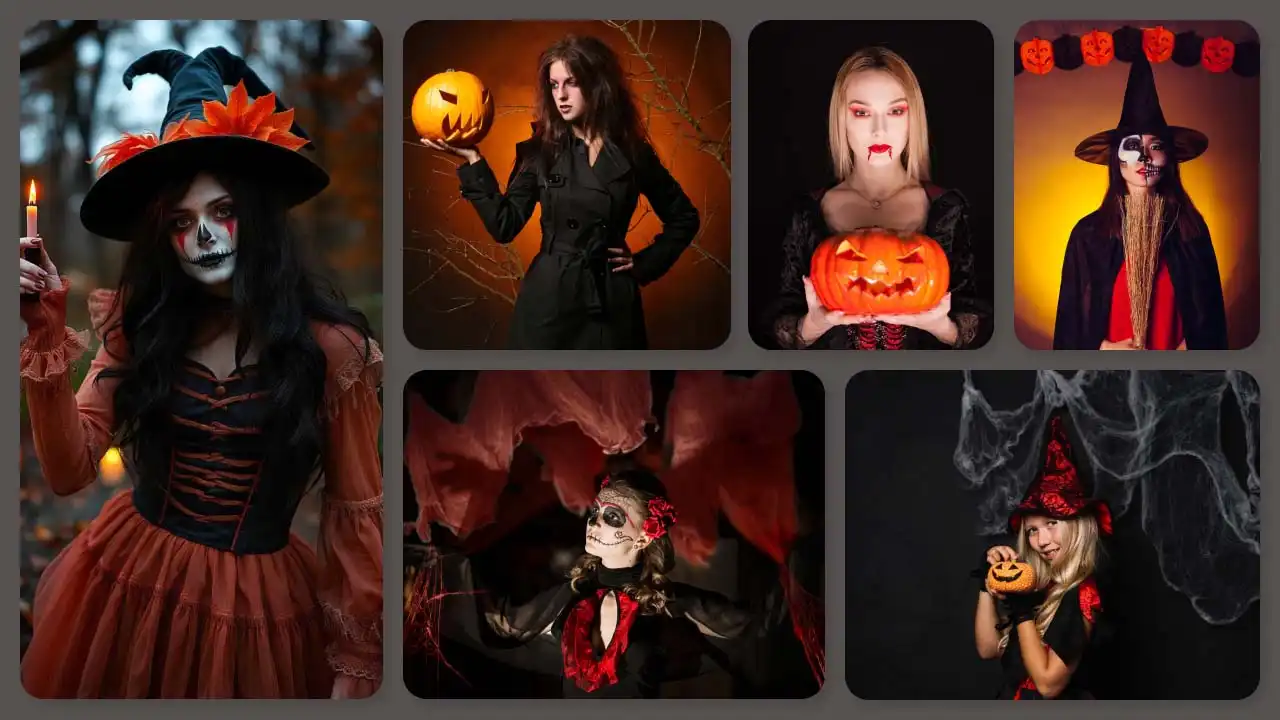
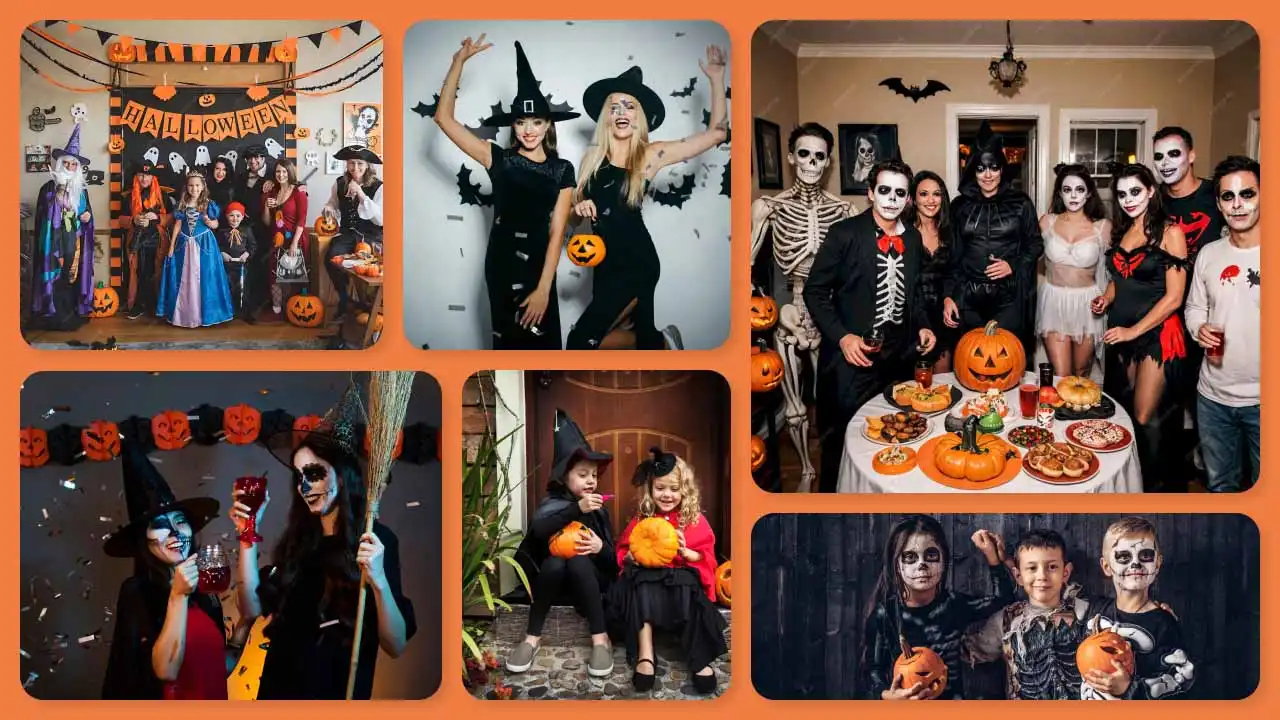
Want to join the Ramalama Bang Bang trend but don’t feel like filming a real Halloween costume walk? You don’t have to. If you’ve been looking for how to make Ramalama Bang Bang trend video clips the easy way, this is it. Just upload one clear photo of yourself, a friend, or even your pet, and AI will turn it into a short costume-reveal video in under a minute. No low-angle camera setup, no practicing the dramatic walk, no worrying about perfect timing.
 Gas Up the Trend ⛽🔥
Create your own gas station trend in seconds.
Gas Up the Trend ⛽🔥
Create your own gas station trend in seconds.
The AI handles the feet-to-face reveal, the low-angle walking shot, and the beat-synced costume reveal for you. It’s the simplest way to create a Ramalama bang bang video with a photo and jump on the Ramalama TikTok trend and Ramalama Instagram trend while it’s still everywhere.
In this blog, you will learn how to make a Halloween costume reveal video using AI, along with helpful tips and prompts so your clip stands out.
What Is the Ramalama Bang Bang Trend?
The Ramalama Bang Bang trend (also called the Ramalama Costume Walk or “Take a Picture” trend) is built around the 2005 track “Ramalama (Bang Bang)” by Róisín Murphy. The song’s stomping beat and whispered line “Takin’ a picture of, takin’ a picture of me!” create the perfect cue for a dramatic reveal.
The signature format is simple: the camera stays low, filming only feet and legs as the person walks toward it in costume. On the whisper, the shot tilts up for a full face reveal on the beat, showing the complete Halloween look. It’s usually 8–15 seconds long and works especially well as a night walking video or Halloween walk video.
The Ramalama trend first took off around Halloween 2025 and returned even stronger in 2026. Creators use captions like “Did we win this trend Halloween?” and post everything from solo looks to couples costume reveals, friends and group costume reveal videos. Popular 2026 ideas include Wednesday Addams costumes, Raven and Beast Boy costumes, Teen Titans costumes, witches, vampires, and classic movie characters. The combination of the catchy Róisín Murphy Ramalama sound, easy Halloween costume walk format, and strong visual payoff made it one of the biggest viral Halloween video formats of 2026.
What You Need Before You Start
You don’t need a fancy setup. Just:
- A clear full-body or half-body photo of yourself, a friend, your pet, or anyone you want in the video
- Good lighting and a simple background in the photo (so the AI can focus on the person)
- Access to a reference to the Video Tool
- About 5–10 minutes for the tool to process the generation
That’s it. No walking practice or real costume required to create a Ramalama bang bang AI video.
Stepwise Guide on How to Create a Ramalama Bang Bang Trend Video with AI
Using a Pre-defined Template
Step 1: Choose the characters for the image. Upload a clear photo of yourself, a friend, your pet, or anyone you want in the video.
Step 2: Change your background and outfit using prompts (for example, “dark nighttime street” or “Halloween night sidewalk with soft street lights”).
Step 3: Choose the appropriate resolution and aspect ratio (select vertical 9:16).
Step 4: Click Generate, then download the final video.
If you want to make a video from scratch, use our Image to Video Tool.
Using Reference to Video (Step-by-Step Guide)
Step 1: Go to the Reference to Video Tool.
Step 2: Define your character. Upload a clear photo, such as of you, a friend, or your pet.
Step 3: If you own a driving video, add it as the video reference and write a prompt to replace the person in it. For example: “Replace the person in the video with the person in my reference image while keeping the exact low-angle walking motion and face reveal on the beat.”
Step 4: If you don’t have a driving video, create the whole effect with a prompt. Be clear about the look and the action. In your prompt, you can mention:
- Character: image, outfit, expression, and style (for example, dramatic Halloween costume, serious or cool expression, realistic face)
- Scene: background, lighting, camera angle (for example, dark nighttime street or empty sidewalk at night)
- Action: the exact Ramalama sequence — low-angle shot of feet and legs walking toward the camera, then smooth tilt-up to full-body costume reveal right on the whispered “taking a picture” line
To learn more about the tool and the steps, visit this blog: How To Swap Face In a Video
Ramalama Bang Bang Trend AI Prompt You Can Copy
Here’s a ready-to-use Ramalama bang bang trend AI prompt that works well for most tools:
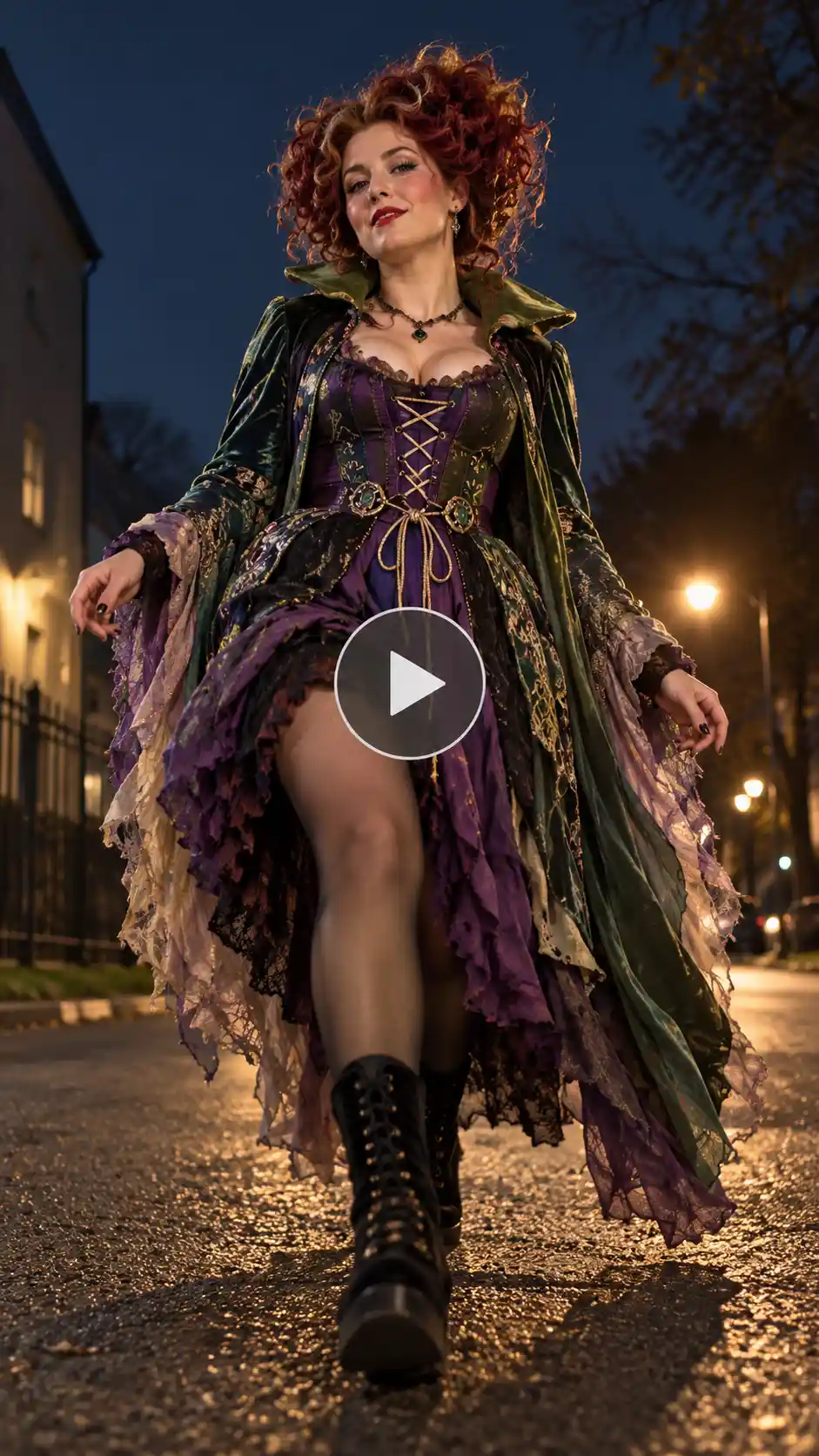
Character: A [describe age/gender/look] with natural facial features, clear skin texture, and realistic hair. The person wears a detailed Halloween costume (or keep the outfit from the reference photo). Confident, slightly dramatic expression.
Background setting: Dark nighttime street or empty sidewalk with soft street lighting and slight atmospheric depth. Clean and cinematic so the walk stands out.
Camera angle: Steady vertical 9:16 low-angle shot that starts at the feet and lower legs, then smoothly tilts up to a full-body face reveal. Phone-style realistic look.
Motion and action: The character performs the exact Ramalama costume walk — slow, dramatic footsteps walking toward the camera from a low angle, keeping only legs and shoes in frame at first. On the whispered “Takin’ a picture of, takin’ a picture of me!” line, the camera tilts up to reveal the full Halloween costume and face. Natural body movement, precise timing with the beat, no extra flourishes.
Style: Ultra-realistic AI video, high detail, natural motion, no artifacts, consistent character appearance.
Length: 10–12 seconds.
You can swap the character for a young woman in a Wednesday Addams costume, a couple doing a Raven and Beast Boy look, a group in Teen Titans costumes, a fluffy pet in a tiny costume, or any consistent look you like. Add details like “black-and-silver sequin gown with red wig” or “night walking video on a foggy street” if you want a specific vibe. The key is keeping the feet-to-face reveal, low-angle walk, and beat-synced costume reveal intact.
Fun Ways to Remix the Ramalama Bang Bang Trend
Once you know how to make a Ramalama bang bang video with a photo, the fun part is remixing it:
- Group costume reveal: Upload a photo of two or more people. The AI can make them walk in formation for a friends’ costume reveal or group Halloween costumes version.
- Couples costume reveal: Perfect for matching looks like Raven and Beast Boy or classic couples Halloween costume ideas.
- Costume or character look: Ask for Wednesday Addams, Teen Titans, witches, vampires, or any 2026 Halloween costume ideas.
- Pet version: A cat or dog “walking” toward the camera and revealing a tiny costume is currently getting huge engagement.
- Night or day variations: Stick to the classic night walking video or try a daylight Halloween walk for a fresher feel.
These small twists help your clip stand out in the Trending Ramalama trend video and the wider viral Ramalama trend AI video wave.
Tips for a Viral-Ready Ramalama Video
- Use a clear full-body photo facing the camera. Blurry or side-angle shots make the AI struggle.
- Keep the original background simple so the low-angle walking video and reveal stay the focus.
- Mention the exact moves in your prompt: “feet to face reveal,” “low-angle walk,” and “face reveal on the beat.”
- Always post with the official Ramalama (Bang Bang) song so the video shows up on the trend page.
- Stick to vertical 9:16 and keep the clip under 15 seconds.
- Try a couple of different prompts or characters. Costumes, couples, and group versions often perform better.
- Add the AI-generated content label if your platform asks for it.
- Use captions like “Did we win this trend Halloween?” to match what people are already searching and commenting.
Conclusion
The Ramalama bang bang trend is still going strong as one of the top Instagram Reels Halloween trends and TikTok formats of 2026, and joining it has never been easier. You don’t need to film a real Halloween costume walk or set up a low camera. Upload one photo, use a solid Ramalama bang bang trend AI prompt, generate the clip, and post it with the right sound. That’s all it takes to create your own viral Ramalama trend AI video and ride the current viral Halloween video 2026 wave.
Give it a try; the trend is still hot, and the best time to post is while people are still searching for new Halloween costume reveal video versions.
FAQ
What photo works best for a Ramalama bang bang video?
A clear, well-lit full-body or half-body photo of the person (or pet) facing the camera works best. Simple backgrounds help the AI focus on the walk and reveal.
How long does generation take?
Most AI tools generate a 10–12 second Ramalama bang bang AI video in under a minute, depending on server load.
What resolution should I export the video in?
Export in a vertical 9:16 aspect ratio (usually 1080×1920). That’s the format that performs best on TikTok, Instagram Reels, and YouTube Shorts.
Can I make a Ramalama video with more than one person?
Yes. Upload a photo that includes two or more people, or use a group prompt, and the tool can create a couples costume reveal, friends costume reveal, or full group costume reveal walking in sync.
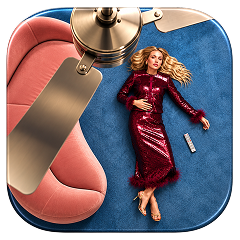 Create the Ceiling Fan Trend 🪭
Upload your image and reveal a new look with every spin.
Create the Ceiling Fan Trend 🪭
Upload your image and reveal a new look with every spin.