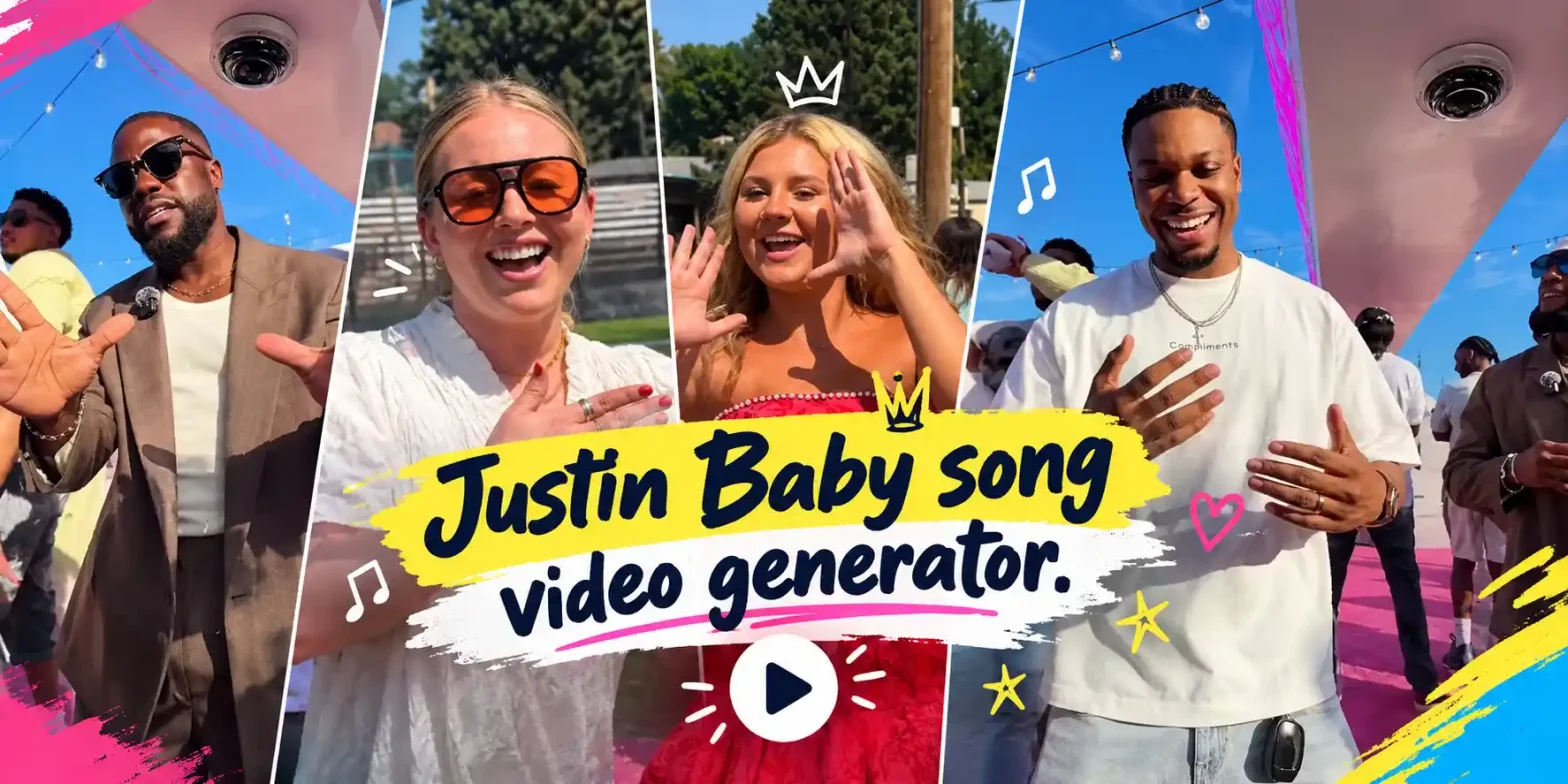
You know that moment when a group of friends, coworkers, or even the groomsmen suddenly start acting out to Justin Bieber’s “Baby”? One person starts with “Baby, baby, baby oh,” the camera slides to the next face, and the whole crew is dramatic, emotional, and slightly ridiculous.
 Create the Unforgettable UNO Trend
Upload your image and turn an UNO move into a viral transition.
Create the Unforgettable UNO Trend
Upload your image and turn an UNO move into a viral transition.
That’s the Justin Bieber Baby trend taking over Instagram and TikTok right now. If you’ve been watching these clips and wondering how to make a Justin Bieber Baby trend video by yourself, especially the AI version from regular photos, then you’re in the right place.
What Is the Justin Bieber “Baby” Group Lip-Sync Trend?
The Justin Bieber Baby song (Baby ft. Ludacris) is pure nostalgia. In this trend, a group of people takes turns lip-syncing the chorus while the camera slowly pans across their faces. Many add the classic hand-on-heart move for extra drama. It’s a dramatic lip sync trend, a group lip sync video, and one of the easiest viral lip sync trend formats for 2026 right now.
You’ll see it as an Instagram Reels lip sync, friends lip sync video, coworker lip sync video, and wedding lip sync video.
Who Is Doing the Baby Trend?
Pretty much everyone. Friend groups film casual versions after hanging out. Coworkers and restaurant staff turn break time into content. Wedding parties love it too, especially groomsmen and bridesmaids looking for fun wedding reel ideas.
Families and longtime Beliebers join in too. The Justin Bieber Baby Instagram trend keeps spreading because it looks fun and feels familiar.
What You Need Before You Start
- Clear photos of the people you want in the video
- The Justin Bieber Baby song or a clean chorus version
- A simple AI video tool that supports image-to-video or reference-to-video
- Vertical 9:16 format ready for Instagram and TikTok
That’s all you need to create a Justin Bieber Baby trend AI video from a photo or a full group video from photos.
How to Make Justin Bieber Baby Trend Video (Step-by-Step)
Using a Pre-defined Template
Step 1: Choose the characters for the images. Upload one clear photo of yourself, or several clear photos of friends, coworkers, or the whole group. These faces will become the people lip-syncing.
Step 2: Change the background and style using prompts. Try something like “cozy living room with warm lights,” “restaurant staff area,” or “wedding party in formal clothes with soft golden lighting.”
Step 3: Choose the appropriate resolution and aspect ratio. Select vertical 9:16 so the video looks perfect on Instagram Reels and TikTok.
Step 4: Click Generate, then download the final video.
If you want to make it from scratch or a trend with just your photo, then you must try our image-to-video tool. When you need to upload multiple images, you definitely need to try our reference-to-video tool.
Using Reference to Video
Step 1: Go to the Reference to Video Tool.
Step 2: Define your characters. Upload one clear photo of each person (or a good group photo).
Step 3: If you have a driving video (a real group lip-sync clip you like), add it as the video reference and write a prompt to replace the people. Example: “Replace the people in the video with the people from my reference photos while keeping the exact camera pan across faces and the dramatic Baby song lip-sync performance.”
Step 4: If you don’t have a driving video, create everything with a clear prompt. Include:
- Character – faces from your photos, natural look, emotional expressions, hand-on-heart gestures
- Scene – background, lighting, and camera style (example: “friends sitting close together in a living room with warm lighting”)
- Action – the exact Justin Bieber Baby trend performance: camera slowly pans from face to face, each person dramatically lip-syncs “Baby, baby, baby oh,” with natural head movement and energy
Copy-and-Paste Prompts
Here’s a strong Justin Bieber Baby trend video prompt you can use right away:
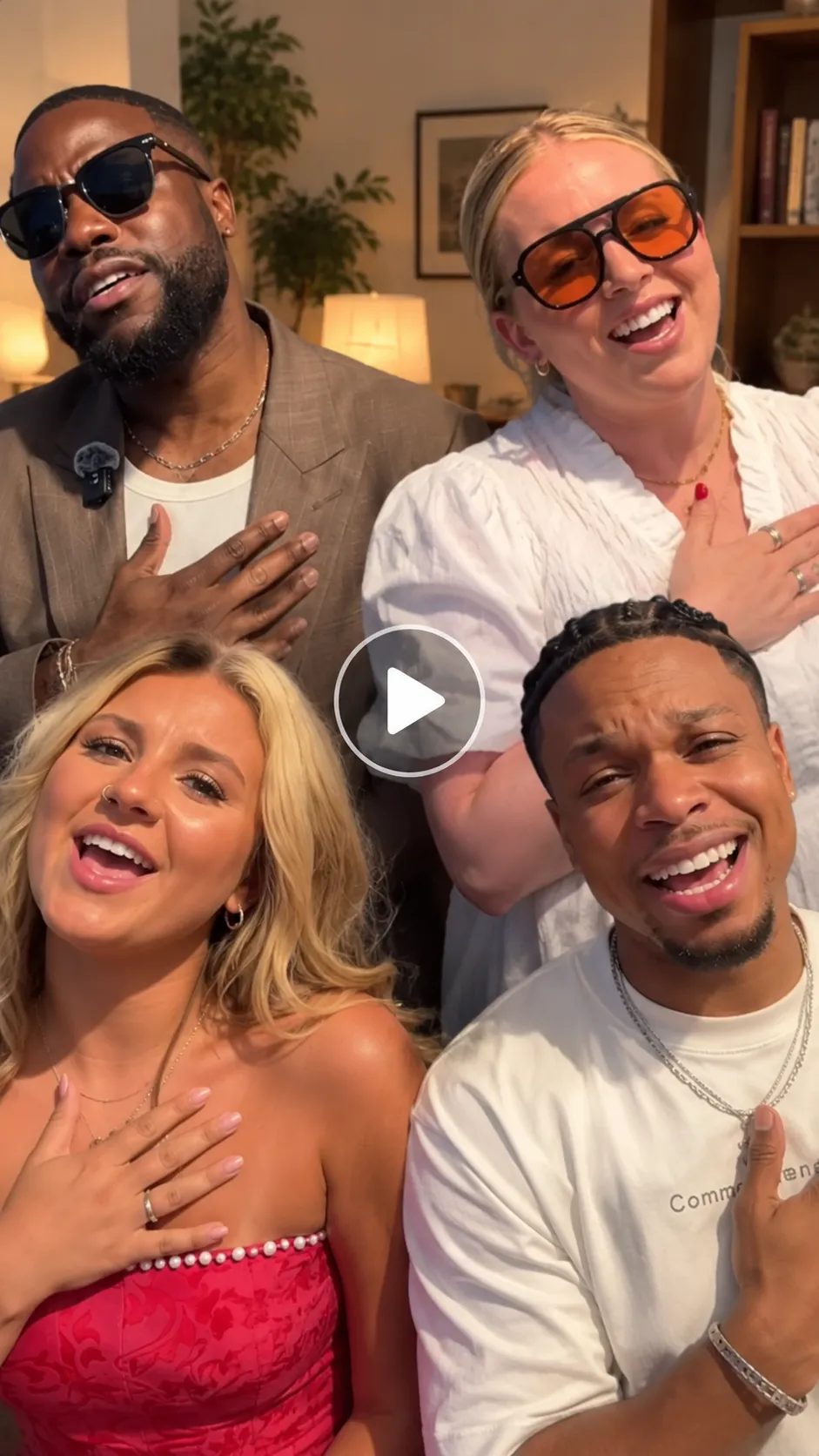
Prompt :
A group of 4 people performing the viral Justin Bieber Baby lip-sync trend. The camera slowly pans from left to right across each face one by one while they dramatically lip-sync the chorus “Baby, baby, baby oh.”
Character look:
Use the 4 uploaded photos with clear facial features and natural skin texture. Keep their original everyday or semi-formal clothing. Each person should look expressive and emotional.
What each person does:
Person 1 (first face): Starts the chorus with strong emotion, eyes slightly closed, hand on heart.
Person 2: Continues the line with a bigger facial expression and slight head movement.
Person 3: Delivers their part with dramatic energy and hand-on-heart gesture.
Person 4 (last face): Finishes the chorus with the most emotional expression and holds the final “oh.”
Background setting:
Cozy living room or casual indoor space with soft warm lighting. Clean and simple so the faces stay the main focus.
Camera angle:
Steady horizontal pan from left to right, close-up on each face, vertical 9:16 aspect ratio. Smooth and continuous movement.
Motion effects:
Exact Justin Bieber Baby trend sequence — slow camera pan across the 4 faces, each person lip-syncs their part with drama, natural head movements, and hand-on-heart gestures. Realistic group energy.
Song:
“Baby” by Justin Bieber (feat. Ludacris) — focus on the main chorus.
Scene description:
In a warm natural setting, the 4 people perform the popular Baby lip-sync trend with strong facial consistency and realistic motion. Ultra-realistic, high-quality, 12–18 second vertical 9:16 video.
This works well as an AI video prompt or AI lip-sync video starting point.
Related blog: How to Make the Puerto Rican Mami Dance Duo AI Trend
Tips for a Funnier, More Shareable Video
- Let the expressions go big; the more dramatic, the better.
- Keep the camera movement slow and steady so every face is clear.
- Add a short text overlay like “When the song hits different” or “Groomsmen edition.”
- Film or generate a couple of versions and pick the one with the best energy.
- Post it with the original sound so it joins the Justin Bieber Baby Instagram trend and TikTok wave.
Common Mistakes to Avoid
- Using blurry or poorly lit photos (the faces won’t look natural)
- Making the camera pan too fast
- Writing a vague prompt that doesn’t mention the camera movement or emotional style
- Choosing a horizontal format instead of vertical 9:16
- Over-editing until it no longer feels like a real group moment
Conclusion
The Justin Bieber Baby trend is simple, nostalgic, and surprisingly easy to recreate with AI. Whether you use a pre-defined template or build it from scratch with a strong prompt, you can turn ordinary photos into a shareable group lip sync video in minutes. Follow the steps above, try the prompt, and you’ll have your own viral Justin Bieber Baby trend video ready for Instagram and TikTok.
FAQ
What kind of photo works best?
Clear, well-lit photos where faces are fully visible, and people are looking roughly toward the camera. Individual portraits or a good group shot both work for group video from photos.
What resolution should I export the video in?
1080×1920 (vertical 9:16) is ideal for Instagram Reels and TikTok.
What file formats and sizes can I upload?
MP4 is the safest choice. Keep the file under 100–200 MB for smooth uploading.
How long can the video be?
10–20 seconds is perfect. Just the chorus is usually enough to keep people watching till the end.
 Create the Viral Hotel Lobby Trend 🎵🔥
Upload your image and transform it into a viral music video.
Create the Viral Hotel Lobby Trend 🎵🔥
Upload your image and transform it into a viral music video.