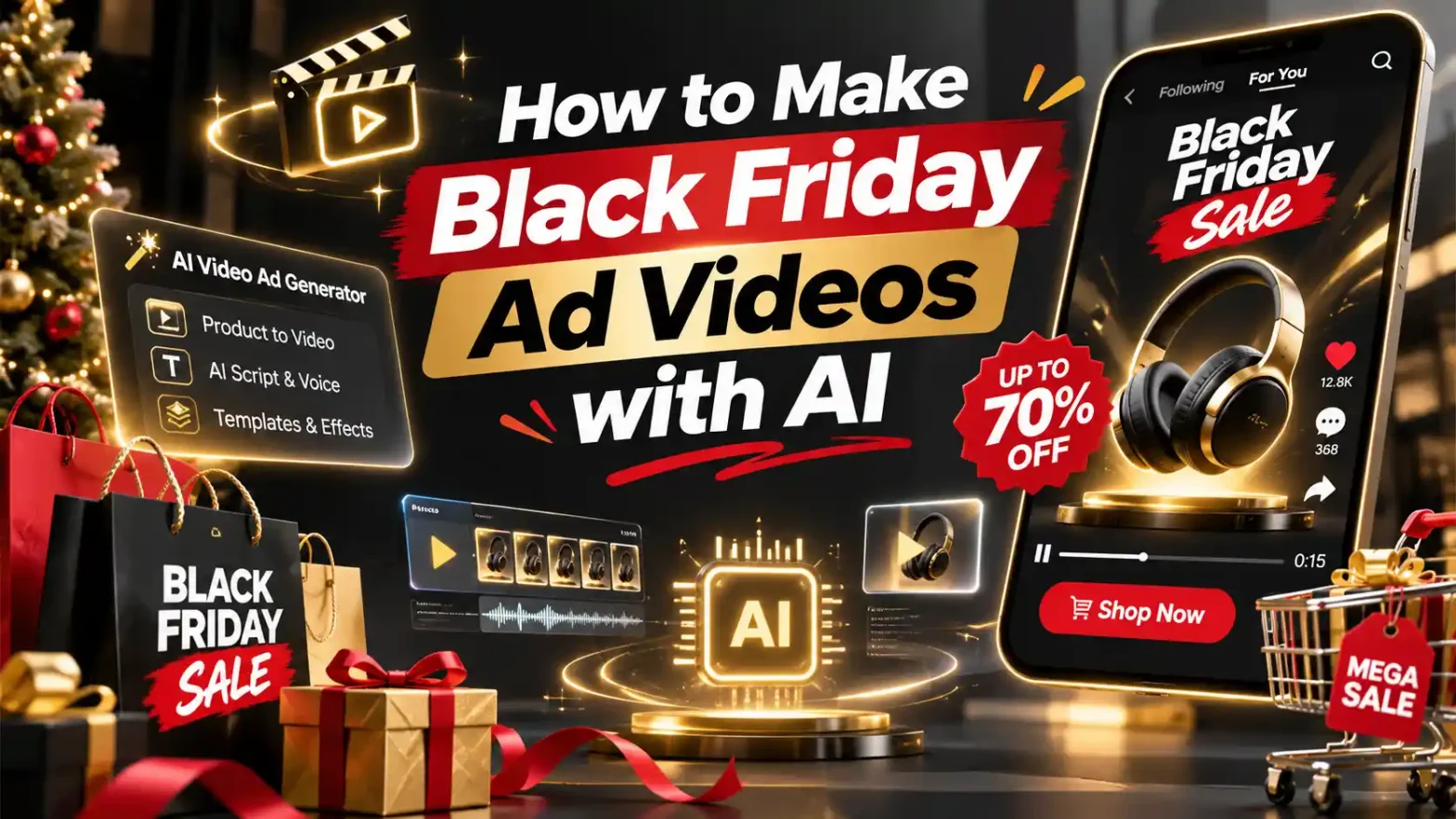
If you want your e-commerce store to survive the 2026 holiday rush, you will need to know how to make a black friday video ad with AI before the competition completely buzzes you out. Traditional video production takes weeks and burns through thousands of dollars on cameras, lighting setups and even editors. This year, let’s flip that script entirely, and make everything with AI. With LightX AI video generator, make high-converting promotional videos in minutes.
 Follow Us for Daily Trends
Get new prompts and creative ideas every day.
Why Video Ads Work Best for Black Friday
During November, consumer feeds turn into a chaotic zone of endless discounts and haul sales. Images aren’t just gonna do it, you’ll have to make videos.
- Catchy Hooks: Moving visuals, subtle and neat camera angles with text overlays immediately stop the addictive scrollers on Instagram Reels, YouTube Shorts and TikTok.
- Algorithmic Options: Short videos are actively pushed to millions of people who are obsessive buyers online.
- Speed and Affordability: Use an AI video generator to test ten different types of a product showcase video or limited-time sale teaser on a shoestring budget.
Prerequisites to Begin
Here’s a list of necessary requirements before making your AI Black Friday Video Ads.
- A single clear image of the brand, a product or an image if promoting more than 1 product .
- An image which captures every aspect of the brand and product
- Bright light preferably natural or indoor lighting.
- A picture with high resolution without any blur and filters applied.
- Optional AI Black Friday Video Ads prompt for image-based video maker.
- It is beneficial if your AI tool has a reference video of the current trend ad.
- Your Offer Details need to go. Clear text defining your discount (e.g., “50% Off Everything” or “Buy One Get One Free”).
- Brand details and hex codes, fonts and brand logos are very prominent in these.
- Decide where you are publishing a typically 9:16 vertical video format optimized for Shopify, Instagram, and TikTok.
How to Make a Black Friday Video Ad with AI
Creating scroll-topping holiday video ads is no longer an impossible task. Follow this guide and make your Black Friday Video Ad in minutes.
Using Pre-defined Templates
Step 1: Select a Template or preset you like. Choose the one that matches your brand product type. For example, lifestyle brands, skincare brands or a menswear brand.
Step 2: Input Your Product/Brand Assets. Upload your product photos
Step 3: You can use the text prompt box to make your videos specific. Instruct the generator to transform them into a 3D reveal or 360-degree product spin video. Use text prompts feature to specify how much discounts you’re offering and on which products.
Step 4: Describe your background settings. Use the prompts to do that. Describe the mood, lighting, background, and camera movement.
Step 5: Add Audio and Captions. Overlay a trending background track and clean subtitles to ensure maximum engagement even on mute.
Step 6: Generate the video and download it in preferred resolution and aspect ratio. Select the resolution, aspect ratio and settings for a better video. Choose from 480p, 720p and 1080p resolution. Also use the correct aspect ratio.
Using Reference to Video Tool With Driving Video
Step 1: Choose Your AI Video Tool. Use a reference-to-video tool.
Step 2: Select the resolution, aspect ratio and settings for a better video.
Step 3: Input Your Product/Brand Assets. Upload your product photos.
Step 4: You can use the text prompt box to make your videos specific. Use text prompts feature to specify how much discounts you’re offering and on which products.
Step 5: Use Video Reference and Replace Faces: If you own or have a source driving video (such as a Black Friday Video Ad). Configure that as your video reference. Write a precise prompt to replace the faces and models. For example, replace person 1 who is singing with reference image 1 and person 2 who is dancing with reference image 2.
Step 6: Add Audio and Captions. Overlay a trending background track, and clean subtitles to ensure maximum engagement even on mute.
Step 7: Generate the video and download it in preferred resolution and aspect ratio. Choose from 480p, 720p and 1080p resolution. Also use the correct aspect ratio.
Using Reference to Video Without Driving Video
Step 1: Define your brand. Establish clear visual profiles for your products.
Step 2: Generate using prompts if there is no driving video. If you don’t have a reference video, generate the whole effect using a detailed prompt. Clearly specify your parameters. Check out the Image to Video Generator for more relevant details.
a. Define products, their features and uses
Detail the specific products you’re promoting this Black Friday. Use products and their features to highlight USP and also add discounts.
b. Define scene background, lighting, camera
Specify whether the shot uses a front facing selfie frame in the camera or ultra wide angle camera motion with bright light and natural ambience.
c. Define how the product is in motion
Explicitly outline the product is in motion, spinning 360 degrees and landing on a table or not standing still with a vibrant background. Every detail matters.
Also read: How To Make Aura Farming Korean Video
Types of Black Friday Video Ads You Can Make
Diversifying your creative video ads and keeping your retargeting campaigns fresh throughout November. Consider reusing some of these styles:
- Product Showcase Videos
Highlighting the physical details, build quality, and premium finish of your item.
- Countdown and Teaser Videos
Creating urgency with a countdown timer video or flash sale announcement video.
- Offer and Discount Announcement Reels
Bold typography and fast cuts emphasizing a limited-time sale or doorbuster deal video.
- UGC-Style and Lifestyle Videos
Mimicking authentic customer reviews, unboxings, and before and after product video formats.
- Add to Cart Reminder Videos
Gentle nudges reminding undecided shoppers about items sitting in their Shopify carts before Cyber Monday ends.
Copy-Paste AI Prompts for Black Friday Video Ads

Prompt :
A high-end 15-second vertical skincare product showcase video for a luxury skincare bottle resting on a sleek obsidian podium. Cinematic studio lighting with warm amber reflections, slow orbital camera pan, floating golden text overlay reading “50% OFF – BLACK FRIDAY EXCLUSIVE”, modern minimalist aesthetic, hyper-realistic, photorealistic textures.
Common Mistakes You Can Avoid
- Avoid using complex prompts. Use simple language when writing prompts. Do not add too many complex ideas in complex language.
- Don’t use low quality photos. Poor lighting and blurry images can make your ad video look mediocre.
- Don’t ignore background and motion references. Always mention lighting, camera angle, background setting and environment of your product.
Conclusion
Triumphing Black Friday video ads with AI gives your brand a limitless advantage during the busiest shopping season of the year. By combining smart reference to video tools with amazing offers, you can actually grow your holiday revenue today in 2026.
FAQs
- What is the best length for a Black Friday video ad?
Create an ad within 30 seconds of length.
- What aspect ratio should I use?
Use a 9:16 aspect ratio as it is best for social media content.
- Where should I run Black Friday video ads?
The best place to run such ads is social media platforms.
- What resolution and file format should I export?
Export videos in MP4 and select from 480p, 720p and 1080p resolutions.
- Can I add music, voiceover and captions?
Yes, you can add audio, lyrics with the help of prompts.
 Create the Floating Fall Trend
Upload your image and create a cinematic floating fall effect.