Ever freeze mid-scroll because some guy at a quinceañera just walked straight at the camera, took a massive bite of concha, and stared you down like he owned the entire party? That exact deadpan moment, now set to Karol G’s “BbY WOW,” is the clip everyone’s recreating.
 Create the Viral Hotel Lobby Trend 🎵🔥
Upload your image and transform it into a viral music video.
Create the Viral Hotel Lobby Trend 🎵🔥
Upload your image and transform it into a viral music video.
And if you’ve been wondering how to make a BbY WOW dance video of your own, the good news is you don’t need a real party, a real sweet bread, or any dance skills. One clear photo and the right AI tool is all it takes to put yourself right in the middle of that chaotic scene.
What is the BbY WOW Dance Video Trend?
The BbY WOW dance video trend (also called the Bby Wow Guy meme or Dime Dime Baby trend) started with a real clip from a Mexican quinceañera. In October 2026, someone paired it with the sped-up “BbY WOW” track by Karol G, Judeline and Rusowsky, the one built on the Coolie Dance Riddim, and it exploded.
Suddenly the original party moment became a full Instagram dance trend 2026 and TikTok challenge. Creators turned it into a party dance video AI format where you become the guy (or girl) strutting through the pink-and-purple hall. There’s also the properly choreographed Karol G BbY WOW dance popularized by Los Menor3s and Maestro Shifu, but the version that keeps spreading fastest is the AI recreation of that quinceañera stare-and-chew moment.
People love it because it feels spontaneous, a little ridiculous, and completely shareable. One clear photo is all it takes to join the viral BbY WOW dance video wave on Reels and TikTok.
Step-by-Step Guide on How to Create a BbY WOW Dance Video
Using a Pre-defined Template
Step 1: Choose the character for the image. Upload one clear photo of yourself, a friend, or anyone you want as the star of the party.
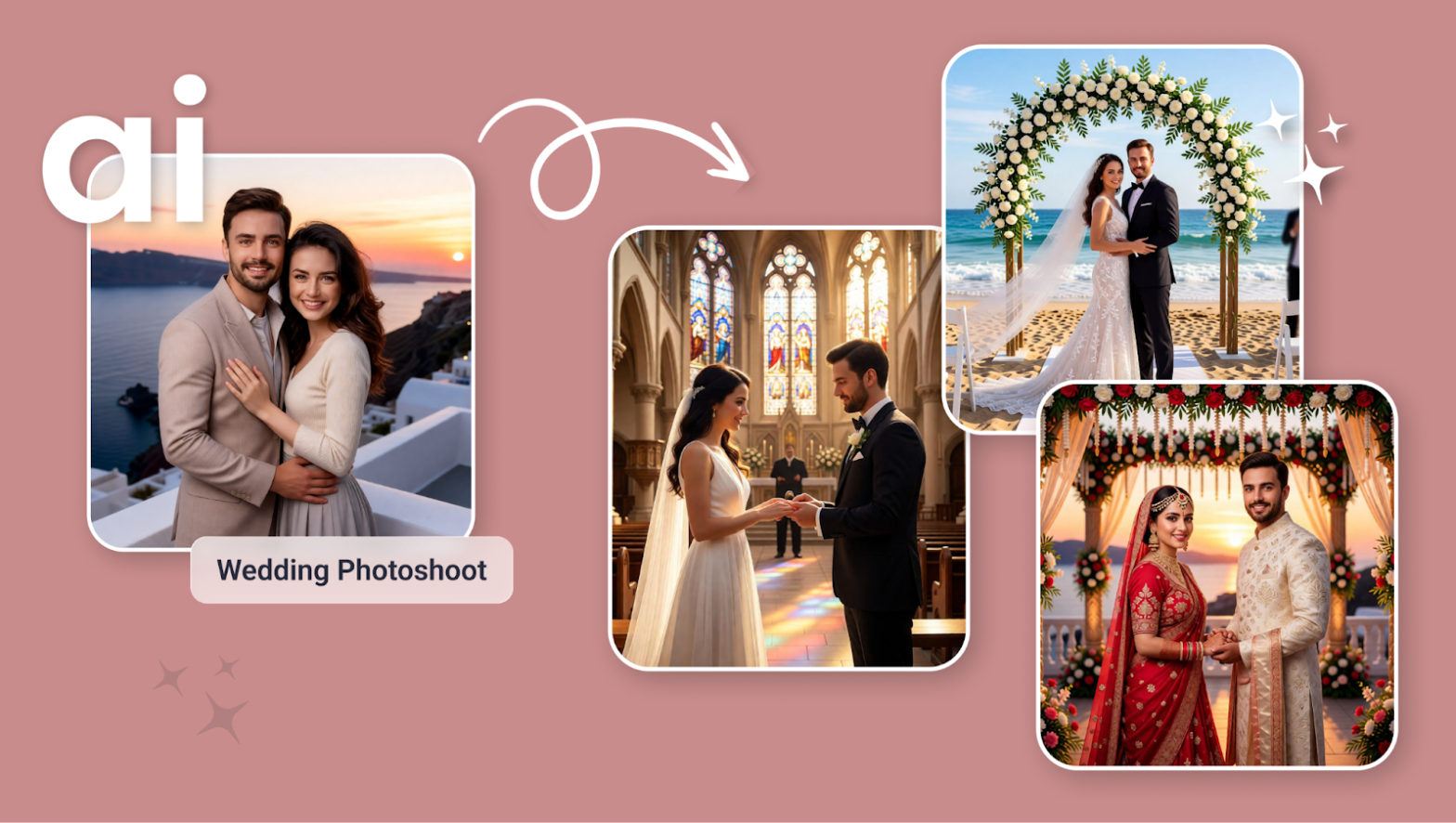
Step 2: Choose the template you like. You can also tweak the scene with prompts — keep the classic quinceañera hall or switch the vibe to a wedding dance video AI version if you prefer.
Step 3: Choose the right resolution and aspect ratio (select vertical 9:16).
Step 4: Click Generate, then download the final video.
Using the Image to Video tool
Step 1: Open the Image to Video tool.
Step 2: Upload a clear photo of yourself, your partner, friends, or family.
Step 3: Give the Prompt
Write a BbY WOW AI video prompt that describes the exact action. Mention the party setting, the walk toward the camera, the bite of the concha, the intense stare, and the walk-away.
For example: a person in formal clothes dancing through a brightly lit quinceañera hall, taking a bite of sweet bread, chewing with puffed cheeks while staring at the camera, then turning back into the crowd.
You can also change small details such as:
- Suit and tie → casual party outfit
- Concha → any snack you want
- Quinceañera hall → wedding reception or outdoor party
Step 4: Choose your preferred AI video model.
Step 5: Click Generate and let AI turn your photo into a personalized BbY WOW AI video with your photo.
Step 6: Download your video and share it as an Instagram Reel, Story, YouTube Short, TikTok video, or WhatsApp Status.
If you don’t want to upload a photo, you can simply create it with a strong text prompt in a text-to-video tool.
Sample Prompt and Structure to Follow for BbY WOW Dance Video
Here’s a strong BbY WOW AI video prompt you can copy and tweak. Just swap the outfit or the snack if you want a different twist.

Prompt example:
Cinematic handheld POV shot inside a lively quinceañera party hall at night. The room is filled with soft pink and deep purple fairy lights, cascading floral decorations, round tables covered in white cloths with glowing centerpieces, and guests in formal wear dancing and chatting in the background. Warm golden evening light mixes with the colorful party lighting, creating a dreamy yet energetic atmosphere with subtle lens flare and gentle bokeh from the string lights.A person in a sharp formal suit stands in the middle of the crowded dance floor. They begin walking confidently and smoothly toward the camera with a slight rhythmic bounce, as if moving to the beat. As they get closer, they lift a large Mexican concha (sweet bread) to their mouth, take a big, deliberate bite, and start chewing with visibly puffed cheeks. Their eyes lock directly onto the camera lens in a completely deadpan, almost challenging expression — no smile, just pure serious intensity.After a few seconds of holding that intense stare while still chewing, they slowly turn their body, still chewing, and dance smoothly back into the crowd with the same confident, casual energy, disappearing among the guests.Slight natural handheld camera shake, realistic fabric movement on the suit, soft depth of field, warm cinematic color grading, ultra-realistic skin texture and lighting, vertical 9:16 aspect ratio, 10–12 seconds long.
You can easily swap details:
- Change the bread to any food for a fun variation
- Switch the hall to a wedding or outdoor party setting
- Add a cowboy hat or different formal clothes
Keep the same structure: party background + clear walk-toward-camera + the iconic bite and stare + walk-away. That formula is what makes these clips feel like the original viral moment.
What You Will Get in the Videos
Your finished AI dance video will usually look like this:
- Length: 10 to 15 seconds — perfect for quick scrolls
- Shape: Vertical 9:16 (made for TikTok, Instagram Reels, and YouTube Shorts)
- Setting: Realistic quinceañera or party hall with warm lights and guests in the background
- Action: Someone walks toward the camera, bites the bread, stares, and walks away
- Camera style: Slightly handheld, natural movement that feels like a real phone video
- Overall feel: Chaotic, deadpan, and instantly recognizable as the BbY WOW Reels trend
In short, one photo or one prompt turns into a ready-to-post party dance video AI that fits right into the current viral dance trend in 2026.
Tips for the Best Results
- Use a clear photo with good lighting if you want your face recognizable. Simple formal or party clothes look the most natural.
- Be specific in your prompt. Mention the walk, the bite, the puffed cheeks, and the stare so the AI nails the iconic moment.
- Always choose vertical 9:16 so it fits perfectly on TikTok, Reels, and Shorts.
- Try small variations — different outfits, a wedding setting, or even a silly snack — to make your version stand out.
- Add the official “BbY WOW” sound or a trending sped-up version when you post.
- Keep the background busy but not chaotic so the face and the bite stay the main focus.
- Test a couple of different AI models; some handle facial expressions and body movement better than others.
Conclusion
The BbY WOW dance video trend is still growing fast in 2026, whether you want the classic quinceañera stare or a fun twist on the Karol G BbY WOW dance. You only need one photo and a clear prompt to create a dance video from an image and jump straight into the challenge.
This kind of AI dance video grabs attention instantly because it feels spontaneous and a little ridiculous, exactly like the original. Go make yourself dance with AI, post it, and watch how fast people recognize the moment.
FAQs
What kind of photo works best for a BbY WOW AI video?
A clear, well-lit photo where your face is visible and looking toward the camera works best. Simple clothes and a clean background help the AI keep your features consistent.
How long does generation take?
Most videos are ready in under a minute.
How can I keep the person’s face consistent?
Use the same clear photo every time and add a line like “keep the exact same face and features” in your prompt.
Can I make a version for a wedding or different party?
Yes. Just change the background description in the prompt to a wedding reception, outdoor party, or any other setting while keeping the same walk-bite-stare sequence.
 Create the Roadster Ramp Trend 🏎️
Upload your image and create a thrilling backward car jump off a ramp.
Create the Roadster Ramp Trend 🏎️
Upload your image and create a thrilling backward car jump off a ramp.