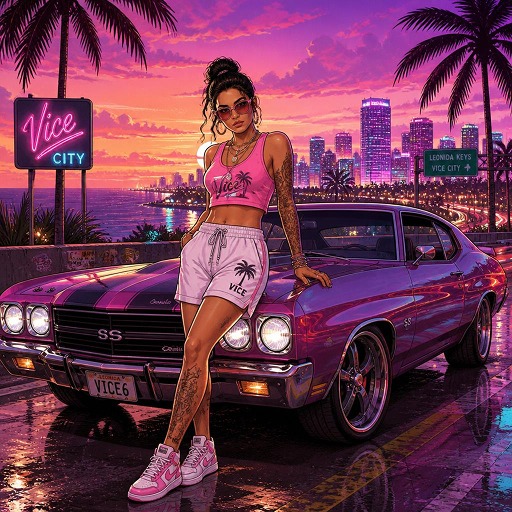
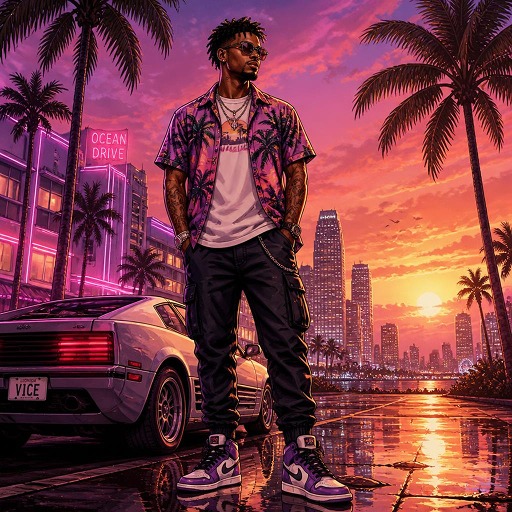
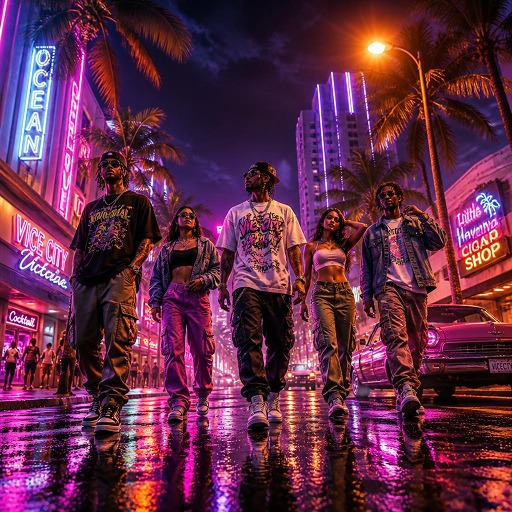
GTA 6 is finally here, and the excitement around GTA 6 ChatGPT prompts is bigger than ever. Players are not only exploring the game, but they are using AI to create GTA 6 roleplay characters, fan-fiction stories, YouTube scripts, gameplay plans, and viral Vice City-style photos. The game launched worldwide on November 19, 2026, and its Miami-inspired setting has already inspired a wave of AI-generated portraits featuring palm trees, luxury cars, neon streets, and sunset backdrops.
 Follow Us for Daily Trends
Get new prompts and creative ideas every day.
In this blog, you will find the best ChatGPT prompts for gamers, including GTA 6 roleplay prompts, character backstory prompts, GTA 6 story ideas, and Vice City prompts. You will also learn how to use these prompts in LightX to create AI images, posters, thumbnails, and social media content.
How to Write Good ChatGPT Prompts for GTA 6
A good ChatGPT prompt is clear, specific, and easy to understand. Instead of typing “make me a GTA 6 story,” give the AI a role, a task, context, and the format you want.
Use this simple formula:
Role + Task + Context + Format
Example:
“Act as a GTA 6 story writer. Create a 300-word fan-fiction scene set in Vice City. The main character is a stylish street racer trying to escape a criminal gang. Use cinematic descriptions, realistic dialogue, and a dramatic ending.”
For better results:
- Give ChatGPT a role, such as “Act as a GTA 6 RP character creator.”
- Add context, such as the character’s age, style, city, goals, and personality.
- Mention the tone: funny, dark, cinematic, romantic, or action-packed.
- Ask for a format: a list, a script, a backstory, a photo prompt, or a YouTube intro.
- Keep the first prompt simple, then refine the result with follow-up questions.
Top Trending GTA 6 ChatGPT Prompts
These prompts are useful for planning missions, exploring Leonida, choosing outfits, or organising play sessions with friends.
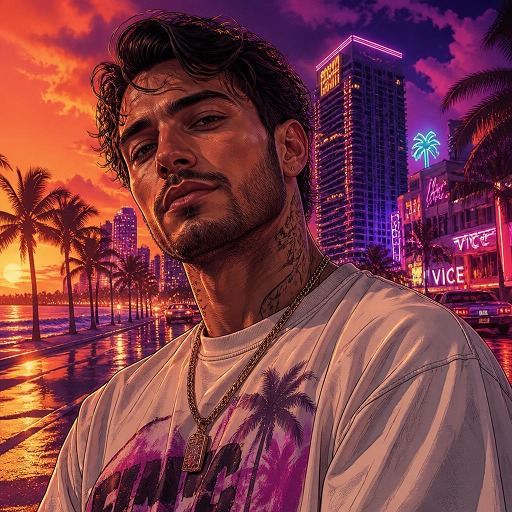
1. Vice City Character Portrait
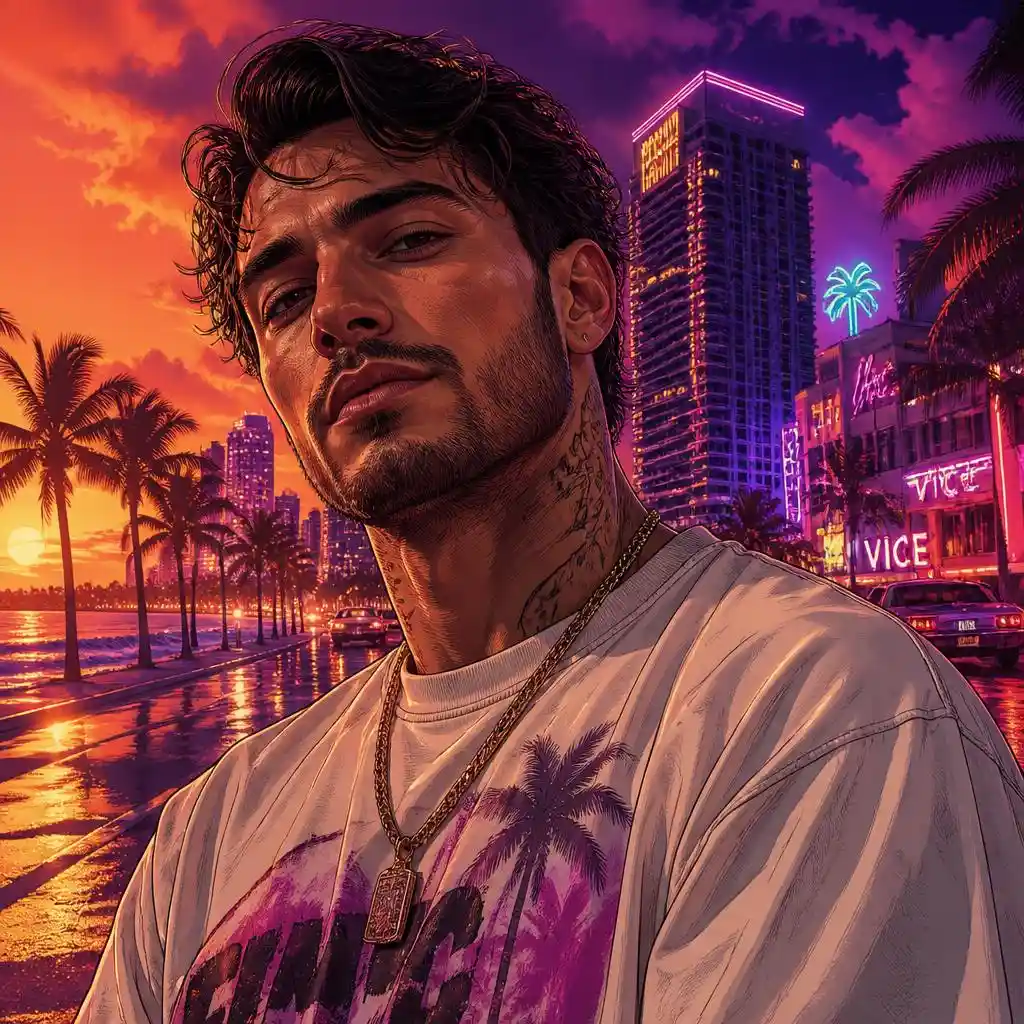
Prompt:
Create a close-up cinematic character portrait of the subject in a tropical neon city environment. Give the subject a confident, relaxed expression and stylish contemporary streetwear. Add glowing skyscrapers, palm trees, a waterfront road, and distant vintage cars in the background. Use a dramatic orange sunset blending into deep purple and magenta tones, with neon reflections and atmospheric depth. GTA 6-inspired semi-realistic video-game artwork, graphic-novel outlines, detailed facial rendering, rich colors.
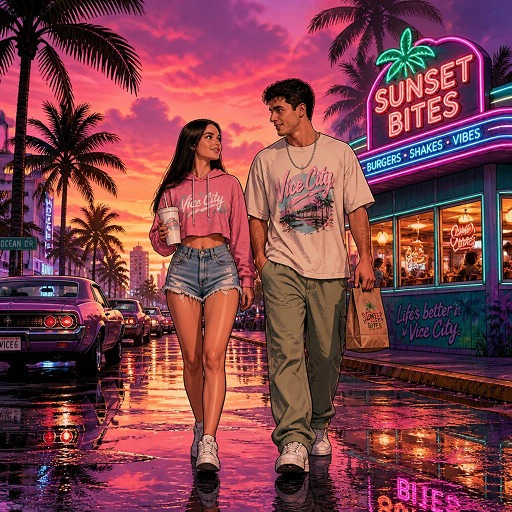
2. Vice City Street Date
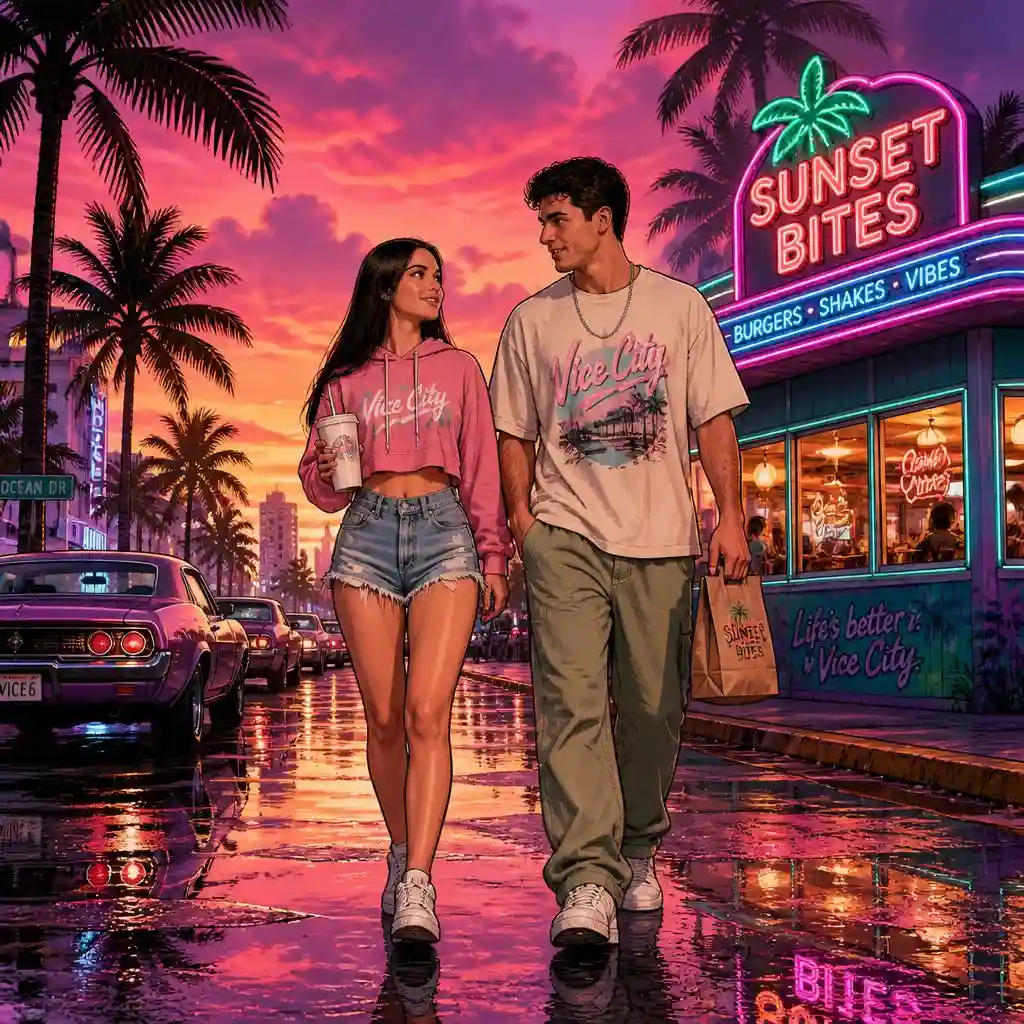
Prompt: Create an original GTA 6-inspired cinematic illustration featuring the subject walking along a lively tropical city street at sunset. The subject wears stylish casual streetwear with a modern urban aesthetic. Add a fictional roadside diner, tall palm trees, vintage cars, glowing storefronts, and colorful neon signage. Use a dramatic pink, purple, and orange sunset, wet pavement reflecting neon lights, bold graphic outlines, detailed digital shading, and a vibrant Vice City atmosphere. Full-body composition, slightly low camera angle.
3. Vice City Classic Car
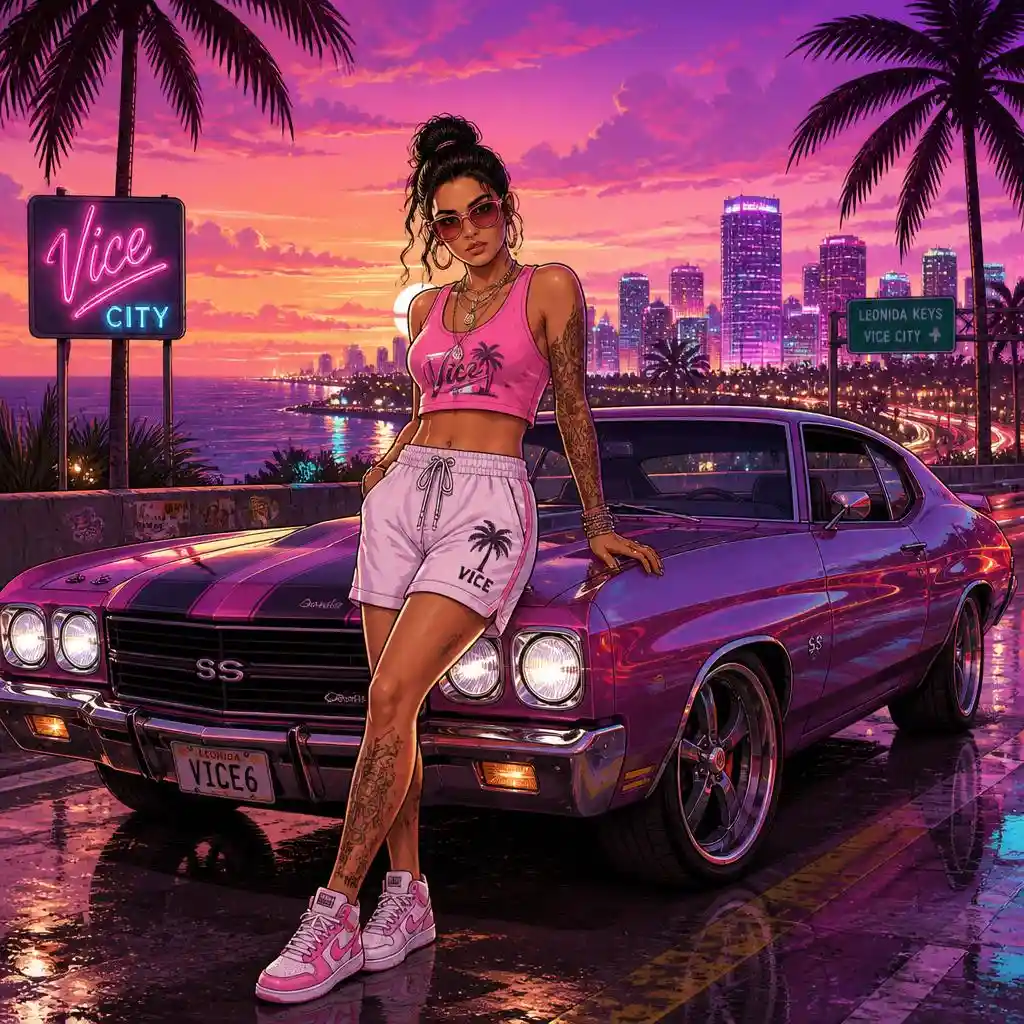
Prompt:
Create an original GTA 6-inspired illustration featuring the subject posing beside a customized vintage American muscle car. Use a relaxed, confident pose, with the subject leaning casually against the car. Add fashionable tropical streetwear, stylish accessories, and sneakers. Set the scene on an elevated coastal road overlooking a glowing tropical city skyline. Include palm trees, colorful city lights, and a deep purple-pink sunset. Use polished car reflections, bold comic-style outlines, detailed character rendering, and cinematic neon lighting. Full-body composition, vertical.
4. Vice City Editorial
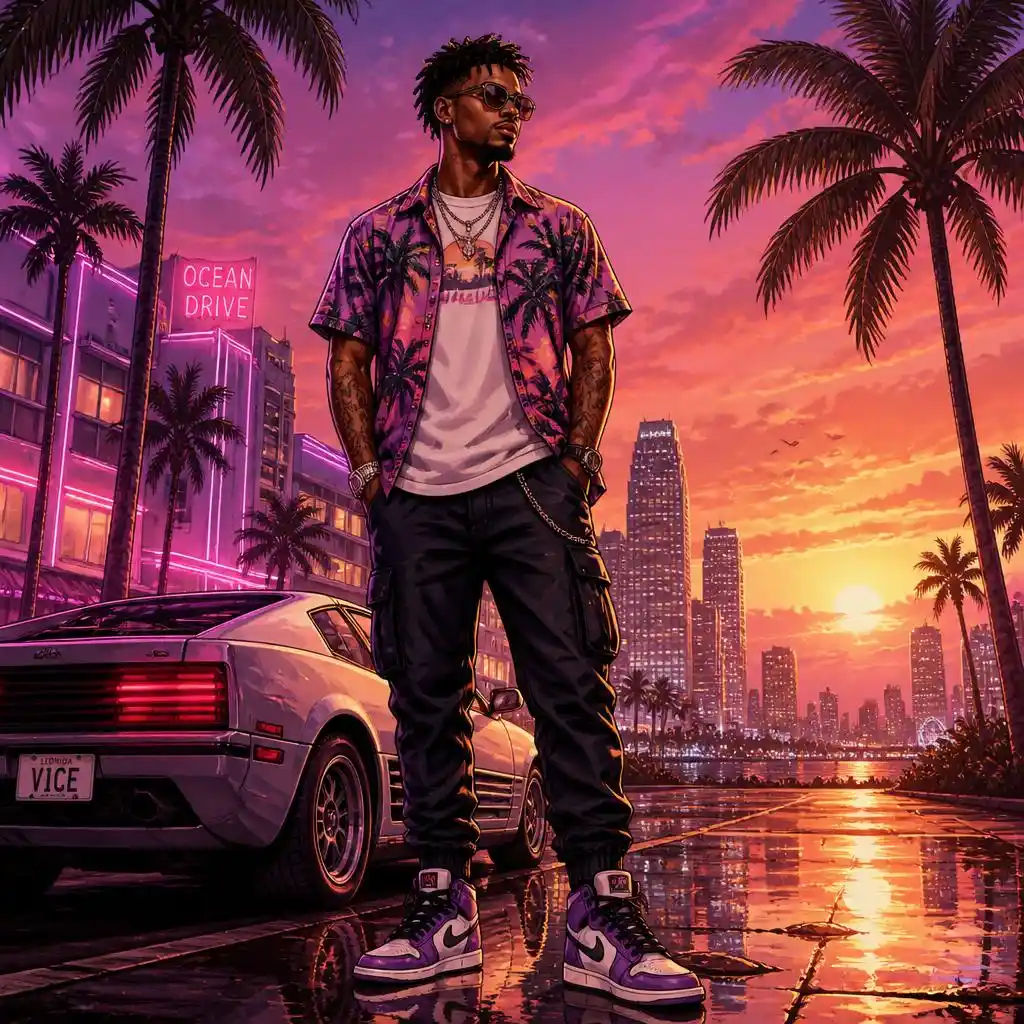
Prompt:
Create an original cinematic portrait featuring the subject standing confidently in a stylish tropical city setting. Use a fashionable streetwear outfit with a tropical-print shirt, layered clothing, and contemporary accessories. Add tall palm trees, distant neon skyscrapers, and a glowing pink-orange sunset. Use rich purple shadows, warm rim lighting, detailed digital painting, graphic-novel outlines, and a polished open-world video-game promotional aesthetic. Medium full-body composition.
5. Neon City Crew
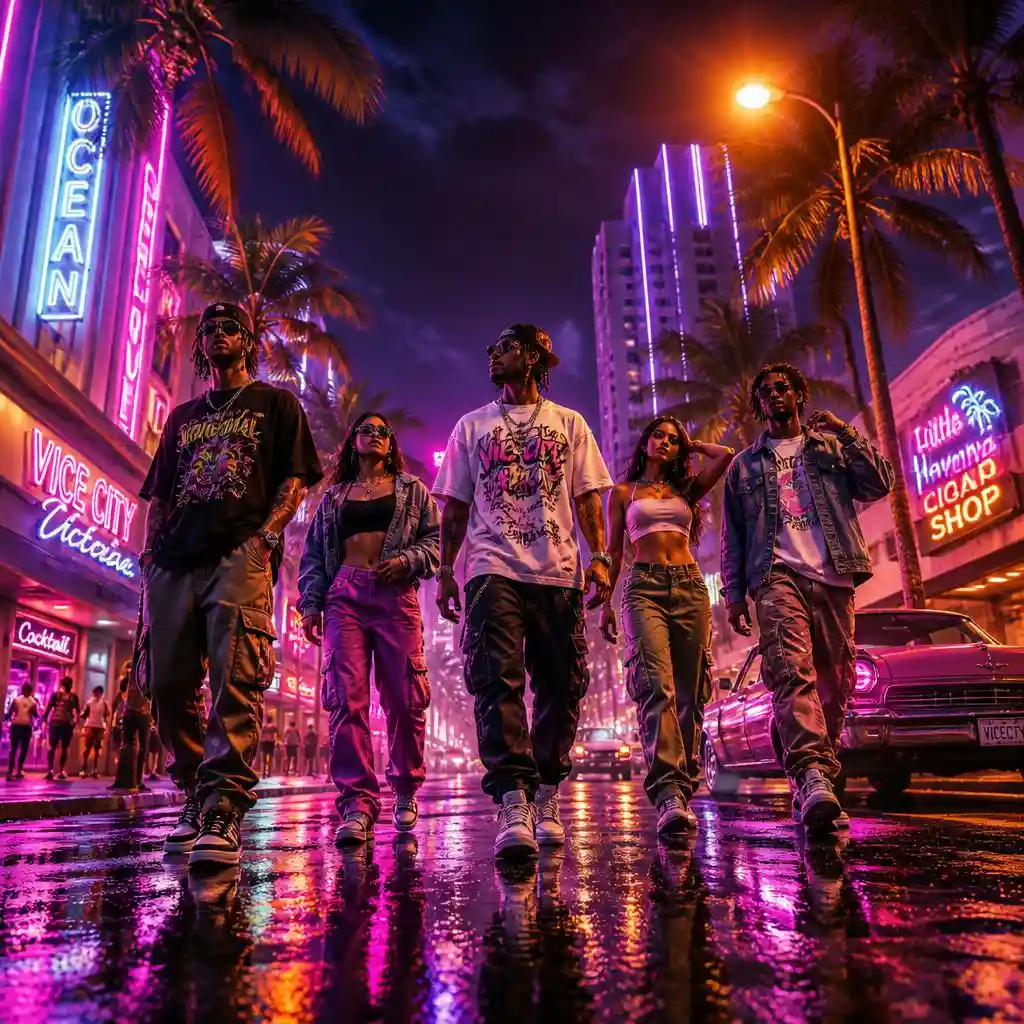
Prompt: Create an original cinematic scene featuring the subjects walking confidently together through a vibrant tropical city at night. Give each subject a distinct pose and individual streetwear outfit, including oversized graphic shirts, cargo trousers, denim jackets, sneakers, and subtle accessories. Surround them with palm trees, neon-lit buildings, vintage cars, and colorful shop signs. Add reflections across a rain-soaked street and warm orange streetlights contrasting with magenta and purple neon. GTA 6-inspired open-world game artwork, dramatic low-angle wide shot.[/lx_prompt]
How to Create GTA 6-Style Photos with AI in LightX
Step 1: Open LightX & Select Image to Image Tool
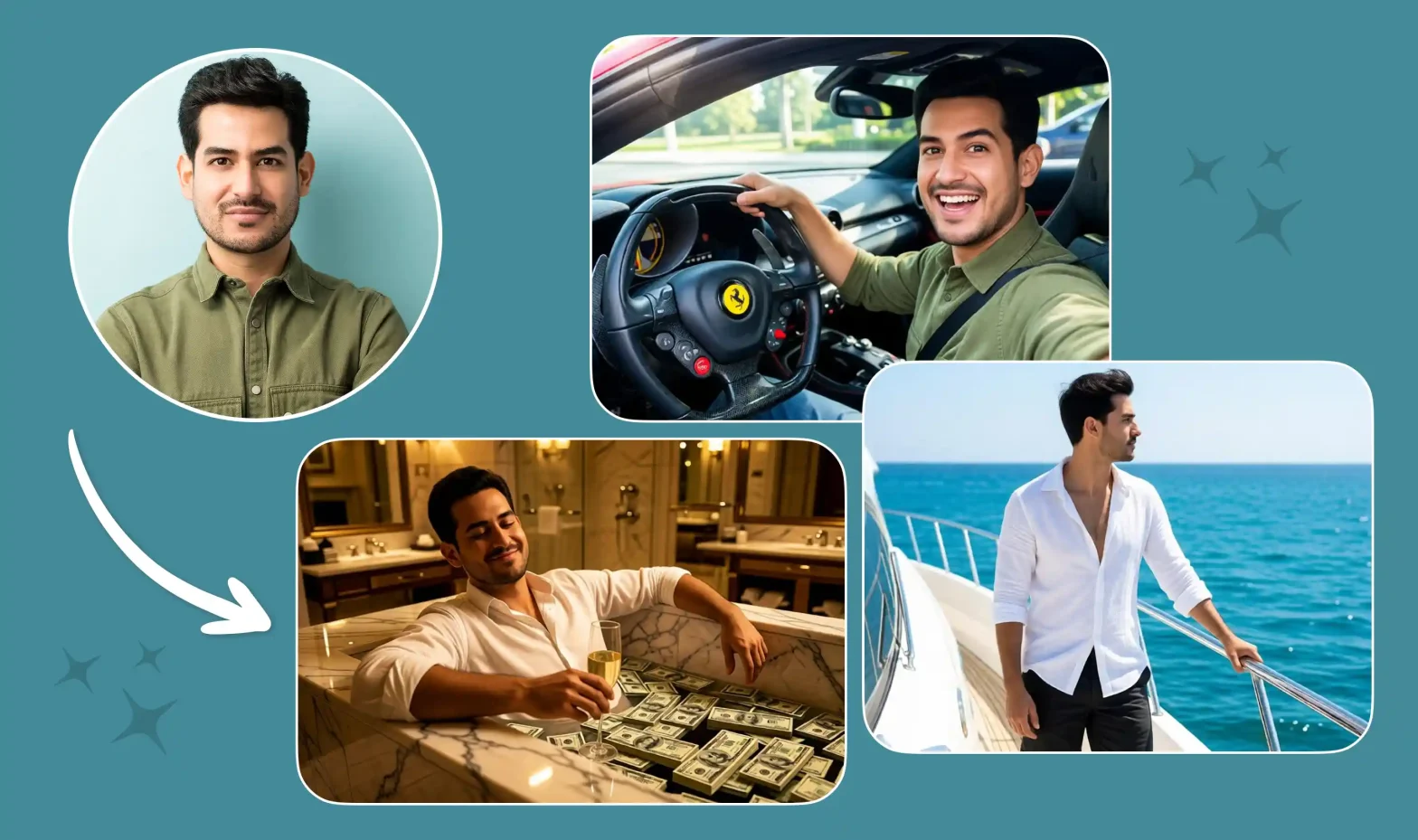
Open Image to Image in LightX. Upload an existing photo and transform it into a GTA 6-inspiredVice City-style design using AI.
Step 2: Upload a Photo
Upload a clear portrait, selfie, group photo, couple photo, or any image you want to edit. For best results, use a well-lit photo where your face is clearly visible. LightX supports JPEG and PNG uploads.
Step 3: Paste Your GTA 6 Prompt
Copy and paste your favourite GTA 6 AI photo prompt into the prompt box. You can customise it with Vice City-inspired elements such as:
- Palm-lined streets and coastal roads
- Neon signs, pink-purple skies, and sunset colours
- Luxury sports cars and rain-soaked roads
- Beaches, yachts, rooftop views, and city skylines
- Stylish streetwear, summer outfits, or formal suits
- Cinematic lighting, reflections, and video-game poster effects
Example prompt:
“Transform my uploaded photo into a GTA 6-inspired Vice City portrait. Keep my facial features, hairstyle, skin tone, and natural expression unchanged. Place me beside a luxury sports car on a palm-lined street at sunset. Add pink and purple neon lighting, a coastal skyline, cinematic reflections, and a stylish video-game poster look. No text, logos, or watermarks.”
Step 4: Select an AI Model
Choose the AI model that matches the GTA-style result you want:
1. GPT Image – Best for realistic portraits, detailed photo editing, and clean GTA-style character transformations.
2. Flux Image – Great for cinematic visuals, rich lighting, and professional-looking Vice City scenes.
3. Nano Banana – Ideal for quick edits, fast generations, and simple photo transformations.
4. Seedream – Best for artistic GTA-inspired posters, digital art, and creative visuals.
5. Wan – Suitable for realistic visuals, cinematic posters, and high-quality GTA-style images.
Step 5: Generate and Download
Click Generate to create your GTA 6-style image. If you want a different look, edit the prompt, change the AI model, adjust image strength, or regenerate the image until you are happy with the result. Once finished, download the image in high quality.
Pro Tips for Better Results
- Iterate and refine: If the first image or story is not right, ask ChatGPT to change the lighting, outfit, mood, camera angle, or character details.
- Do not use AI for exploits, cheats, or ToS-violating tricks: Use AI for creativity, planning, storytelling, and content, not for cheating, account boosting, or breaking game rules.
- Protect your identity: Do not upload private photos of other people without permission.
- Avoid official logos in prompts: Asking for game logos or trademarks can create poor results or trigger content filters; “no text, no logos, no watermark” is a safer instruction.
Conclusion
GTA 6 ChatGPT prompts are a fun way to enjoy the launch beyond gameplay. You can use them to build GTA RP characters, write Vice City-inspired fan fiction, plan gameplay sessions, and design viral AI photos. The best prompts are specific: give ChatGPT a role, add context, choose a tone, and clearly state the format you want.
Whether you want a neon Vice City portrait, a cinematic story scene, or a GTA 6 Shorts idea, start with one simple prompt and improve it step by step.
FAQs
How long should a GTA 6 prompt be?
A good GTA 6 prompt can be 2–6 sentences. Include the role, task, setting, style, and format. For AI photos, also mention lighting, background, outfit, colours, and “no text or logos.”
Can I customize the output?
Yes. After the first result, ask for changes such as “make it darker,” “add a beach background,” “make the dialogue funnier,” or “keep my face the same.” Small follow-up instructions usually improve the result.
Is my data safe on LightX?
Yes, LightX is safe for creative editing and AI image generation. It is designed to help users edit photos, create AI images, and generate creative designs securely.
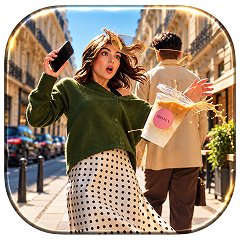 Create the Floating Fall Trend
Upload your image and create a cinematic floating fall effect.