If you want to recreate viral video content that not only stops scrollers dead in their tracks, but also opens your gateway to online fame. Learning how to make bakery window cake cutting trend videos is your ultimate fast-track to social media growth and engagement.
 Follow Us for Daily Trends
Get new prompts and creative ideas every day.
The internet is obsessed with these compulsive cake cutting videos. And nothing commands attention quite like watching a knife slice smoothly through a creamy frosty chocolate cake. Now, this is a trend taken to an AI parody with football stars, celebrities, and adorable pets/animals aligned together. And it’s irresistible. Whether you own an artisanal bakery, run a dessert shop, or are just feeling silly on the internet with your pet, pulling off this style can get you high engagement.
What Is the Bakery Window Cake Cutting Trend?
The Format
The main idea of the video is a reel, short or TikTok that is filmed from a plain, street-level perspective. Its structure mimics that of a shiny and yummy treat in the front window of a bakery. Sitting within the glass are some confections (like chocolate layered tiramisu, textured cakes, or a strawberry shortcake in pieces). Like a daily shop baker, a human hand cuts them with a knife before cutting a clean slice down the middle. Some great layers, colored fillings, or unexpected textures reveal themselves through the cut. In a mix, one cat is pointing at the cake, and an AI pet bakery video made from the photo is astonishing and so is the pet with cake-slicing gestures.
Why So Popular?
Humans love such illusions. It is the brain’s way of trying to guess reality Vs fiction. The visual appeal of this content is similar to those of ASMR videos. The symmetry of a clean cutting cake and its deliciousness is something the audience craves. Because such videos are widely popular, viewers watch them until the last second. Hence pushing completion rates to sky-high on Instagram reels and TikTok.
How To Make The Bakery Window Cake Cutting Trend
LightX is the best choice because it has both an AI dance video generator and a Reference to Video tool. The dance video maker can produce a dancing video using a one photograph, while the reference to video makes it possible to describe the characters, upload images, create specific prompts and choose the video format.
Using a Pre-defined Template
Step 1: Choose the character for the image.
Upload one clear photo of yourself, your cat, dog, or any pet you want in the video.
Step 2: Select the bakery cake cutting template.
Pick the template so the AI automatically adds the clothes, makeup and touch in the end.
Step 3: Change the background using prompts.
You can keep the classic bakery in the old town on the street. Customize it with prompts such as street view, hallway and other vibes in the scene.
Step 4: Choose the appropriate resolution and aspect ratio.
Select vertical 9:16 for TikTok, Instagram Reels and YouTube Shorts.
Step 5: Click Generate, then download the final video.
Your pet thriller dance AI video will usually be ready in a 10–15 second vertical format.
If you want to make a video from scratch, use our Image to Video Tool.
Using Reference to Video (Step-by-Step)
Step 1: Go to the Reference to Video Tool.
Step 2: Define your character.
Upload one clear photo of your cat, dog, or another pet. Make sure the face, fur color, and markings are clearly visible.
Step 3: If you own a clip of the video, add it as the video reference.
Upload the reference clip and write a prompt to replace the pet in it. For example:
“Replace the pet in the video with the pet in my reference image while keeping the exact same hand gestures attached.”
Step 4: If you don’t have a driving video, create the whole effect with a prompt.
Be clear about the look, setting, and action. In your prompt, you can mention:
Character: Pet photo, breed, fur color, markings, expression, and style. For example, “a cat standing on a window of a bakery to order cake”.
Scene: Street, afternoon, happening surrounding, and more.
Action: An exact same hand sequence of the character in image 1 person 1.
Who Should Attempt This Reel
For people looking to get on with this trend, here is a list of people who should attempt this trend and why.
- Pet owners: these reels are perfect for turning a favorite cat or dog snapshot into an AI pet bakery video from photos to make your followers keep coming for more.
- Food professionals & home bakers: this reel is great for showing your audience some new fun desserts you make.
- Bakeries and Cafes: this reel is ever growing. It has a low cost marketing tool to drive foot traffic. Maybe get some return on investment.
- Influencers or Food content creators: this is ideal for anyone wanting to jump on a trend and take advantage of the hiked engagement around this.
Use These Prompts Directly
Use this ready-to-go prompt in your preferred AI video generation tool to kickstart your project.
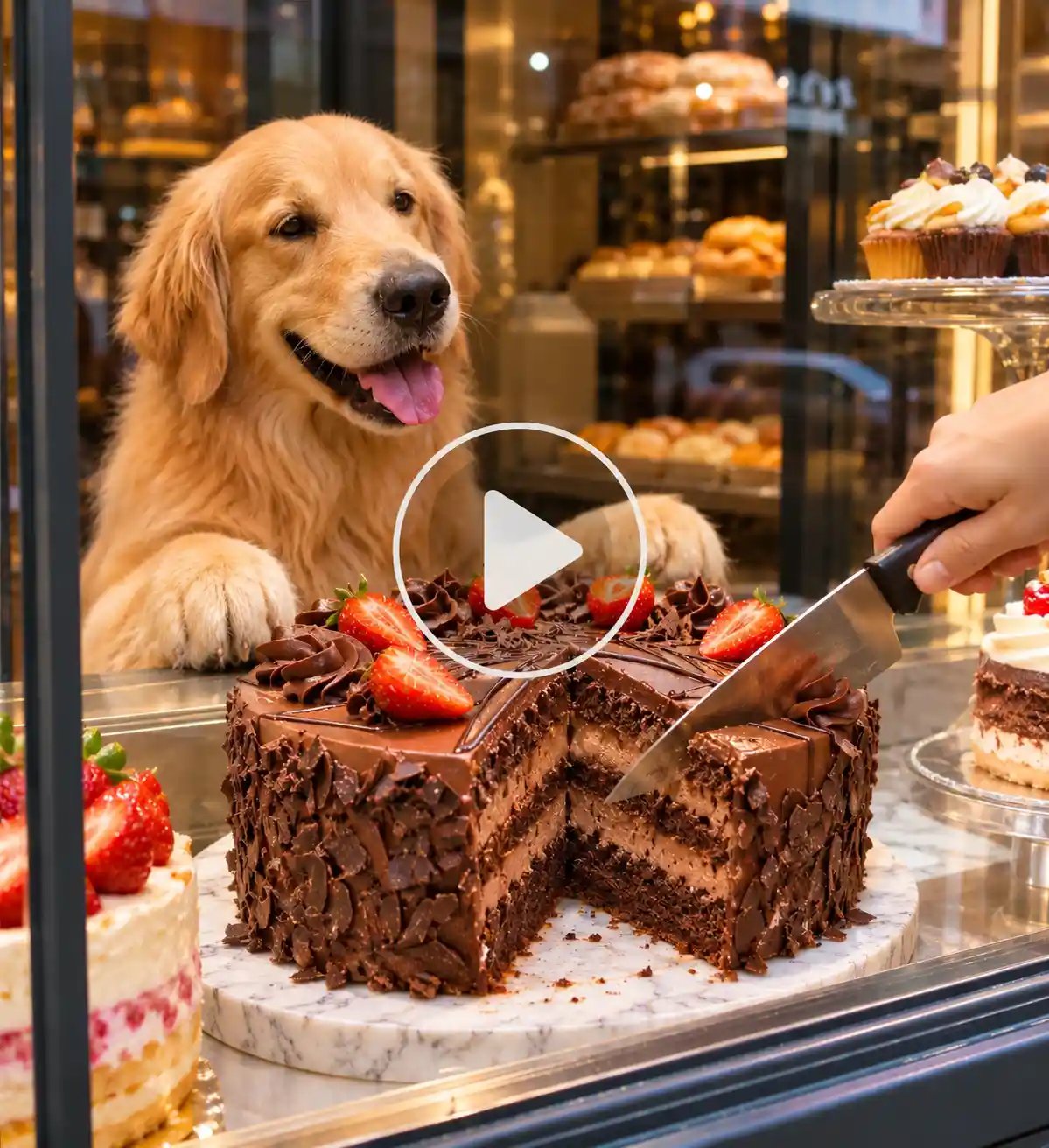
Bakery Window Cake Cutting AI Video Prompt:
“A hyper-realistic video shot through a clean glass bakery display window. Inside a cozy patisserie, a detailed, textured object sits on a marble slab. A baker’s hand enters the frame holding a sharp knife and slices cleanly down the center, revealing soft, colorful layered sponge cake and rich cream inside. Cinematic lighting, smooth motion, highly satisfying ASMR visual style.”
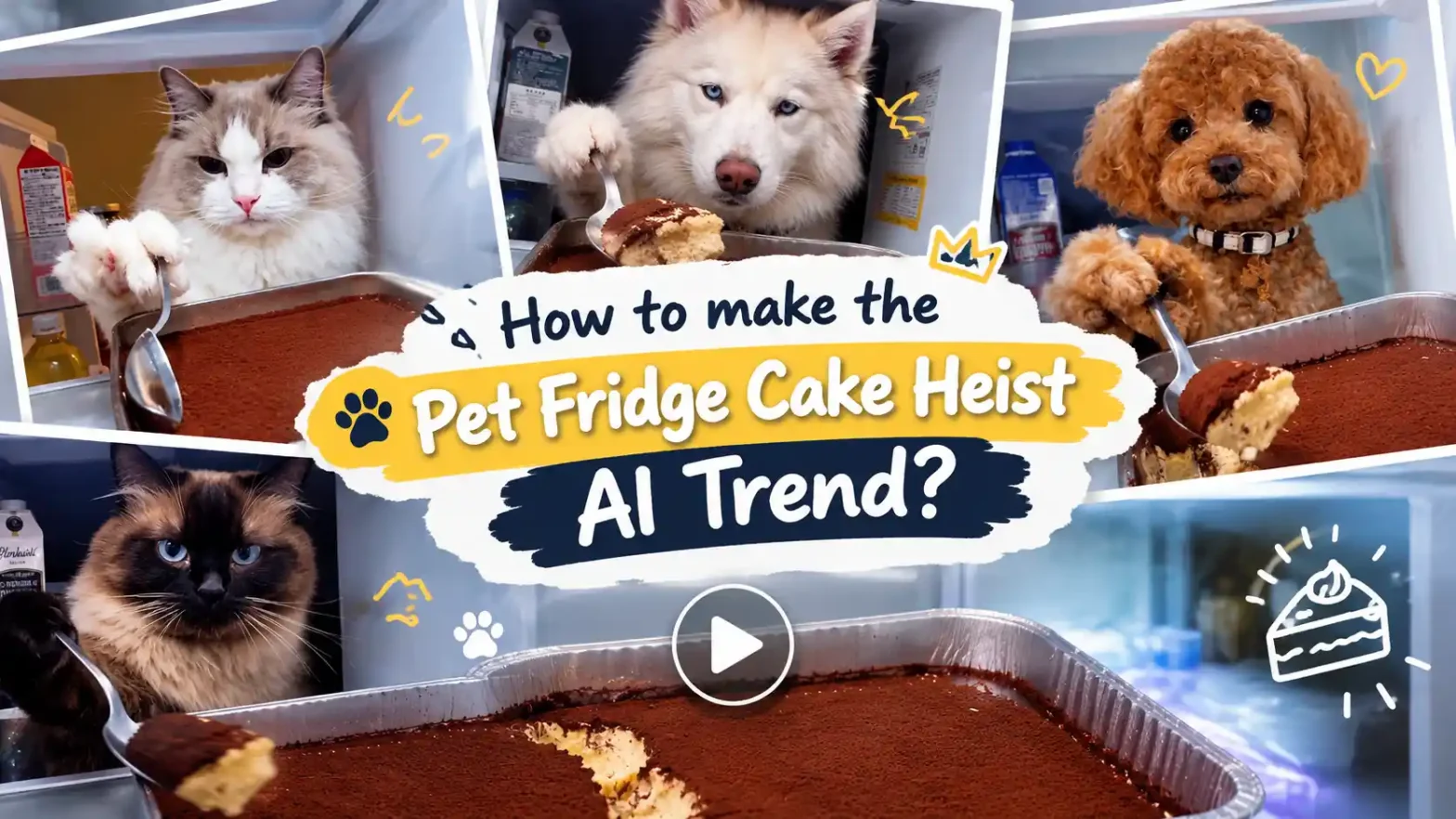
Also read: How To Make The Pet Fridge Cake Heists AI Trend
Tips To Make Your Video Go Viral
- Maximize the first few seconds: start the video right as the knife touches the cake. This way the viewers will not scroll fast and leave before the reveal.
- The Cat Reaction Angle: Pairing the realistic cake slice with a cat pointing at food video or a side by side shot of a confused pet makes massive engagement.
- Put text overlays: play with text overlays. Add captions like “wait for it” and “my cat is judging me right now.”
- Post almost everyday: Staying consistent is the best way to increase your engagement. Use our AI video generator for instagram reels.
Mistakes That Need Attention
- Do not ignore aspect ratios, resolution, format and length settings before exporting the video.
- Use blurry images to prevent AI from accurately mapping other facial expressions.
- Muted Audio: Make sure the video has ASMR sounds and effects.
Final Thoughts
The bakery window cake cutting video trend is a proof that satisfying videos are on the rage today. The illusions with AI creativity is one of the easiest ways to capture attention online. If you want to excel in this trend, try our video generator. Make pet videos, celebrities parodies, and trending videos in just a few clicks.
FAQs
- What kind of photo works best?
A clear base image that looks natural and well lit will work best.
- What resolution should I export the video in?
For a video for phones and reels, 480p or 720p works best.
- What file formats and sizes can I upload?
You can upload WebP, JPEG and PNG format images. There is no limit to the file size you can upload.
- How long can the video be?
The video can be up to 30 seconds long.
Follow Us for Daily Trends
Get new prompts and creative ideas every day.