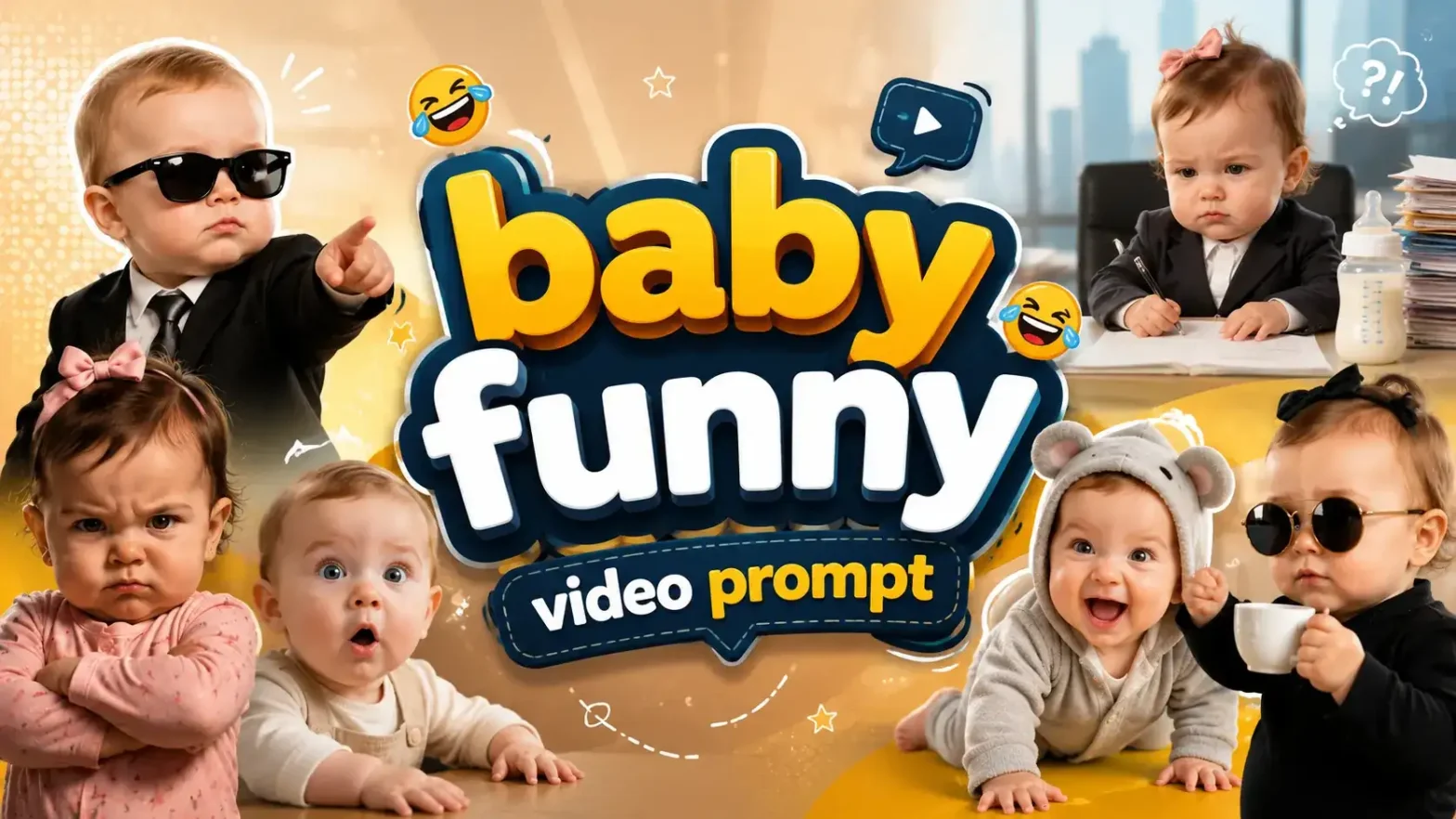
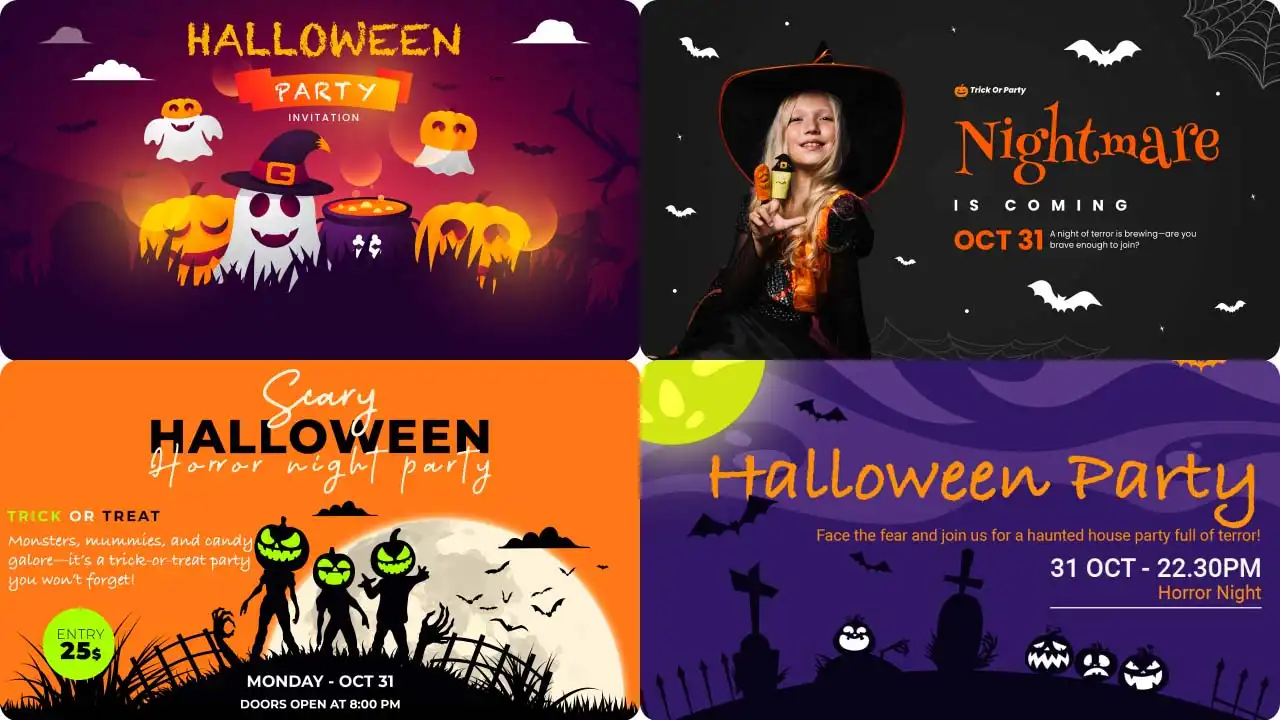
Hey, Halloween is just around the corner, but it’s hard to fully enjoy the season when you’re stressing about what your little one should wear and how you’ll capture beautiful pictures of them. If you’re facing a thousand problems, there’s one simple solution.
 Create the Rain Dance Trend ♫
Upload your image and create rain dance music video
Create the Rain Dance Trend ♫
Upload your image and create rain dance music video
Don’t worry, AI is here to help. You can create a perfect AI Halloween baby video in just minutes. With unlimited costume options, you can dress your child up as a bat, joker, witch, pumpkin, spider, vampire, and so much more.
In this blog, you’ll learn exactly how to make an AI Halloween baby video, plus practical tips and tricks to make your clips look realistic and shareable.
What Is the AI Halloween Baby Video Trend?
This year’s trending baby Halloween costume video style blends two popular formats that parents and creators can’t stop sharing.
- The studio style features clean, polished looks. Think a cute baby costume like a spider costume, pumpkin costume, ghost costume, or bat wings costume against a white pumpkin backdrop with soft studio lighting. The baby sits or “walks” in a dreamy, cinematic setting that feels like a professional newborn Halloween or first Halloween session.
- The doorbell-cam style is more playful and realistic. It shows the baby (sometimes with a pet) in a doorbell cam Halloween AI video setup, heading out for trick-or-treating in matching outfits. Popular versions include baby pumpkin walking, little vampire, witch dress-up, granny looks, or even a joker dress-up twist for older toddlers. Matching pet costume or baby and dog costume versions perform especially well.
These clips go viral because they feel personal, shareable, and low-effort. Parents love the parenting trends angle, capturing infant costume or toddler costume moments without the real-life hassle, and the vertical video format is perfect for Instagram Reels, TikTok trends, and YouTube Shorts. Add trending audio, and the result becomes highly shareable content that friends and family save and share.
What You Need Before You Start
- A clear, well-lit photo of your baby’s face (front-facing works best).
- An image-to-video AI tool that supports AI Halloween baby video with photo uploads.
- Basic AI image prompts or ready-to-use AI Halloween video prompts.
- Optional: a photo of a pet if you want baby and dog costume or matching pet costume scenes.
- A phone or computer to generate and export vertical video.
That’s it. No real spider costume, pumpkin costume, or Halloween decor required.
Stepwise Guide on How to Create an AI Halloween Baby Video
Using a Pre-defined Template
Step 1: Choose the character for the image. Upload one clear photo of your baby.
Step 2: Change the background and outfit using prompts (for example, “white pumpkin backdrop with soft studio lighting” or “front porch with Halloween decorations”).
Step 3: Choose the appropriate resolution and aspect ratio (select vertical 9:16).
Step 4: Click Generate, then download the final video.
If you want to make a video from scratch, use our Image to Video Tool.
Using Reference to Video (Step-by-Step Guide)
Step 1: Go to the Reference to Video Tool.
Step 2: Define your character. Upload one clear photo of your baby.
Step 3: If you own a driving video, add it as the video reference and write a prompt to replace the person in it. For example: “Replace the person in the video with the baby in my reference image while keeping the exact cute Halloween movements and soft expressions.”
Step 4: If you don’t have a driving video, create the whole effect with a prompt. Be clear about the look and the action. In your prompt, you can mention:
Character: image, outfit, expression, and style (for example, adorable baby face, pumpkin costume/spider costume/bat wings costume / little vampire look, soft natural expression)
Scene: background, lighting, camera angle, and more (for example, clean white pumpkin backdrop with studio lighting or cozy front porch with Halloween decor)
Action: the exact Halloween sequence — gentle head turn, tiny hand wave, soft sitting or “walking” motion in costume, cute reaction, and warm smile
Free Prompts You Can Copy and Paste
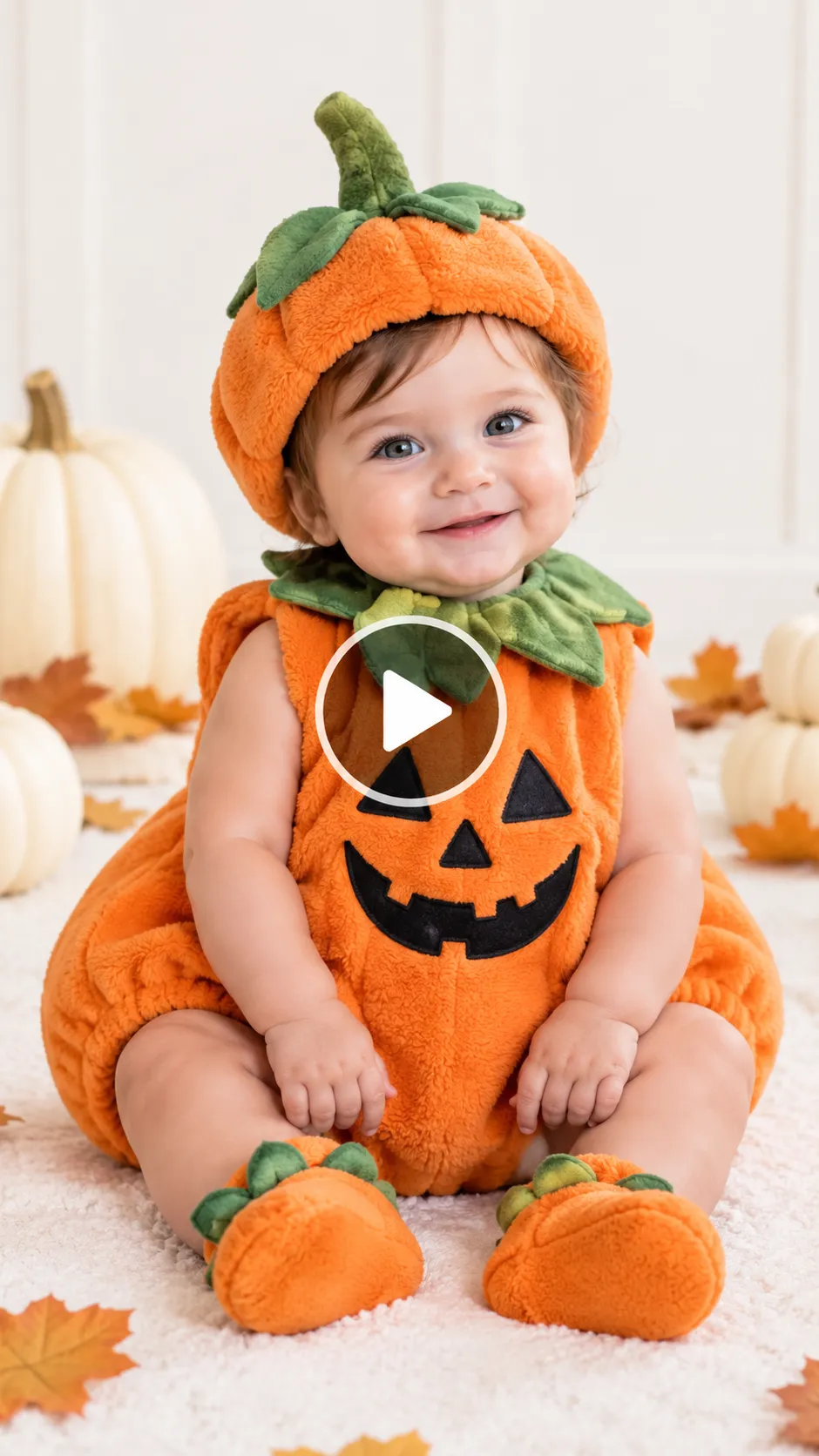
Prompt :
Character look: Adorable baby with clear facial features, soft natural skin texture, big curious eyes, and a gentle expression. Wearing a fluffy orange pumpkin costume with a green stem hat. Full body visible, chubby cheeks, tiny hands, and soft limbs.
Background setting: Clean white pumpkin backdrop with a few white pumpkins and soft autumn leaves scattered around. Soft studio lighting, bright and cozy.
Camera angle: Steady front-facing medium shot, vertical 9:16 aspect ratio, slight slow push-in.
Motion effects: Performs a sweet Halloween sequence — baby sits still for a moment, slowly turns head toward the camera, gives a tiny smile, lightly waves one hand, then settles back with a soft happy expression. Smooth and natural movements only.
Song: Soft trending cute Halloween audio or gentle, playful music.
Scene description: In a bright studio setting, the baby appears in an adorable pumpkin costume and performs gentle, heart-melting movements. Ultra-realistic motion, high quality, 8–12 second vertical 9:16 video.
Common Problems and How to Fix Them
- Distorted hands or faces — Use a sharper, higher-resolution source photo and add “keep facial features and hands realistic and undistorted” to the prompt.
- Jerky motion — Request “smooth, natural, gentle movement” and keep clips short.
- Mismatched costumes — Explicitly say “maintain the exact same [spider costume/pumpkin costume] throughout the entire clip.”
- Flickering backgrounds — Specify a simple, stable setting such as “solid white pumpkin backdrop” or “steady porch background with soft lighting.”
Regenerating with these refinements usually solves the issue in one or two tries.
Related blog: How to Make a Bottle Kick Challenge Video
Tips to Get More Saves and Shares
Keep the video under 10 seconds so it loops cleanly. Pair it with trending audio that matches the mood. Post with a simple caption that tags a mom friend or mentions the viral AI baby Halloween trend. Use hashtags related to first Halloween, infant costume, and parenting trends. Vertical video optimized for Instagram Reels, TikTok trend, and YouTube Shorts performs best. Clear, heartwarming clips with a baby and dog costume or classic pumpkin costume tend to earn the most saves and shares.
Conclusion
Creating an AI Halloween baby video is faster and less stressful than a traditional Halloween photoshoot. With one photo, the right AI Halloween video prompts, and a few minutes, you can produce a cute, shareable clip that captures the spirit of newborn Halloween or first Halloween without the costume battles. Whether you choose a studio spider costume look or a playful doorbell-cam pumpkin baby walking scene, the result feels personal and timely. Try one of the free prompts above and join this year’s wave of realistic AI video content.
FAQ
How long should an AI baby video be?
Aim for 5–10 seconds. Short vertical clips perform best on Instagram Reels, TikTok, and YouTube Shorts and encourage more saves and shares.
How do I keep the costume consistent across the whole clip?
Include clear instructions in your prompt such as “keep the same spider costume/pumpkin costume/ghost costume throughout the entire video with no changes.”
What resolution should I export at?
Export at the highest resolution the tool allows, ideally 1080p or higher in vertical 9:16 format for the cleanest look on social platforms.
Is it safe to upload my baby’s photo to an AI tool?
Choose reputable tools with clear privacy policies. Review their data-handling practices, avoid uploading sensitive personal details, and consider using a cropped or slightly edited photo if privacy is a major concern.
 Create the Viral Hotel Lobby Trend 🎵🔥
Upload your image and transform it into a viral music video.
Create the Viral Hotel Lobby Trend 🎵🔥
Upload your image and transform it into a viral music video.