Ever feel like your social media feed has transformed overnight into a glowing golden-hour stage? Suddenly, everyone seems to be showing off smooth, perfectly synchronized dance moves in front of the gas station arena at sunset. If you’re also wondering how to do the gas station dance, let’s dive deep into this new trend and help you create something you’ll love.
 Create the Storm Dance Trend 🌪️🕺
Upload your image and bring the viral storm dance to life.
Create the Storm Dance Trend 🌪️🕺
Upload your image and bring the viral storm dance to life.
Upload a photo and let AI recreate the ultimate gas station aesthetics. Turn a casual selfie or OOTD photo into an eye-catching, synchronized dancing video or simply step up the game by making a golden hour clip for Instagram views and social media engagement. Automatically generate your forecourt dance with a dramatic selfie, and a sleek car step-out in just seconds. Download and share the video for it to go viral!
What is the Gas Station Dance Trend?
The gas station dance AI trend is a viral short form video concept that combines cinematic golden-hour aesthetics with high-energy street dancing. This trend is defined by a signature three shot format:
- Forecourt Dance: A wide and medium shot showing that the person is performing smoothly, energetically with dance moves under the glowing canopy of a gas station during a sunset.
- Selfie Close-up: A crisp, front-facing camera angle capturing your personality, direct eye contact and warm subtle golden lighting. You can also edit your daily fits into dynamic chic wear in motion in this gas station neon lighting AI video.
- Car Step-Out: A cinematic tracking shot of stepping out from a vehicle into a frame adds an effortless and high-production feel. You can also edit photos of your family and friends in this group dance routine for celebrations or birthdays.
This trend was originally popularized by viral creators like Mikhail Litvin, Ravshan and Adel, who filmed high-energy dance routines and stunts in everyday urban locations, the concept quickly took the Internet by “awe” and it spread across TikTok, Instagram reels and YouTube shorts.
As this aesthetic grew famous, AI face-swap and video generator tools adopted the format into customizable templates. Now users don’t even need expensive camera’s, setups, golden hour timing or even actual dance skills because they can simply swap their face into pre-rendered high quality templates to join the trend instantly.
What You Need To Know Before You Start?
To get the cleanest AI generation without glitching or distorted face blends, prepare your photos using this quick checklist:
1. 1 to 3 Clear Photos:
- Full body Shot: Clear, head-to-toe photo for matching proportions during the forecourt dance and car step-out sequences.
- Front-Facing Selfie: A sharp eye-level close-up for the selfie portion of the sequence.
2. Good lighting: Make sure your face is even-toned with clear features and minimal harsh shadows.
3. No Accessories: Avoid wearing sunglasses, hats or caps, face masks or any other thing that can confuse AI-detection algorithms in even a slight way.
4. Target Platform: Have your preferred app (such as LightX for AI Templates) selected and ready to-go.
Here’s How You Do Gas Station Dance AI Trend
LightX makes the process hassle-free. Here’s how it works:
Step 1: Open the Gas Station Dance template in LightX
Step 2: Upload 1 to 3 photos
Step 3: Click generate
To elaborate, LightX uses a pre-formatted reference motion video that already contains the exact movements and timing from the original video, plus the audio track. Once your photos are uploaded, the system runs a face (and body) swap onto that dancing video. The result is both outstanding and creative.
Solo Version Vs. Group Version
When creating a Gas Station Dance video, you have two primary options for structuring your photos better:
- Solo Version (Single Subject)
- Photo Setup: Upload the photo you want.
- Result: The AI maps your face and body from all directions and angles for all three shots. The forecourt dance, the selfie close-up and the car step out. This also maintains uniformity in identity throughout the entire sequence for an effortless single-person viral reel.
- Group/Trio (Multiple dancers):
- Photo Setup: Upload three separate photos of different individuals who are part of the reel.
- Result: Depending on the AI template platform such as LightX, the generator will assign each photo to a specific shot or place all three individuals side by side during the dance section. This turns the trend into a coordinated group performance with friends or teammates.
See related blogs: How to Make an AI Storm Dance Video From Photo
Gas Station Dance AI Video Prompts You Can Directly Use
If you are using text-to-video or image to video generative AI tools (such as LightX) rather than a pre-made face swap template, just copy and paste these pre-formatted texts as it is:
Golden Hour Classic
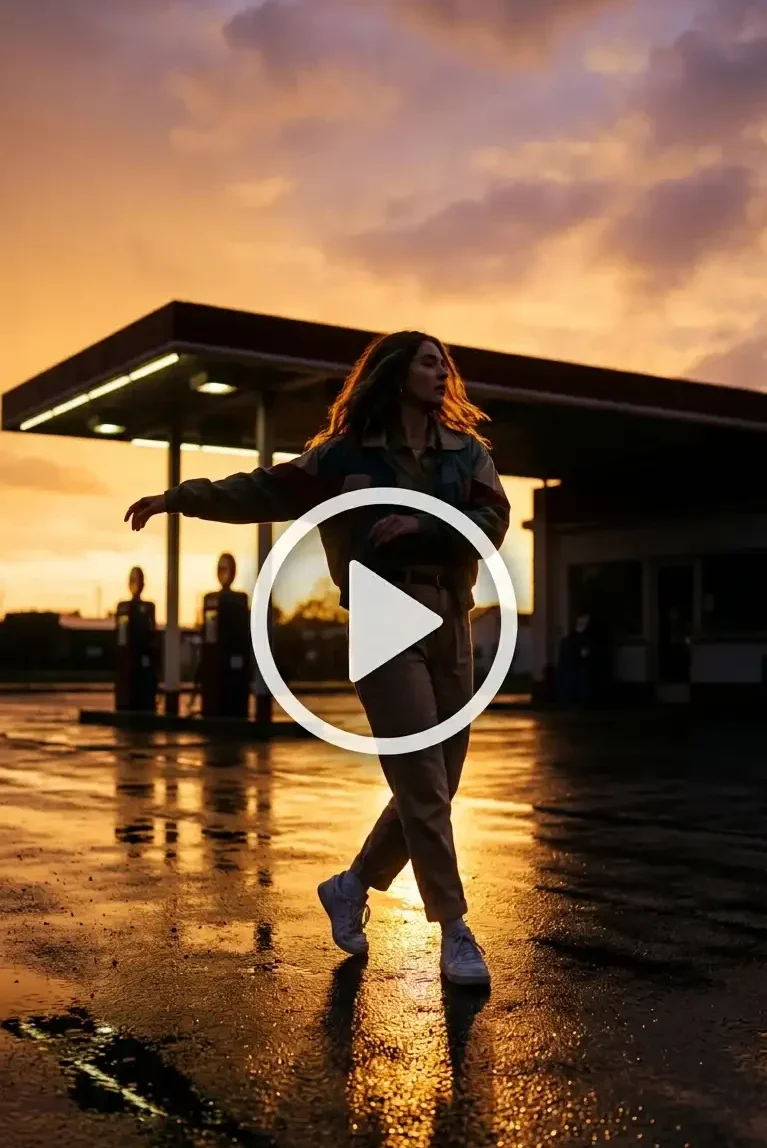
Prompt : A cinematic 4K shot of a stylish person dancing smoothly on a gas station forecourt during the golden hour. Soft ambient lighting reflecting off of wet pavements, warm orange and purple skies. Depict natural body movements that look realistic even in the shadows, in a vertical 9:16 aspect ratio.
Cinematic Sunset
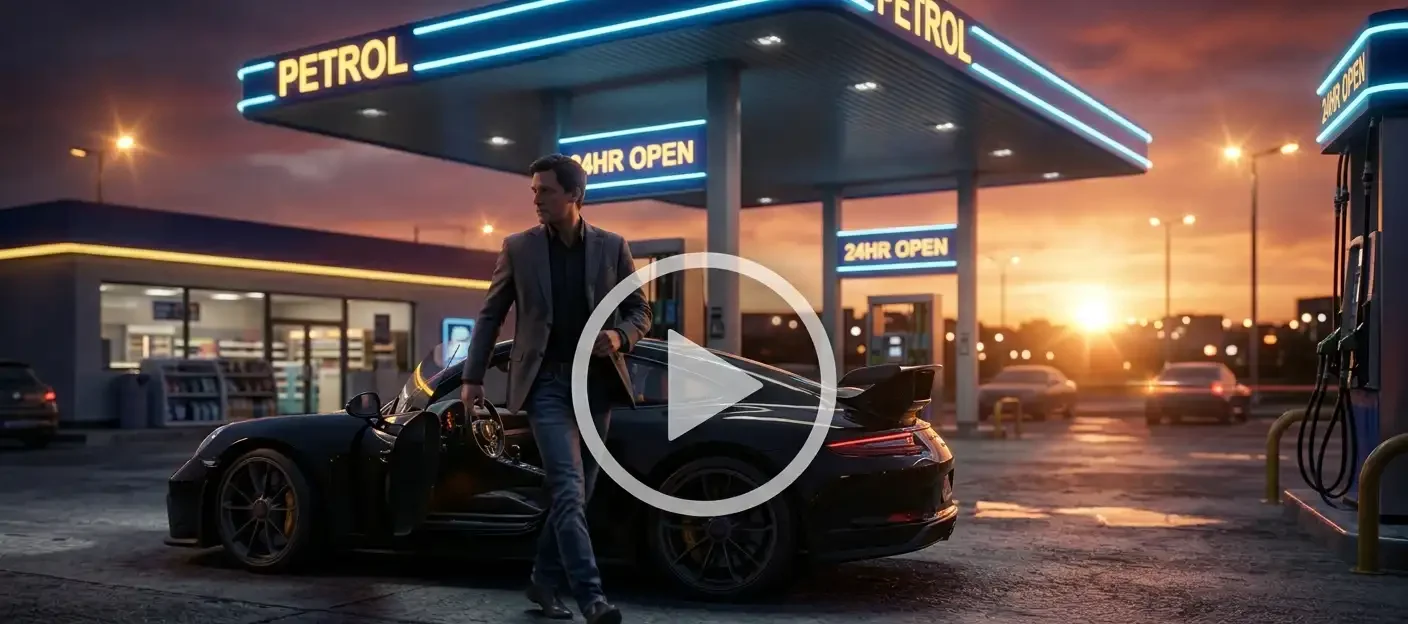
Prompt : A dynamic tracking shot of a person stepping out of a black sports car at a petrol pump station at dusk. There is neon canopy lighting, cinematic lens flare, high-detail clothing folds, photorealistic lighting, dramatic depth of field and 60 fps smooth motion.
Quick Social Cut
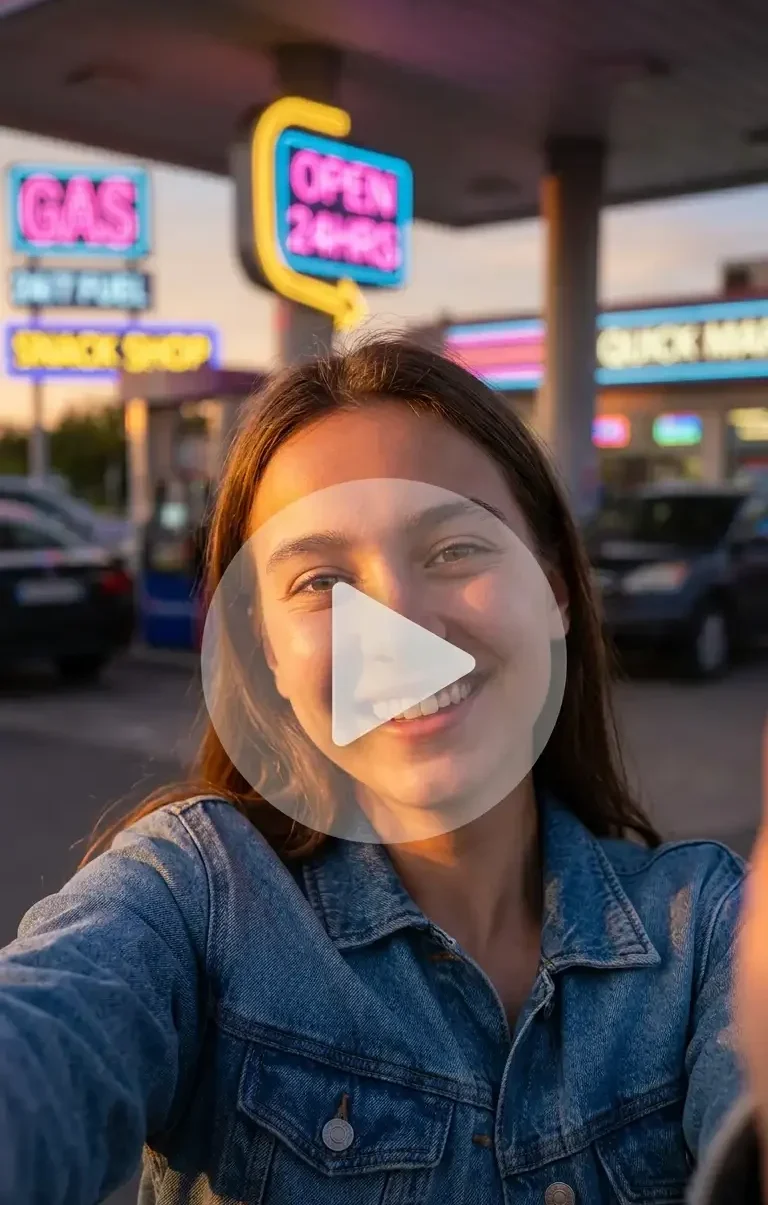
Prompt: A close-up vertical selfie shot of a person smiling and making eye contact with the camera, warm sunset lighting hitting their faces, blurry gas station behind with glowing neon signage and high definition hyper realistic viral TikTok video style.
Solo Trio Mode
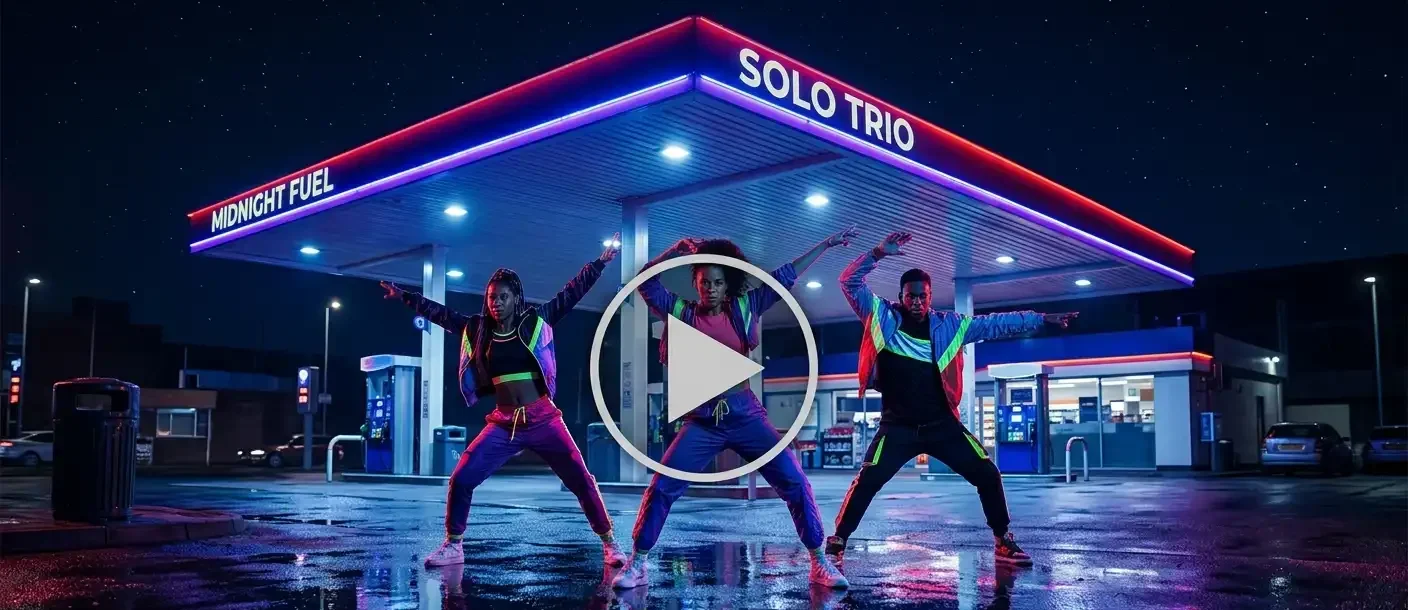
Prompt: A full body shot of three dancers performing in sync with the music and the street dance moves in front of an illuminated gas station canopy at midnight. Wide range angle with ground reflections, a dynamic beat matching the dance moves and vibrant colours in photorealistic 8k render.
Related Blog : How to Make an AI Rap Video From Your Photo (Solo or Duo)
Follow These Steps For Best Results
To get a realistic composite that does not glitch, follow these operational best practises:
-
- Use Full Body & Well Lit Photos: For the dance and car step-out shots, provide a clear, full-body photo with visible shoes and head to toe framing so that the AI correctly gauges body proportions.
- Provide a Sharp Front Facing Selfie: Use a high quality eye-level close-up with neutral face expression and facial features for the selfie slot.
- Avoid Group Shots in Single Slots: unless using an explicit group template, upload solo reference images to prevent the AI from blending multiple faces into one subject.
- Skip Heavy Filters: Raw, unfiltered photos with natural daylight yield much cleaner face-mapping results than heavily edited or airbrushed images.
- Select the Right Wardrobe: Choose a standard full length outfit in your input photos, as AI will keep your clothing across the generated dance movements.
Avoid These Common Mistakes
Avoid these frequent errors that degrade video generation quality:
- Blurry Photos: Images that are either out of focus or have cut-off heads, missing limbs and low pixels may lead to distorted motion renders.
- Accessories Hiding The Face: Sunglasses, broad hats, masks or heavy shadows across the eyes obscure key facial landmarks, leading to artificial-looking face swaps.
- Mismatched Photo Types Per Slot: Placing a close-up selfie into a full-body dance slot (or vice versa) can cause the AI to generate unnaturally stretched or warped body proportions.
- Wrong Aspect Ratio for Posting: Generating in landscape (16:9) instead of vertical format (9:16) results in awkward cropping when exported to TikTok, Instagram Reels or YouTube Shorts.
Conclusion
The Gas Station Dance AI Trend makes it easy to create high production, cinematic dance videos without needing a camera crew or golden-hour timing. By picking strong input photos and using the right template or prompt, you can easily generate a viral-ready video in minutes.
Try it with a friend or a teammate and become more engaging online. Try it out with LightX and get a smooth transition in no time.
FAQs
1. Will I be wearing the same outfit as in my photo?
Face-swap templates keep the template’s outfit while generative image to video tools preserve your photo’s actual clothes.
2. Can I edit or trim the video after it’s generated?
Yes, you can import and edit the generated video in any standard editing app.
3. Will my face look exactly like my photo, or will AI change it?
Yes, it will match accurately if your photo is clear and well-lit.
4. Does it work on mobile?
Yes, the tools and templates run fully on mobile apps and mobile web browsers.
 Create the Car Jump Trend 🚗💨
Upload your image and turn it into an epic car jump.
Create the Car Jump Trend 🚗💨
Upload your image and turn it into an epic car jump.