





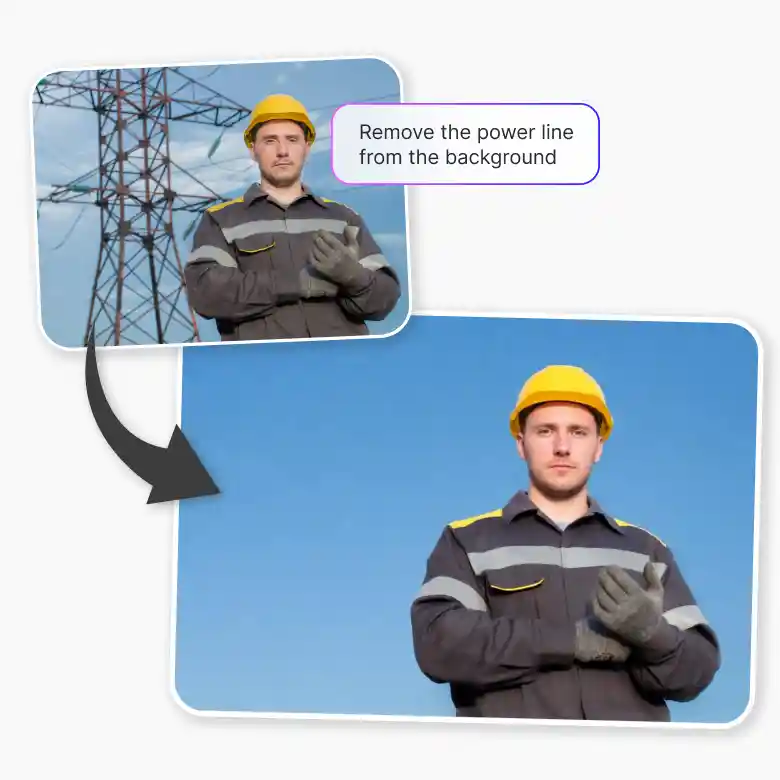
How to remove power lines from a photo?
Upload your photo
Upload a photo in JPEG or PNG format.
Enter prompt
The prompt “remove power lines” is already added. Click Generate to proceed. You can edit the prompt to remove specific power lines.
Download
Download the edited image to your device.
Seamlessly removes wires from photo
Powered by AI, LightX handles complex edits like a pro. Any intricate patterns, textures, or details in images are processed with ease. It processes the image intelligently to ensure natural-looking results. after the power line removal from your photo. The results you get will be flawless even with busy backgrounds!

Integration with photo editing features
LightX AI is a highly versatile tool, not only in terms of countless features but also each one comes with customizable options. You can edit the prompt to control what power lines are removed for more precise results.
Why choose AI to remove electrical lines?
LightX Power line removal tool ensures high-quality results without compromising the resolution of your uploaded image. In fact, it’s so advanced that it can even enhance the quality of low-resolution images after power line removal. Regardless of image size or complexity, you will always get quick results. You can even remove multiple power cables in seconds.

Frequently Asked Questions
Your privacy is our top priority. All your photos are processed securely and is not saved on our servers after you’re done editing.