


How to Use LightX’s AI Generative Fill Tool
Mark the area
Drag and drop or upload your image in JPEG or PNG format, and mark the area you want to fix.
Enter Prompt
In the prompt box, describe the elements you wish to add or replace in your photo.
Generate and Download
Click "Generate" to create the elements. Download the generated images to your device.
Redesign images with generative fill
Recreate images with LightX's AI generative fill online. It’s a free tool where you simply upload a photo, mask its area to be worked upon, and enter a prompt describing your idea. Whether a sunset, an animal, or anything else. Within moments, the AI will generate these elements. Everyone would believe it's an entirely new image!
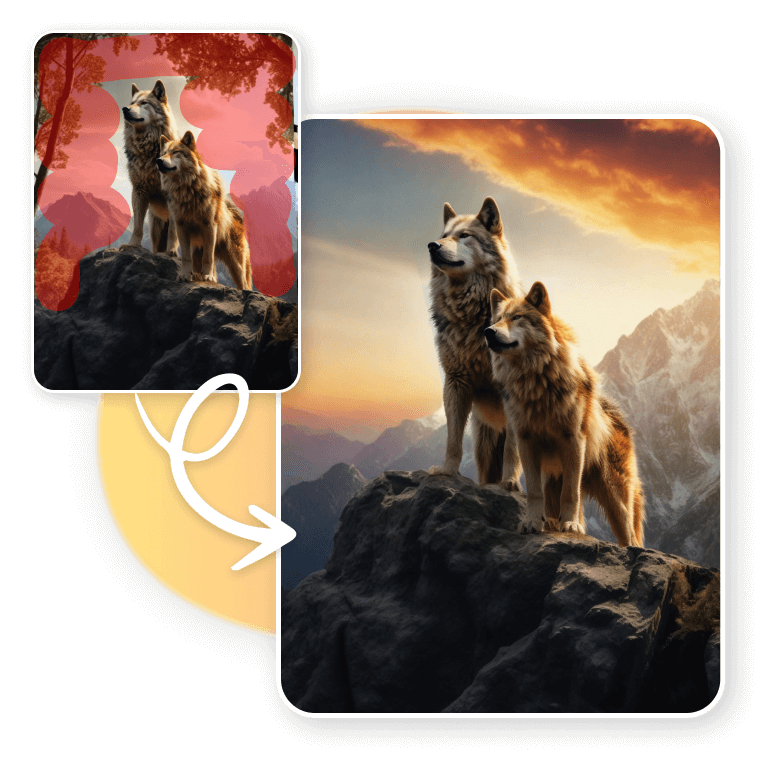
For Ecommerce
LightX's Generative Fill is highly suitable for e-commerce, especially for small and medium-sized businesses. These businesses can improve their product images without the need for expensive photoshoots or complex editing softwares. You can use this tool to replace the background behind your product photos, add elements around your product, or remove unwanted clutter. The entire process takes just a few seconds, and your images will be ready for listing.
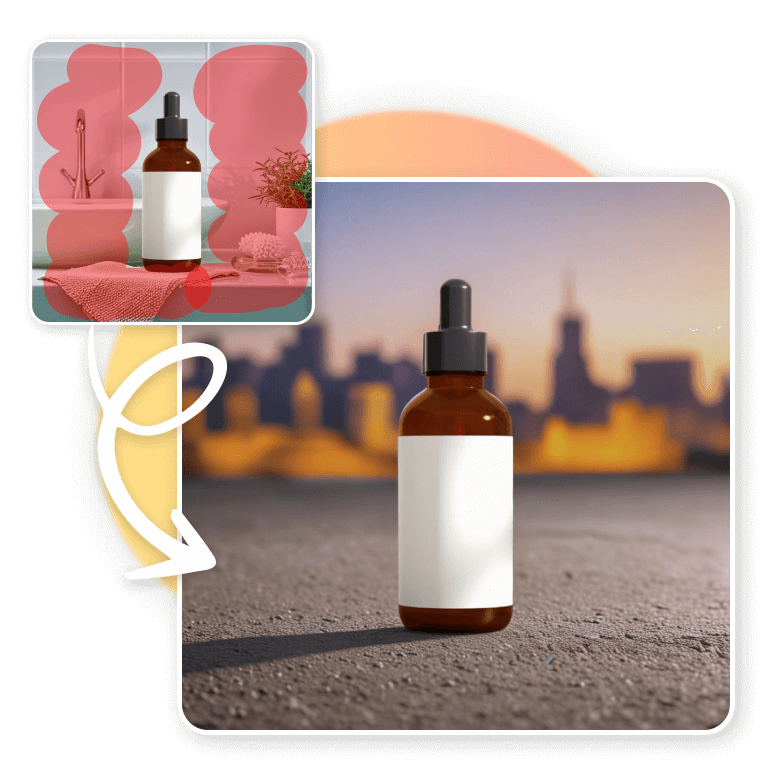
For Social media
There’s more to posting on social media than just filters. Generative Fill is an advanced and must-have tool for your personal editing. It makes ordinary photos look like they were taken by a professional. You can use it to remove people from landmarks, change skies, modify outfits or hair, or add aesthetic objects. It’s so easy to use that anyone can do it, just swipe objects and you’re done.

Unmatchable features
• Fast Generations: No more long waits, get results in seconds.
• Free to Use: Enjoy 5 free credits daily.
• Easy Interface: Just upload your image, select the area, enter a prompt, and generate.
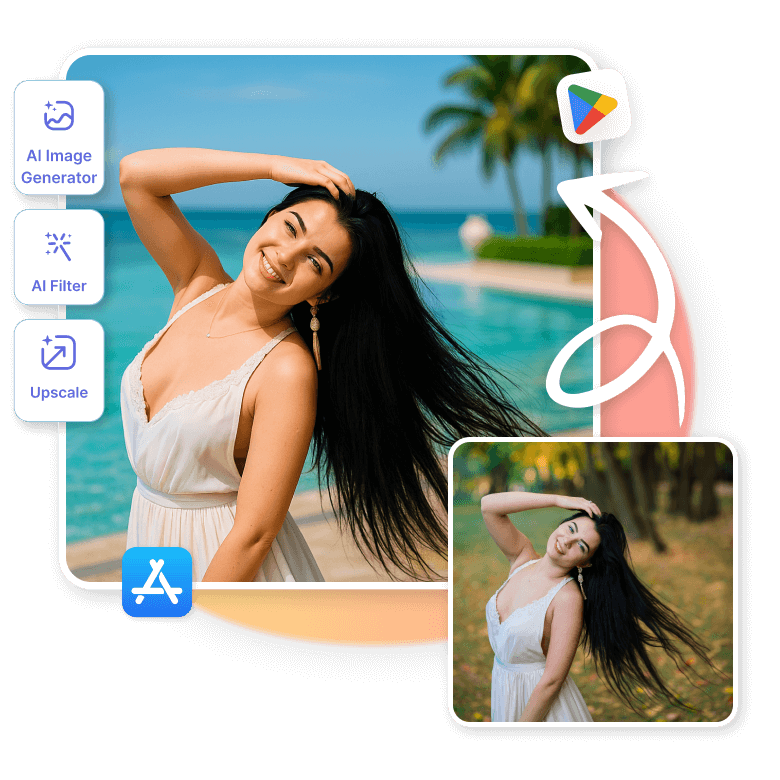
• Mobile and Desktop Compatibility: Available on the web, iOS, and Android apps.
• High-Quality, Realistic Results: Get sharp, natural-looking generations every time.

More AI functionalities
Get a complete AI toolkit in one place. At LightX, we ensure that you have a full editing suite, so you don’t have to go anywhere else. Explore the AI image generator, AI filters, AI image extension, upscaler, and many more. The best part? You can access and use all these tools on the go through your mobile devices. Download the LightX app on iOS or Android and start editing efficiently.
Frequently Asked Questions
Generative Fill is a technique for adding, removing, or replacing elements within an image using artificial intelligence. You simply upload a photo, mask the area you want to change, enter a prompt describing the change, and the tool will generate and fill in the missing part.