


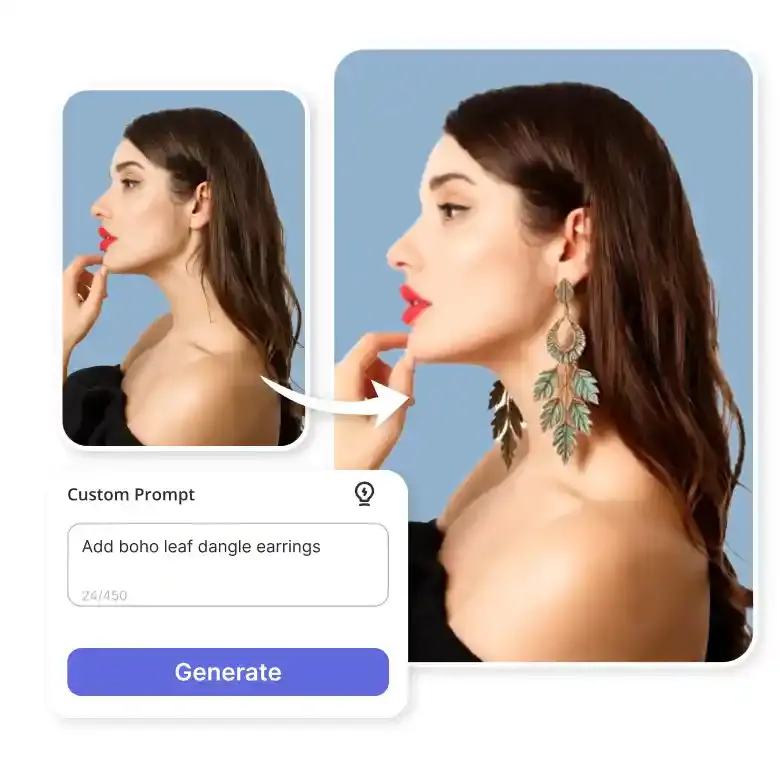
How to add objects to a picture
Upload Your Photo
Choose the photo (JPG or PNG) from your device that you want to enhance by adding objects.
Describe the Object
In the text box, type what object you want to add and where it should appear.
Generate & Download
Click “Generate” to create the updated photo, then download it instantly to your device.
Make photos more useful for real needs
Do you ever forget something important in the picture? It looks incomplete, too much blank space, or lacks important details. Add objects to photos online for free to make them look complete and real. Whether it is a prop, a decor item, or any background details, you can simply place it with a prompt command. No complex features, no precise editing needed.
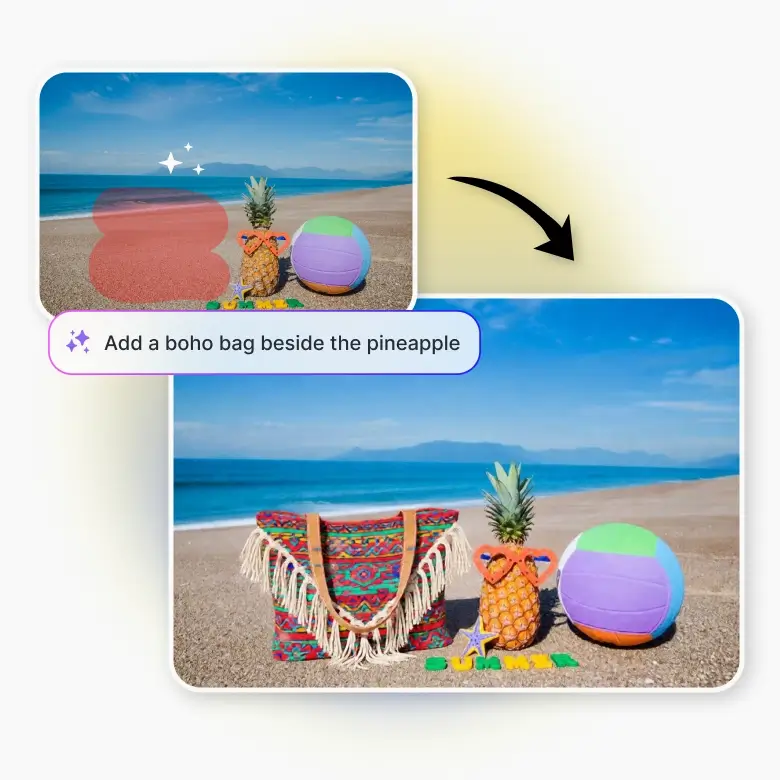
Create more engaging visuals instantly
Make any pictures into an amazing masterpiece by adding fine details or beautiful objects. You can literally add any stuff to photos, like a table, a mug, an umbrella, a rose, hats, etc. You can also change the background by adding fine elements, which can completely change the mood & context of the picture.
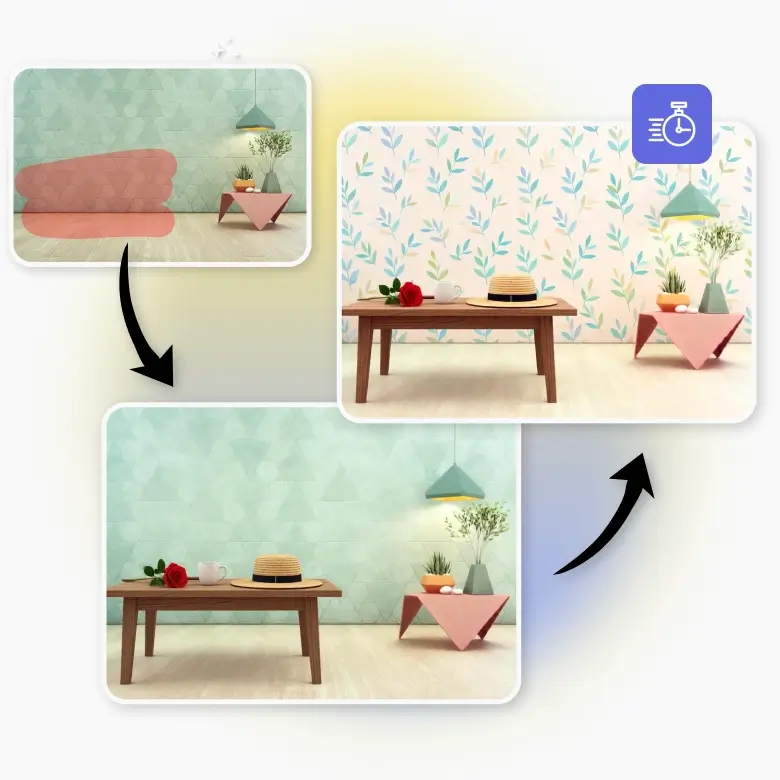
Replace or upgrade elements with ease
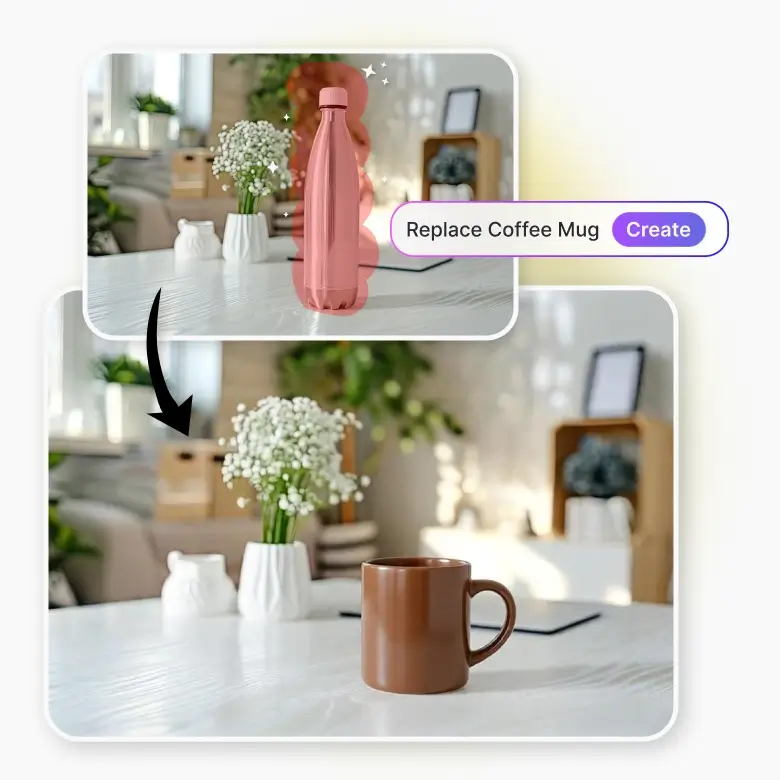
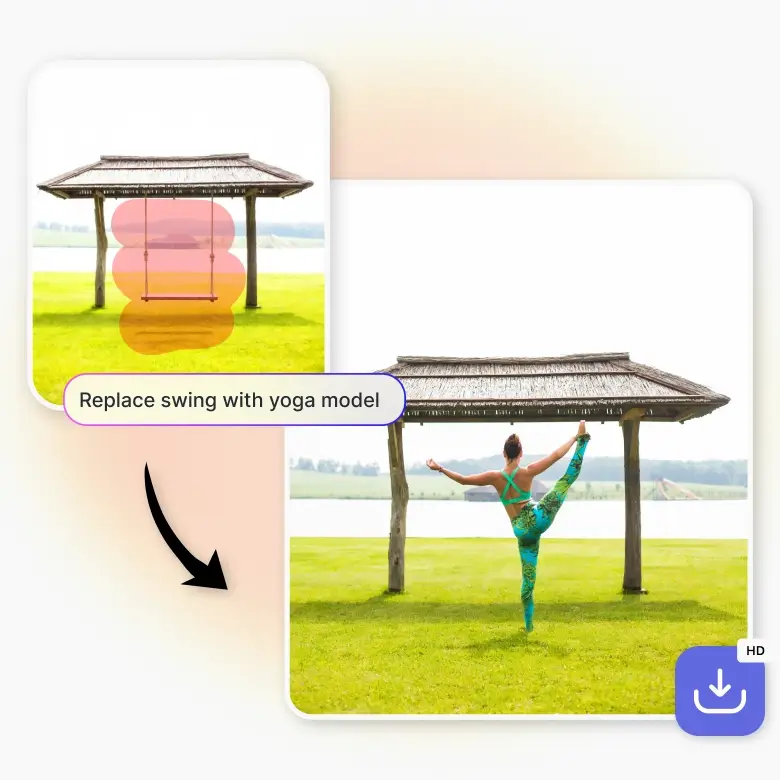
Upgrading the objects or replacing them with another one was never so easy. You can easily swap, improvise, or remove the objects. You just need to describe what you want, like changing a water bottle into a coffee mug, replacing a dull background with a new one, or upgrading any products in a product shot. It can all be done within seconds with such realism that no one would know its edited.
Use cases for add object to photo
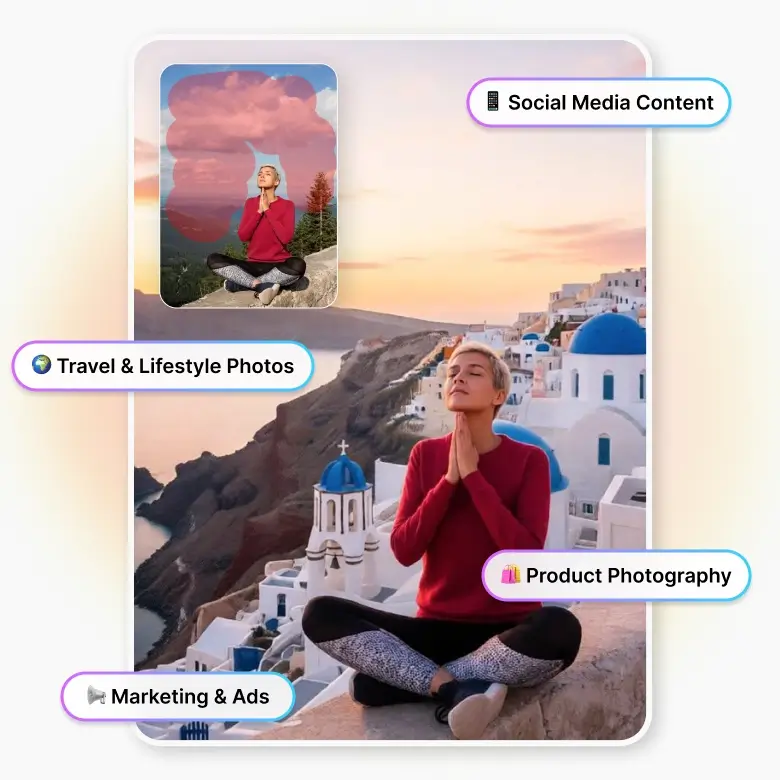
• Social media content – Freshen up your feed by adding props or fun details to make posts pop.
• Product photography – Enhance products with accessories or lifestyle elements without extra shoots.
• Marketing and ads – Create polished visuals by adding or swapping objects for campaigns.
• Travel and lifestyle photos – Make photos share-worthy with scenic or creative elements like famous monuments.
• Photo fixes and upgrades – Remove clutter or replace items to make images more professional and aesthetic.
Edit photos without any skills
After adding things to photos, you can further edit them with our change with AI option by removing the background, upscaling, expanding or adding text to the photo easily. With this, you can also make your background blur, white, grey of or any colour to make your pictures more aesthetic. Now, go and create the aesthetic images without any problems, and download the high-quality professional images in seconds.
Frequently Asked Questions
Yes. You can easily replace an old object with a new one by giving simple text prompts.