How to Use Flux.2 Pro on LightX
Select "Flux Image" from AI Models.
Choose Text to Image or Image to Image, then open the AI Model dropdown and choose Flux.2 Pro.
Write your prompt.
Describe your image. Name the subject, style, and any exact text or color you want rendered.
Generate and review.
Hit generate. Check the result, adjust your prompt if needed, or download the image to your device.
Black Forest Labs' Flux.2 Pro, Now on LightX
Black Forest Labs, the team behind the original Flux models, released Flux.2 Pro as their production-grade image model, and LightX now has it built in. Ready to use for both text-to-image and image-to-image, Flux.2 Pro is built for sharp detail, accurate text, and exact color matching, combined with LightX's easy interface and editing features.
Built on a 32-Billion Parameter Architecture
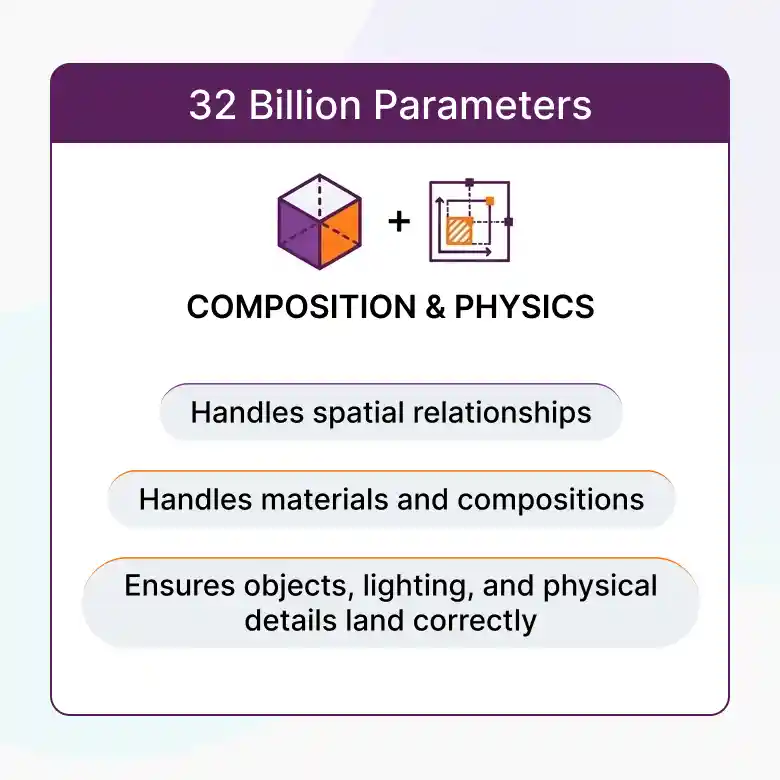
Flux.2 Pro pairs a 24 billion parameter Mistral-3 vision-language model with a separate rectified flow transformer, for 32 billion parameters total. The vision-language half brings real-world knowledge and context to your prompt, while the transformer half handles spatial relationships, materials, and composition, so objects, lighting, and physical details land correctly.
Photorealistic Generations
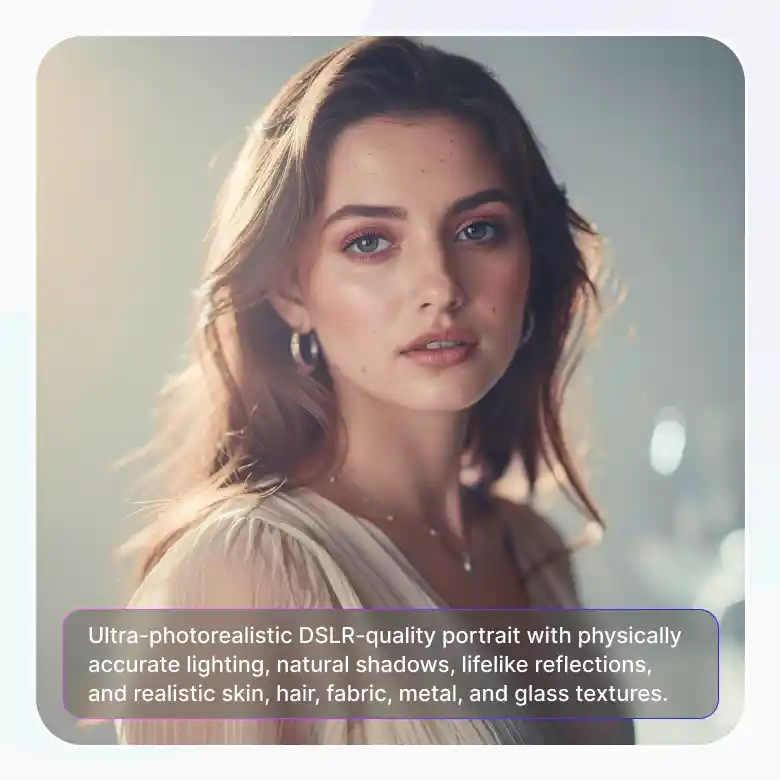
Flux.2 Pro has capabilities to give real photorealistic images across multi-references. Lighting, shadows, and reflections behave the way they would in a real photo. Additionally any fine textures on skin, fabric, metal, and glass will look like it was photographed not generated.
Reliable Text Rendering, Even in Long Sentences
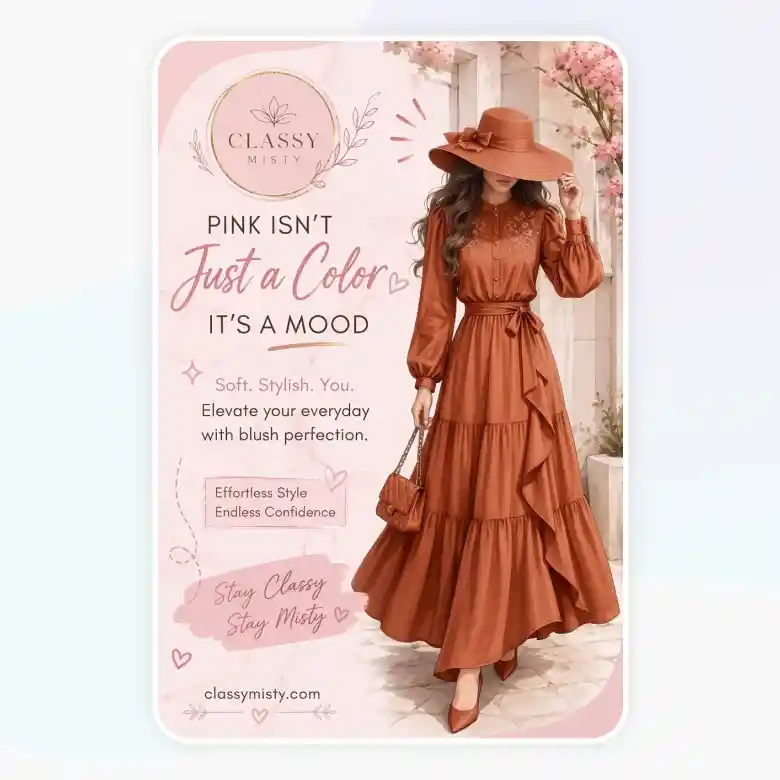
Flux.2 Pro handles words, full sentences, punctuation, and quotation marks accurately. You can confidently use this model for creating logos, posters, cards, infographics, and UI mockups. It's a solid choice if you text to look right the first time.
Exact Brand Colors with HEX Codes
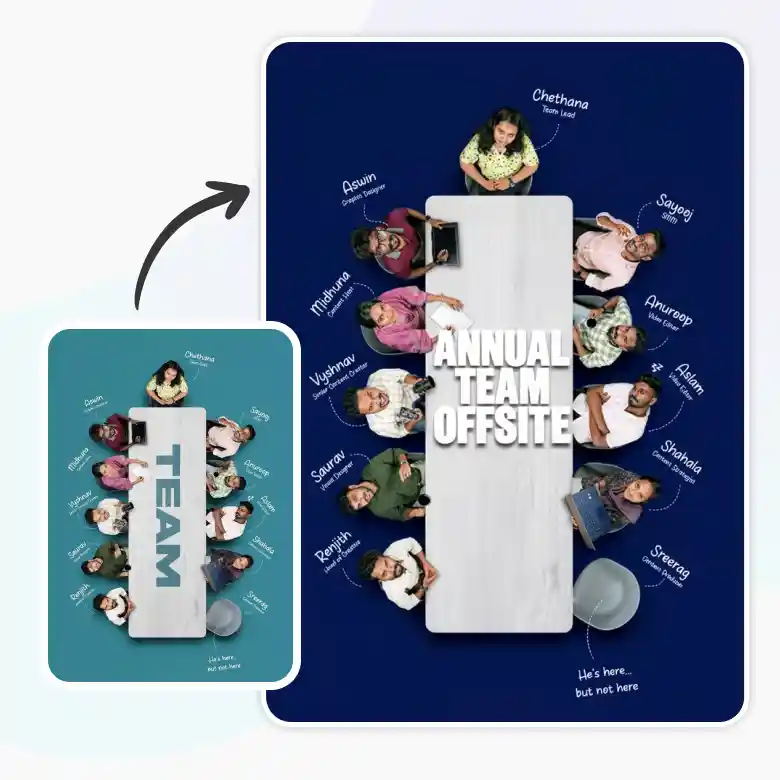
Give Flux.2 Pro a specific HEX code, and it matches that color with very little approximation. This makes it a strong option for brand guideline compliance, where a color has to match exactly. Just prompt the HEX code directly. For example: "Create a company ad poster with a background color of #1A237E, bold header text in #FFFFFF that reads 'ANNUAL TEAM OFFSITE'."
Best for Product & Portrait Photoshoots
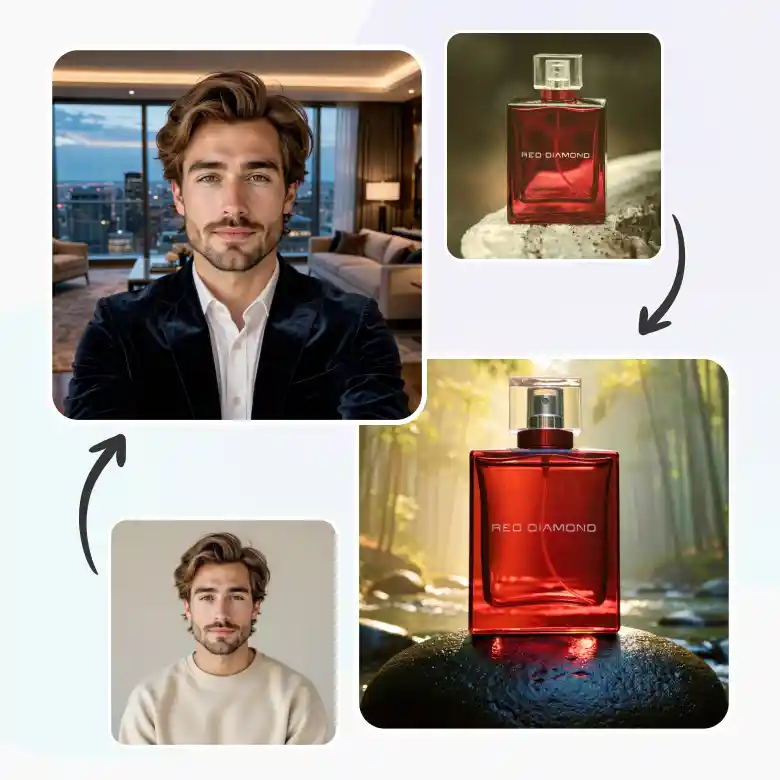
Flux.2 Pro is trained to keep faces, products, and logos unchanged, unless prompted otherwise. It keeps the subject in your input images the same. Use it for:
✔ Person photoshoots: change outfits, hairstyles , or backgrounds in the photo without changing input image faces
✔ Product photoshoots: keep a product's exact look and place it in different scenes
Prompting Tips for Flux.2 Pro
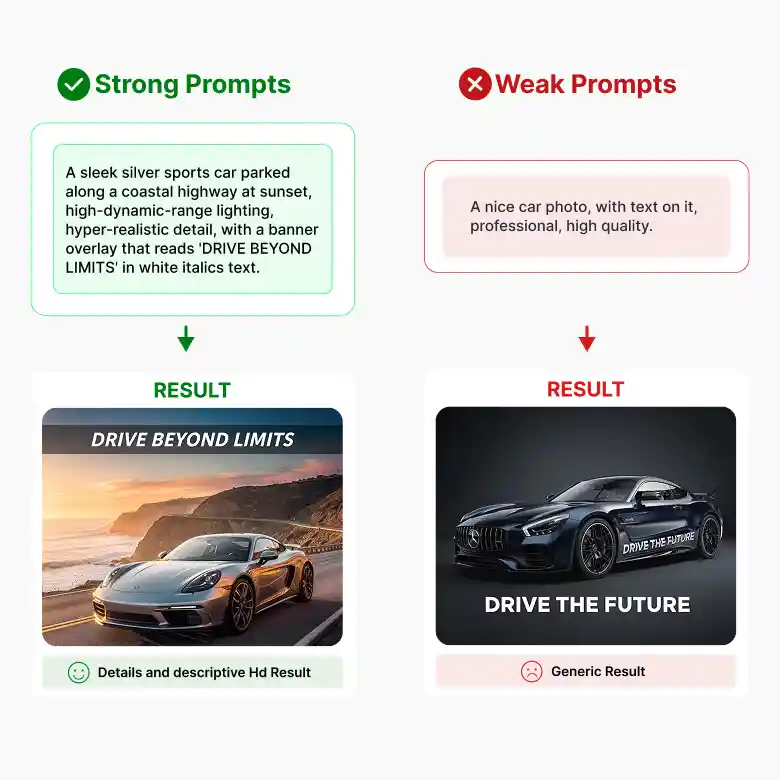
To prompt for Flux.2 Pro, using natural language and ordered prompts is a golden rule:
Describe your subject first → then action → then style → then context
• Weak prompt: "A nice car photo, with text on it, professional, high quality."
• Strong prompt: “A sleek silver sports car parked along a coastal highway at sunset, high-dynamic-range lighting, hyper-realistic detail, with a banner overlay that reads 'DRIVE BEYOND LIMITS' in white italics text.”
Tips:
• Put exact text in quotation marks for accurate rendering.
• Spell the text correctly in your prompt.
• Add lighting details if possible, it's a real game changer for realism.
• For Image to Image, describe your change clearly. Flux.2 Pro uses your uploaded image as the base and edits it according to your prompt.
Who Should Use Flux.2 Pro?
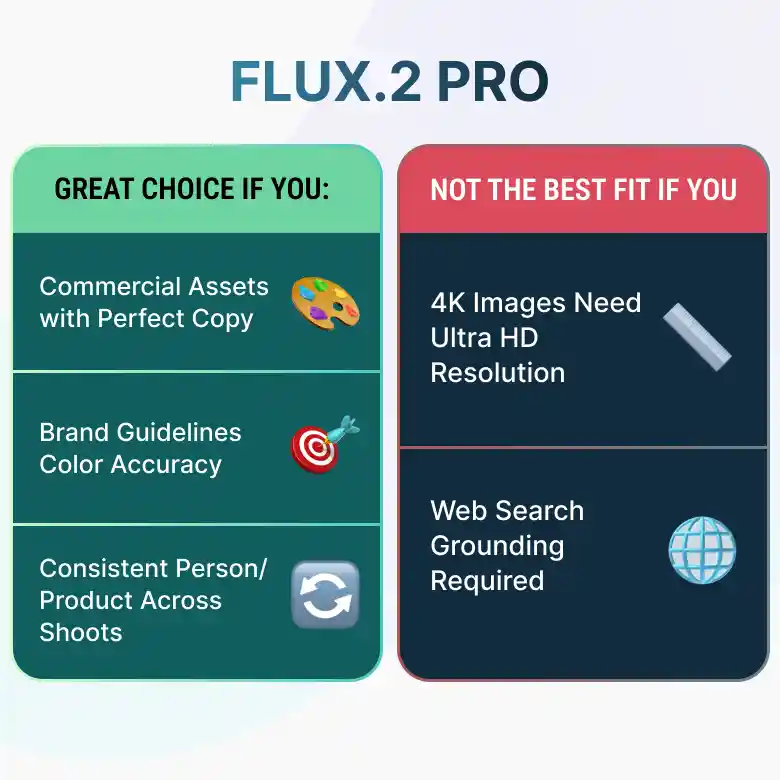
This tool is a good fit if you:
✔ Design commercial assets where the copy has to render perfectly
✔ Work under strict brand guidelines and can't afford color drift
✔ Shoot product or portrait content and need it to pass as real photography
✔ Run photoshoots and need the same person or product in every shoot
This tool may not be the best fit if you:
❌ Need results in 4K images
❌ Need results with web search grounding
Why Use Flux.2 Pro on LightX?
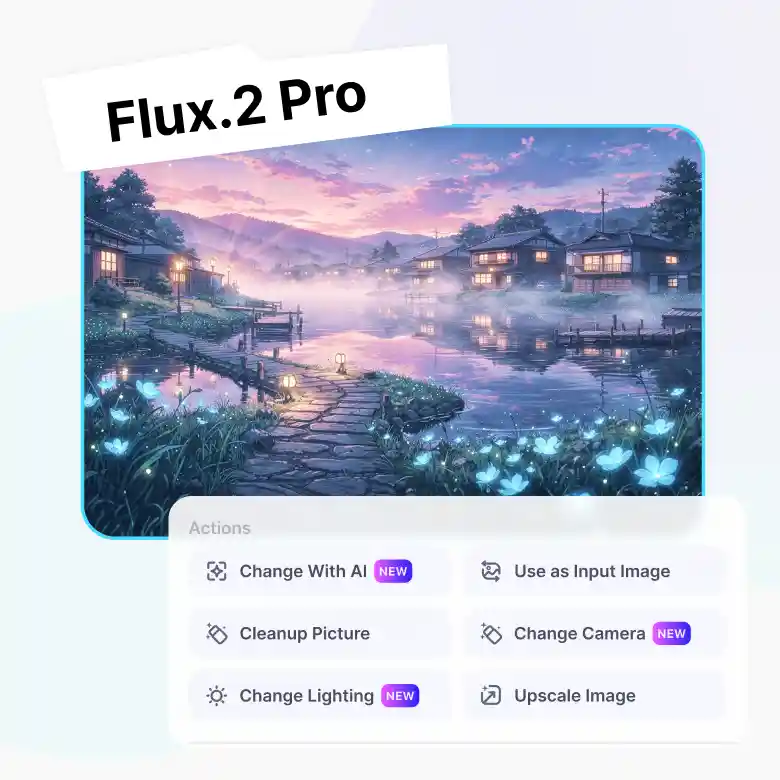
Flux.2 Pro’s output quality is even more useful paired with LightX's online editing tools built right around it. Generate once, then refine without starting over.
✔ Use your output as new input
✔ Change with AI — follow-up prompts for quick edits
✔ Negative prompts to skip unwanted elements
✔ Upscale, right inside the tool
✔ Change lighting after generation
✔ Change camera angle without regeneration
More AI Models at your Fingertips
Flux.2 Pro isn't the only option in your toolkit. Switch between models right from the same screen depending on what you need:
Wan → accurate in-image text
Seedream → artistic, cinematic photos
GPT Image 2 → sharp, versatile output
Nano Banana Pro → fast, everyday generation
Pick the model that fits the task, without leaving the page.