How To Use The GPT Image 1 Mini Editor On LightX?
Select GPT Image 1 Mini
Choose Text-to-Image or Image-to-Image. Open the AI Model dropdown, select GPT Image, then choose GPT Image 1 Mini (Low, Medium, or High) based on the quality you need.
Enter your prompt
Give a simple text prompt to create an image in the prompt box. Add details for better results.
Generate and download
Click Generate. Review your image and download it.
GPT Image 1 Mini AI Model, Now on LightX
LightX now brings GPT Image 1 Mini, a cost-efficient AI image model from OpenAI, to one platform. You can easily create images from text or edit existing photos using simple prompts. You also have the option to choose between Low, Medium, and High quality settings based on your image quality needs.
This is the smaller and faster version of GPT Image 1, with better prompt understanding, making it ideal for quick drafts, experimentation, and everyday image creation.
Choose The Right GPT Image 1 Mini Quality
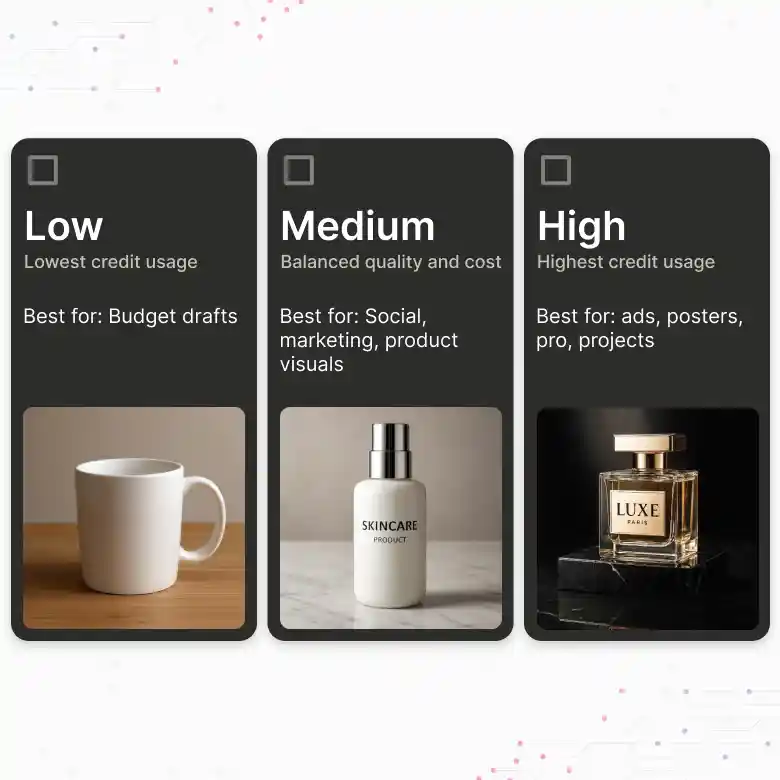
GPT Image 1 Mini offers three quality options on LightX:
GPT Image 1 Mini Low
• Create simple images, test prompts, and explore different ideas quickly.
• Best for quick and budget-friendly image creation with the lowest credit usage.
GPT Image 1 Mini Medium
• Create realistic images with balanced quality and reliable results.
• Best for social media, marketing, product visuals, and everyday projects.
GPT Image 1 Mini High
• Create high-quality images with sharper details and clearer text.
• Best for detailed ads, posters, product visuals, and professional projects.
Create Better Images With Native Multimodal Power
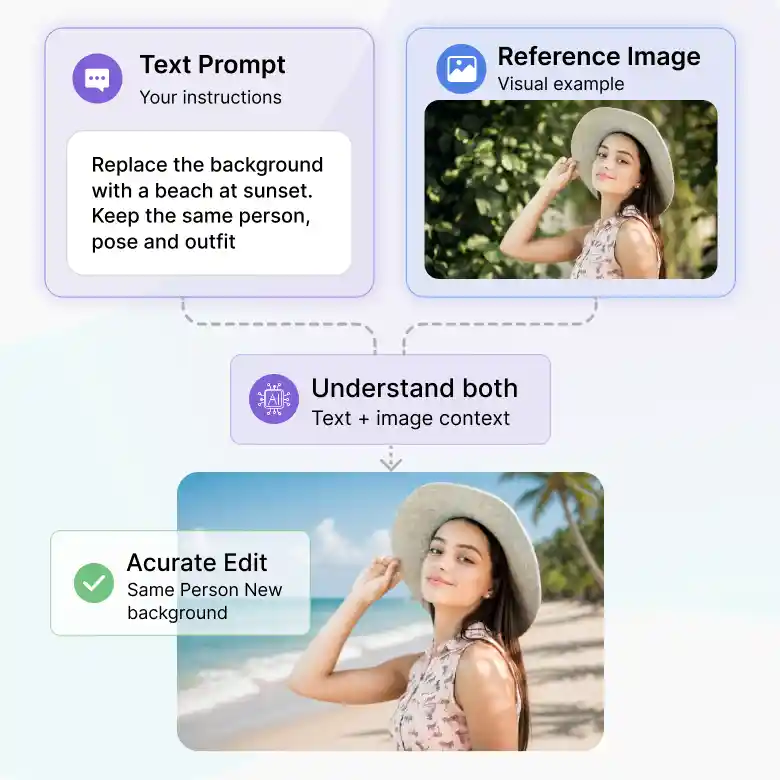
GPT Image 1 Mini understands text and images together. It can use your prompt and uploaded image at the same time to better understand the subject, style, layout, and changes you want. This helps create images that follow your instructions more closely.
✔ Follow detailed text prompts
✔ Use uploaded images as visual references
✔ Understand objects, styles, and layouts
✔ Create more accurate image edits
Faster Image Generation For Prototyping
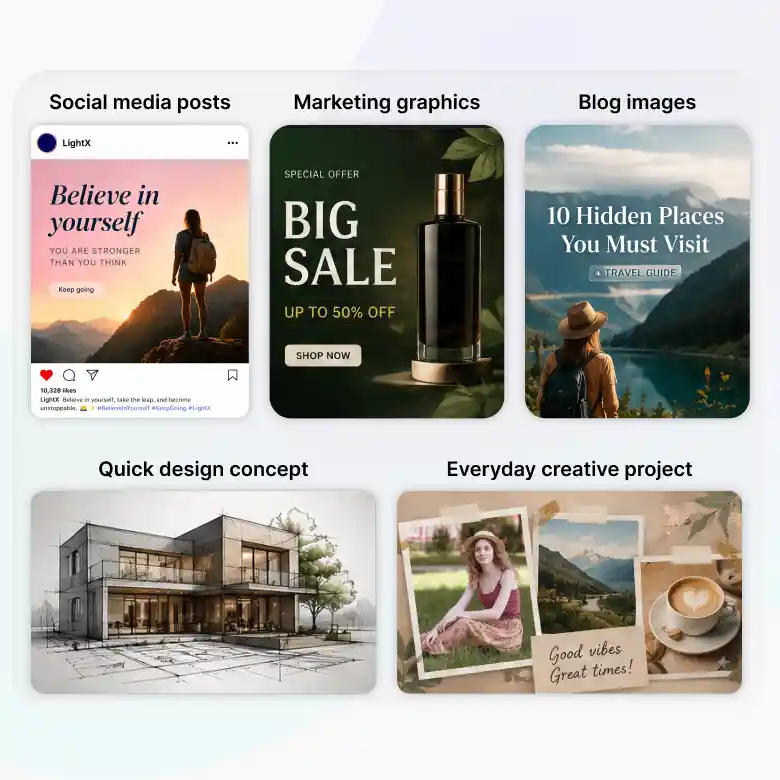
GPT Image 1 Mini is made for fast image creation. Whether you need social media posts, marketing graphics, quick design ideas, or visual prototypes, it delivers quality results in less time. It is a great choice for everyday image creation, offering a good balance of speed and quality.
Perfect for:
✔ Social media posts
✔ Marketing graphics
✔ Blog images
✔ Quick design concepts
✔ Every day creative projects
Cost-Effective AI Image Creation
GPT Image 1 Mini is a budget-friendly option for creating large numbers of AI images. It delivers high-quality results with accurate text. If you want to create an image for a business or personal project, this is a great choice for affordable & fast image generation.
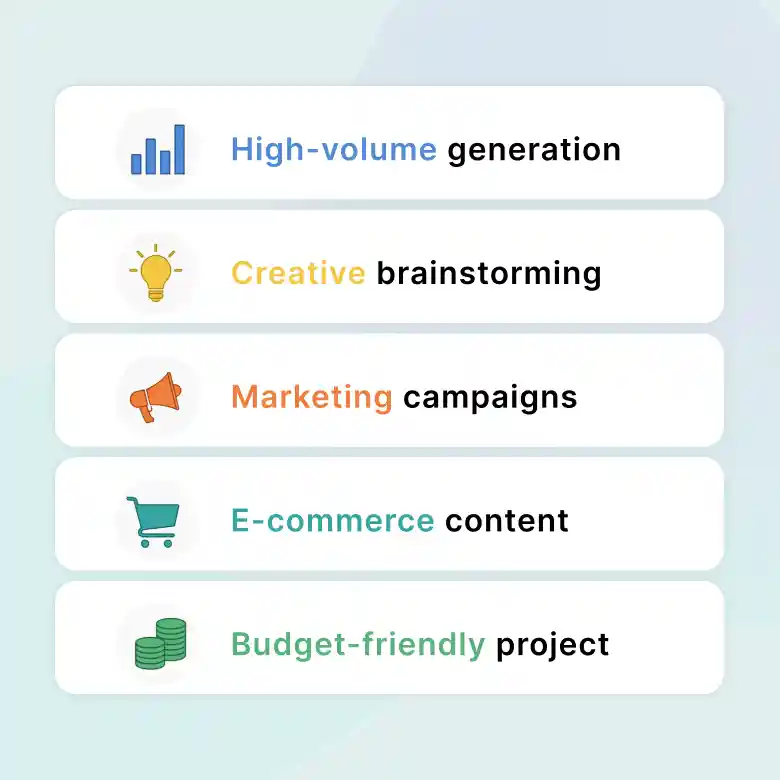
Ideal for:
✔ High-volume image generation
✔ Creative brainstorming
✔ Marketing campaigns
✔ Ecommerce content
✔ Budget-friendly AI projects
Choose A Style For Every Creative Idea
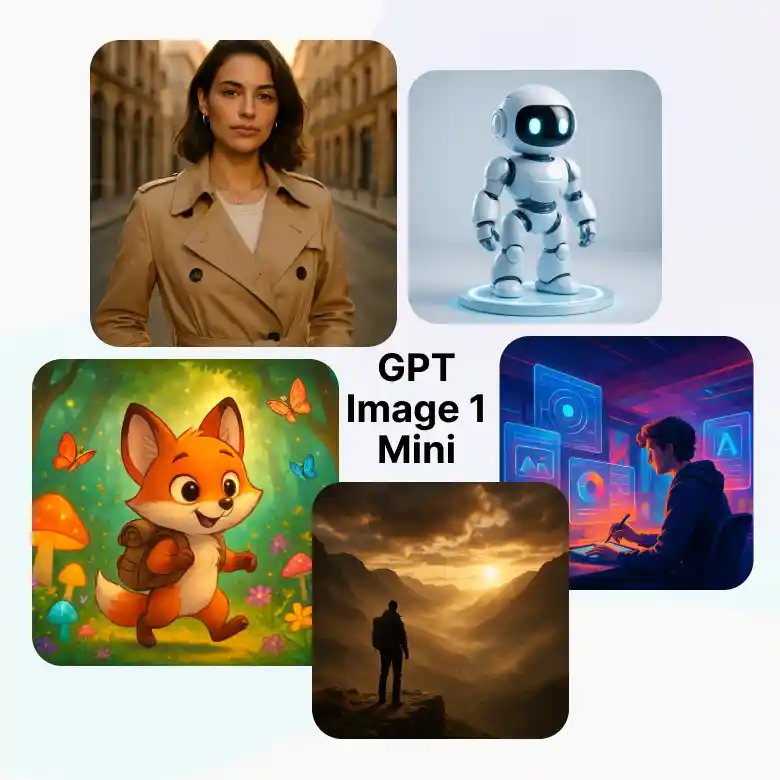
Create images in many visual styles with GPT Image 1 Mini. Mention the style you want in your prompt and describe how the final image should look. You can create realistic photos, digital illustrations, cartoons, 3D art, cinematic scenes, and more.
Try styles such as:
✔ Realistic photography
✔ Avatar
✔ Headshot
✔ Cartoon
✔ Anime
✔ Cinematic
✔ Watercolor
✔ Minimalist design
Two Creative Workflows With GPT Image 1 Mini
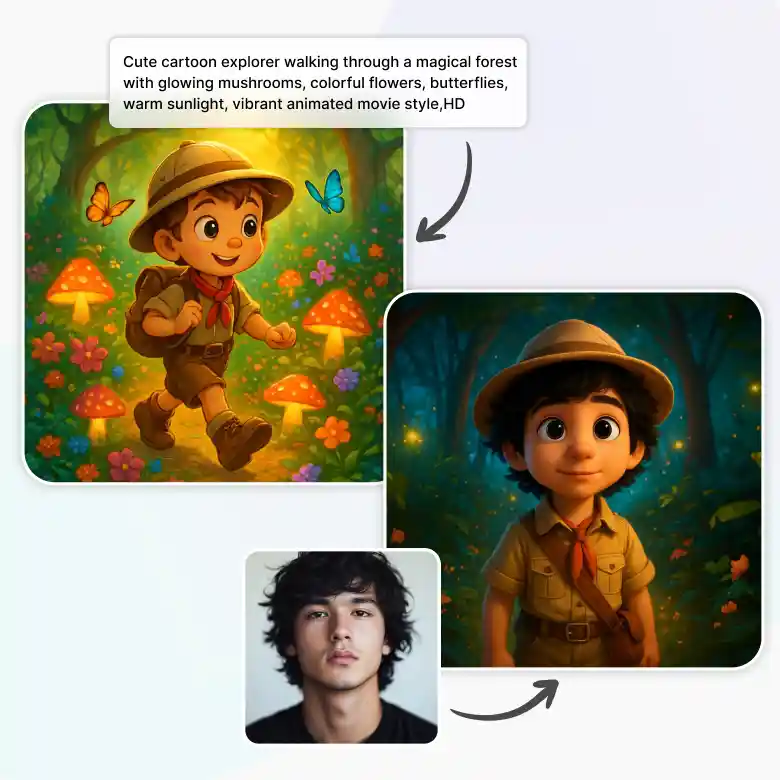
Text to Image
Give a simple text to describe your idea or the image you want to create. Then choose any version of GPT Image 1 (low, medium, high) depending on your needs and image quality. You can easily create any product pictures, marketing visuals, illustrations, etc.
Image to Image
You can simply upload any clear photo of a product or person, and then describe the changes you want in the picture. Choose Low, Medium, or High based on your editing needs.
How To Write Better Prompts For GPT Image 1 Mini
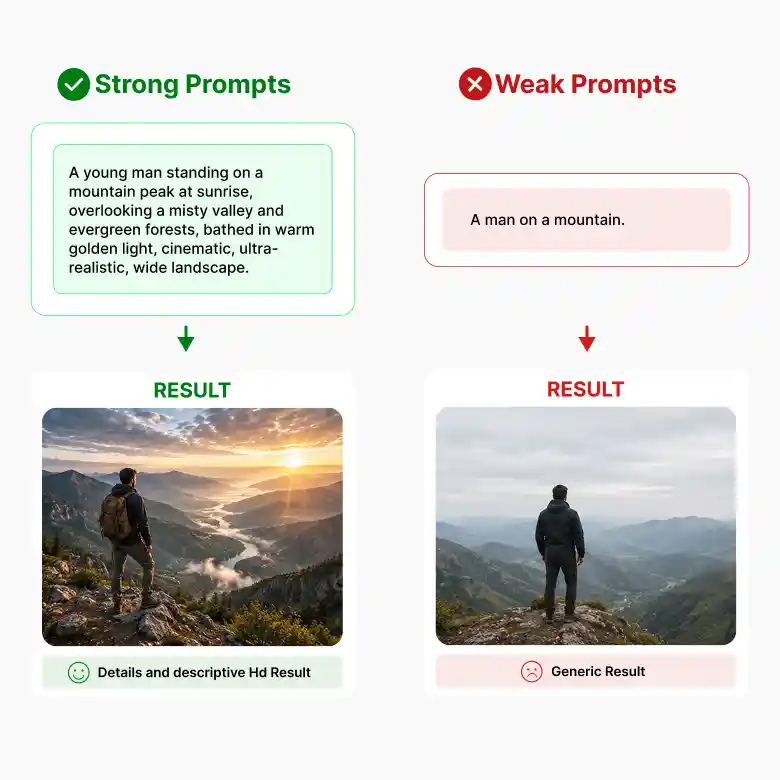
Write a simple text to describe the details about the subject, background, style, lighting, colors, and camera angle. More details can help GPT Image 1 Mini create results closer to your idea.
❌ Basic prompt
“A luxury watch.”
✔ Better prompt
“A silver luxury watch with a blue dial on a black marble table, soft studio lighting, realistic reflections, close-up view.”
Tips:
✔ Describe the subject and background.
✔ Add the style, lighting, and colors.
✔ Mention the camera angle if needed.
✔ Put the required text in quotation marks.
Is GPT Image 1 Mini Image Generator Right For You?
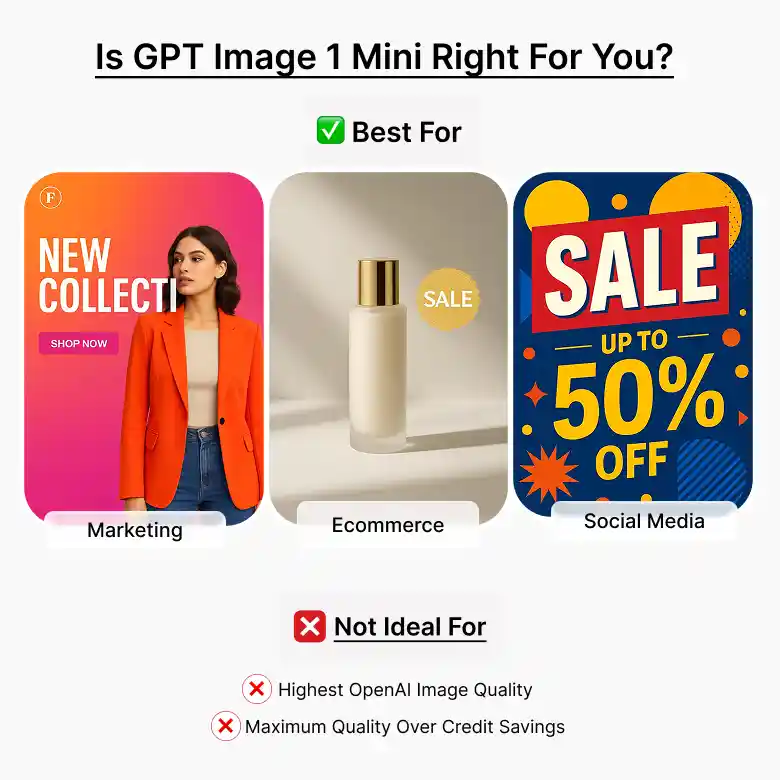
It is a good choice if you don't want to spend a lot of money and need faster generation. It will give you balanced results with sharper details.
This model is ideal if you:
✔ Want flexible quality options.
✔ Create marketing, social media, or ecommerce visuals.
✔ Need realistic images or creative art.
✔ Want to create and edit images with simple prompts.
This model may not be ideal if you:
❌ Need the highest image quality from OpenAI’s latest image models.
❌ Prefer maximum quality over lower credit usage.
Find Your Ideal GPT Image Model
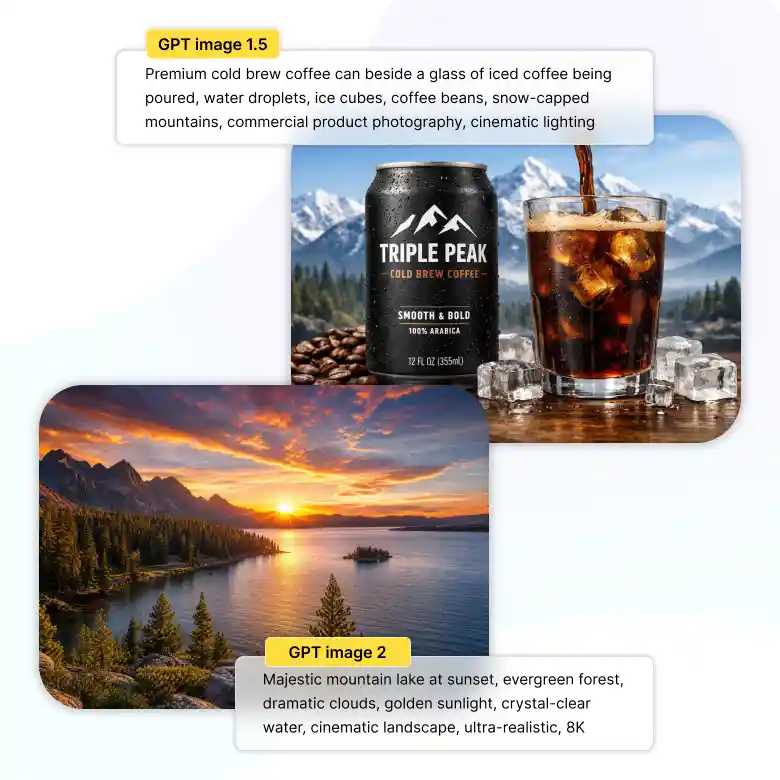
GPT Image 1.5 AI Image Generator
GPT Image 1.5 creates high-quality images with realistic details, better text rendering, and strong prompt understanding. It is ideal for product photos, marketing visuals, posters, and professional designs.
GPT Image 2 AI Image Generator
GPT Image 2 offers advanced image generation and editing with improved visual quality and precise prompt following. It is ideal for complex scenes, detailed image edits, realistic visuals, and professional creative projects.
All Your AI Models in One Place
GPT-image-1-mini model is just one of the AI models available in LightX. Switch between models right from the same screen depending on what you need:
Wan → accurate in-image text
Seedream → Artistic, cinematic photos
Flux 2 Pro → Sharp detail and exact HEX color matching
Nano Banana Pro → Fast, everyday generation
Pick the model that fits the task, without leaving the page.