How to use Nano Banana AI Photo Editor on LightX
Select "Nano Banana" from AI Models
Choose Text to Image or Image to Image, then open the AI Model dropdown and select Nano Banana.
Write your prompt
Describe your image or the edits you want. Include details like the subject, style, lighting, camera angle, or any text you want to appear.
Generate and download
Click Generate to create your image. Review the result, refine your prompt if needed, and download your final image.
Nano Banana AI Image Generator, now on LightX
Your creative companion, LightX, now brings Google's Nano Banana model to one powerful platform. It gives you an even faster and more affordable way to create and edit AI images. Simply describe your idea for generating a new image, or upload a photo to give it a completely new look. This makes it perfect for everyday image generation and editing.
Two ways to create with Nano Banana
• Text to Image
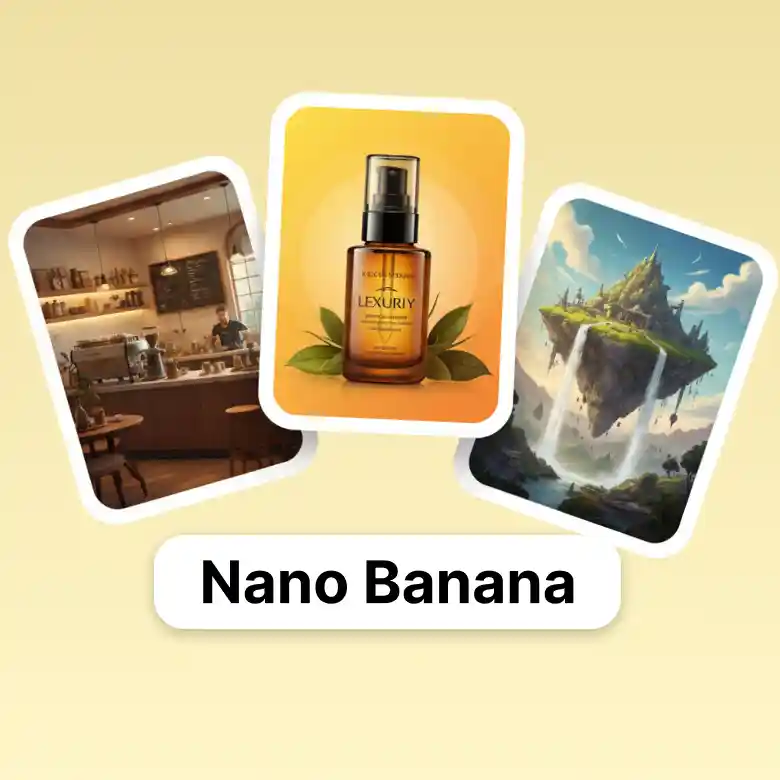
Generate brand-new visuals from text prompts for social media, advertising, creative concepts, and stylized artwork.
• Image to Image
Transform existing photos with simple instructions. Perfect for portraits, product images, and high-volume creative editing.
The Most Beginner-Friendly: For Headshots, Avatars, And Portraits
If you are new to AI generation, you must use the Nano Banana generator to create professional headshots, avatars, or portraits. Just give a simple text prompt to generate an image or to transform an existing photo.
Also, you don't need any advanced editing skills, just describe the look you want, and nano banana does the rest. This makes it suitable for profile pictures, professional headshots, gaming avatars, and social media portraits.
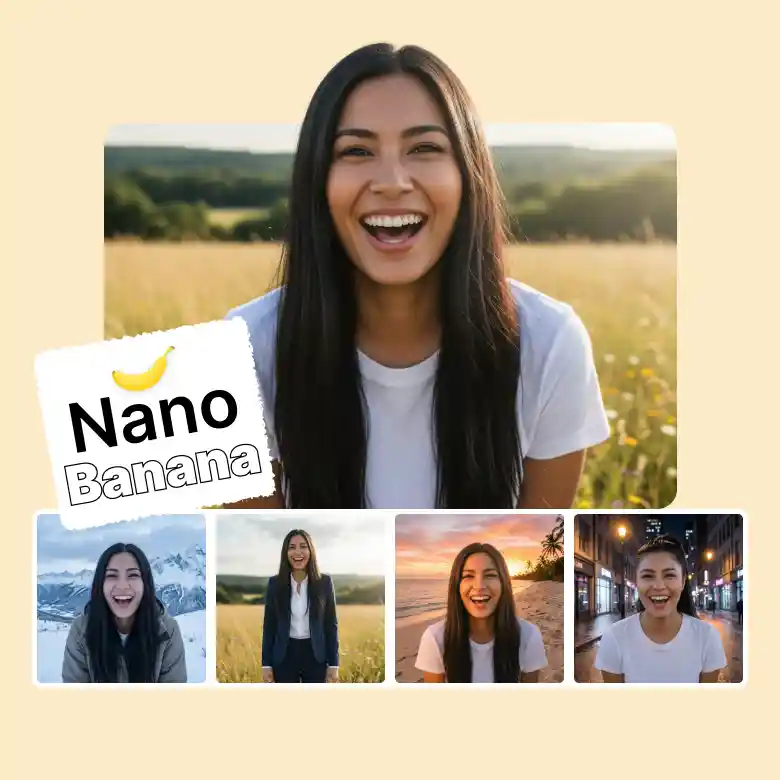
Consistent Character Editing Across Multiple Images
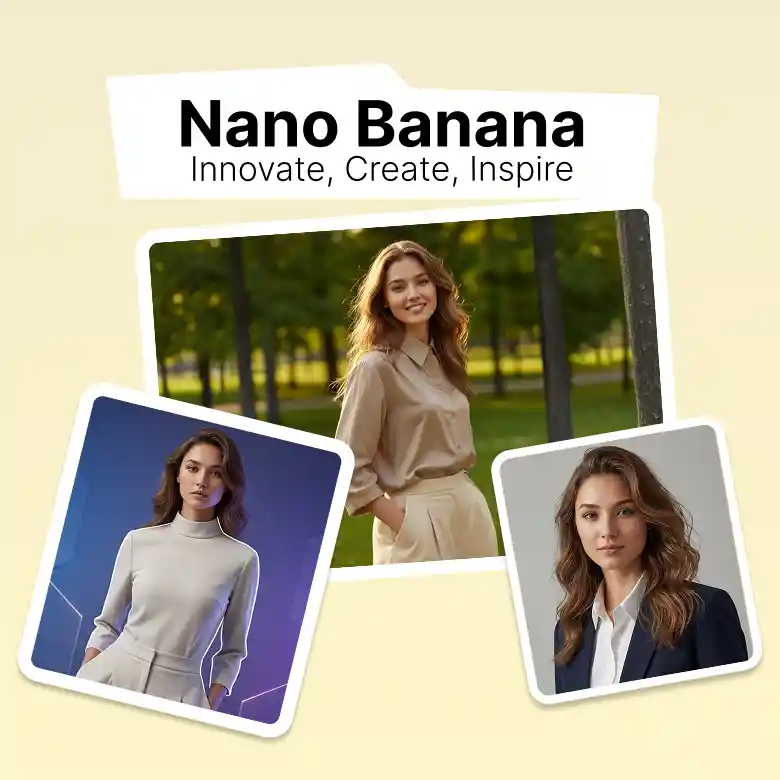
Whether you're creating a story or a brand campaign, Nano Banana helps your character stay recognizable across different images while allowing creative changes. Even if you change clothes, hairstyle, pose, or background, Nano Banana keeps the same person recognizable.
Here's what you can easily do with it:
✔ Different backgrounds, same character
✔ New outfits without changing identity
✔ Multiple poses with a consistent appearance
✔ Reliable edits for recurring characters
Preserve The Original Scene While Editing
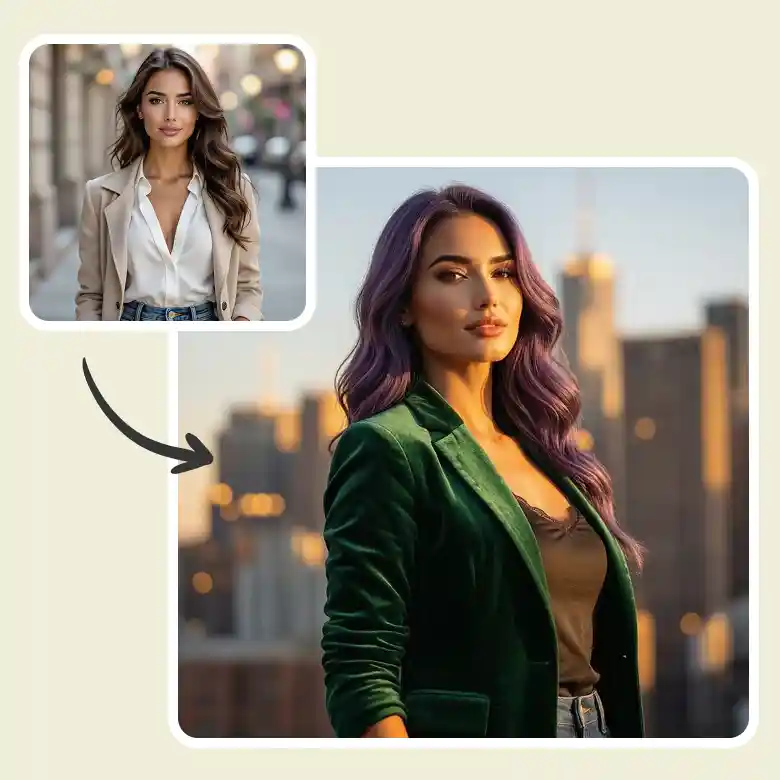
Need to update only one part of your image? Nano Banana lets you replace objects, change backgrounds, adjust lighting, or modify specific details while keeping the rest of the image unchanged. This simply means:
• Update backgrounds in seconds
• Replace or remove objects
• Adjust lighting and camera angles
• Preserve the original composition
Features of the Nano Banana Model AI Image Generator
• Fast Image Generation at a Lower Cost – Generate multiple high-quality images quickly while keeping costs low.
• Smart Prompt Understanding – Understands detailed prompts for accurate results.
• High-Quality Output – Creates sharp, realistic, high-resolution images.
How To Write Better Prompts For Nano Banana
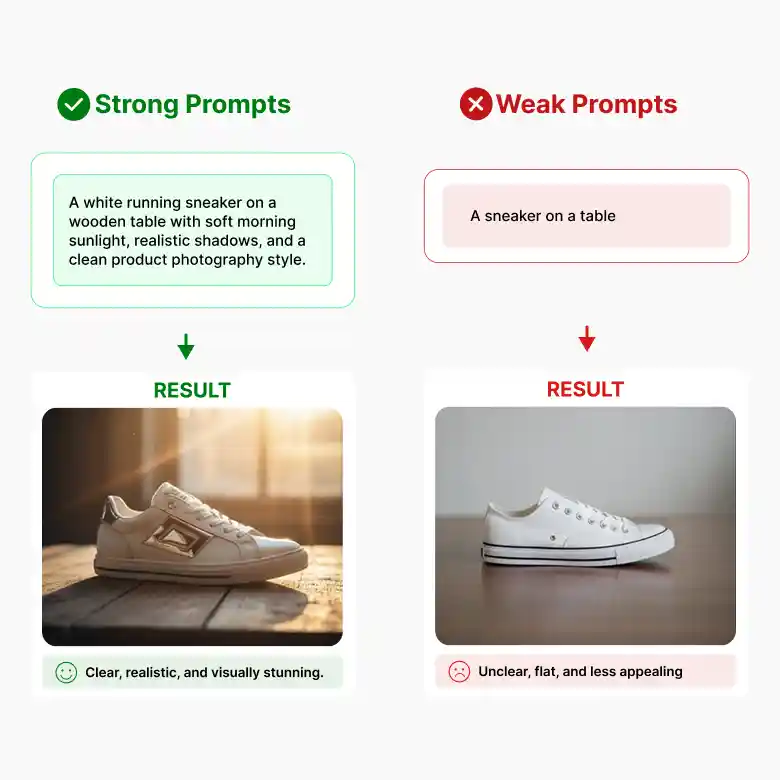
Nano Banana works best with clear and detailed prompts; the more specific your instructions, the better your results.
❌ Basic Prompt
"A sneaker on a table."
✔ Better Prompt
"A white running sneaker on a wooden table with soft morning sunlight, realistic shadows, and a clean product photography style."
Tips
• Clearly describe your subject.
• Mention lighting and camera angle.
• Specify the style you want.
• Put any text in quotation marks.
• Keep your prompt clear and detailed.
Is Nano Banana Right For You?
Nano Banana is a great choice if you:
✔ Need fast, cost-efficient image generation.
✔ Create large volumes of social media content.
✔ Want to transform existing images with AI.
✔ Experiment with different styles and creative concepts.
✔ Design posters, banners, flyers, and marketing visuals.
This model may not be the best fit if you:
❌ Need advanced controls available in higher-end AI models.
❌ Want features designed specifically for highly complex scenes or specialized workflows.
Need More Advanced Features?
Upgrade to another Gemini Nano Banana model based on your creative needs.
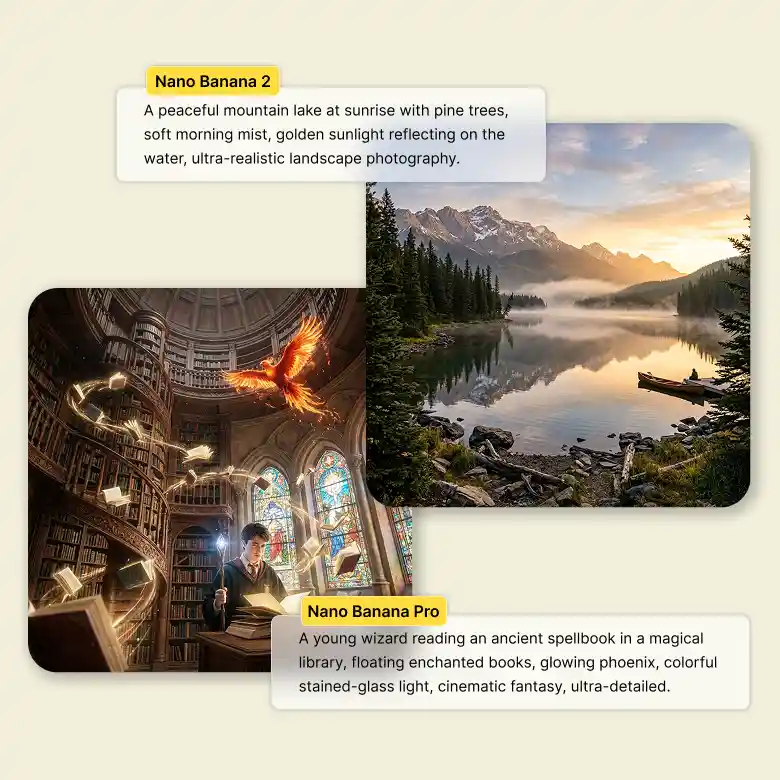
• Nano Banana 2 – Faster image generation with multilingual text support. It runs 2–3× faster than Nano Banana Pro and generates images at roughly half the cost.
• Nano Banana Pro – Advanced reasoning, complex scene understanding, accurate text rendering, and high-fidelity image quality. It costs more and also takes a little more time than the Nano Banana 2.
All Your AI Models in One Place
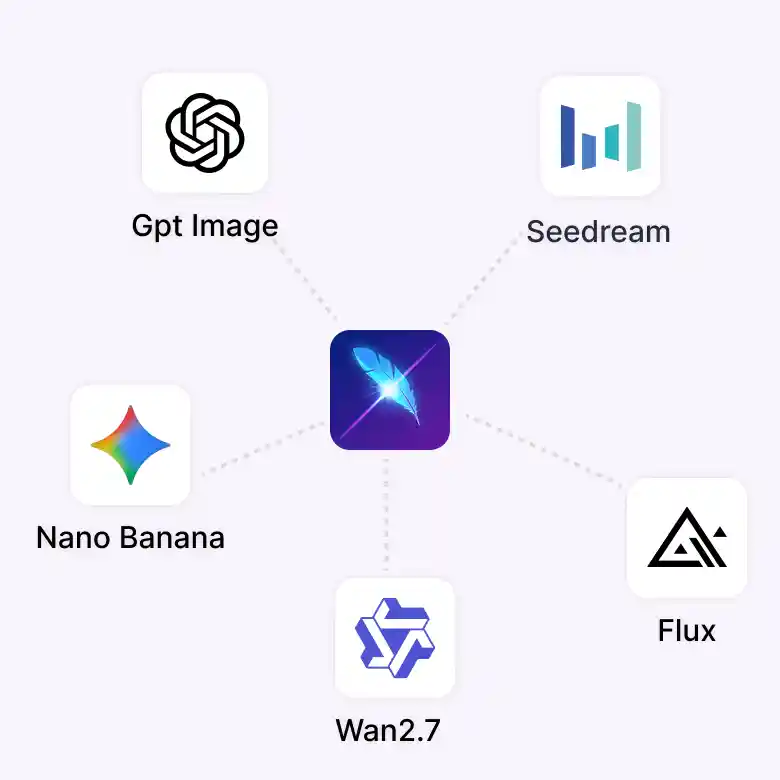
Nano Banana is just one of the AI models available in LightX. Switch between models right from the same screen depending on what you need:
Wan → accurate in-image text
Seedream → Artistic, cinematic photos
Flux 2 Pro → Sharp detail and exact HEX color matching
Nano Banana Pro → Fast, everyday generation
Pick the model that fits the task, without leaving the page.