How to Use Seedream Image Generator on LightX
Select “Seedream” from AI Models.
Choose text to Image or Image to Image, then open the AI Model dropdown and choose Seedream 4.5.
Write your prompt.
Describe your image. Name the lighting, the subject and any scene you want rendered.
Generate and review.
Hit generate. Check the result, adjust your prompt if needed, or download image to device.
ByteDance’s Seedream 4.5 now on LightX
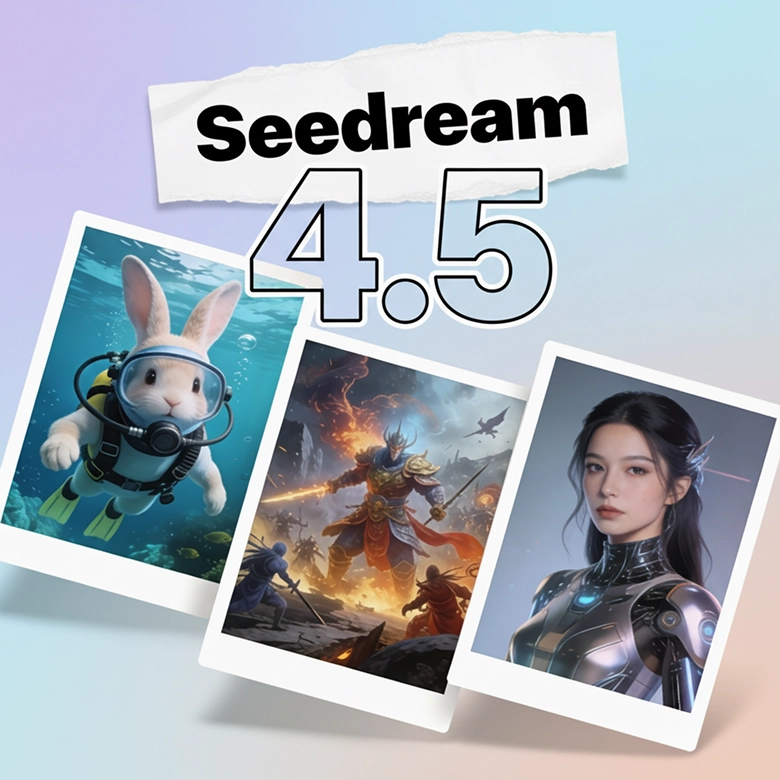
ByteDance's Seedream 4.5 is the most advanced image model yet, and LightX now has it built in. Known for its commercial grade images, it's now ready to use for both text-to-image and image-to-image transformation. Seedream 4.5 output quality is now combined with LightX's easy interface and editing features; accessible and simple.

Best for “Film-Like” Visuals
Known for its superior cinematic lighting and realism, Seedream is used widely to create images that look "film-like." Seedream 4.5 adds real photographic lighting that feels like generated images were shot on a camera. This shows up most in portraits and product photography, where it makes the difference between looking generated and looking real.
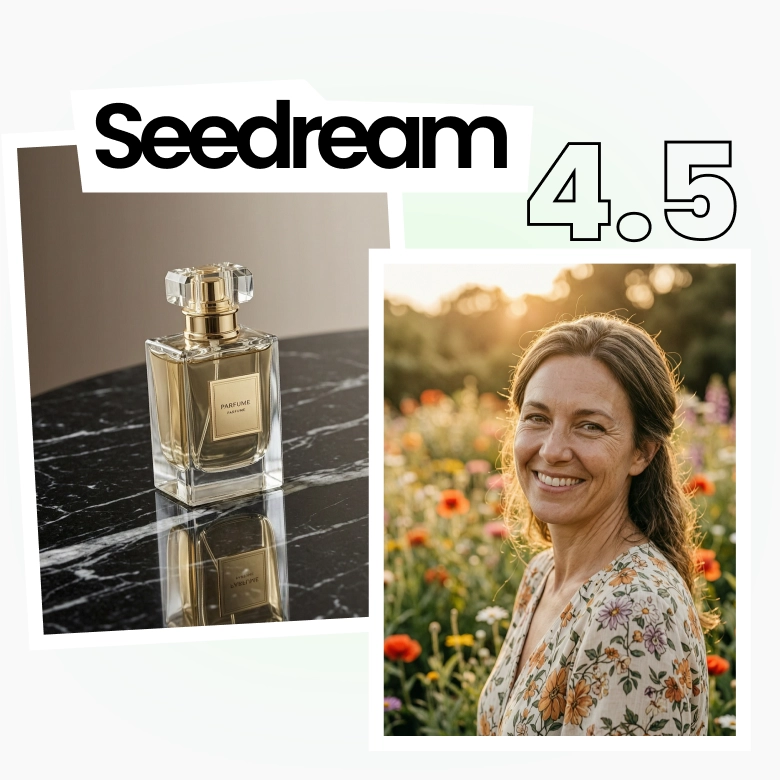
Prioritizes Preservation: Faces, logos, scenes
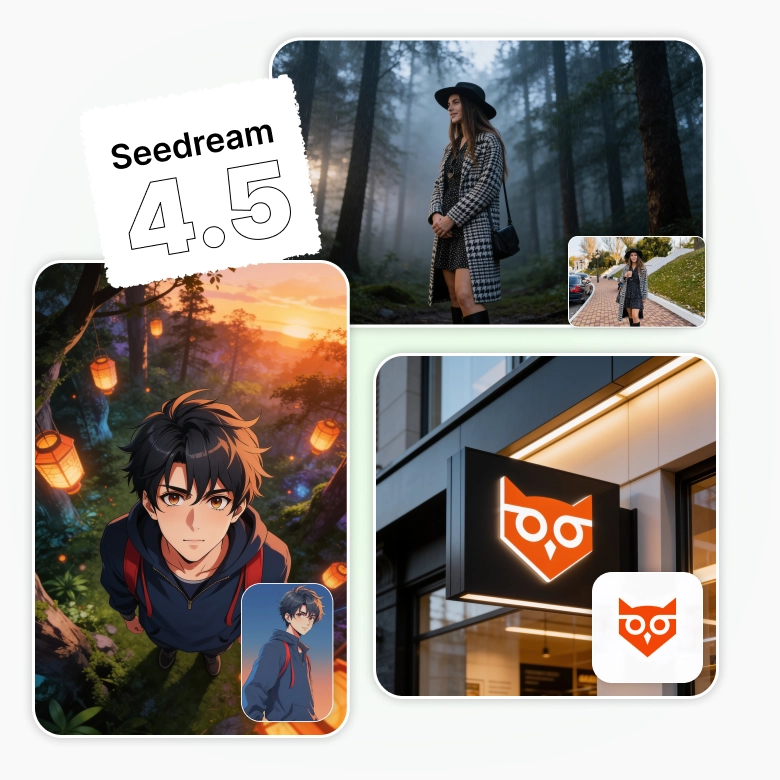
This tool is specifically designed for creating anything that needs consistent faces, logos, or layout across multiple images. Seedream 4.5 image to image model is equipped to keep a input subject locked in place. It generates new elements around it. Used widely for:
✔ Ecommerce catalogs where product stays untouched
✔ A brand face that stays the same throughout
✔ Logos and labels that stay identical everywhere
✔ Different characters appearing in a same scene
Comes with Visual Logic Engine
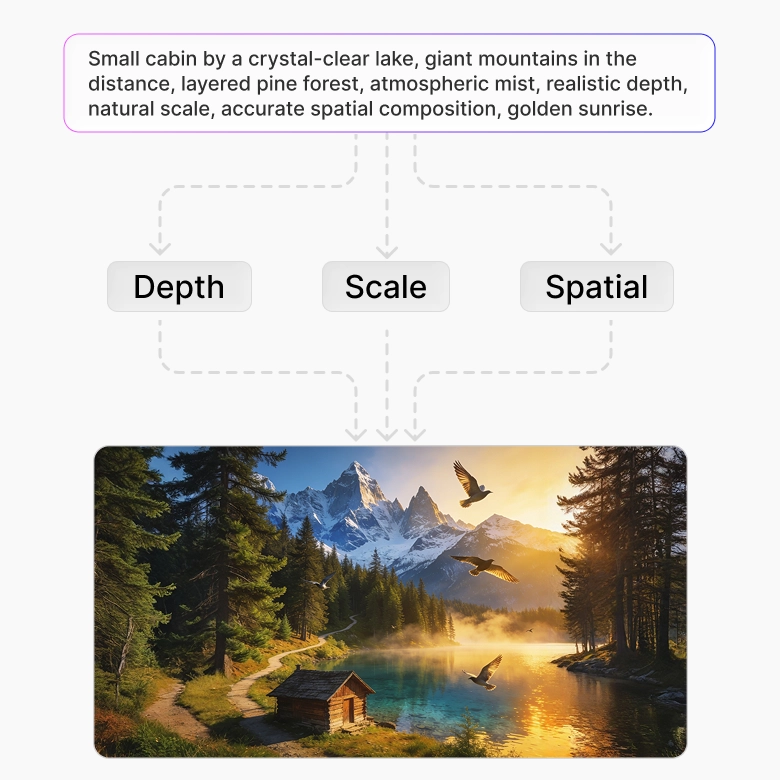
When your scene has several objects, angles, or a specific layout, the model keeps track of how everything should relate.
The Visual Logic Engine understands depth, scale, and spatial relationships beforehand. This means:
✔ Objects are placed where they logically belong
✔ Shadows and lighting follow real physics
✔ Diagrams and layouts that connect correctly
✔ Less retries to get the composition right
Outputs Up to 4K
Seedream 4.5 generates images at native 4K resolution, meaning the detail is built in high resolution from the start rather than stretched afterward. There's no need for upscaling. The generated images maintain their quality at high DPI, making them suitable for large-format printing, including billboards, posters, and magazines.
How to Prompt Seedream 4.5
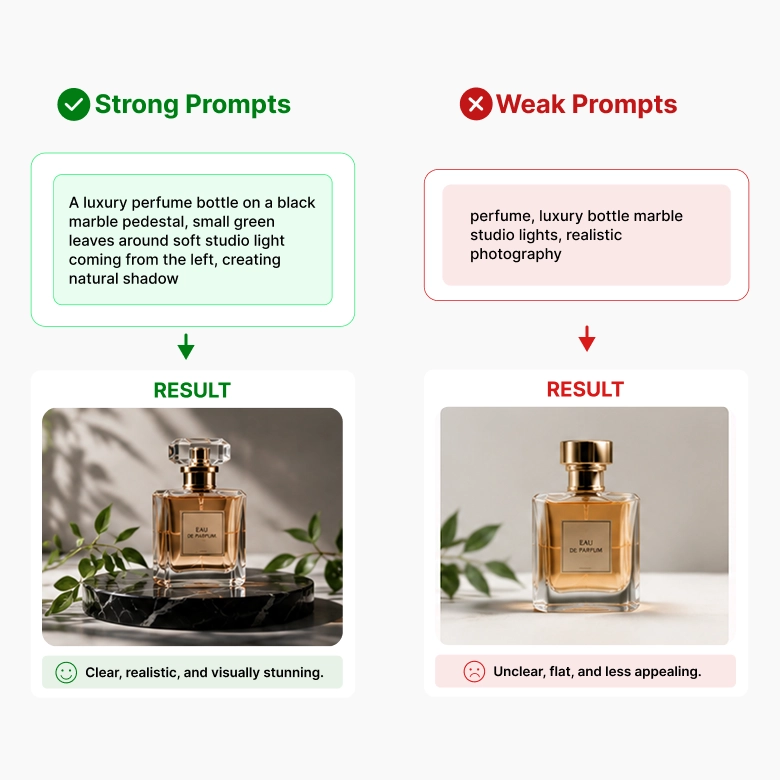
Seedream 4.5 rewards a clear structure over a pile of keywords. A short, well-organized prompt usually beats a long, cluttered one.
A strong prompt on Seedream 4.5 looks like this:
describing subject → setting → lighting
E.g.: "A skincare bottle placed on a marble surface, small green leaves scattered, dawn light coming from the left, shot like a studio product photo."
Is Seedream 4.5 right for you?
The tool is a good fit if you:
✔ Want to adapt the same content for different markets
✔ Create brand visuals or character faces that need to look consistent
✔ Design things where layout needs to make sense
✔ Need print-quality, high-resolution output for large-format use
This tool may not be the best fit if you:
❌ Need complicated scenes, with precise details
❌ Are working with small text inside the image
More AI Models at your Fingertips
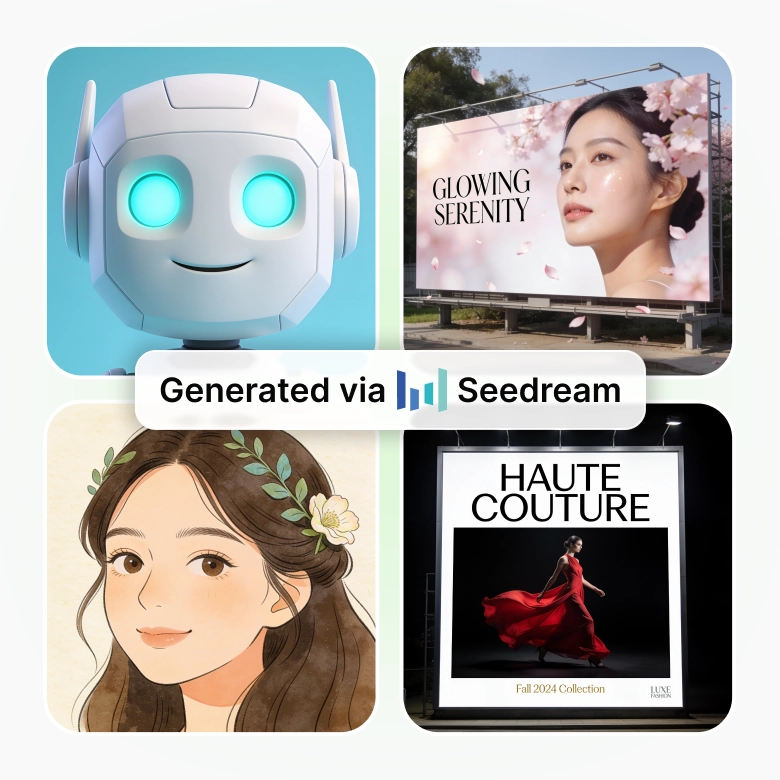
Seedream 4.5 isn't the only option in your toolkit. Switch between models right from the same screen depending on what you need:
Wan → accurate in-image text
Flux 2 max → sharp detail and exact HEX color matching
Nano Banana → fast, everyday generation
GPT 2 → sharp, versatile output
Pick the model that fits the task, without leaving the page.