How to Use the Flux.2 Flex on LightX
Select "Flux Image" from AI Models.
Choose Text to Image or Image to Image, then open the AI Model dropdown and select Flux.2 Flex.
Write your prompt.
Describe the image you want to create or the edits you'd like to make. Add details about the subject, style, text, and any exact colors you need rendered.
Generate and download.
Click Generate to create your image. Review the output, refine your prompt if needed, and download the final image.
Flux.2 Flex AI Model, Now on LightX
LightX now brings Black Forest Labs' Flux.2 Flex, a precision-tuned image model built on a 32-billion parameter architecture, to one platform for both text to image and image to image editing. It's built to hold up small text, dense layouts, and fine textures, making it a strong pick for design where accuracy matters more than speed.
Built for Design-Heavy Work
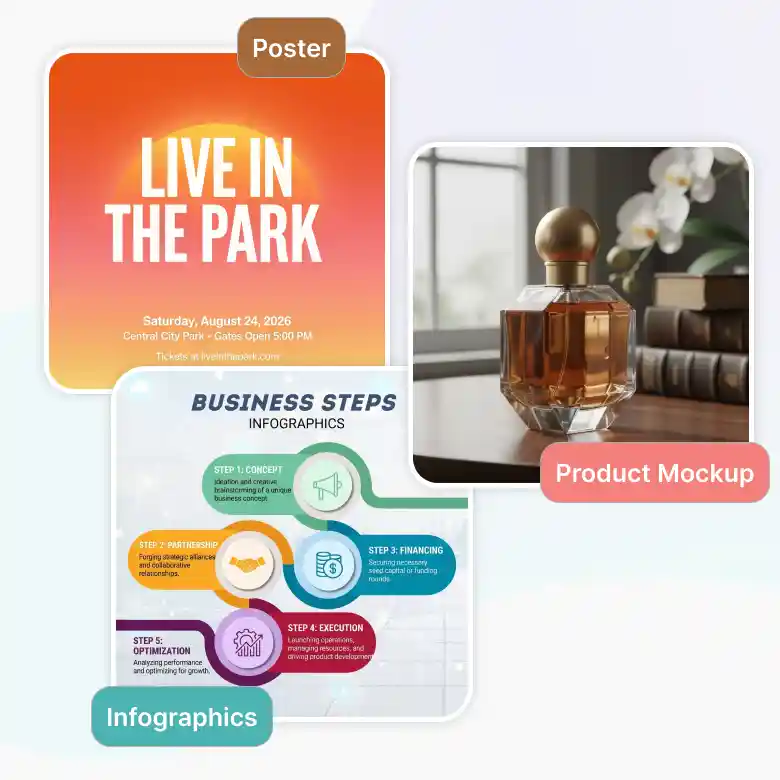
Flux.2 Flex is built for anyone who needs their AI images to hold up under close inspection. It's perfect for design work where fine print, layout structure, or brand-exact color can't be left to chance. You can easily:
✔ Create infographics with clean, legible labels
✔ Design packaging and posters with dense text
✔ Generate UI and product mockups with sharp detail
Real-World Understanding, Built In
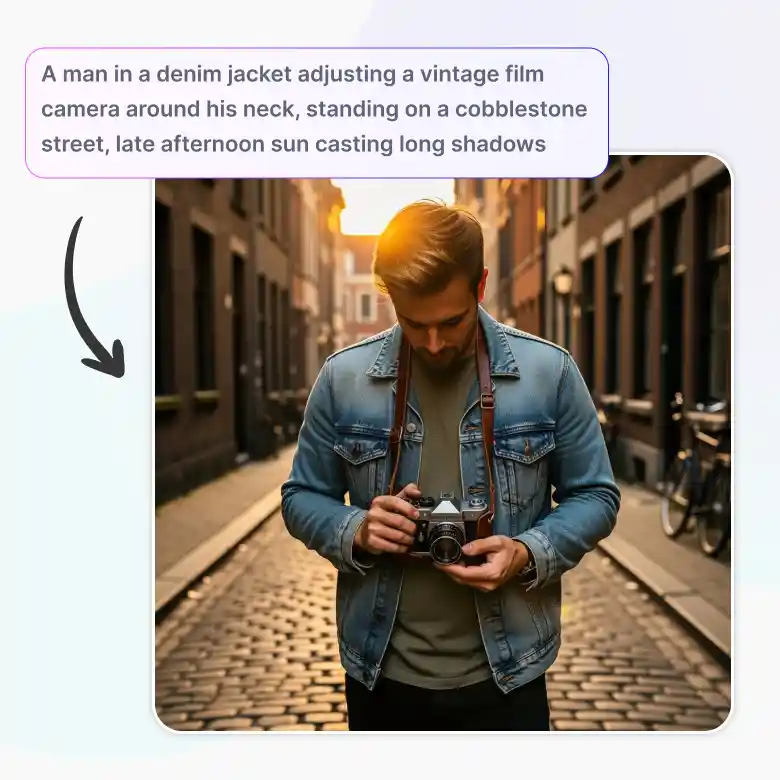
Flex draws on the same vision-language foundation as the rest of the Flux.2 family. It's built for prompt-driven accuracy. It gives it a strong grasp of real-world objects, materials, and context. So lighting, textures, and spatial details land the way they would in a real photo.
Exact Brand Colors with HEX Codes
Flux.2 Flex gives HEX color accuracy, and it matches that color with very little approximation. This makes it a strong option for keeping brand colors exact across every asset. Just prompt the HEX code directly.
Example Prompt: "Create a luxury skincare product photo with a background in #1A237E, gold accents, soft studio lighting, and the product name in #FFFFFF."
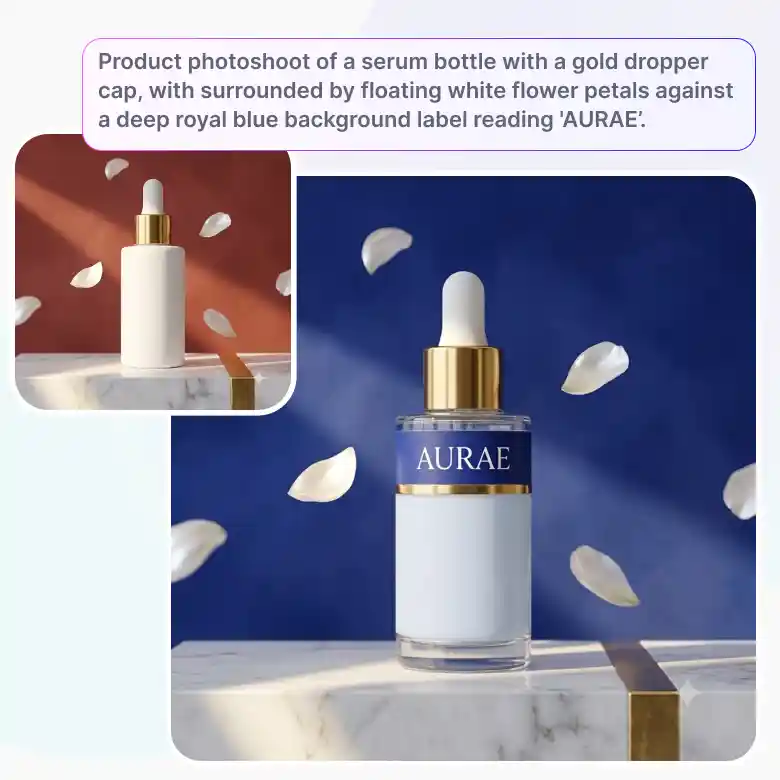
Prompting Tips for Flux.2 Flex
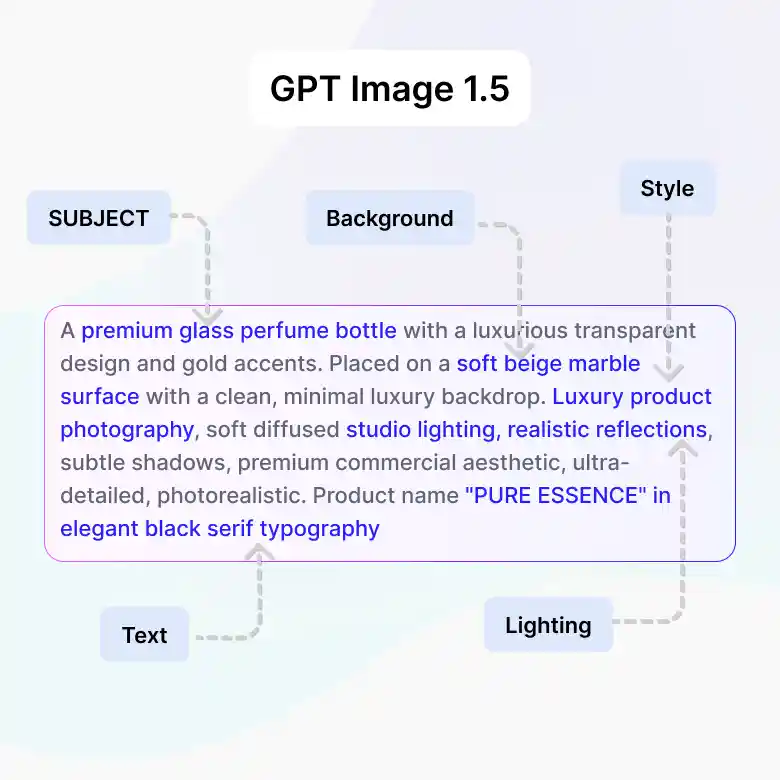
For the sharpest results with Flex, build your prompt in this order:
Subject → Background → Style/Lighting → Text
Example: "A minimalist tech poster, matte black background, with a headline that reads 'PRECISION BUILT' in bold white sans-serif text, sharp studio lighting, cinematic detail."
Tips:
• Put exact text in quotation marks for accurate rendering.
• Spell the text correctly in your prompt.
• For layouts with multiple text blocks, describe each block's position and content separately.
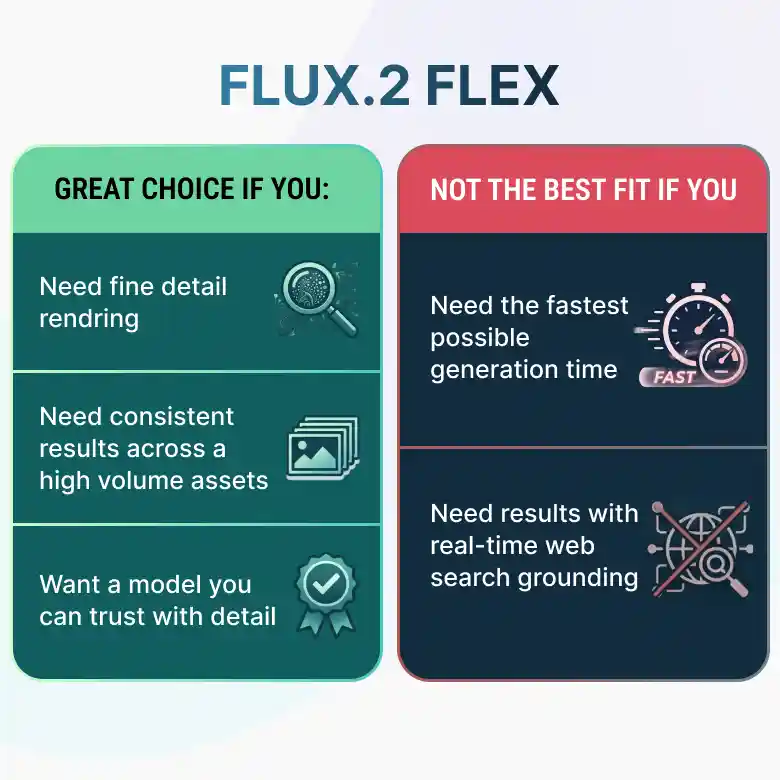
Is Flux.2 Flex Right for You?
Flux.2 Flex is a great choice if you:
✔ Need fine detail rendering
✔ Need consistent results across a high volume assets
✔ Want a model you can trust with detail
This model may not be the best fit if you:
❌ Need the fastest possible generation time
❌ Need results with real-time web search grounding
Why Use Flux.2 Flex on LightX?
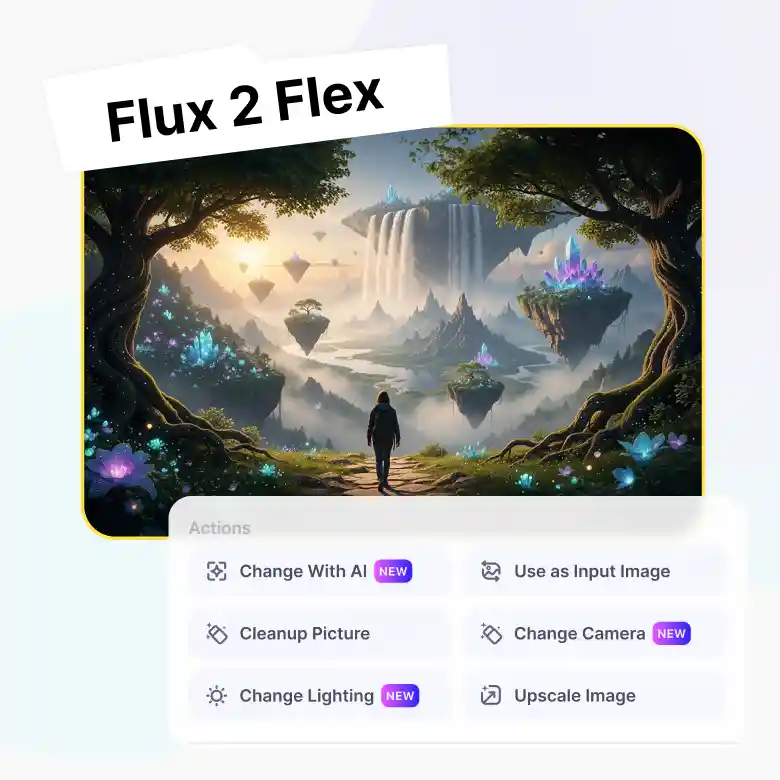
Flux.2 Flex output quality is even more useful paired with LightX's online editing tools built right around it. Generate once, then refine without starting over.
✔ Use your output as new input
✔ Change with AI — follow-up prompts for specific edits
✔ Negative prompts to skip unwanted elements
✔ Upscale, right inside the tool
✔ Change lighting after generation
✔ Change camera angle without regenerating
More AI Models at your Fingertips
Flux.2 Flex isn't the only option in your toolkit. Switch between models right from the same screen depending on what you need:
Wan → accurate in-image text
Seedream → artistic, cinematic photos
GPT Image 2 → sharp, versatile output
Nano Banana Pro → fast, everyday generation
Pick the model that fits the task, without leaving the page.