How To Use The Flux.2 Max Image Generator On Lightx?
Select "FLUX.2 Max" from AI Models
Choose Text to Image or Image to Image, then open the AI Model dropdown and select FLUX.2 Max.
Write your prompt
Describe the image you want to create or the edits you'd like to make. Add details about the subject, style, composition, lighting, camera angle, colors, and overall mood for more accurate results.
Generate and download
Click Generate to create your image. Review the output, refine your prompt if needed, and download the final high-quality image.
Flux.2 Max AI Model, Now On Lightx
LightX now brings FLUX.2 Max, Black Forest Labs' most advanced AI image model, to one platform. Create high-quality images from text or edit existing photos with ease. Whether you need product photos, cinematic scenes, marketing creatives, logo designs, or images with accurate text, FLUX.2 Max delivers professional results.
Generate Images With Web Search Grounding
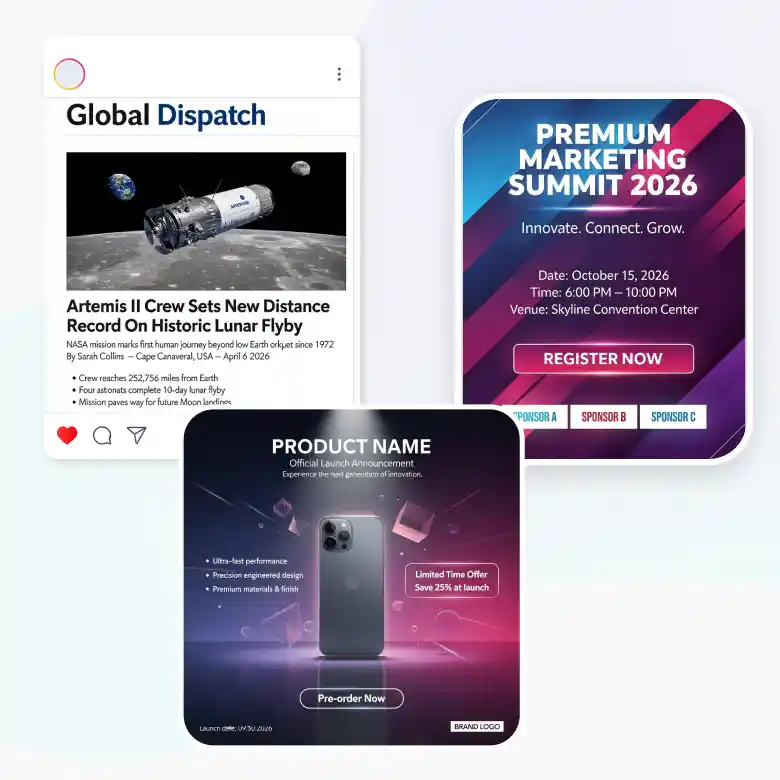
Need images based on the latest information? FLUX.2 Max supports web search grounding, allowing it to use up-to-date online information while generating images. This helps create more accurate visuals for recent events, product launches, trending topics, and current brands without relying only on older training data.
Use it for:
✔ News-based visuals
✔ Event promotions
✔ Trending social media content
✔ Product launch campaigns
Create True Cinematic Frames For Filmmaking
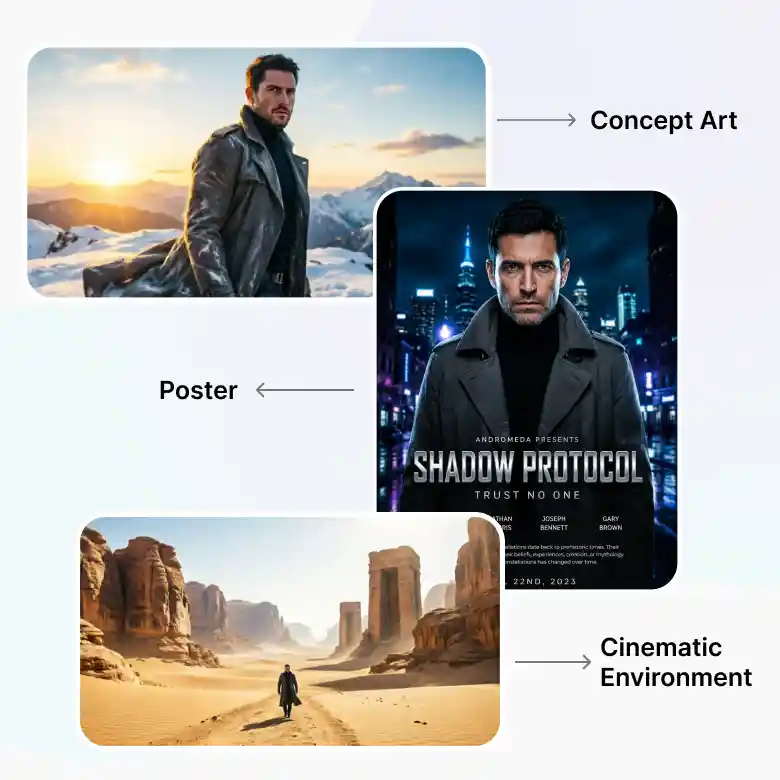
FLUX.2 Max is designed to produce cinematic, 2K-quality visuals with realistic lighting, dramatic compositions, and true widescreen framing. It's ideal for filmmakers, creative studios, and storytellers who need professional concept art or storyboard frames before production.
Perfect for:
✔ Storyboards
✔ Film concept art
✔ Movie posters
✔ Trailer keyframes
✔ Cinematic environments
Generate Realistic Scenes With Spatial Reasoning And Accurate Text
FLUX.2 Max understands depth, perspective, object placement, and camera angles, creating scenes that look naturally composed. It also produces clear, readable text with consistent characters, making it ideal for designs that combine visuals with typography.
Create:
✔ Posters with readable headlines
✔ Product packaging
✔ Marketing banners
✔ Restaurant menus
✔ Branded advertisements
✔ Infographics
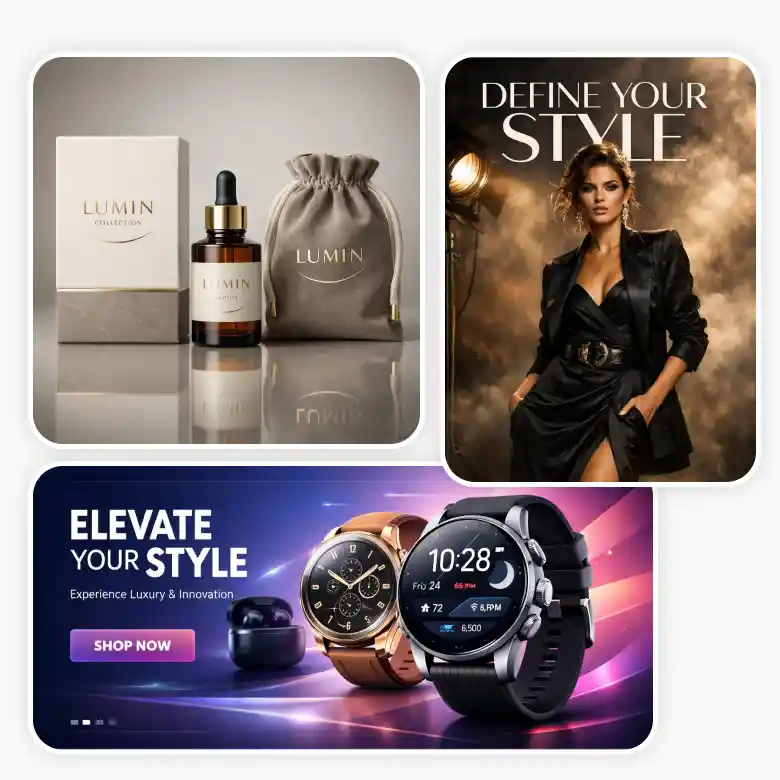
Create Designs With Exact Brand Colors
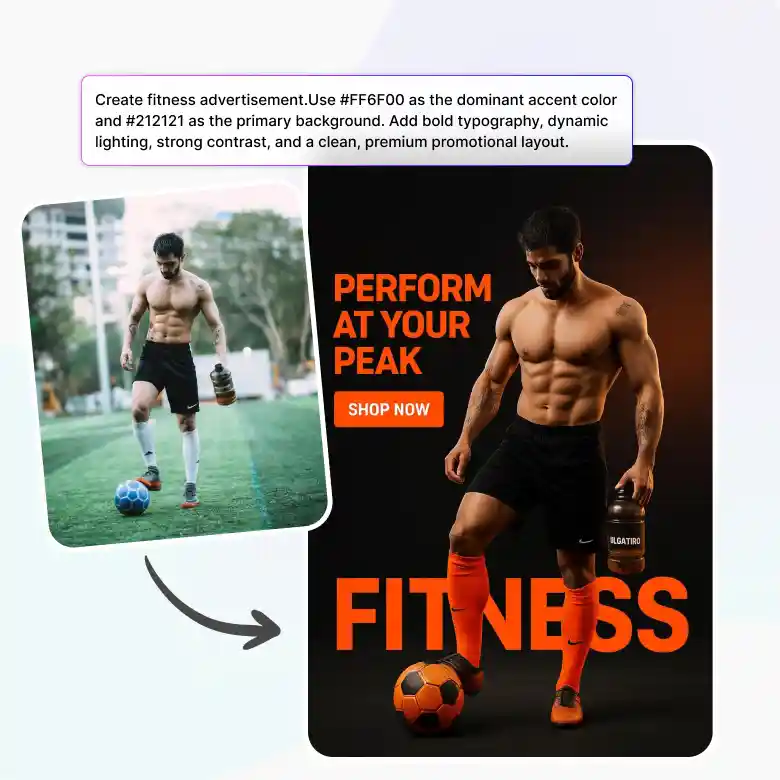
When you're designing for a brand, even a small color change can make a difference. With FLUX.2 Max, you can simply add a HEX color code to your prompt and generate images that stay closer to your brand colors. Whether you're creating product photos, packaging, ads, or social media graphics, it's an easy way to keep every design looking consistent.
Example Prompt
"Design a modern fitness advertisement using #FF6F00 as the primary color and #212121 for the background, featuring bold typography, dynamic lighting, and a clean promotional layout."
Two Creative Workflows With Flux.2 Max
• Text to Image
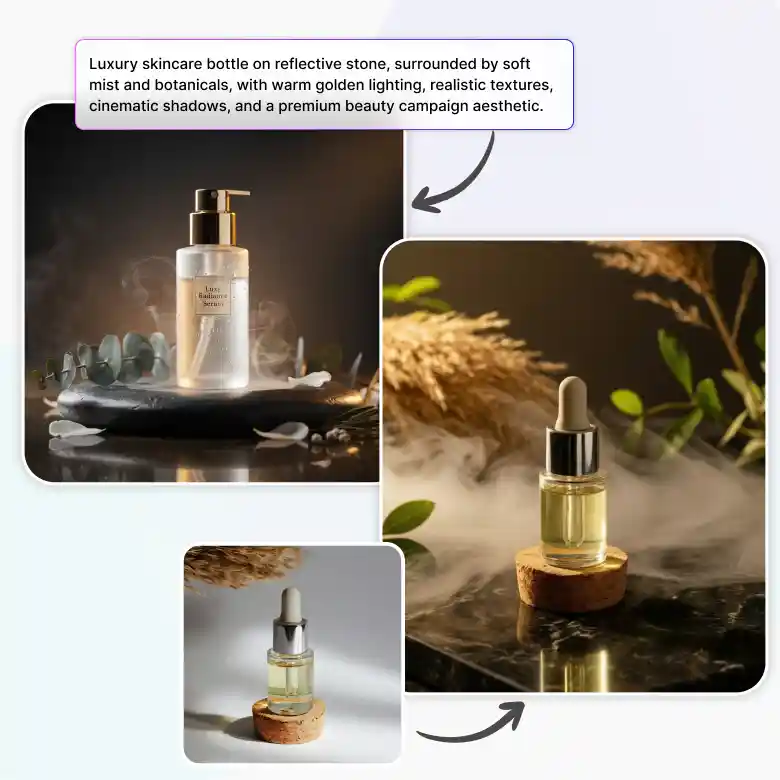
Give a simple text prompt to describe your idea and create premium-quality images with intricate details and cinematic visuals.
• Image to Image
Upload an image and edit it with simple prompts. Create high-quality results with realistic edits and web search grounding for more accurate outputs.
More Reasons To Choose Flux.2 Max
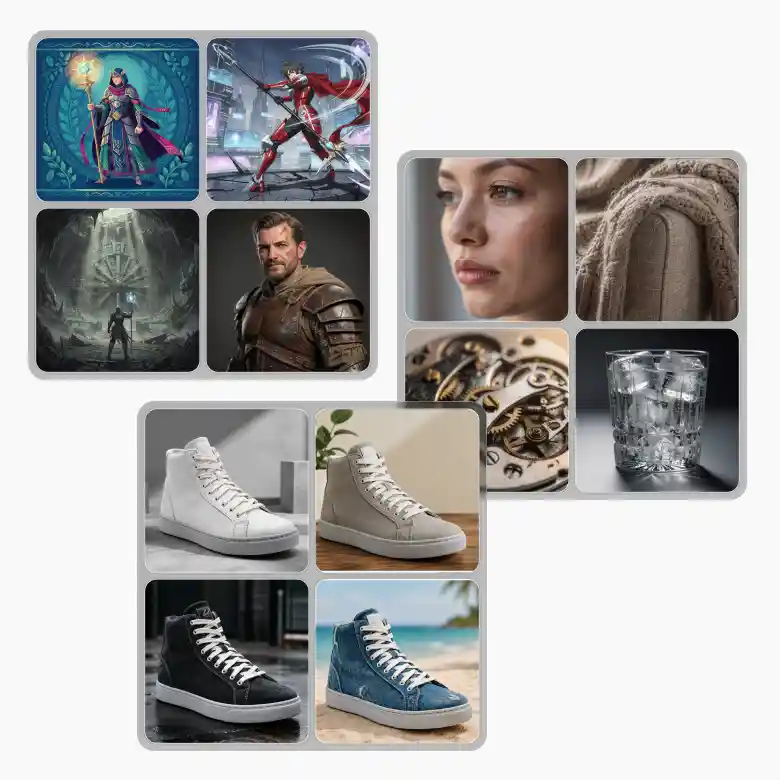
• Multiple Art Styles – Create images in realistic, illustration, concept art, anime, and many other styles with ease.
• Realistic Materials & Details – Generate lifelike textures for skin, fabric, metal, glass, wood, and other materials.
• AI Retexturing – Easily change object materials and surfaces without changing the design.
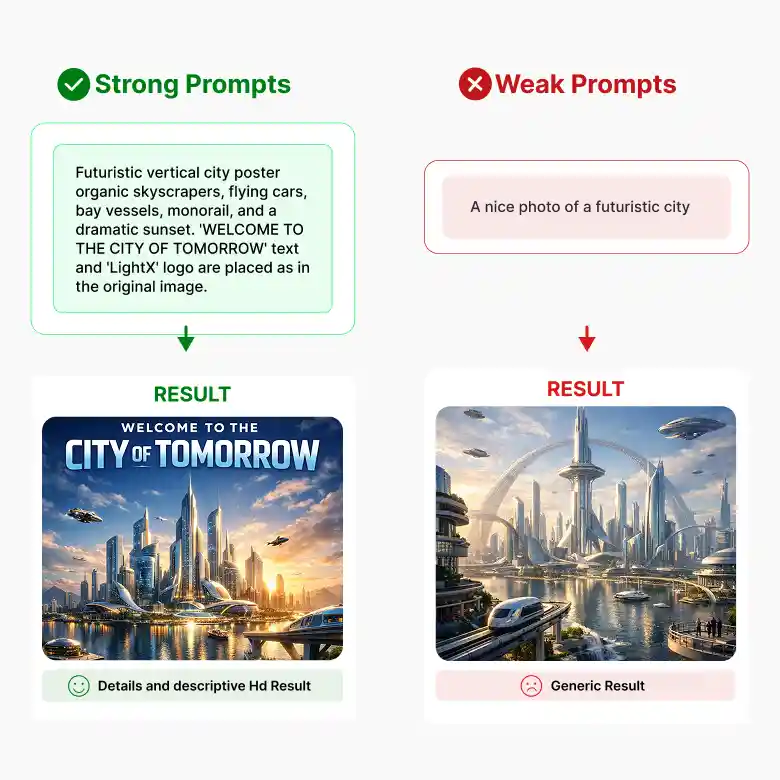
How To Write Better Prompts For Flux.2 Max
FLUX.2 Max works best when your prompt includes more details. A clear prompt helps the model create images that look closer to what you have in mind.
❌ Basic Prompt
"A luxury watch."
✔Better Prompt
"A silver luxury watch with a blue dial on a black marble table, soft studio lighting, realistic reflections, close-up product photo, cinematic style."
Tips:
• Describe what you want to create.
• Mention the background and lighting.
• Add the style, such as realistic or cinematic.
• Include the camera angle if needed.
• Put any text you want in quotation marks.
• Use HEX color codes for exact brand colors.
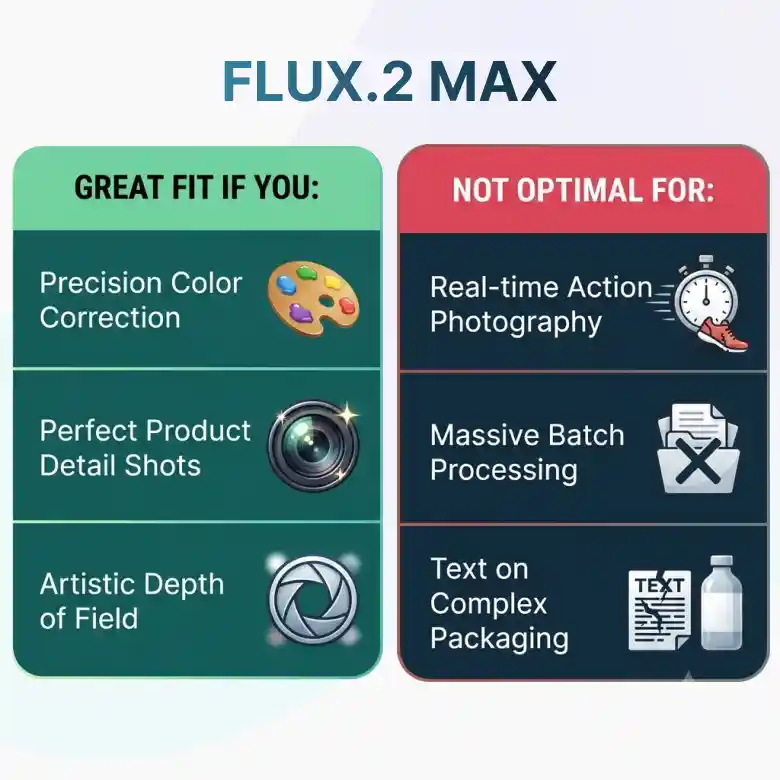
Is Flux.2 Max Right For You?
FLUX.2 Max is a great choice if you:
✔ Need premium-quality AI images with realistic details.
✔ Create product photos, marketing creatives, or branded content.
✔ Want cinematic visuals for storytelling or filmmaking.
✔ Need accurate text rendering for posters, packaging, and ads.
✔ Want precise image editing with strong prompt understanding.
✔ Need realistic materials, lighting, and consistent results.
This model may not be the best fit if you:
❌ Need the fastest model for generating large volumes of images.
❌ Want a lightweight model for quick, everyday image creation over maximum quality.
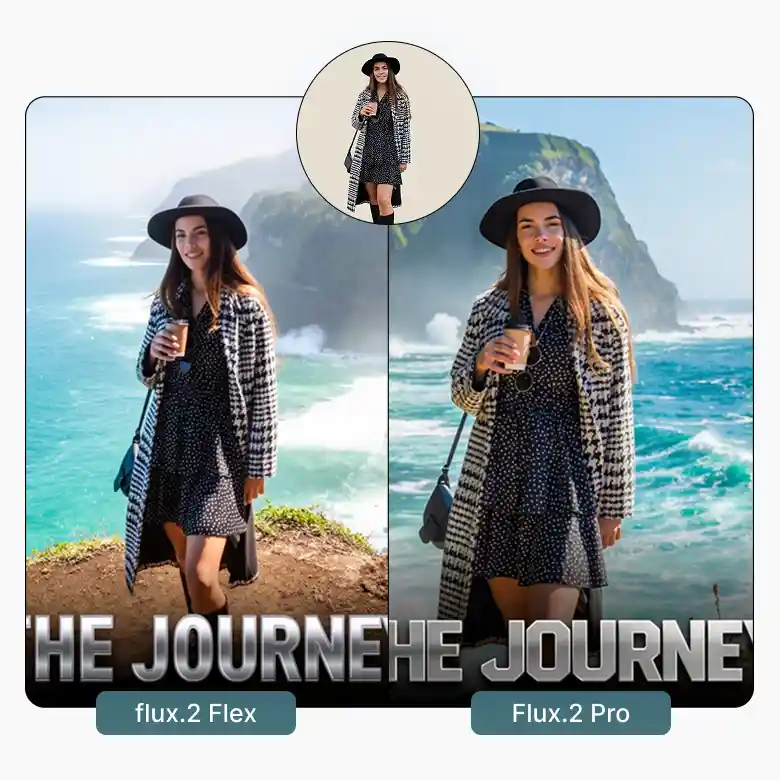
Find Your Ideal Flux Model
• FLUX.2 Flex AI Image Generator
Perfect for everyday image generation and creative editing. It gives you more control over your images and supports sharp text rendering with HEX color prompting that makes it suitable for everyday creative projects.
• FLUX.2 Pro AI Image Generator
Great for creating professional-quality images with realistic lighting and accurate prompt results. It supports exact HEX color matching, making it a good choice for branding, marketing, and design projects.
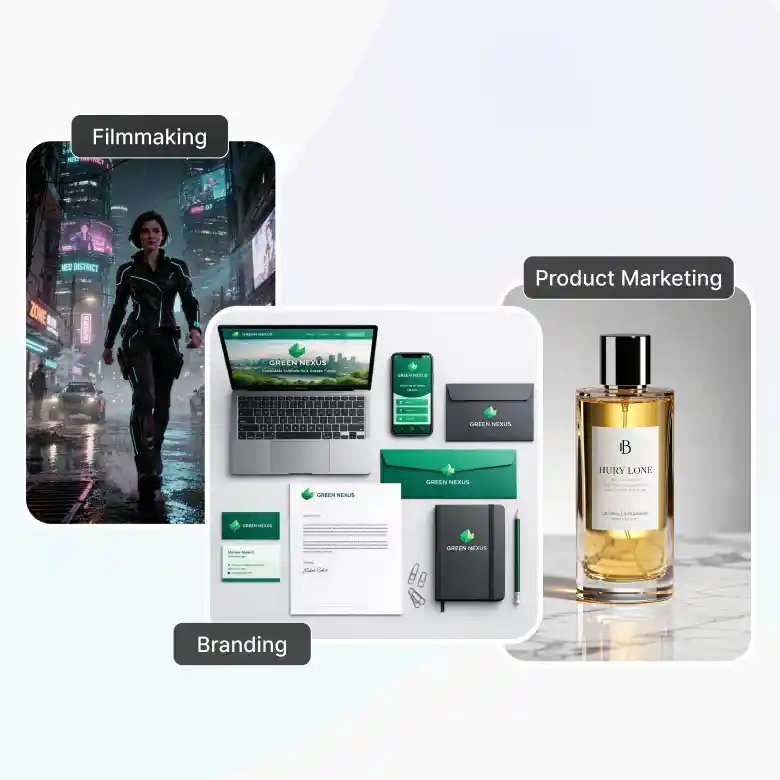
Best For Product Marketing, Branding, And Filmmaking
FLUX.2 Max is built for anyone who wants professional-quality AI images with realistic results. It's perfect for creating everything from marketplace product photos to marketing and branding visuals. You can easily:
✔ Create marketplace-ready product photos
✔ Design ads, banners, and social media graphics
✔ Create branding mockups and logo variations
✔ Enhance images with realistic lighting and details
✔ Generate cinematic visuals and concept art
✔ Design posters and packaging with clear, accurate text
All Your AI Models in One Place
Flux 2 Max is just one of the AI models available in LightX. Switch to the model that best fits your project, all from the same screen.
• Seedream → artistic, cinematic photos
• Wan 2.7 → Realistic images with clear text
• GPT Image → sharp, versatile output
• Nano Banana → fast, everyday generation
All your favorite AI models are available in one place.