
Apply these instant styles for creative generations
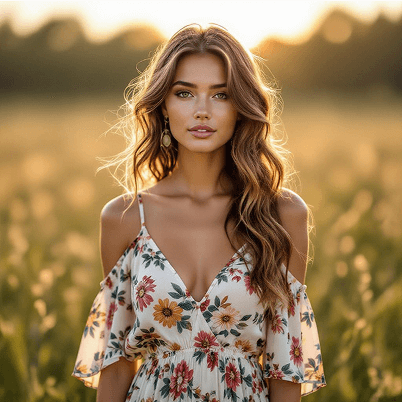

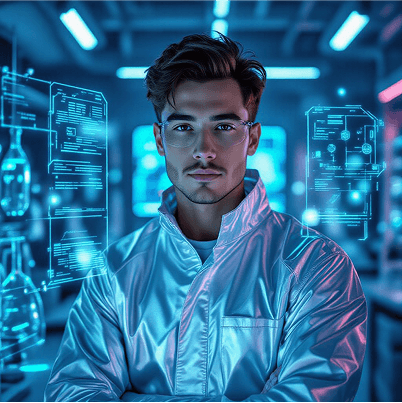
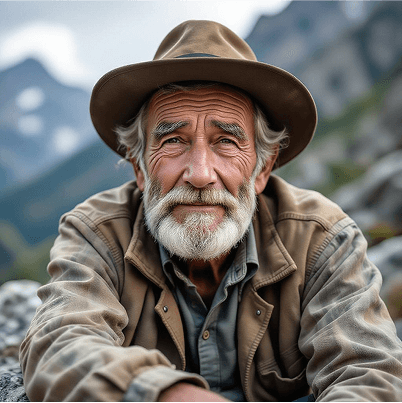
A text-to-image that requires no prompting skills
There’s an easy way to create AI images without needing prompt skills. The LightX AI Image Generator includes a range of specialized tools for different image needs.
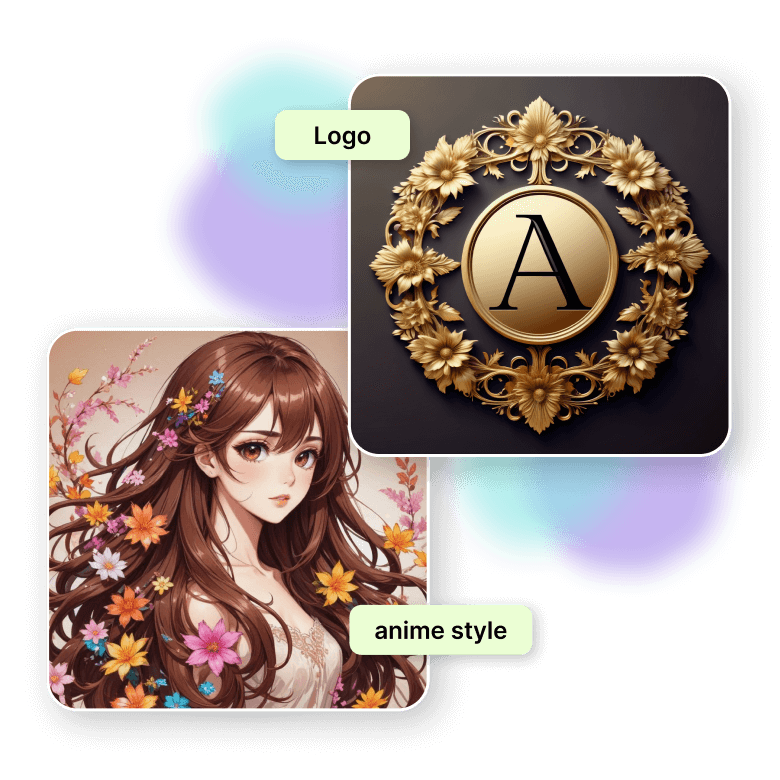
Need a logo? Use the AI Logo Generator.
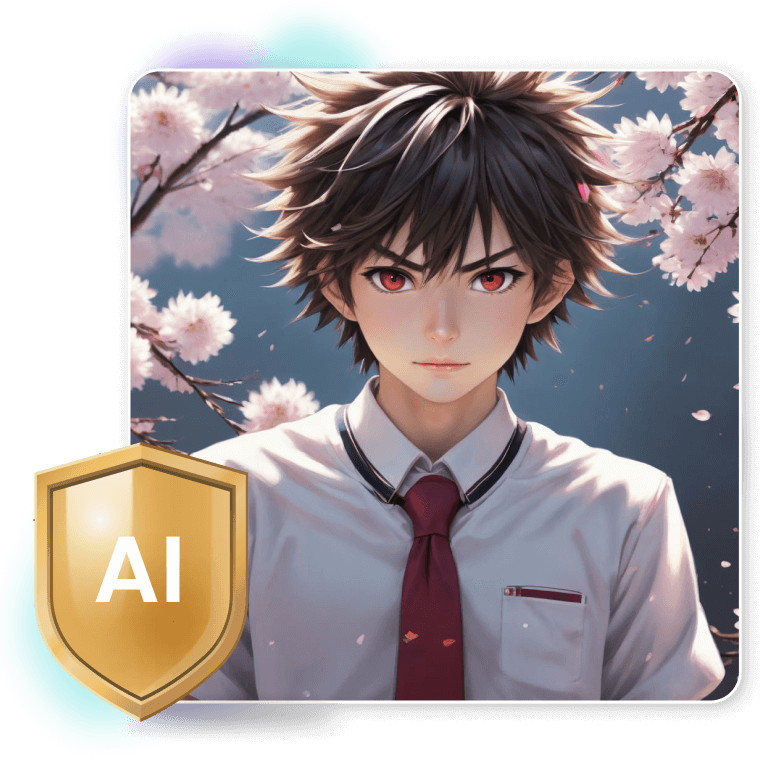
Into anime-style art? Try the AI Anime Art Generator—and there’s plenty more!
Each tool is trained to deliver a specific type of output. Just pick the right tool for the job, type a simple prompt, and create images for any specialized use with minimal effort.
Faster image generations + higher-quality outputs
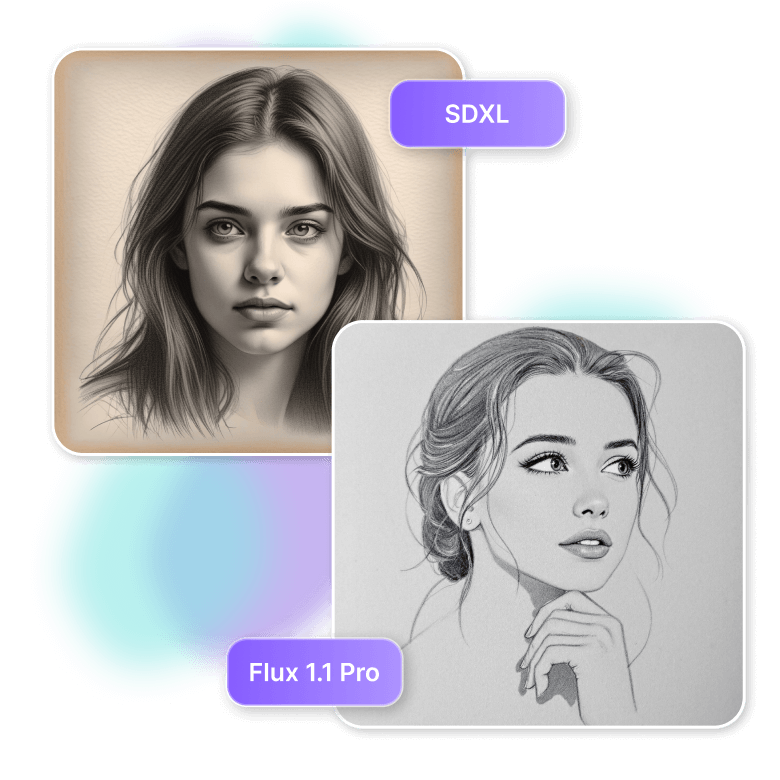
Experience the speed of our AI photo creator, delivering high-quality images faster than ever. Perfect for those moments when inspiration strikes, this powerful tool ensures you won’t have to wait to see your ideas come to life in vivid detail. It’s powered by some of the most competitive AI models to suit your needs:
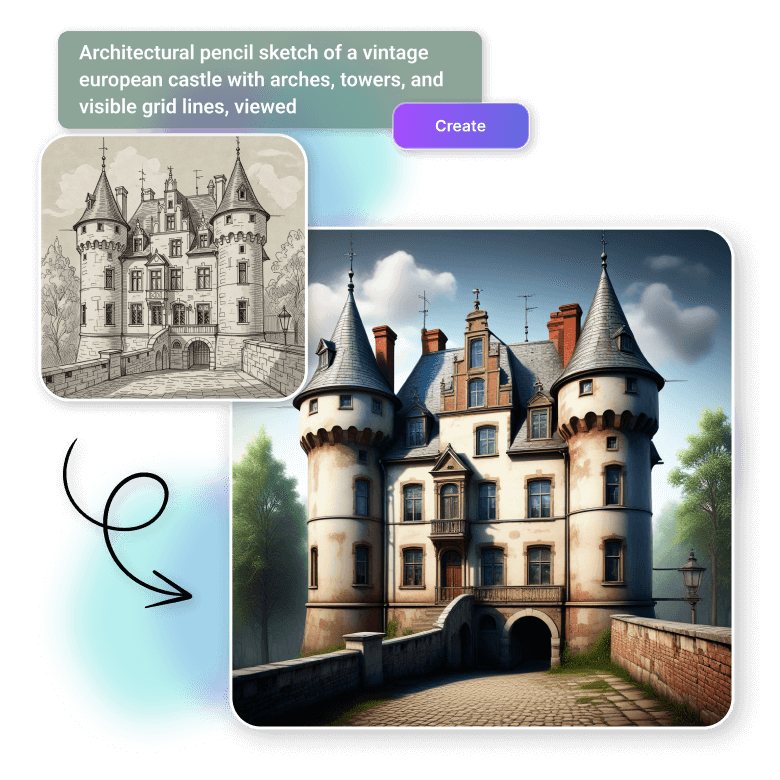
• SDXL offers three input methods—text, images, and sketches—with even more control through reference images. It can generate images in experimental styles quickly.
• Flux 1.1 Pro delivers the photorealistic outputs at incredible speed and can even generate accurate typography within images.
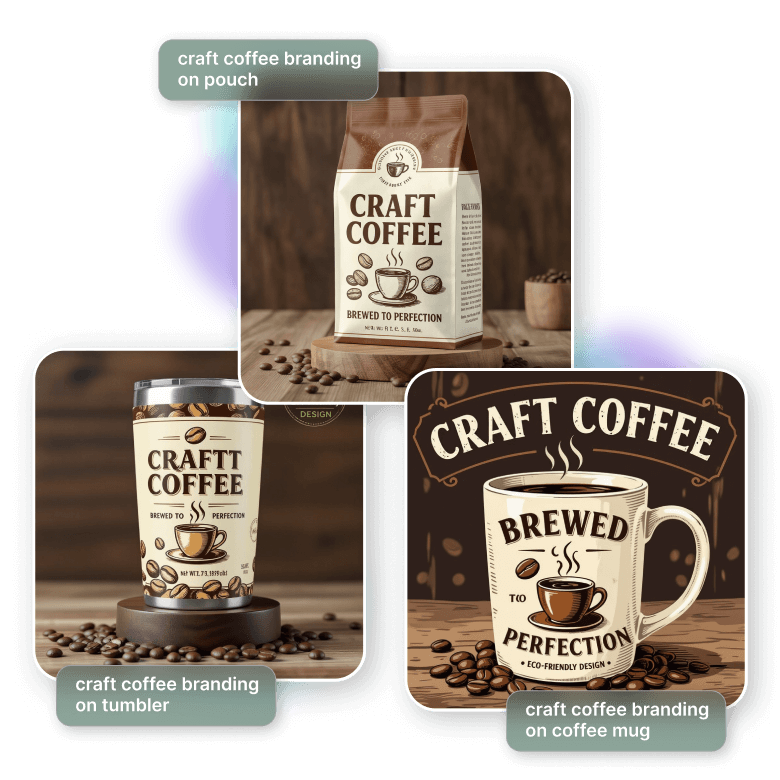
An image generator for brands
One of the biggest advantages of creating images with AI is that brands can experiment with bold ideas that would be too expensive or impractical to produce manually. Create marketing images, ads, logos, social media posts, or packaging concepts on demand. With a simple prompt, you can generate multiple ideas and concepts for any use. LightX allows the use of these AI-generated pictures commercially without any restrictions.
The safest AI photo generator that prioritizes privacy
LightX is an AI picture generator with built-in safeguards. Designed with stringent privacy policies and content filters, this tool is suitable for users of all ages. It prioritizes your safety, ensuring no inappropriate content is generated and your input data is never used for training purposes.
Customize generated images with powerful AI features
LightX offers a complete suite for all your design needs. Within this versatile tool, you can Upscale your images up to 4 times, apply a wide range of AI filters for different visual effects, The tool also enables you to resize images for different platforms, make precise cutouts to isolate or remove specific parts, and even replace elements to perfect your design. All these features are accessible in a user-friendly interface, making it easy to produce professional-quality images efficiently.
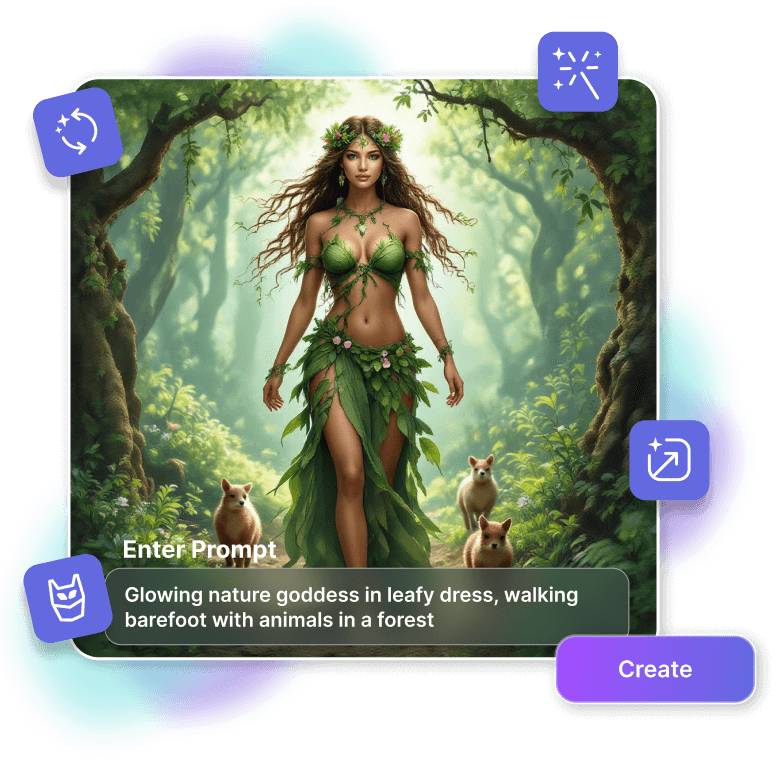
How to generate AI images?
Choose an input
Select the input type: text prompts, image reference, or rough sketch upload.
Select size and style
Pick your canvas size and image style, like realistic, 3D, or any other of your choice, from the presets.
Generate and download
Click "Generate" to get the final image, create variations, or download your image in JPEG or PNG format.
How to create effective prompts
Ideal prompt structure
[Main subject] + [Environment / Setting] + [Style] + [Lighting / Mood] + [Details / Adjectives] + (optional) [Camera / Perspective / Composition info]
Role of negative prompts
Remove unwanted elements that the AI might generate based on its interpretation of your positive prompt, such as poor quality, extra fingers, or distorted features.
Use seeds for consistency
AI image generators can produce a variety of images from the same prompt. Enable the ‘seed’ option, and change the prompt with the same seed number to see consistent images.
Simplify design with reference images
Easily describe complex details without words. LightX AI image generator’s “Image Guidance” feature now allows you to upload a reference image and even specify its influence on your final output.

Depth
This will apply the 3D look of your reference image to the generated image. For example, if the reference has a person in front of a mountain, the new image will keep the person in front and the mountain in the back.

Pose
(Use only if people or animals are in the reference image.) The AI will replicate the pose of the subject and apply it to the new image.

Edges
Applies the shapes, outlines, and contours of the reference image in the new image. For example, if your reference has tall buildings and you prompt AI to generate trees, the trees will appear tall and narrow like the buildings.
Frequently Asked Questions
Our AI model utilizes a training dataset similar to that used in Flux1.1 Pro and Stable Diffusion, comprising a wide variety of photos from many different contexts and styles.
Discover more tools


