
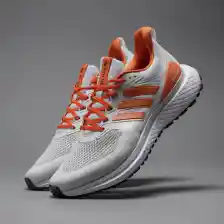
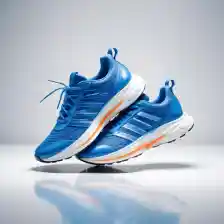
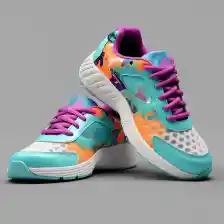
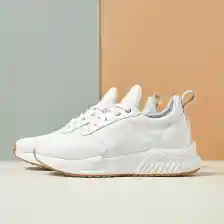
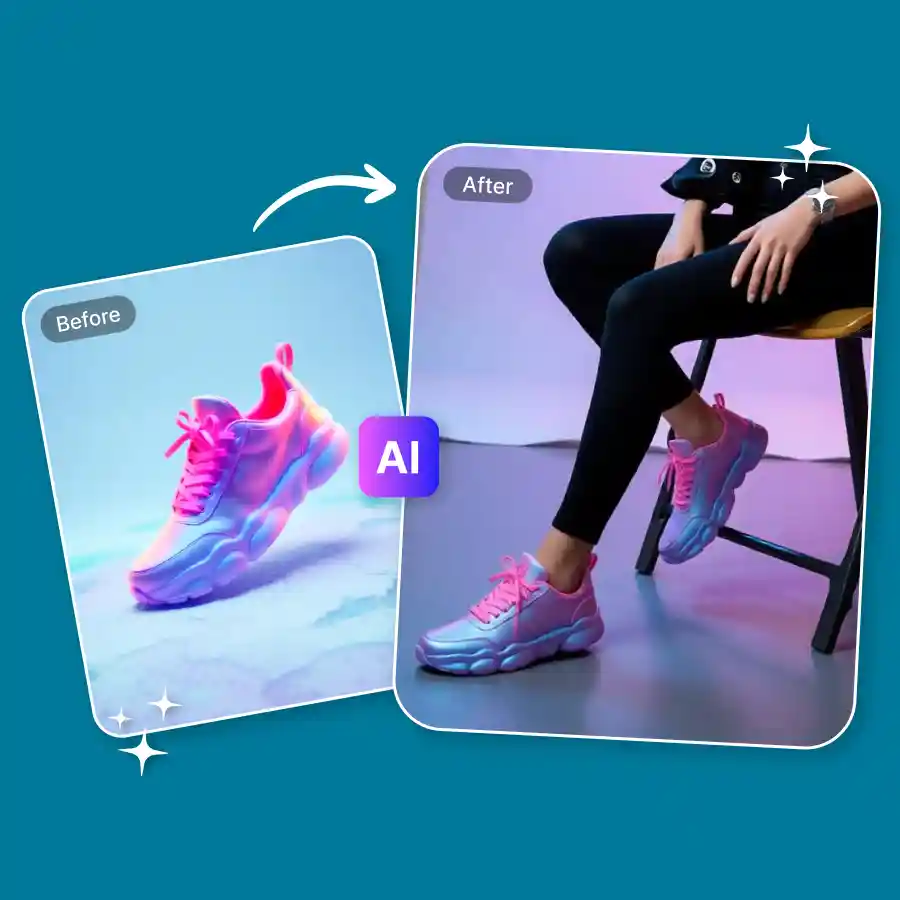
How to generate shoe try-on images?
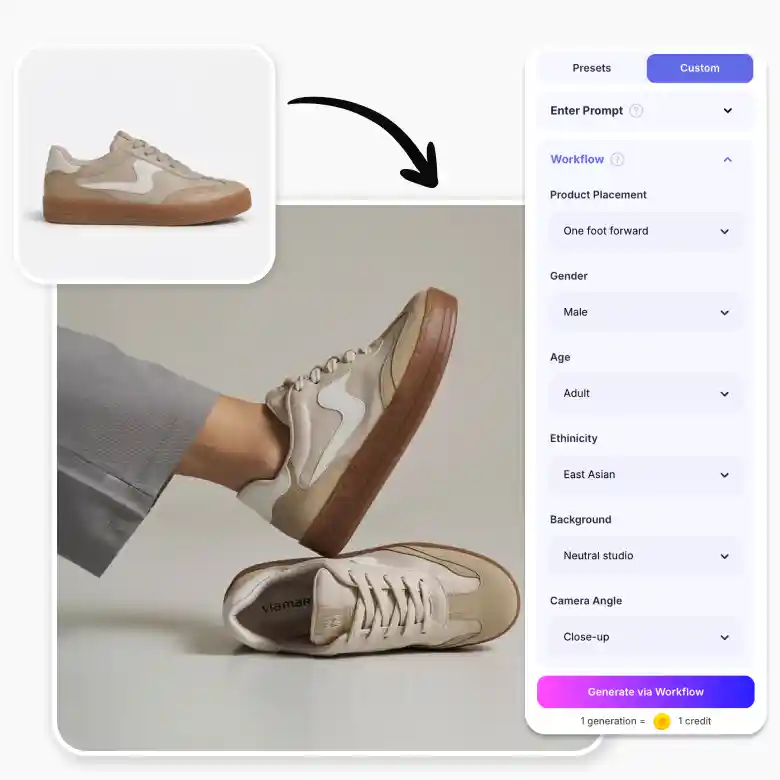
Upload your shoe product photo
Upload a clean image of your shoe product in JPEG or PNG format. Product photos with any backgrounds work.
Select or generate a model
Choose from ready-made models and styles or generate your own using prompts. You can also use the custom workflow feature to define model attributes.
Generate and download
Click Generate to place the shoes on the selected model. Once ready, download the image and use it for your store, ads, or marketing materials.
Shoes on models convert better than product photos
 and
and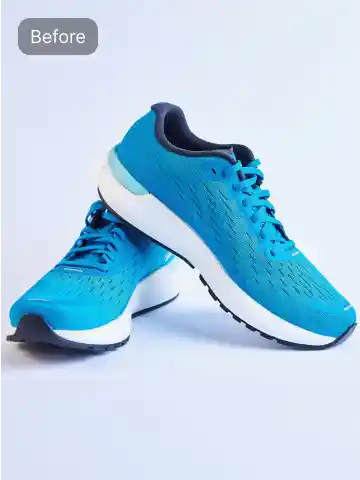
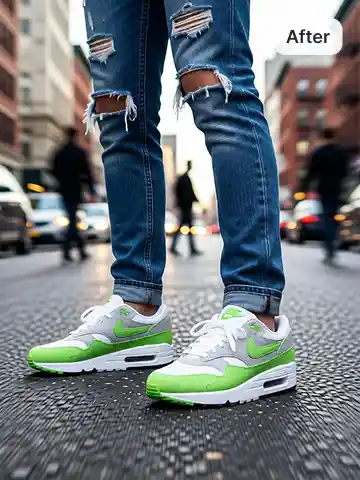
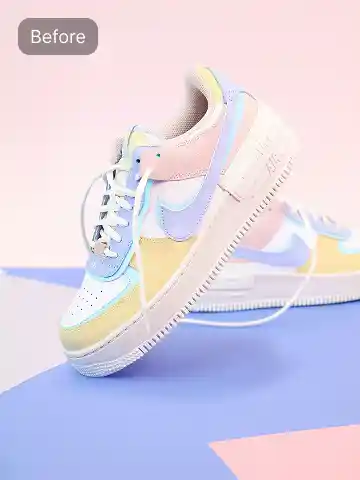
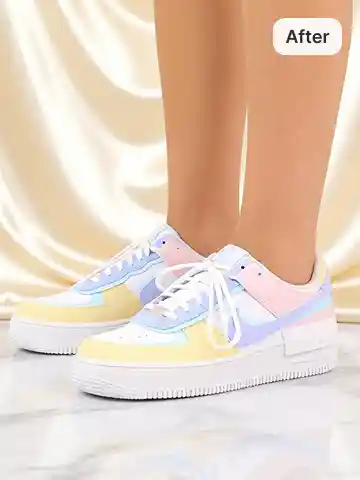
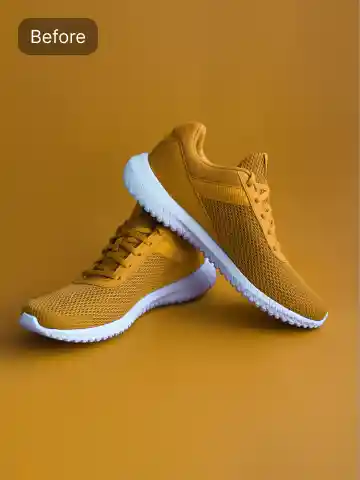
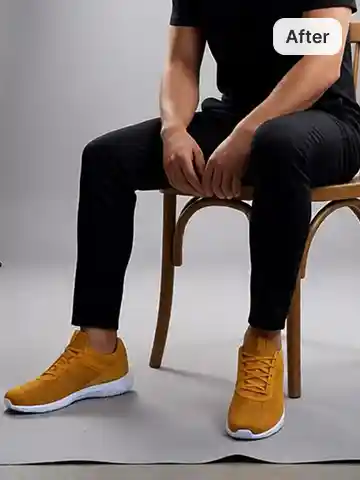
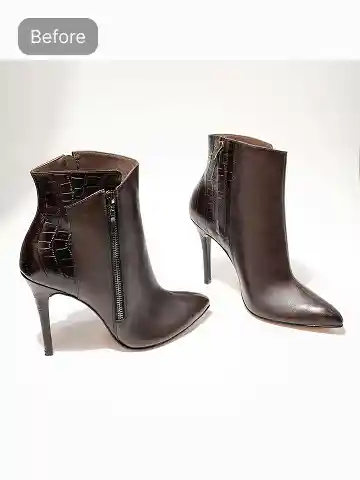
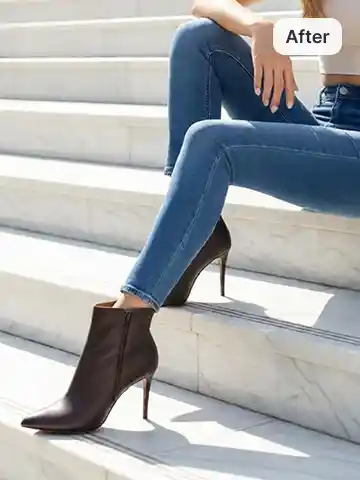
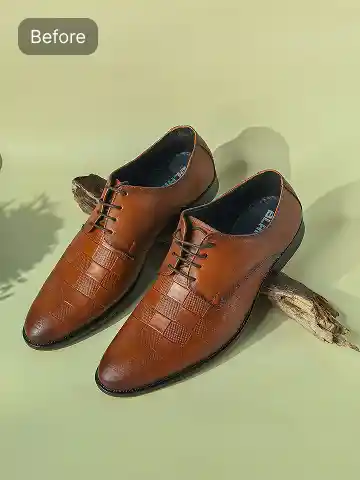
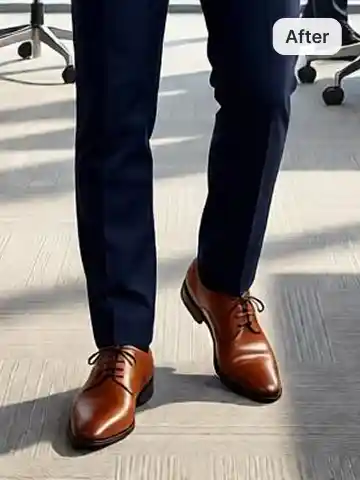
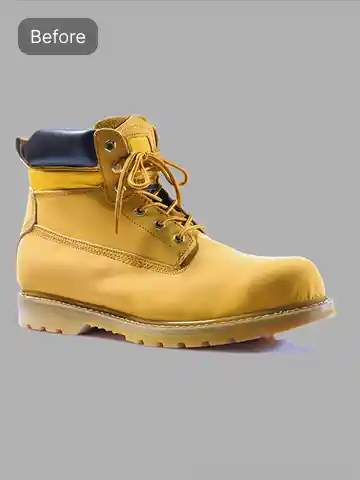
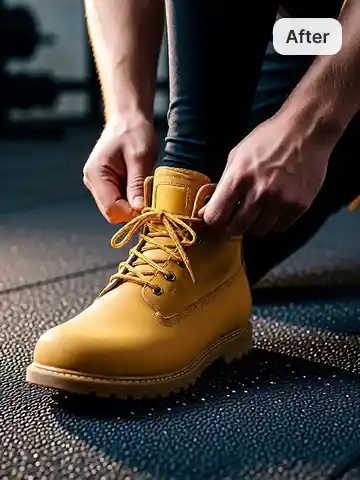
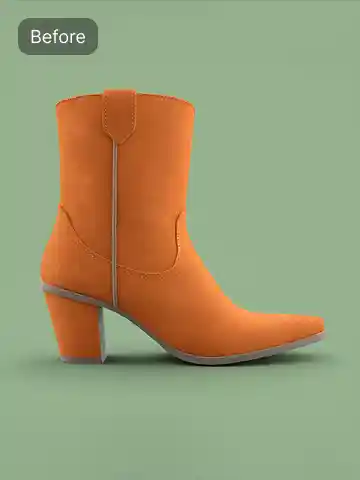
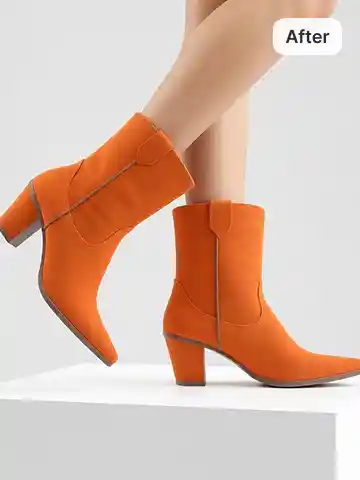
Shoe try-on image generator for footwear brands
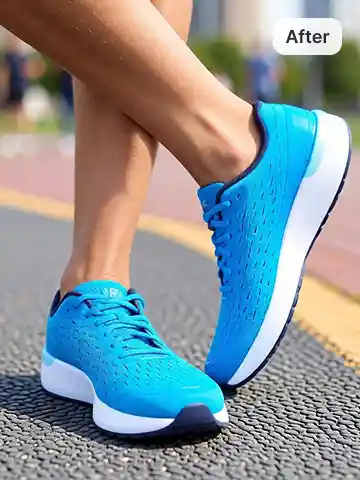
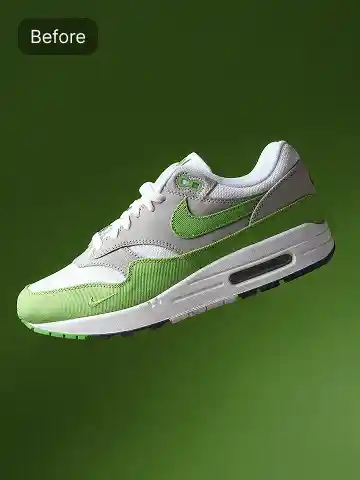
Footwear shown on models usually converts better than plain product photos. The LightX’s shoe try-on solution solves the problem of footwear brands by generating shoe model images from simple product photos. Upload an image of your shoe product, and the AI places it realistically on different models. The process is straightforward, fast, and can save up to 99% of the cost that would otherwise be spent on hiring models, photographers, and studio setups.
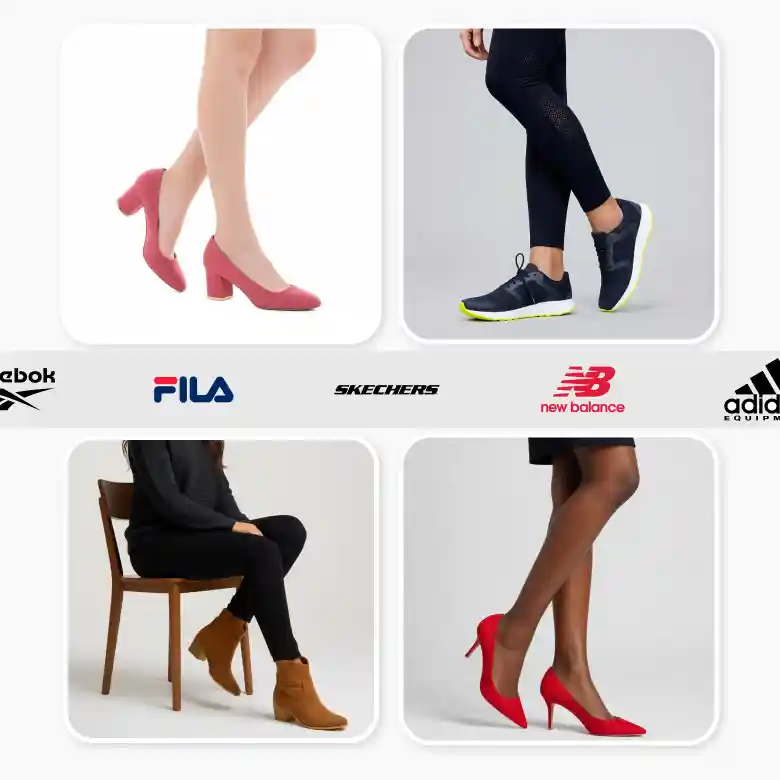
Packed with powerful features
• Generates on-model shoe photoshoots from raw product photos
• Gives realistic results
• Offers many different model styles
• E-commerce-quality images
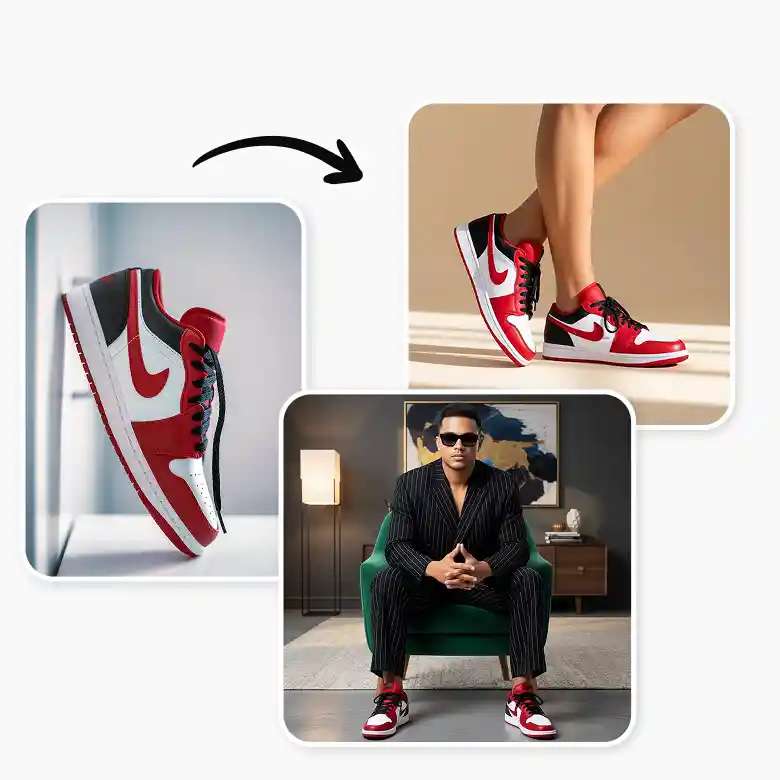
Create multiple product visuals from one photo
We have curated preset models in different poses, backgrounds, action shots, and camera angles. You can take one product photo and generate multiple images of models wearing it in different styles.
• Models showing product in different angles
• Models in different scenes and cities
• Models on professional backgrounds
• Models in action shots
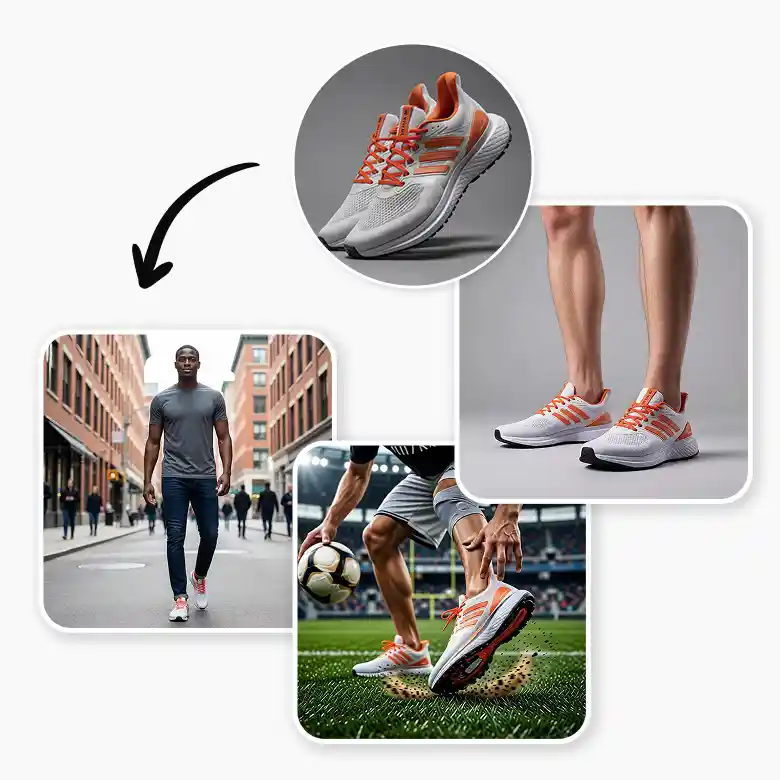
Customize models with prompts and guided AI controls
The LightX AI shoe model generator offers powerful customization options that help you generate personalized shoe models.
You can either type a prompt to describe the scene or use guided parameter settings to control how the model appears. You decide your generated model’s:
• Ethnicity
• Gender and age
• Style and fashion look
• Product placement (legs, waist, full body, etc.)
• Camera angle and framing
• Background environment
Pair with other editing tools
LightX’s photoshoot ecosystem is powerful that offers features to generate other types of product images:
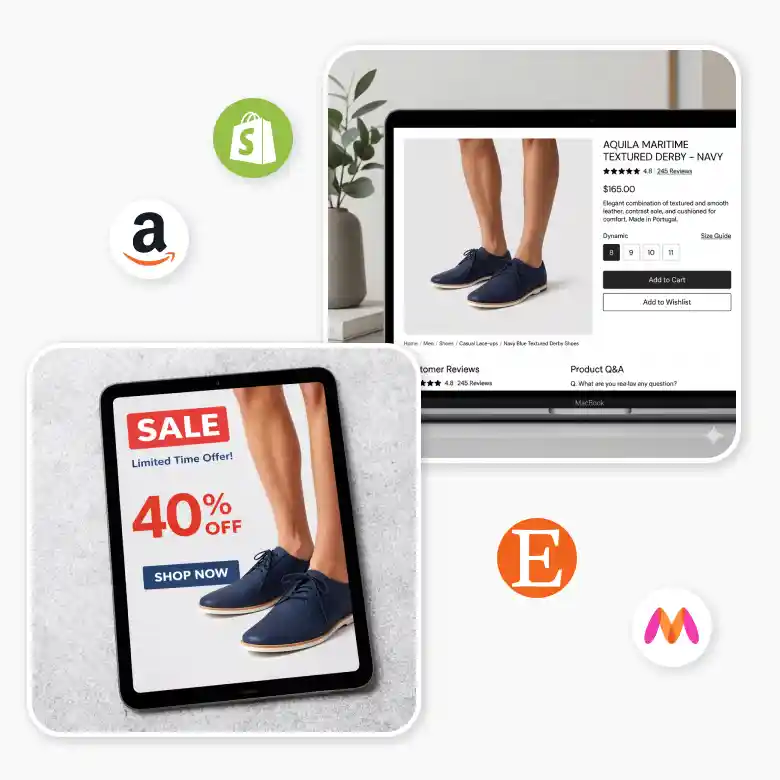
• A plain product image that focuses only on the shoe: Use the remove background feature and place the shoe on a clean white or solid color background. (best for Amazon, Myntra, Shopify, eBay, etc.)
• A background scene that creates a certain atmosphere: Use the AI product photoshoot tool to place shoes in creative backgrounds. (best for your own websites and e-commerce)
• You can also upscale images for printing or place them on templates to create branding and marketing materials.
Frequently Asked Questions
Discover more tools


