

How to create hat try-on images?
Upload your hat product image
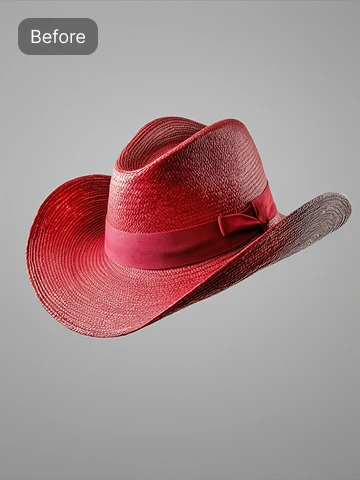
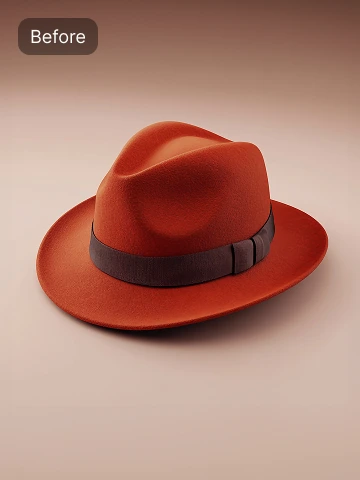
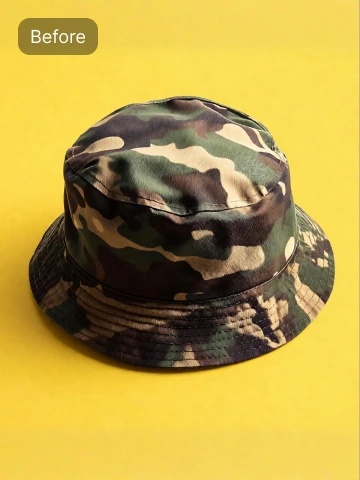
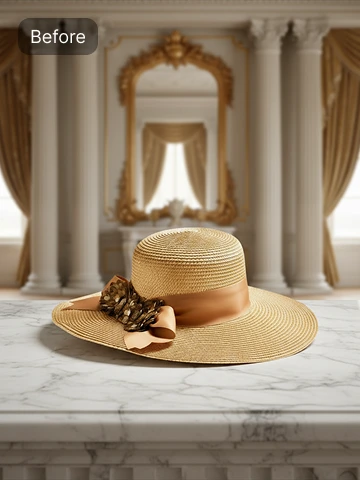
Upload a clear photo of your hat in PNG or JPEG format. The tool supports product photos with any type of background.
Choose or generate a model
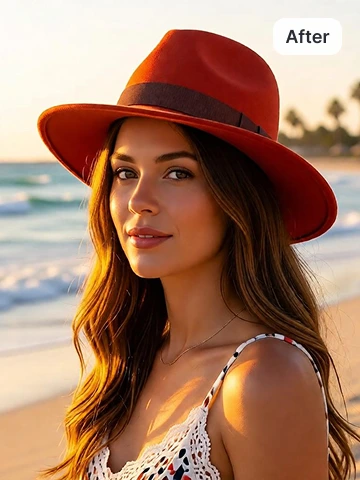
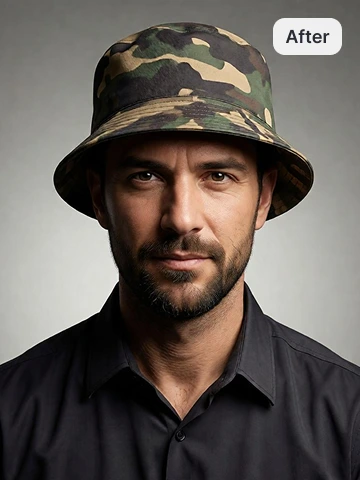
Select from preset models or create a custom model using prompts. You can generate visuals for virtual hat try-on men or virtual hat try-on women, depending on your target audience.
Generate and download
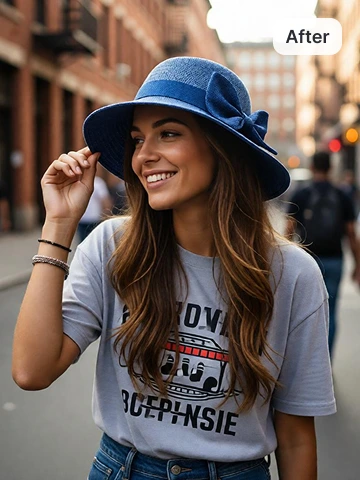
Click generate, and our tool will place the hat on the selected model. Once the image is ready, download it and use it for your store, website, or marketing campaigns.
Model images help buyers understand the hat style
 and
and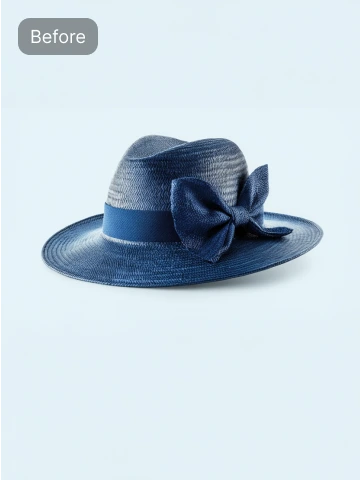

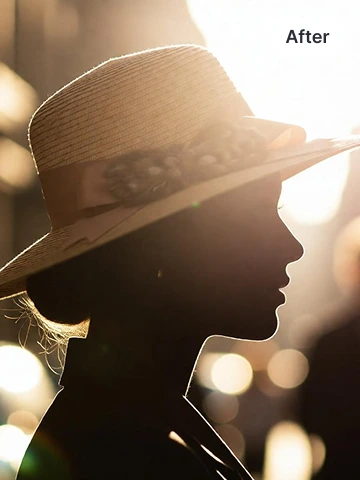
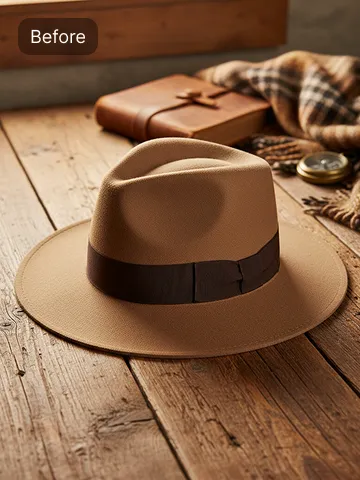
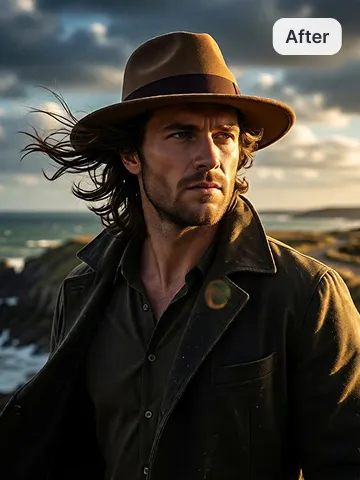
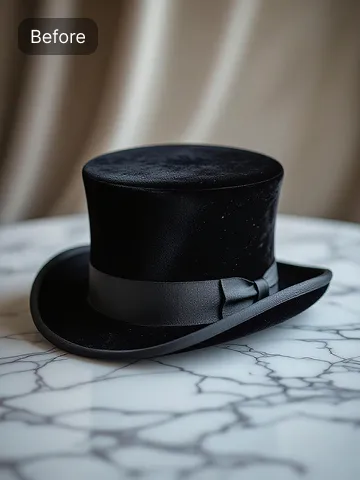
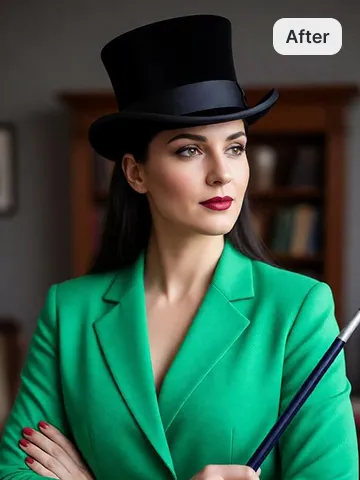
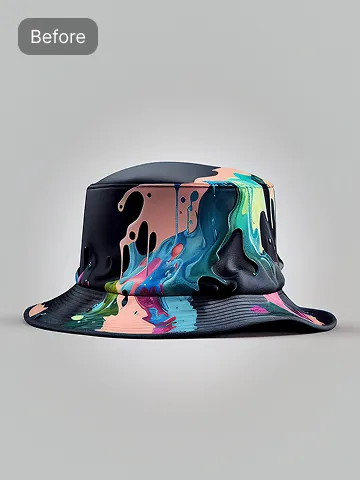
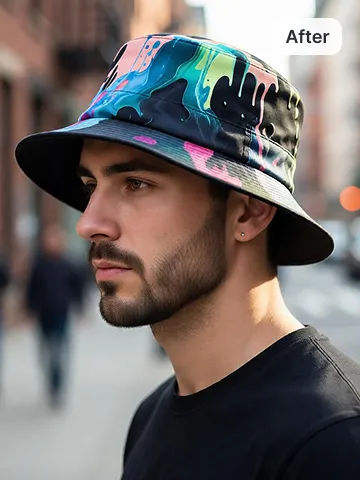
Hat try-on generator for hat brands and online sellers
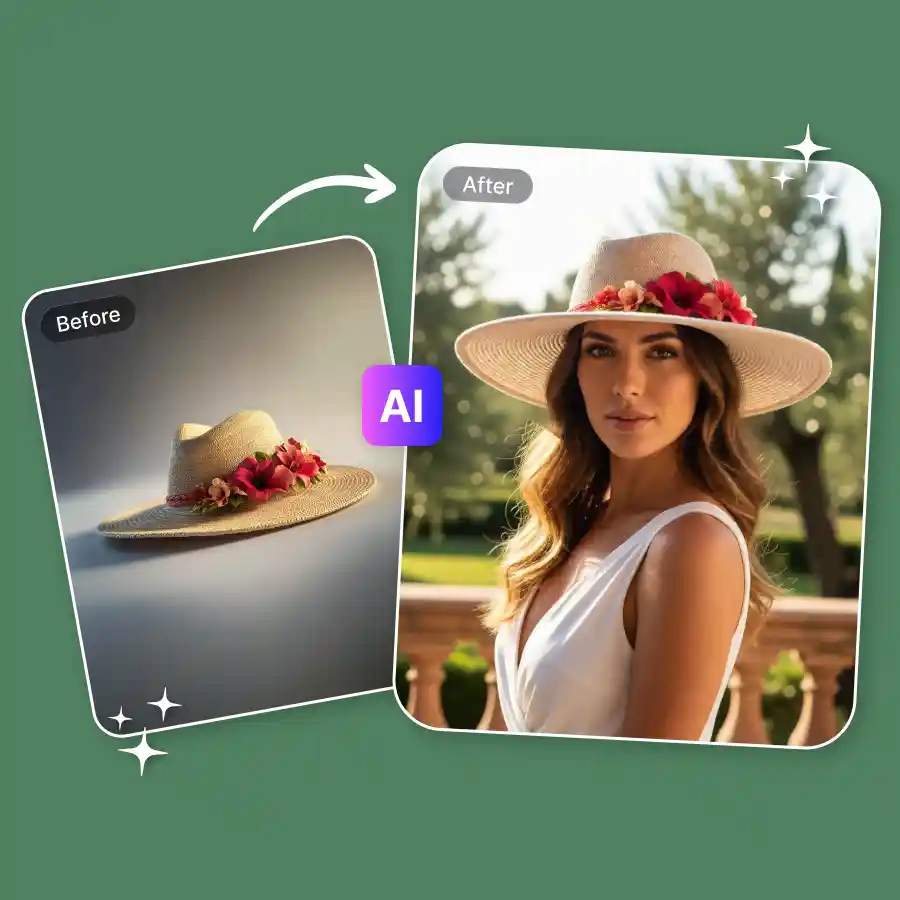
Tired of showing hats only as plain product photos? What if you could show them on models in seconds? With our AI hat generator, fashion brands & online sellers can easily generate realistic images of models wearing your hats. Just upload your photo, and AI will place it naturally on different models. It’s a simple and easy way to create professional visuals at no cost without any skills needed.
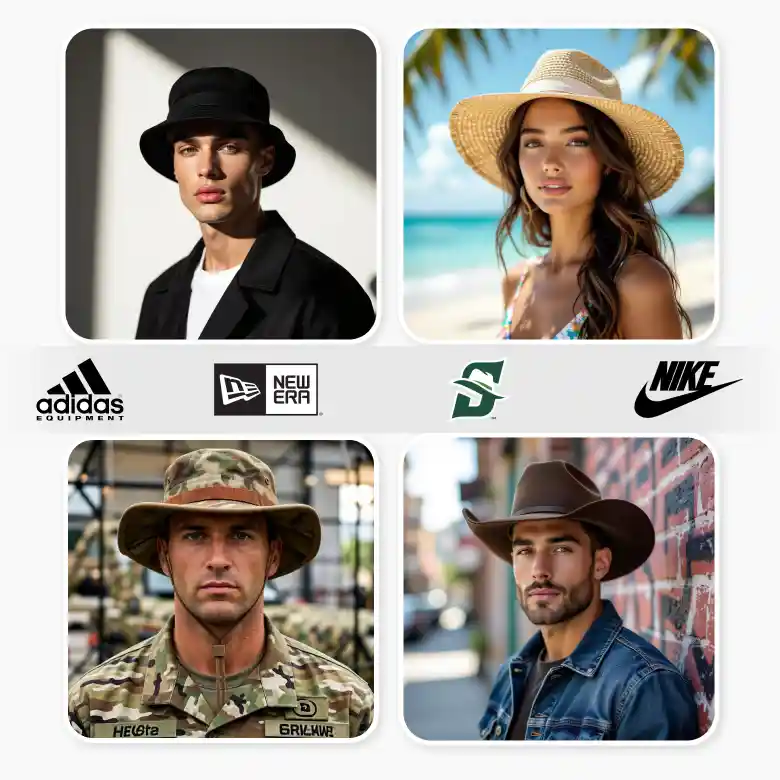
Multiply your hat visuals from one photo
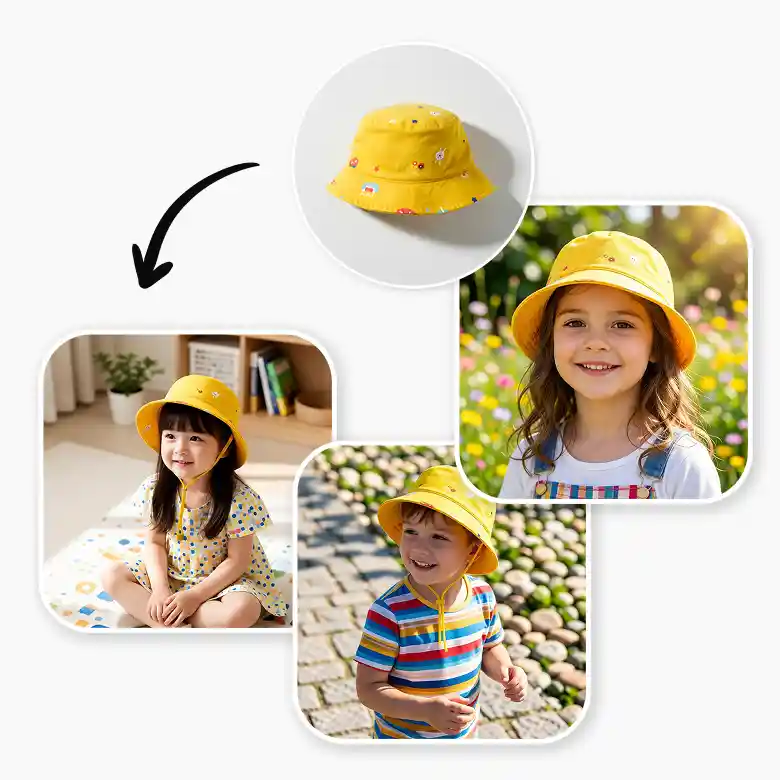
The platform includes curated preset models in various poses, scenes, and camera angles. With one product photo, you can generate multiple images showing your hat in different situations.
• Models displaying the hat from multiple angles
• Models placed in different environments and locations
• Studio-style backgrounds for product listings
• Lifestyle images with models in action shots
Use prompts to design the hat model's look
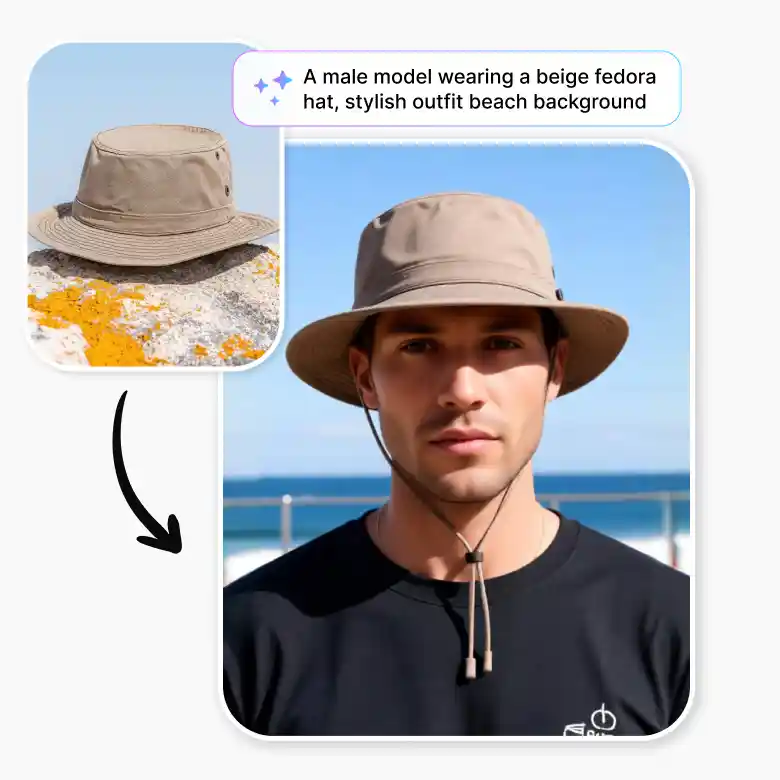
Our try-on hats virtually allow you to customize how the generated model appears. You can type prompts to guide the AI or adjust parameters for specific details. You can control things like:
• Ethnicity and facial appearance
• Gender and age of the model
• Clothing style and fashion look
• Hat placement and framing
• Camera perspective and composition
• Background environment
This allows brands to try on hats virtually and produce visuals tailored to their marketing needs.
Features of the AI hat generator
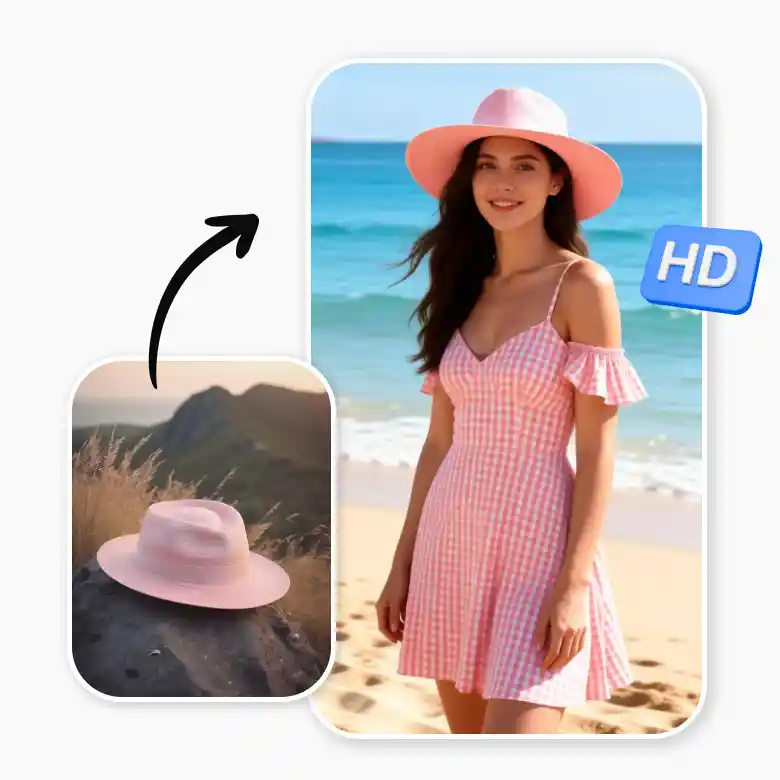
• Generates on-model hat photos from simple product images
• Delivers realistic and natural-looking results
• Offers a variety of model styles and looks
• Creates high-quality images ready for e-commerce
Take your images to the next level
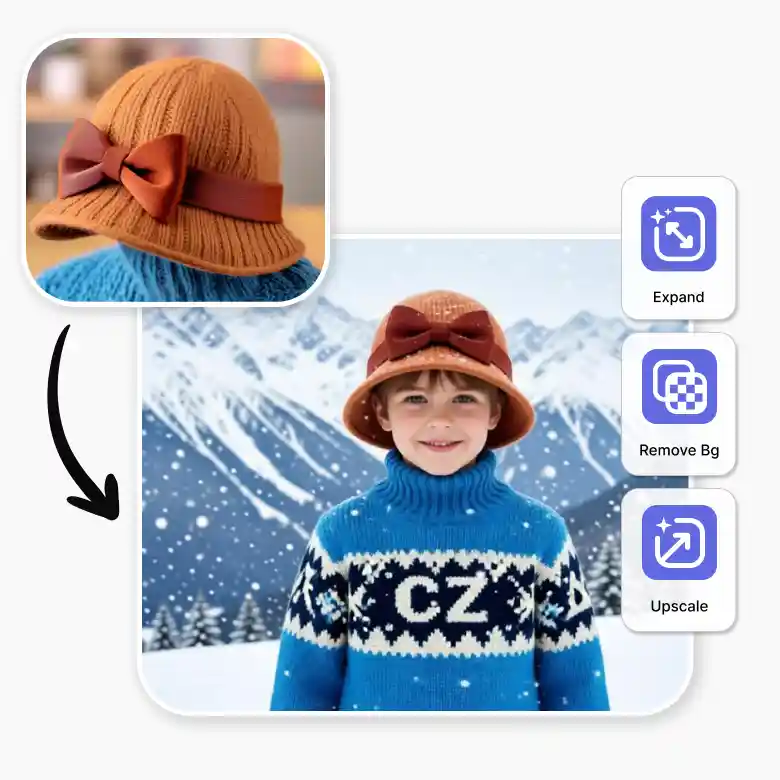
LightX gives you everything you need to create and improve your product images in one place. You can easily :
• Upscale the images for higher quality
• Remove the background, which makes it perfect for e- commerce websites
• Expand the images to make them suitable for posting on social media
• You can use a product photo shoot tool for more background options.
Frequently Asked Questions
Discover more tools


