
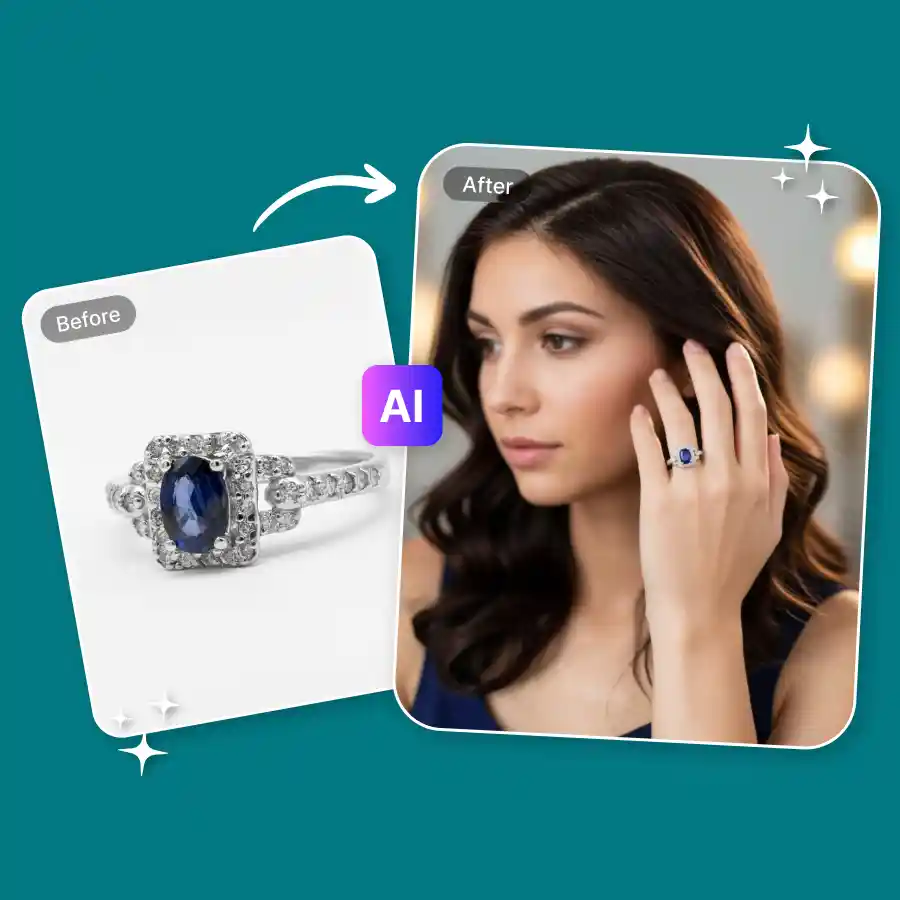
How to generate ring try-on images
Upload your ring product photo
Upload a clear image of your ring in JPEG or PNG format. Images with simple backgrounds usually work best.
Select or generate a hand model
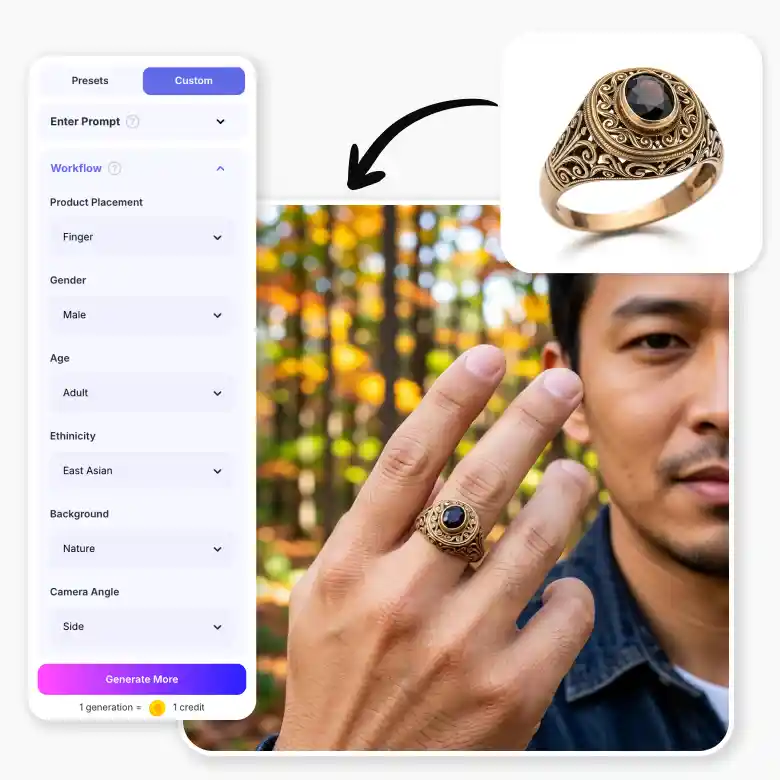
Choose from preset hand models or generate your own using prompts. You can also use the guided workflow to control attributes like hand style, gender, skin tone, and background.
Generate and download
Click Generate to place the ring on the selected hand model. Once ready, download the image for use.
Show your rings as they’re meant to be worn
 and
and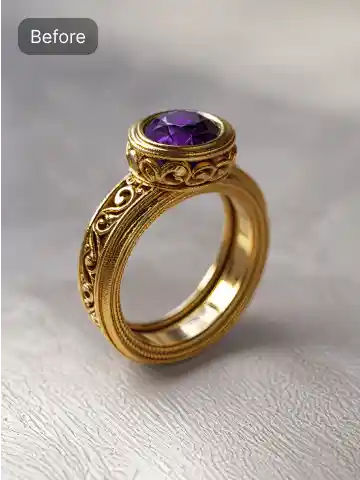
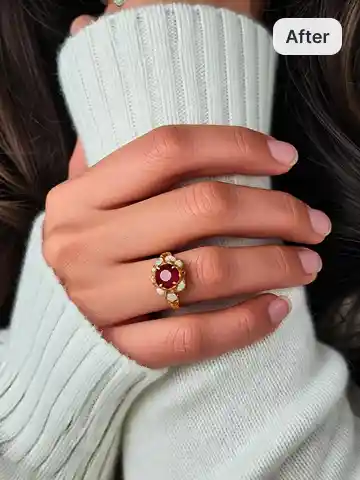
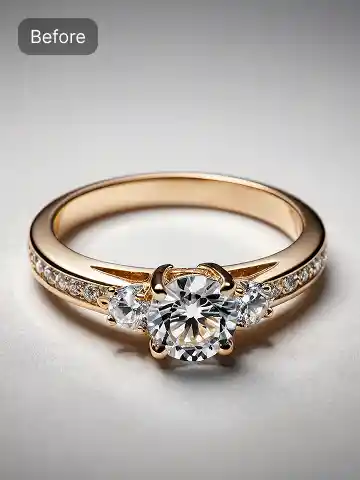
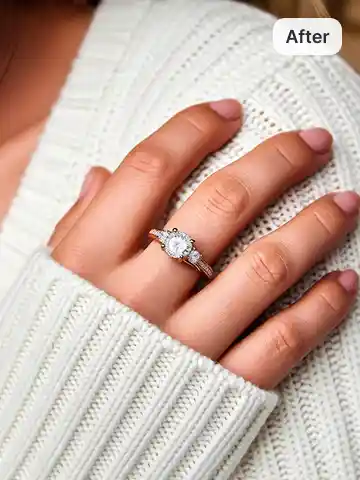
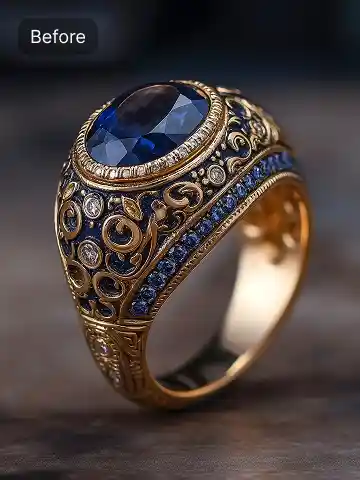
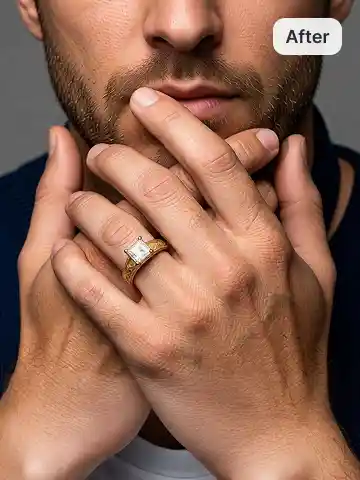
Virtual ring try-on for jewelry brands
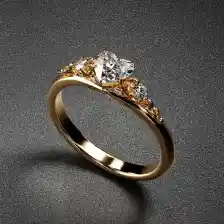
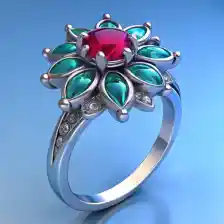
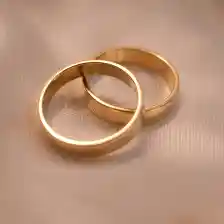
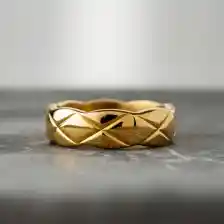
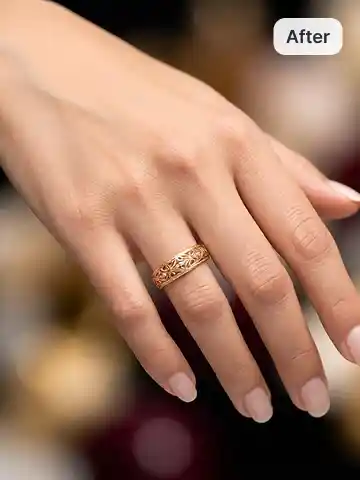
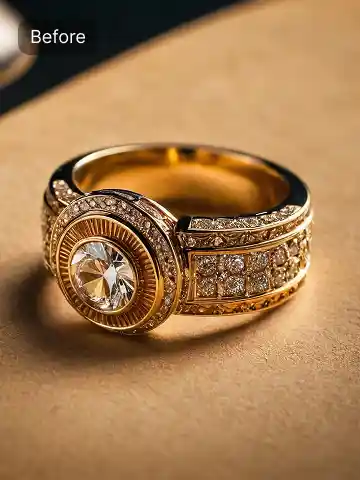
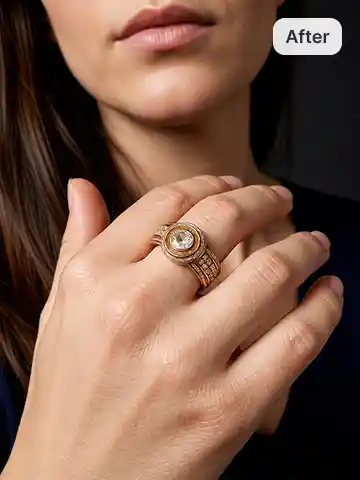
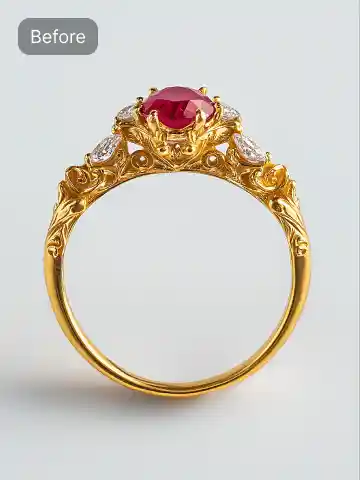
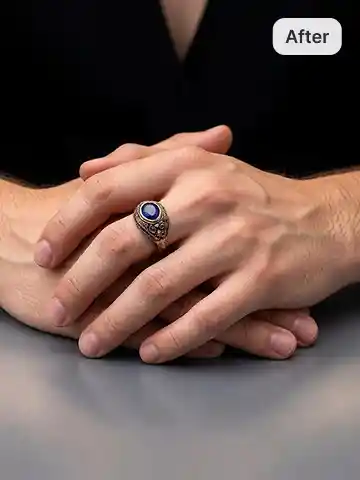
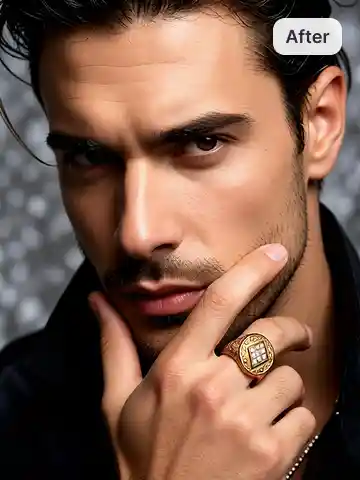
The LightX virtual ring try-on tool helps jewelry brands create high-quality ring visuals using AI-generated hand models. Upload a ring product photo and generate realistic images of rings worn on different hand models. This allows brands to create elegant engagement ring visuals without organizing traditional jewelry photoshoots. The tool works for every jewelry style, including engagement rings, wedding rings, solitaires, gold rings, and fashion rings.
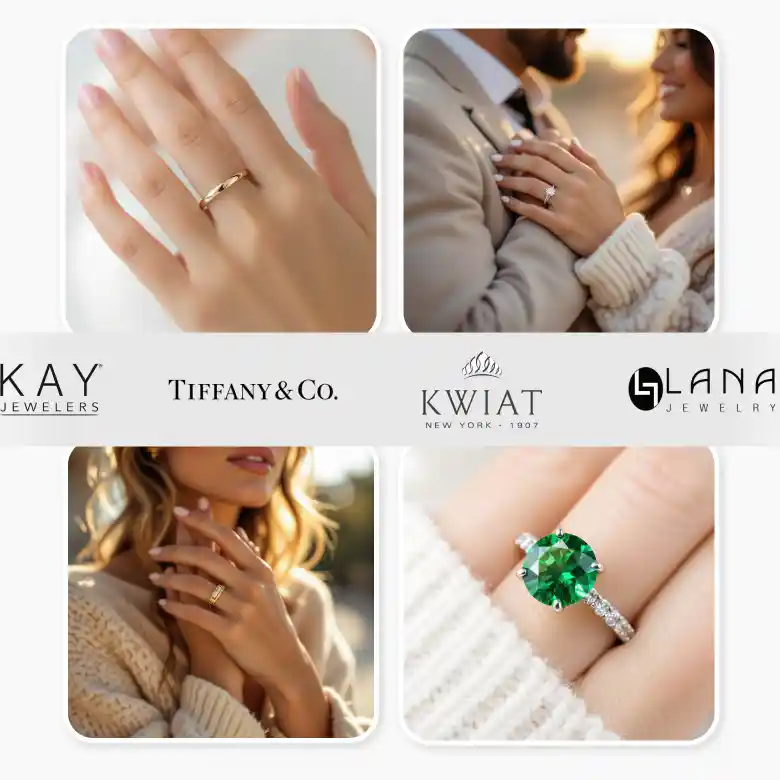
Hyper-realistic results that preserve every product detail
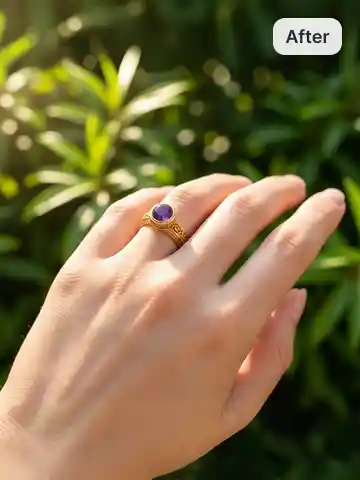
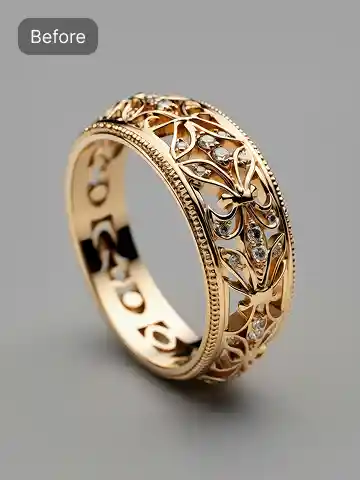
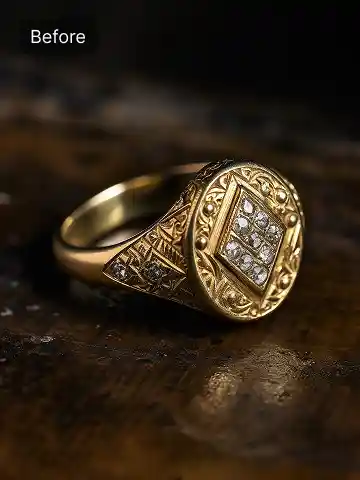
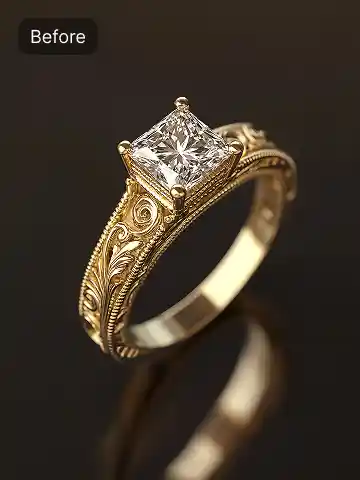
Capturing rings realistically is challenging because small details like gemstone reflections, metal shine, and band logos are easy to lose during photography/editing. The LightX virtual ring try-on tool is trained to preserve these details while placing the ring naturally on the model’s hands.
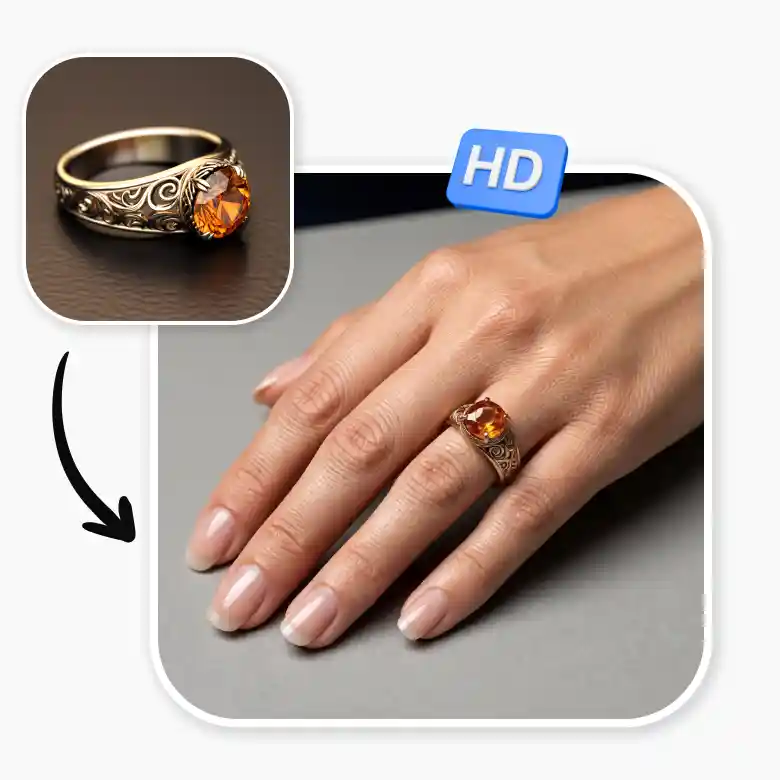
Hand models and lifestyle models in one click
Using preset hand models, poses, and backgrounds, one ring product photo can generate many different product visuals. We have:
• Ring models shown from different angles
• Rings on different hand models
• Lifestyle and studio backgrounds
• Close-up ring presentation shots
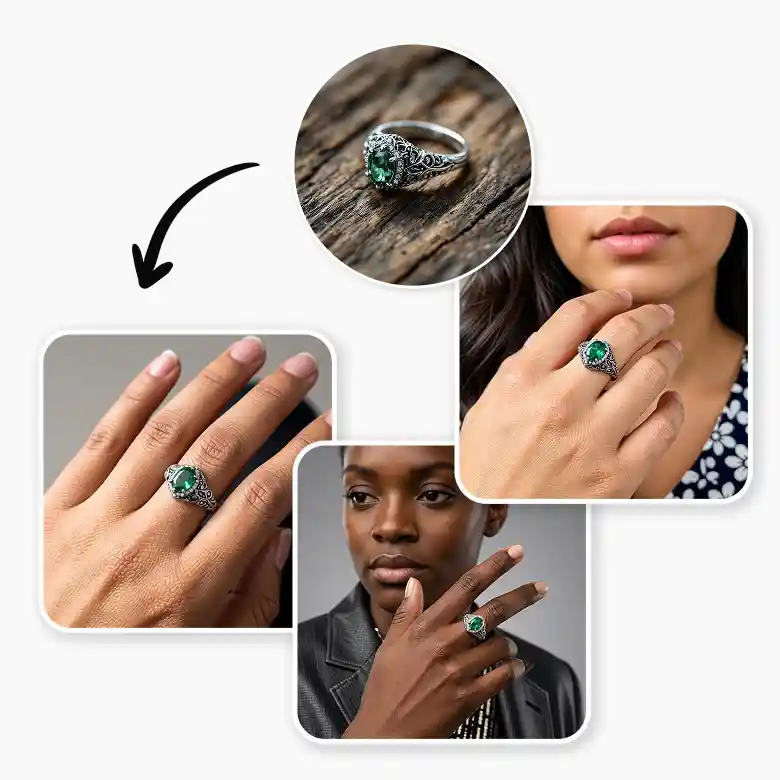
Customize models with prompts and guided AI controls
Our AI ring visualization tool offers powerful customization options for creating personalized jewelry visuals.
You can either type a prompt or use guided controls to define how the generated image should look.
Customization options include:
• Hand skin tone (ethnicity)
• Gender and age
• Camera angle and framing
• Background style and environment
• Jewelry placement on the finger
Use generated ring images anywhere
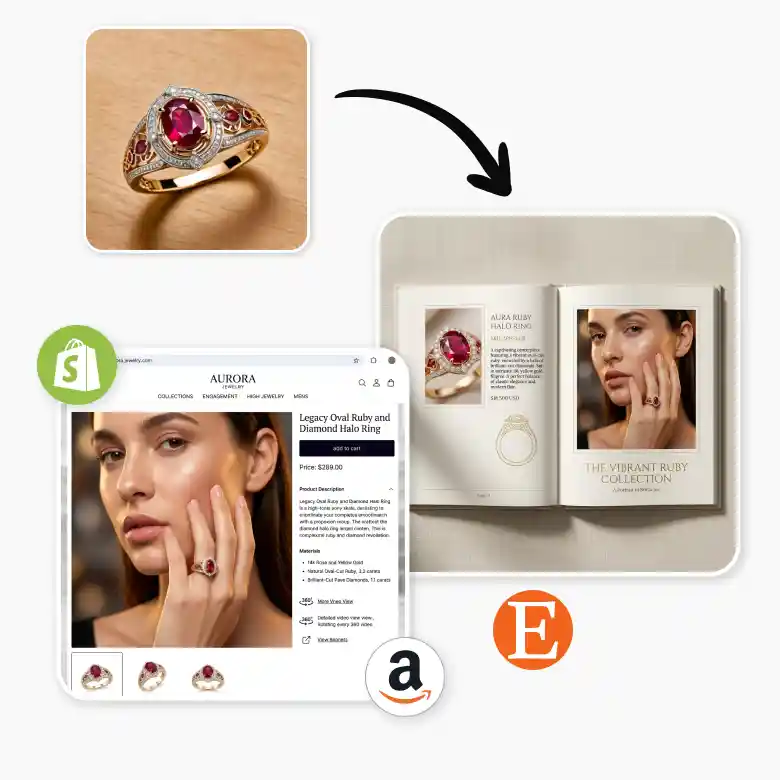
Images created with the virtual ring try-on generator can be used across many platforms. Use them for:
• E-commerce product listings
• Jewelry store websites
• Marketplace listings (Amazon, Etsy, Shopify)
• Social media campaigns
• Jewelry lookbooks and catalogs
• Wedding and engagement marketing
Number of photoshoot solutions at one place
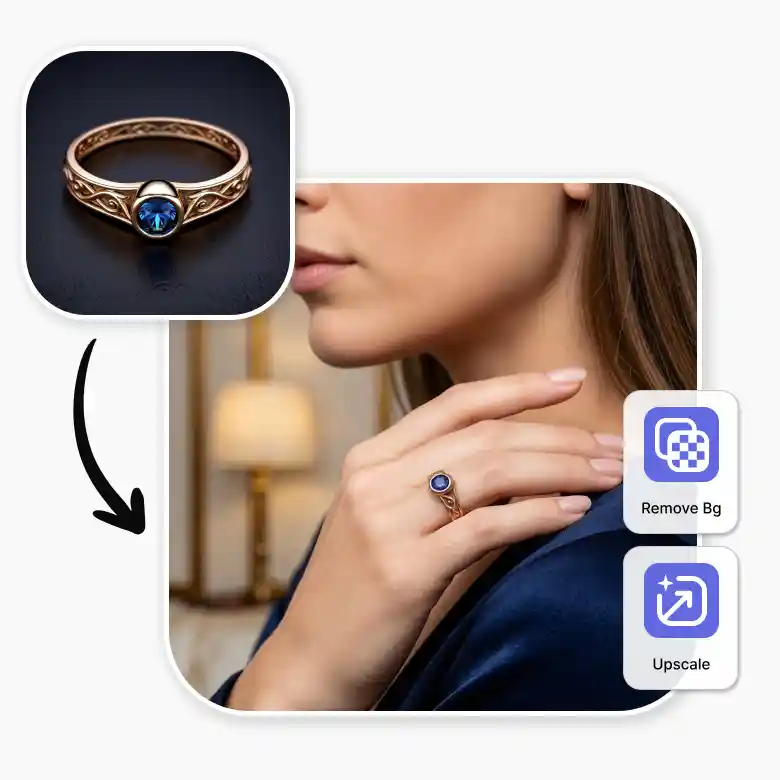
LightX also offers additional tools that help jewelry sellers create complete product visuals. You can combine the virtual ring try-on tool with the AI product photoshoot generator to place rings in studio scenes, lifestyle environments, or marketing setups. You can also remove backgrounds, upscale images for printing, or place ring images on design templates to create branding materials.
Frequently Asked Questions
Discover more tools


