


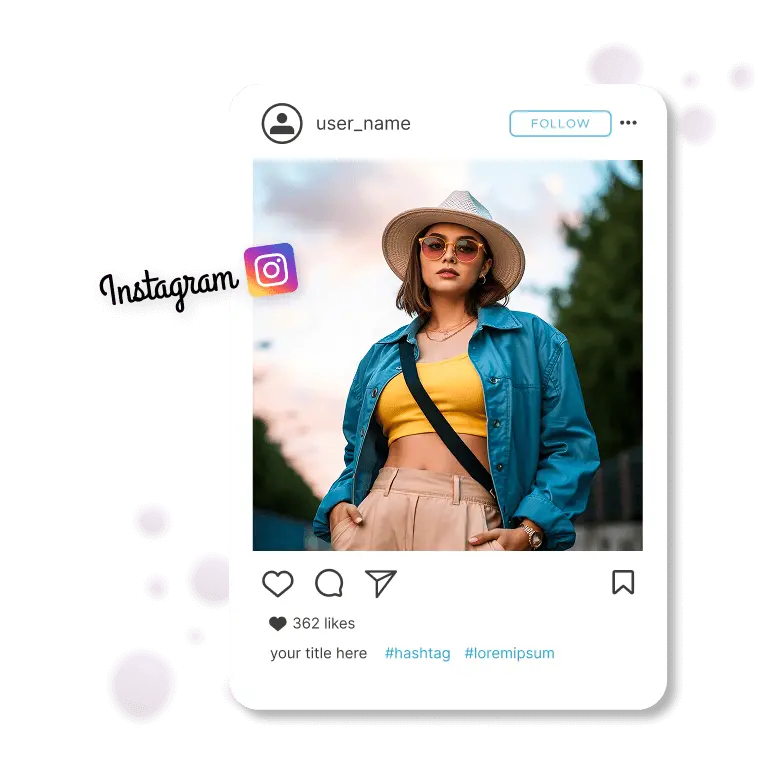
Steps To Resize Image for Instagram
Upload
Upload Choose or drag and drop your image to the resize tool. Supported formats are JPEG or PNG.
Select Size
Next, choose the platform for which you want to resize your image. In this case, click on “Instagram” and select if you want to resize for Post or Story.
Download Image
The tool will automatically resize the image. Once satisfied, you can Download and post it on Instagram.
Change The Size of Your Images for Instagram Easily
Easy and Quick Instagram Image Resizing
Resizing a picture for Instagram is fast and easy with our Instagram image resizer tool. It lets you convert your photo to the perfect dimensions. LightX is the easiest way of resizing images for a better fit on Instagram. You can pick from the following sizes easily and resize for your IG post, story, profile, and more.
• Profile Picture: 110 x 110 pixels (1:1 ratio)
• Instagram Post: 1080 x 1080 pixels (1:1 ratio)
• Landscape IG post: 1080 x 566 pixels (1.91:1)
• Instagram Story: 1080 x 1920 pixels (9:16 ratio)
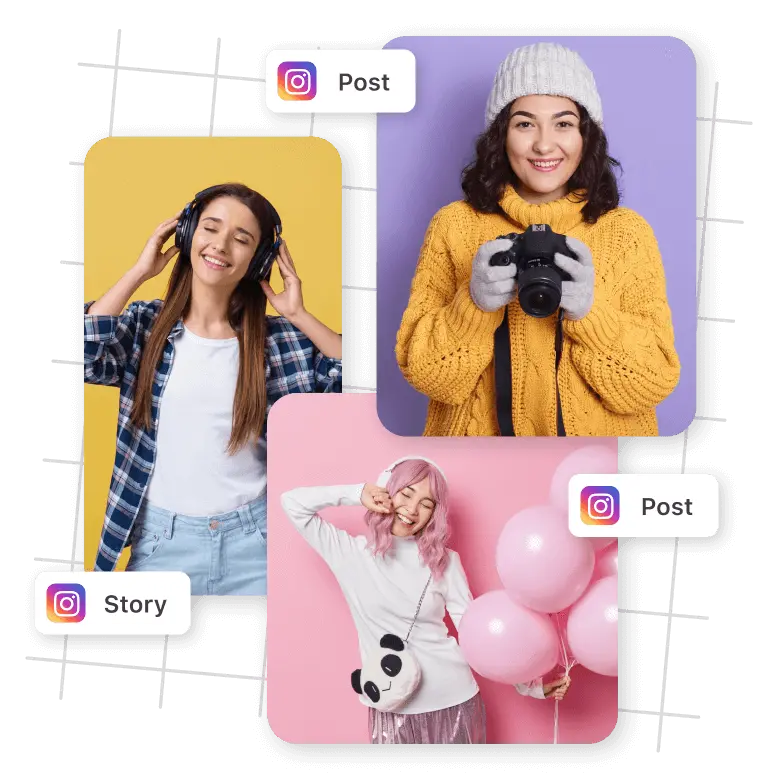
Best for e-commerce: showcase your products perfectly
Consistent images help to strengthen a brand identity, leave a strong impression on customers, and build trust. It’s very important to have an accurate Instagram size, especially for commercial images. With LightX, adjust product images, ads, and promotional posts precisely in various formats, ensuring they always look polished.

Customize your posts with templates, text, and stickers
Our tool not only resizes but also offers a collection of preset Instagram templates, just choose the best-suited one. It saves time and is perfect for giveaway alerts, posts, promotions, and announcements. Personalize it for your brand by adding text, stickers, and logos to your images. You can also use the background changer tool to change the background of the resized image to match the theme of the post.

Post on other social media platforms too
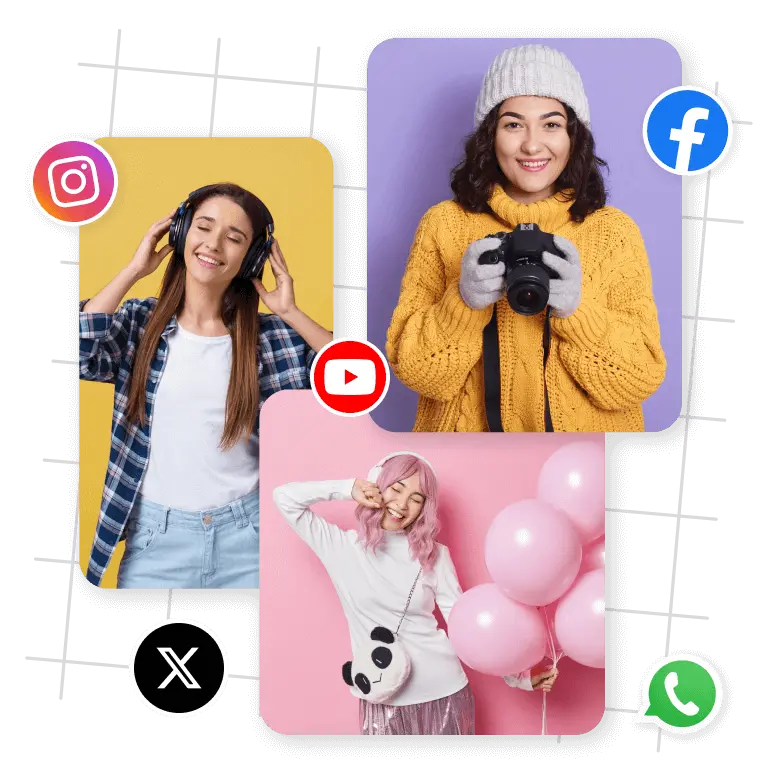
Resize any photo easily based not only on the required Instagram creative guidelines but also on other platforms. LightX’s simple interface helps you make images ready to share on any social media platforms e.g. Facebook, Twitter, LinkedIn, YouTube thumbnails, WhatsApp, etc.
Explore other editing tools with LightX
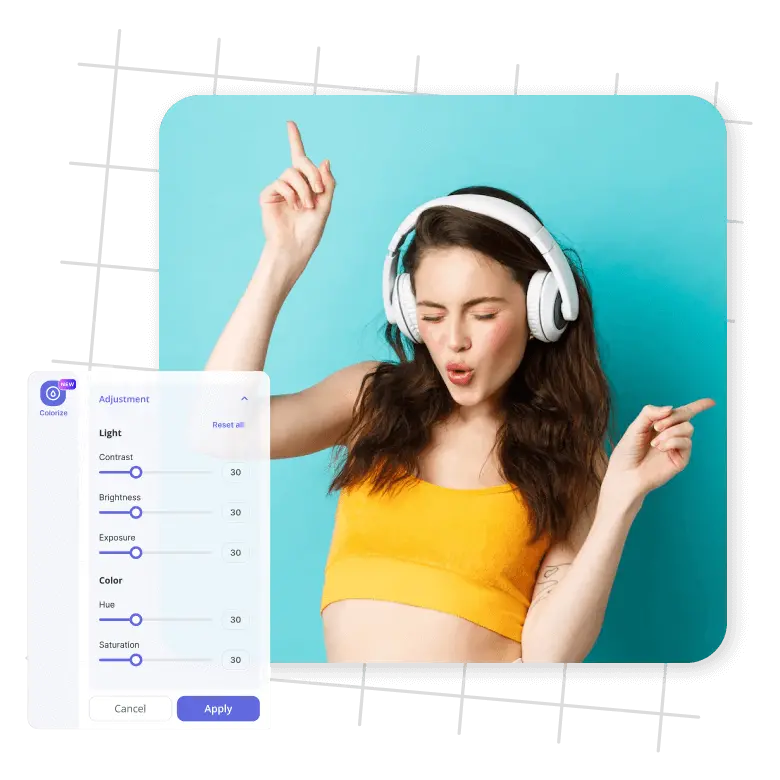
You may also opt for other photo enhancement tools beyond resizing for Instagram. Easily crop photos to any size, adjust color with color correction, and adjust the brightness, shadow. Further, remove unwanted objects from your pictures and quickly fine-tune to make them look outstanding and ready to post.
Frequently Asked Questions
Yes, LightX image resizer is absolutely free, and you can crop your images without losing quality.