
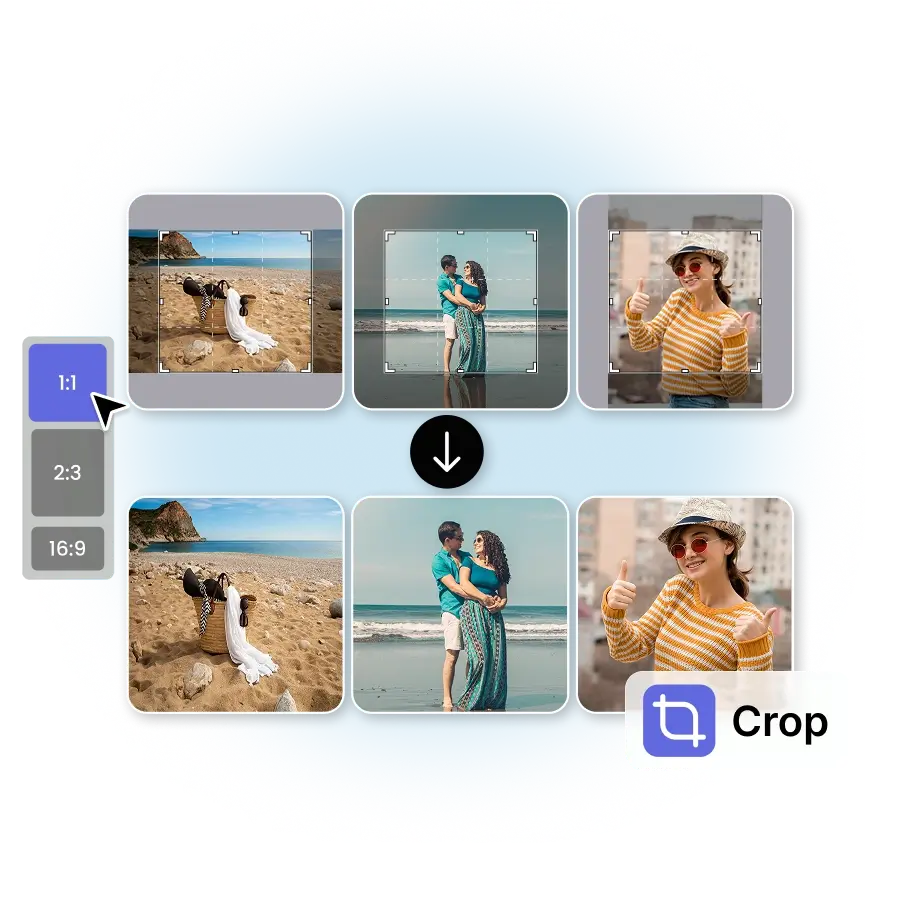
How to use the batch Image cropper?
Upload photos
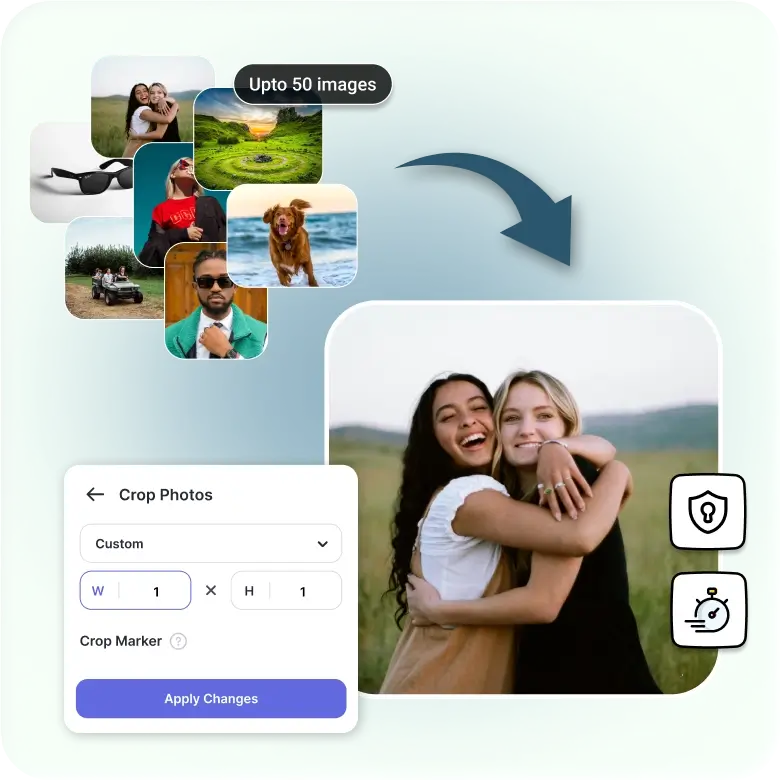
Upload up to 50 images to crop them in one go.
Ratio
Choose a preset aspect ratio or a custom one.
Apply and download
Click Apply to crop the batch, then choose ‘All download’ to save all photos.
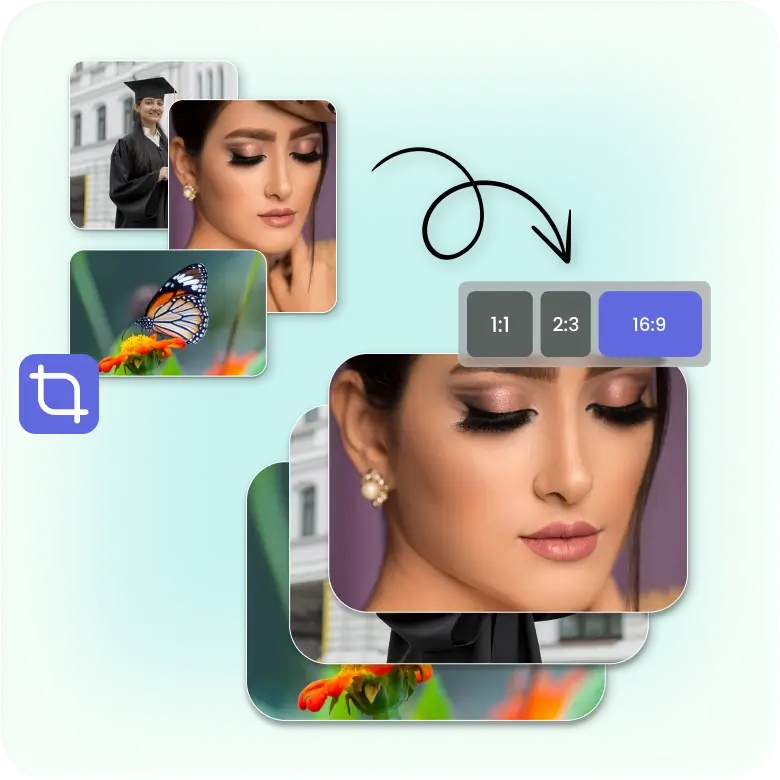
Bulk crop to precise dimensions
You can crop multiple images to exact sizes at the same time. The tool offers preset aspect ratios or just sets the width and height. It works for personal and professional needs. You can also make standard sizes like 2x2 photos in a single click. You only choose the size, upload your images, and download the full set. This helps you keep all images consistent without manual work.
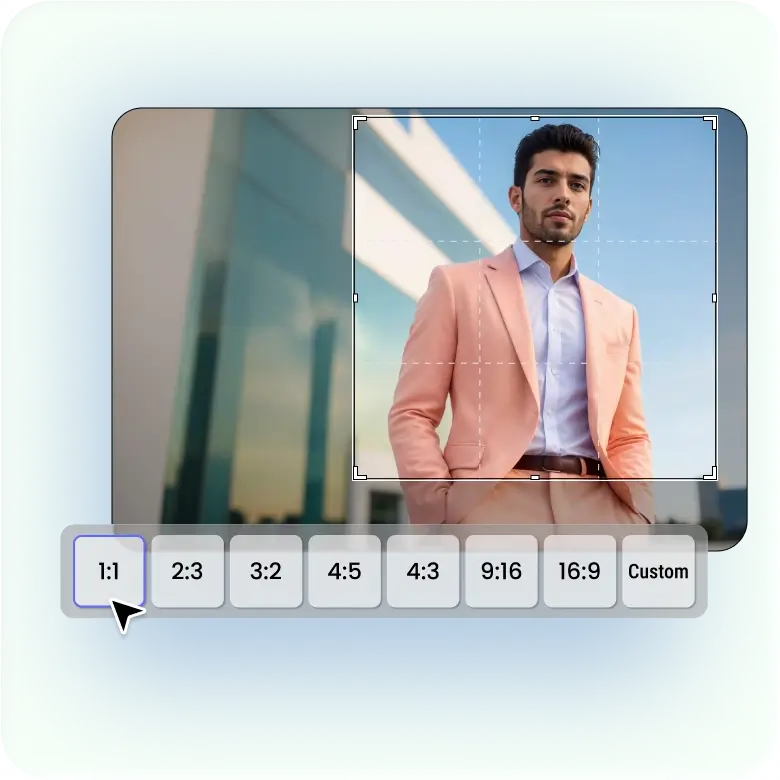
Fast cropping for large image sets
A good bulk image cropper offers simple controls. You can crop to square, portrait, landscape, or set custom sizes. You can preview your crops before saving. It works with PNG and JPEG files, giving a fast, smooth, and reliable way to crop full image sets online.
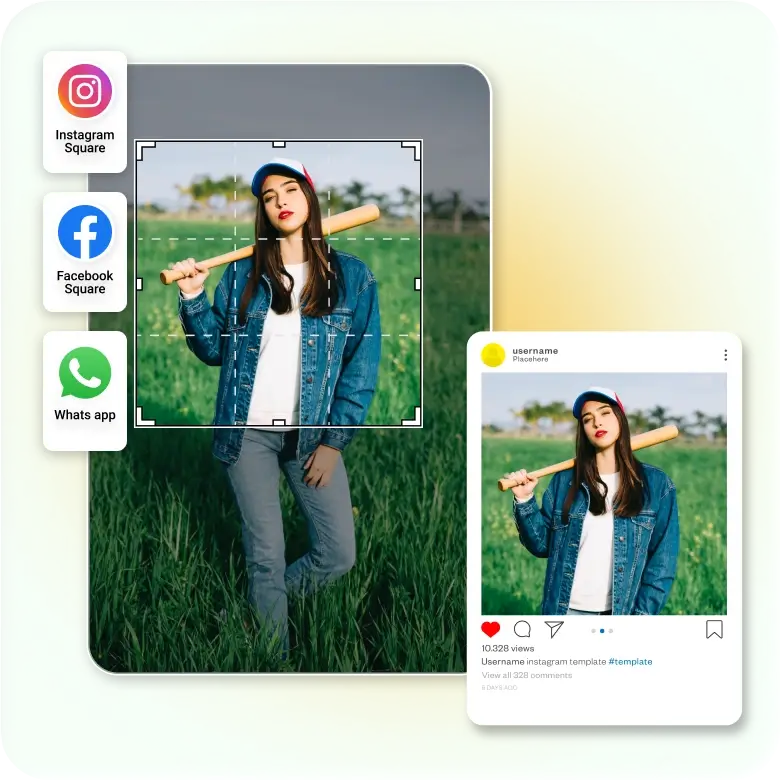
Batch crop editing for all social sizes
Any Image can be cropped quickly for Instagram profiles, YouTube banners, Facebook, WhatsApp DP, Twitter, LinkedIn, and other platforms. The tool helps you make square images or any size needed. You get pictures that fit well when you upload them. Each platform has its own size, and the tool helps you match it without problems.
Best uses for bulk image cropping
✔ Useful for e-commerce teams that handle large product catalogs.
✔ Helpful for marketing teams that prepare ads and banners.
✔ It can be useful for real estate agents who upload many property photos.
✔ This tool can benefit event planners who share photo sets.
✔ This tool can be used by developers who need fixed-size images for apps.
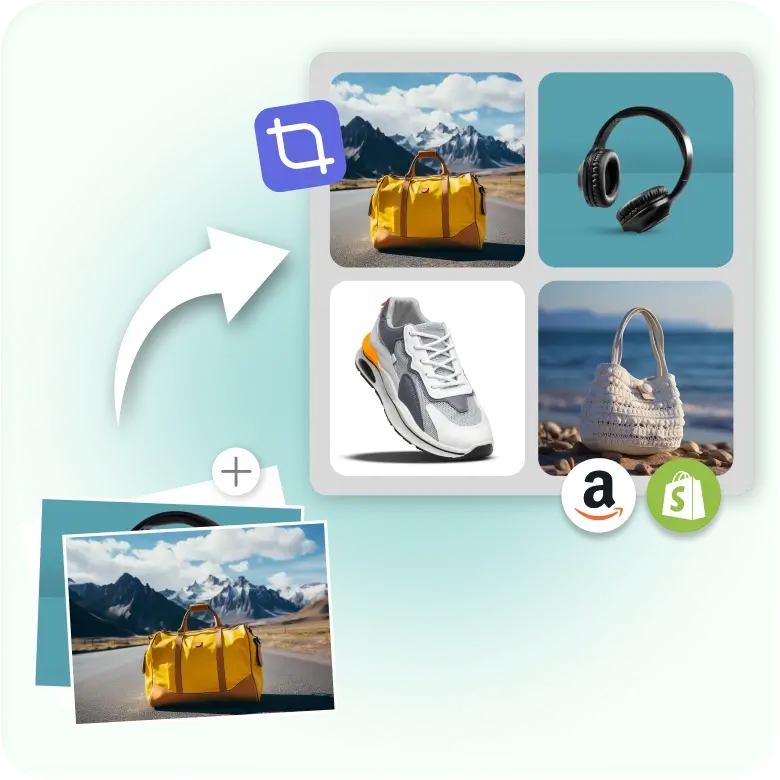
Key benefits of mass image cropper
✔ Helps maintain a consistent brand look across all images
✔ Makes bulk image preparation easier for team workflows
✔ Reduces storage size when cropped images remove unwanted areas
✔ Helps organise large photo sets with clean, uniform visuals
✔ Speeds up publishing for websites, stores, and social platforms
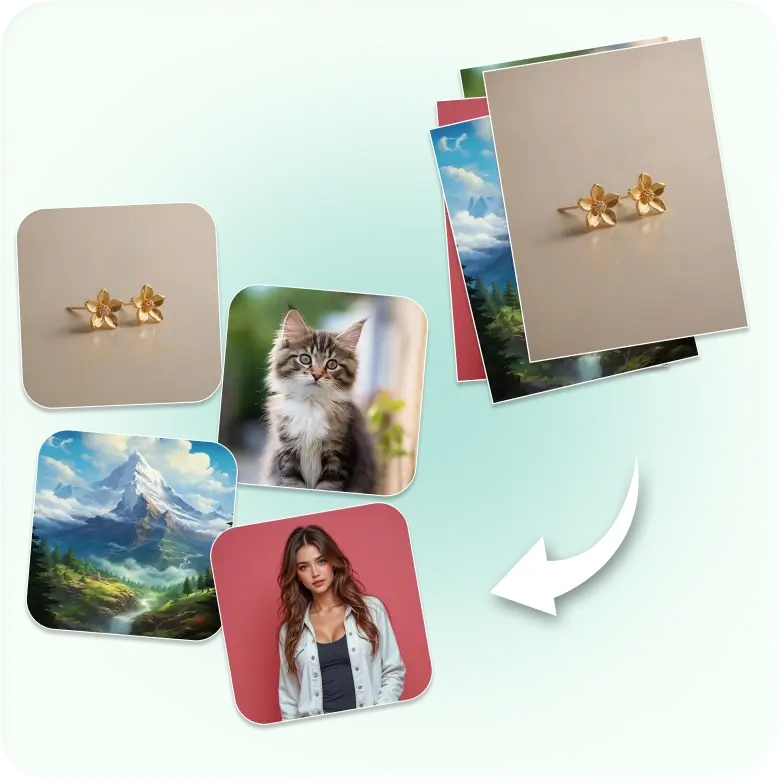
Key features of bulk image resizer
✔ Batch Crop: Crop up to 50 images in a click.
✔ Custom Size: Set the width, height, or file in perfect dimensions easily.
✔ Secure and browser-based: Speedy cropping with full privacy.
Frequently Asked Questions
No, the tool crops all images to the same size or ratio. You can start a new batch for a different size.