


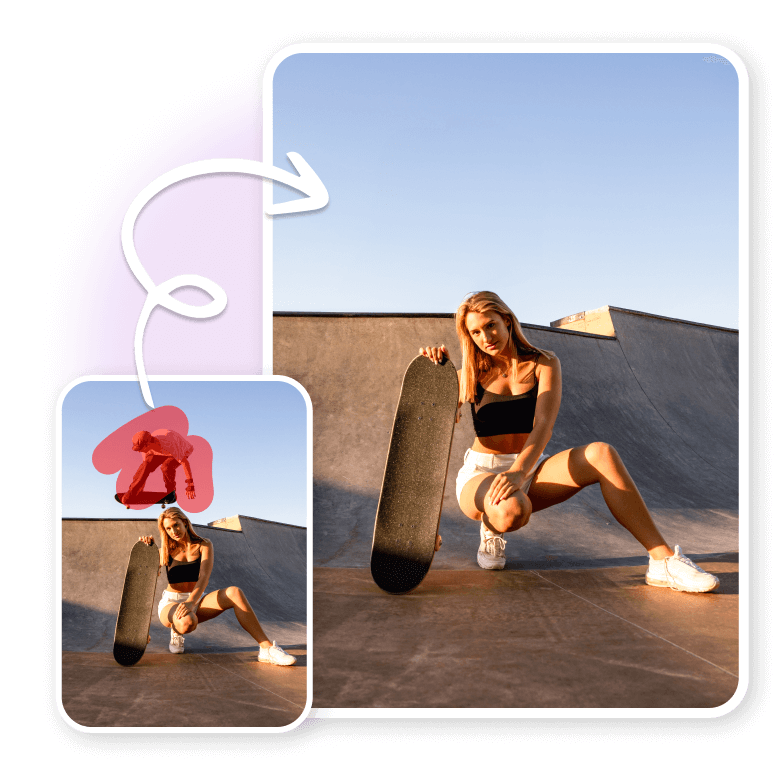
How to remove people from photos?
Upload the Photo
Drag and drop or choose the photo into the cleanup tool in JPEG or PNG format.
Mark the Unwanted People
Paint over the people you want to remove. Don’t worry about the messy markings—the AI will smartly detect edges.
Remove and Save
Click on "Remove" to erase people. Use the brush again to remove more people, or Download the cleaned-up photo to your device in the desired format.
Integrated AI for flawless results
Become the star of every picture by flawlessly editing people or photobombers out of photo. The LightX cleanup tool is AI-integrated, smartly detecting and removing each element separately. It ensures the edited image looks as if it was taken without people. The tool is super straightforward, eliminating the need for complex software or advanced skills. Just swipe and remove! It's as easy as that!

Removes people, retains the background
If you're worried about what happens to the background when people are removed, don’t worry. The tool handles even complex patterns or textures in the background. After removing the people, LightX fills in the empty space with the original background. With integrated generative fill , it ensures the pixels match perfectly. Your photo will look completely natural, and no one will know any edits were made.
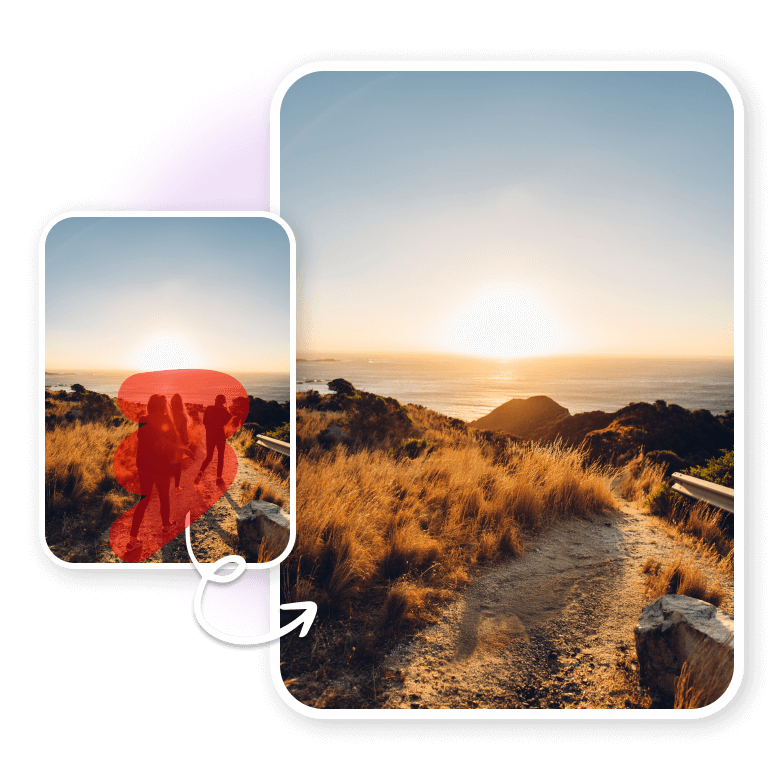
One tool, many use cases
Explore how removing people can improve your photos.
• Social media: Remove people to showcase your best self in photos for your followers.
• Travel Photos: Eliminate other tourists to make it look like you had the place all to yourself.
• Protects privacy: Remove people to keep others' personal details safe and maintain privacy.
• Marketing photoshoots: Clean up photos for flawless billboards and print materials.
• Remove exes: Subtly erase past relationships for a fresh start in your photos.
• Clean landscape photos: Get a serene landscape with no distractions for your perfect shot.

Why choose LightX?
Discover features and benefits of cropping out people with AI.
• A free, easy, and fast people remover.
• Gives precision control with the Brush and Erase tools.
• Real-time preview to undo or redo edits.
• Realistic, high-resolution outputs every time.
• Secure processing for user privacy.
• Added feature of replacing people with other objects.
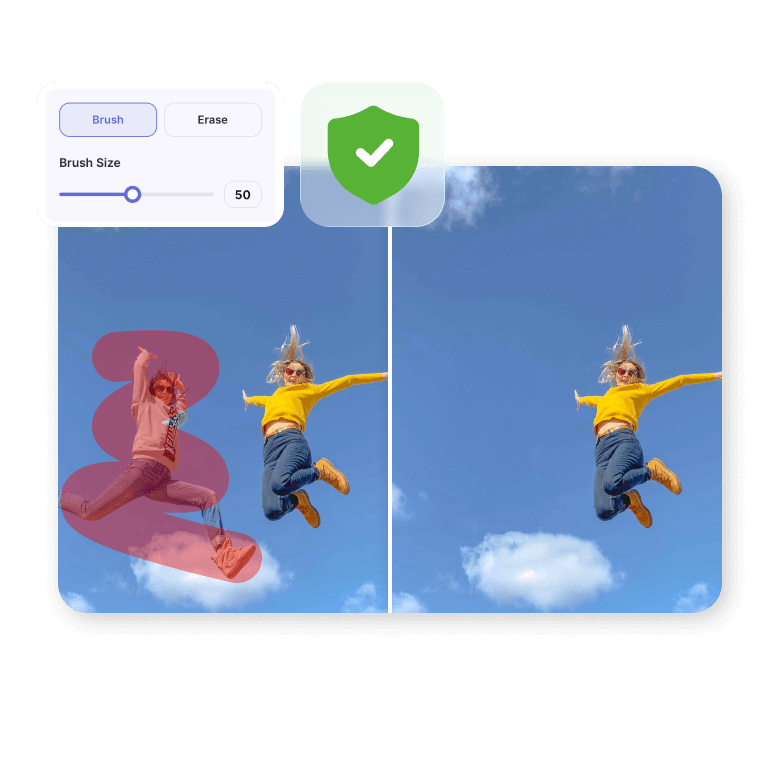
More than just people remover
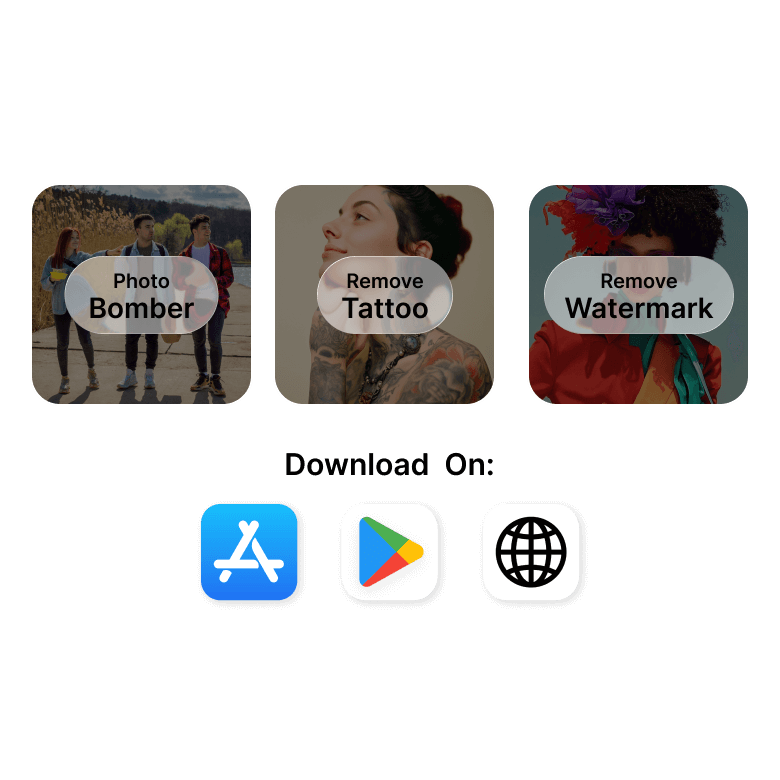
The most effective free tool for swiftly enhancing your images by eliminating unwanted objects, tattoos, and even watermarks and Texts effortlessly. Access all these features on the web or via iOS and Android apps for convenient on-the-go editing.
Frequently Asked Questions
No more manual Photoshop editing! To delete people from a photo, use the LightX AI tool, upload your image, and mask the people in it. The tool will smartly identify them and replace them with the surrounding pixels.


