

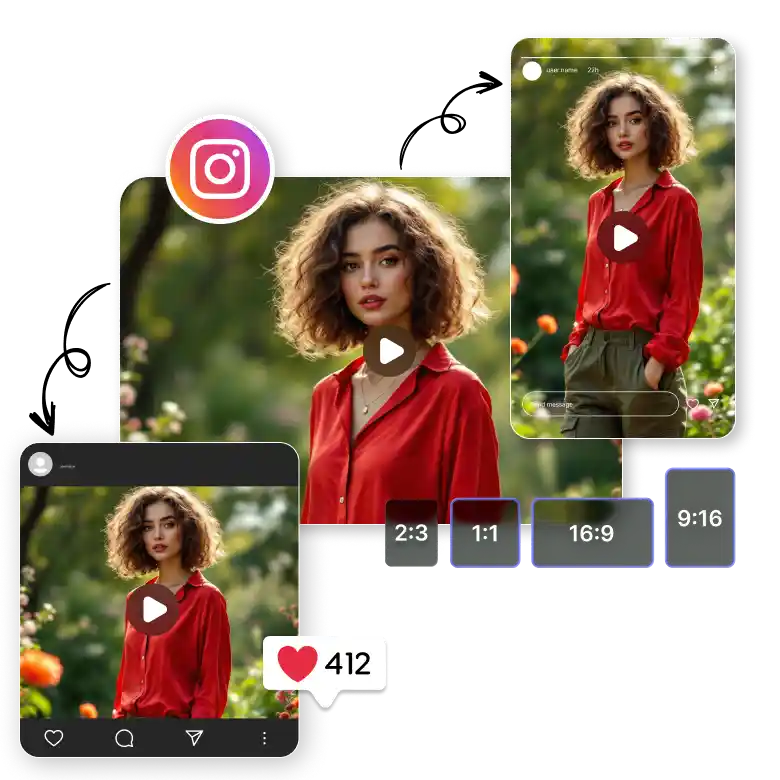
Steps to resize video for Instagram
Upload image
Upload the video that needs to be resized for Instagram, by selecting or dragging and dropping media
Use the Resize Tool
Resize video for Instagram using LightX’s Resize tool
Download Video
Your resized Instagram video is ready to be downloaded now in MP4
Resize video for Instagram instantly
Sharing videos on Instagram is not easy, and can be a bit tricky, whether you want to resize a video for Instagram story, post, or reel, all have their own standard sizes. A perfect video in one format can look cropped or distorted in another. LightX’s Instagram video resizer can fit all your videos into their correct sizes without losing image quality like a professional.
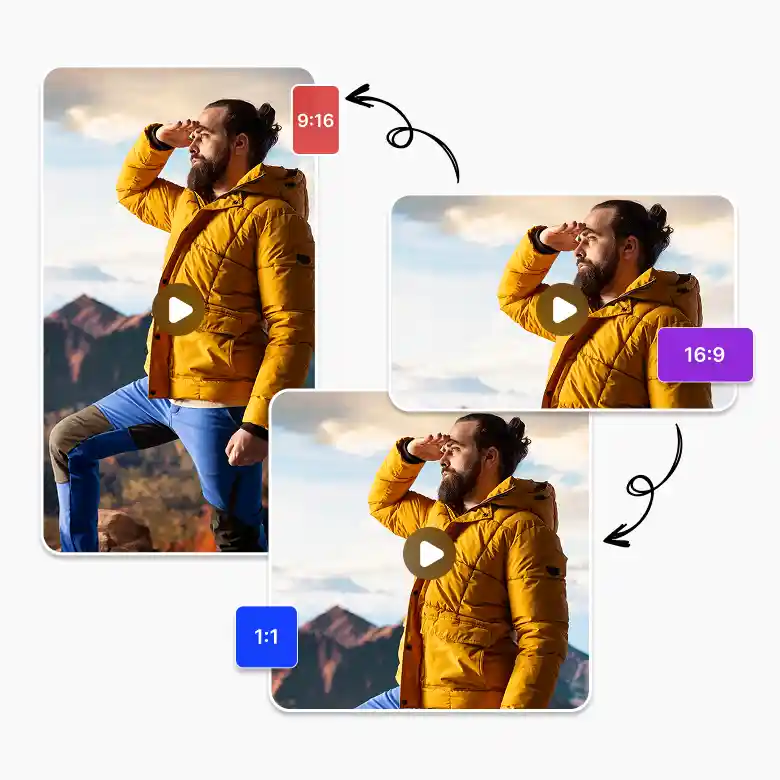
Instagram uses different aspect ratios for each format:
Posts: Square (1:1) or vertical (4:5) for the feed.
Stories: Vertical (9:16) for immersive viewing.
Reels: Full-screen vertical (9:16) to capture attention.
If you upload a video in the wrong size, Instagram automatically crops or compresses it, which can remove the important parts of your content. LightX converts video into reel, post, and story, ensuring it looks exactly how you want it.
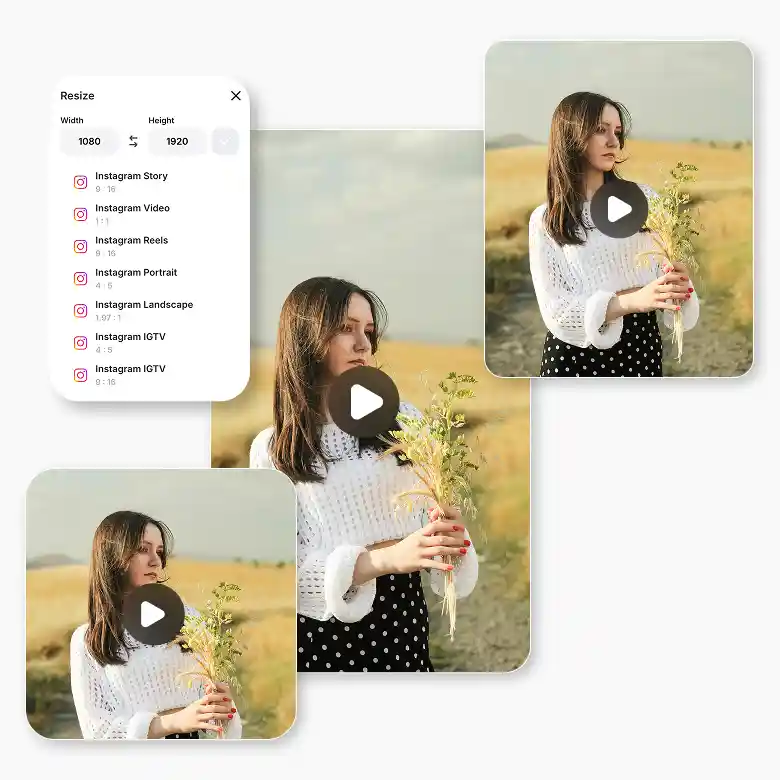
Key features of the Instagram video resizer
High-quality: Download a quality video that looks professional
Scale: Choose whether you want to crop, zoom in, or zoom out for the best view.
Mobile-friendly: Available on Android and iOS devices.
Multiple aspect ratios: Easily switch between square, vertical, landscape, story, and more.
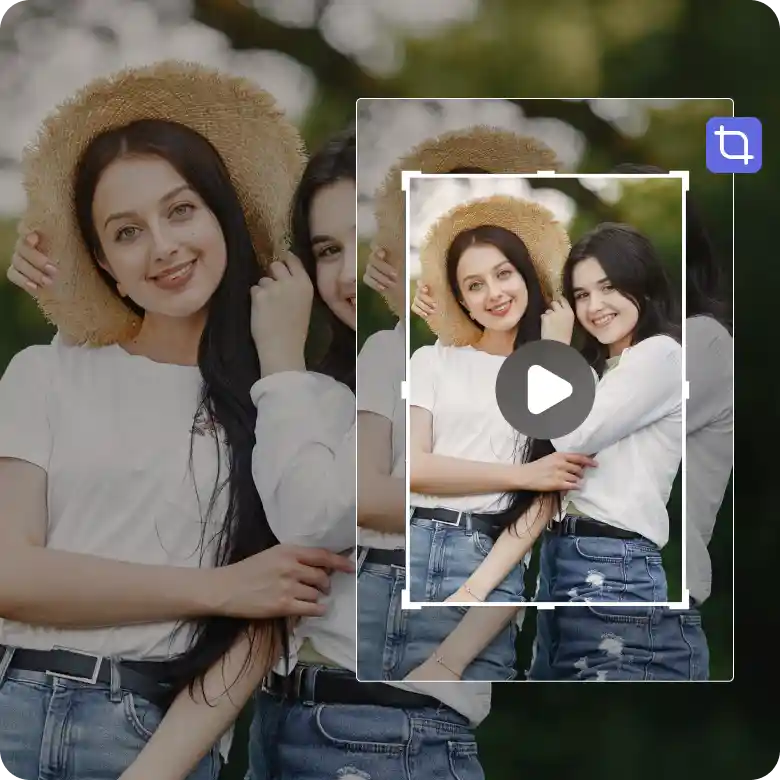
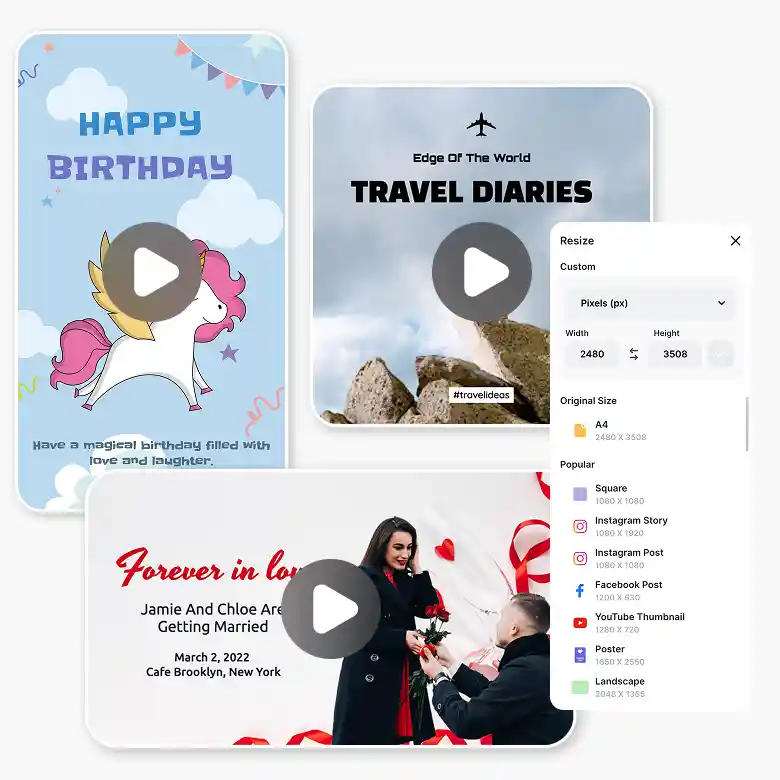
Resize Instagram videos instantly with preset templates
Resizing Instagram videos in no time with a preset template, just upload your video and choose the most suitable format, like square or vertical, for reels and stories. for travel, birthday to a wedding, perfect for sharing your sweet memories with followers and friends.
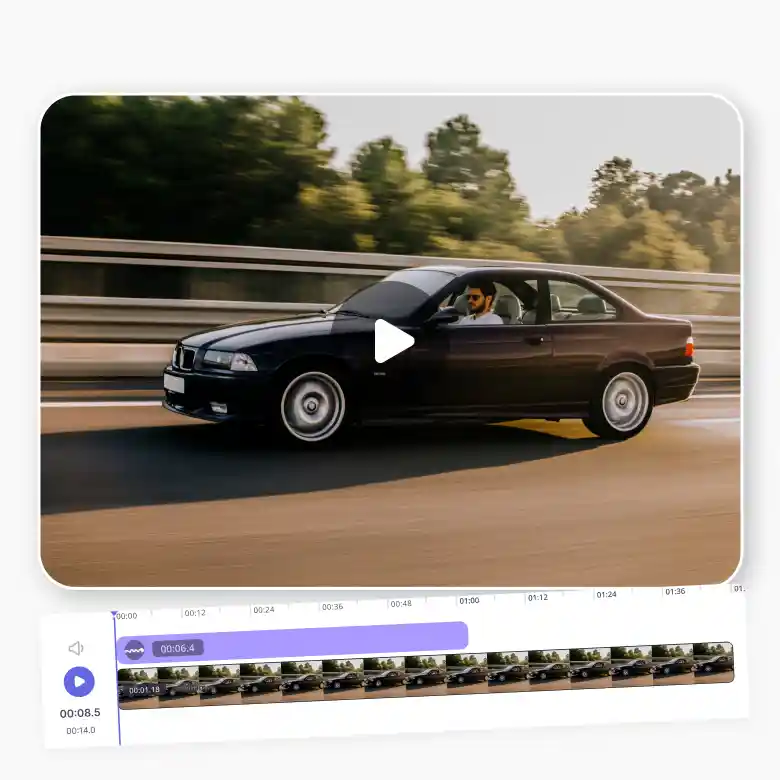
Edit Instagram videos within time limits
Trim Instagram videos to keep them short, as they have specific time limits like 60s for posts, 90s for reels, and 15s for stories. Cut the boring bits, keep only the important parts, and highlight the best content. This makes posts, stories, and reels look smooth, polished, and interesting to your audience.
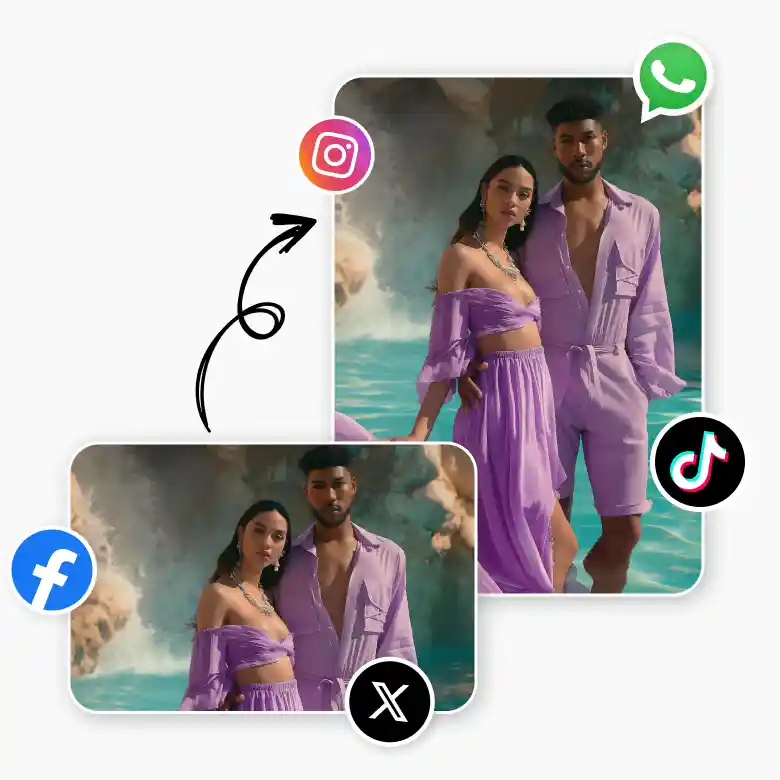
Share perfectly sized videos on any platform
Share across all social media platforms like Instagram, YouTube, TikTok, Twitter, Facebook, and WhatsApp. Check out how the Instagram video resizer makes your video stand out:
Better engagement: Properly sized videos attract more likes and comments on your feed.
Consistency: This tool makes your feed look stylish and professional.
Time-saving: Save time as compared to manual, and now the video can be converted into multiple formats.
Improved branding: Share your videos the way they should be shared in a unique style.
Frequently Asked Questions
Yes, with LightX, you can resize videos to Instagram formats while keeping your content looking professional.