


How to remove text from image?
Upload
Choose or drag and drop an image into “Quick Edits.” Supported formats are JPG or PNG.
Remove
Select the “Remove Text” feature and click the Remove button. The tool will automatically remove all the text from the photo.
Download
Once done, download the text-free photo to your device in JPG or PNG.
Remove text without affecting the background
Erase the text, keep the rest with LightX's AI-driven tool! It enables you to eliminate distracting text, preserving your image background exactly as it was. A simple selection and the AI will erase any text from photos with absolute precision.

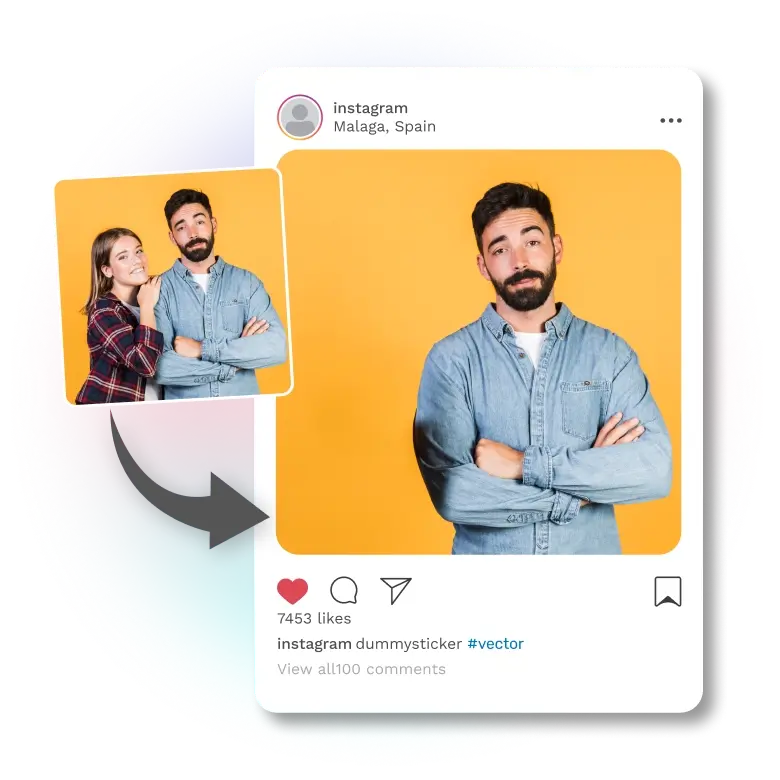
Protect your privacy in social media photos
If there is certain text in your selfies that is private, like your street name or license plate number, bid adieu to it! With one clean swipe, the tool can remove any personal information, including tattoos or a person in your family. Delete text from the image before uploading it on social media without compromising on quality.
Powerful features, minimal effort
✔ AI Precision – Removes text of any font, color, or size with high accuracy.
✔ Easy-to-Use Interface – Just swipe and you're done.
✔ Instant Results – No waiting around; get results in real time.

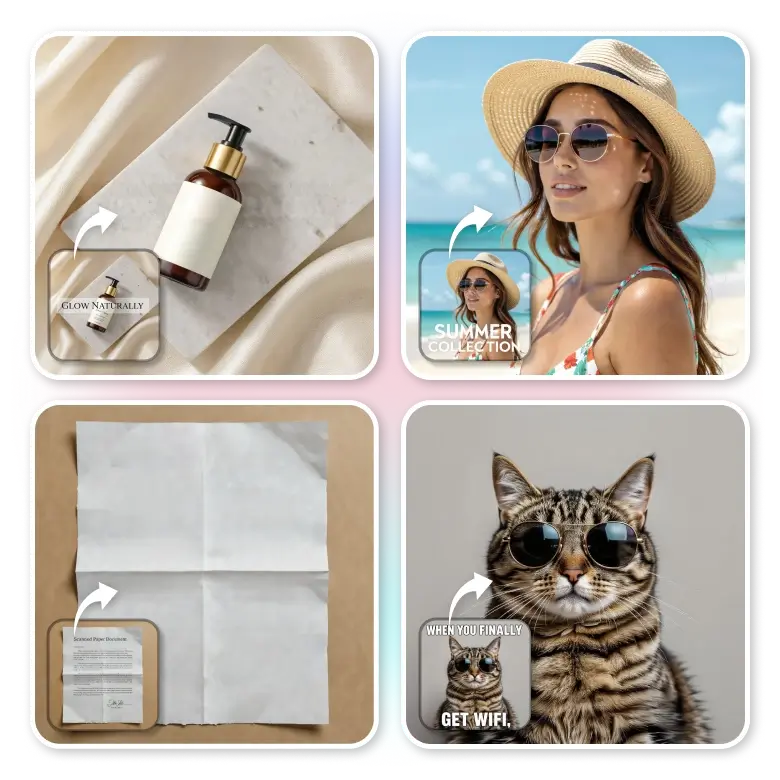
Endless ways to use it
• Template reuse – Remove text from film posters or marketing materials
• Content repurposing – Clean up memes or other content and add a fresh one
• Snapchat captions – Get rid of text from snaps
• Product photos – Remove labels or text for rebranding
• Screenshots – Hide unwanted words from screen captures
• Document images – Remove sensitive or private details
• Stock images – Erase unwanted texts or watermarks
Frequently Asked Questions
Yes, the tool is free to use! You can edit and download your image for free in JPG format. To download in PNG, you’ll need a Pro subscription.


