




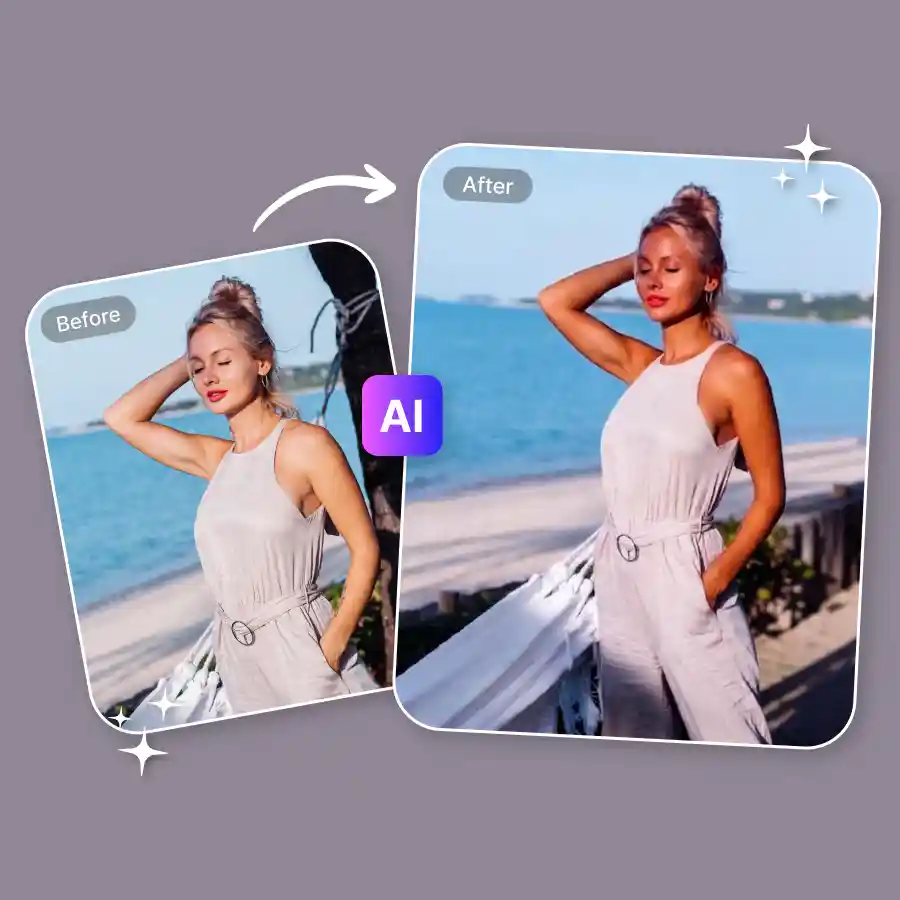
How to use the AI tan filter?
Upload your photo
Upload your photo in JPEG or PNG format. It can be a group, selfie, full body, or side pose.
Click generate
The prompt is already set to add a sun-kissed tanning effect. Just click Generate to start. You can also edit the prompt to describe the tan intensity, beach style, or skin tone you want.
Download your photo
Once done, download your photo and enjoy your fresh summer glow.
AI-powered realistic tanning effect
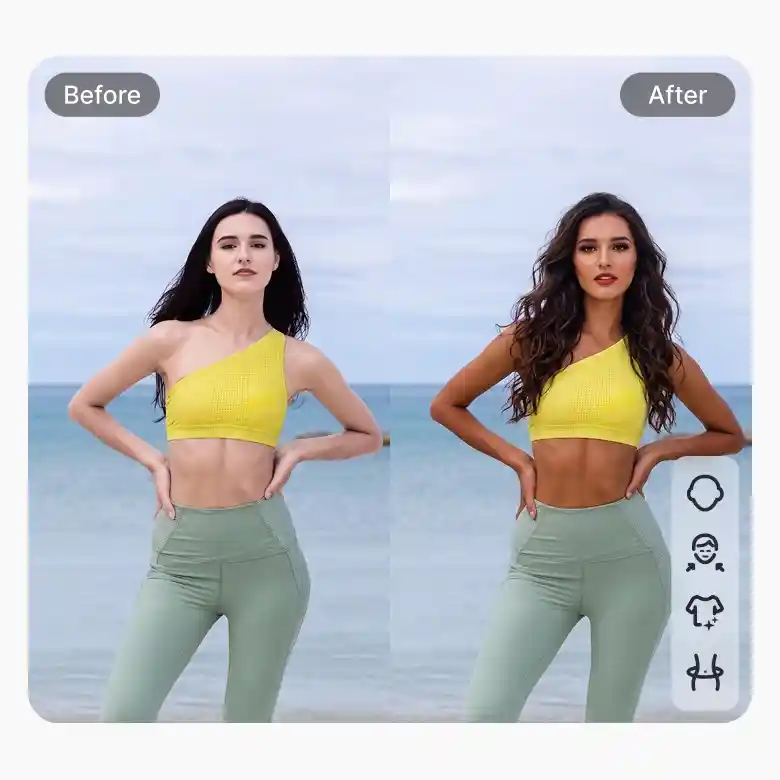
Skip the sunburn. Keep the glow. Our AI tan filter adds tan very naturally. Its AI analyzes skin tone, light, and shadows in the photo. The result is a smooth tan, and everything is done automatically. No manual sliders. No complicated editing. No orange mess. Just instant summer skin results.
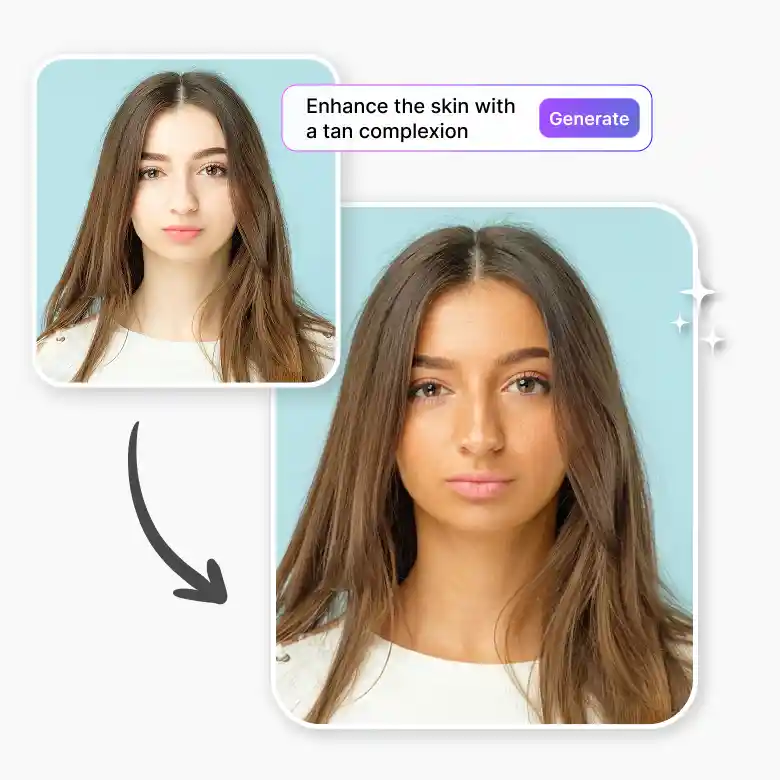
Get a personalized shade of bronze
Make your skin look sun-kissed in photos in any shade. Customize the tan skin filter using prompts. Adjust the tan intensity and tone to match different lighting conditions and photo styles.
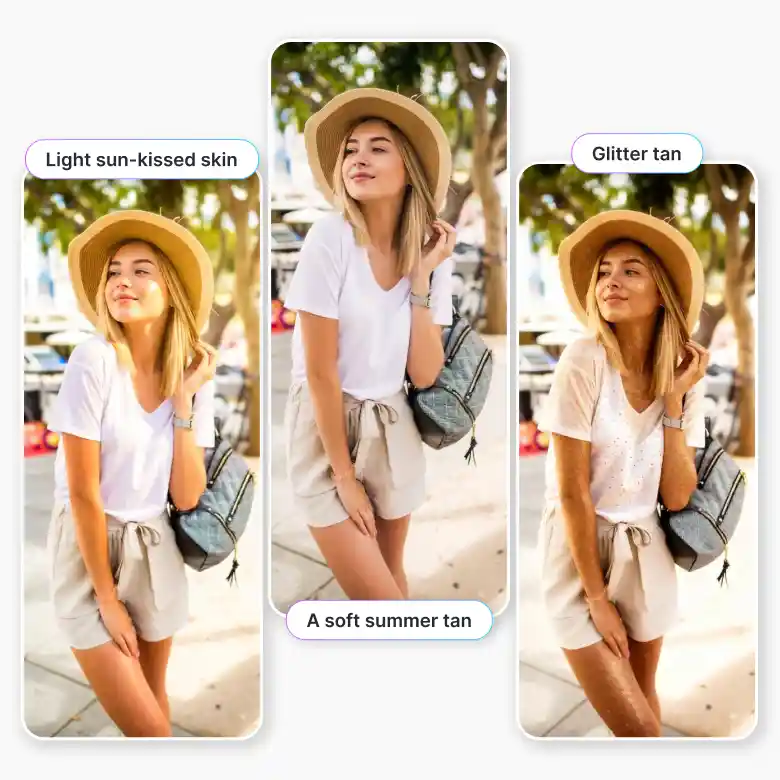
You can try prompts like:
1. A soft summer tan
2. Light sun-kissed skin
3. A deeper tan on the body
4. Glitter tan
Face tan for portraits
Fix uneven skin tone using LightX’s AI tan editor. Use it when the face looks lighter than the body. The tool is trained to add only tan without changing facial features. Perfect for beauty portraits, selfies, profile pictures, and bikini model photos.
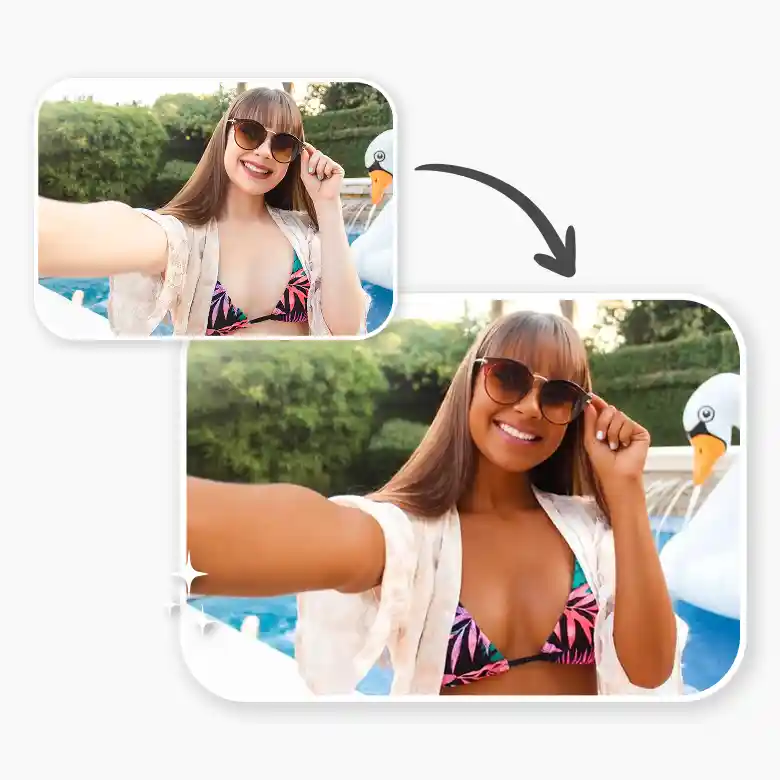
Body tan for bikini and lifestyle photos
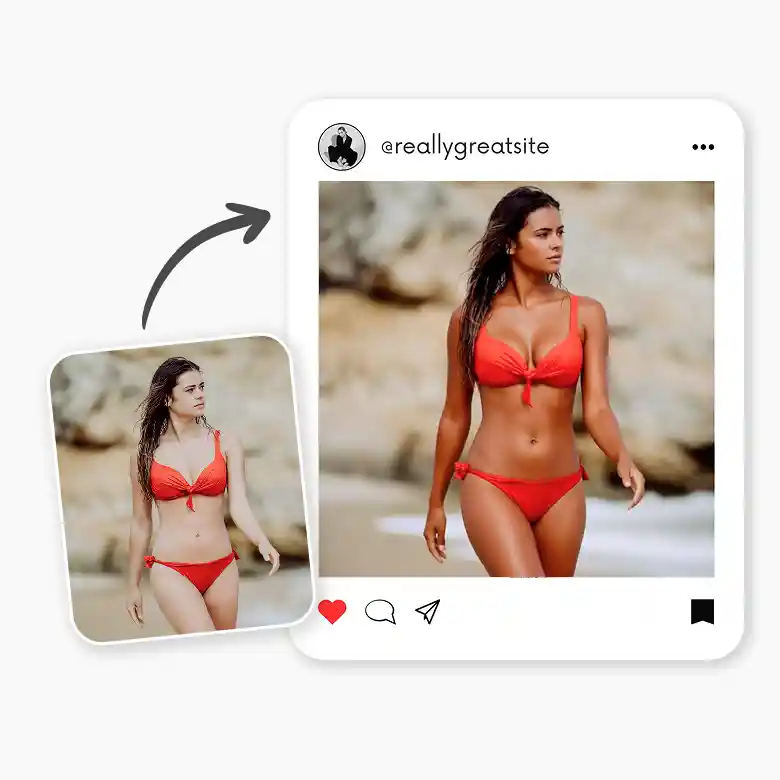
Rock that beach body energy, instantly. With our sun-kissed skin filter, edit bikini photos, beach shots, travel pictures, and lifestyle content. No tanning beds. No sunburn. Just glow. Download high-quality images and share them on social media, portfolios, or personal galleries.
Your complete summer photo editing suite
Your summer glow does not stop at a tan. With LightX, you get a full set of beauty editing tools in one place. Enhance your photos further with tools like:
• Body Editor: Look taller and get a slimmer waist realistically.
• Reshape Face: Smooth and refine facial structure while keeping the result natural.
• Retouch: Remove blemishes, smooth skin, and enhance overall photo quality.
• Bikini Changer: Try different bikini styles and colors instantly in your photos, or change regular clothes into a bikini look.
• Hairstyle Changer: Experiment with different hairstyles like curls or colored hair.
Frequently Asked Questions


