




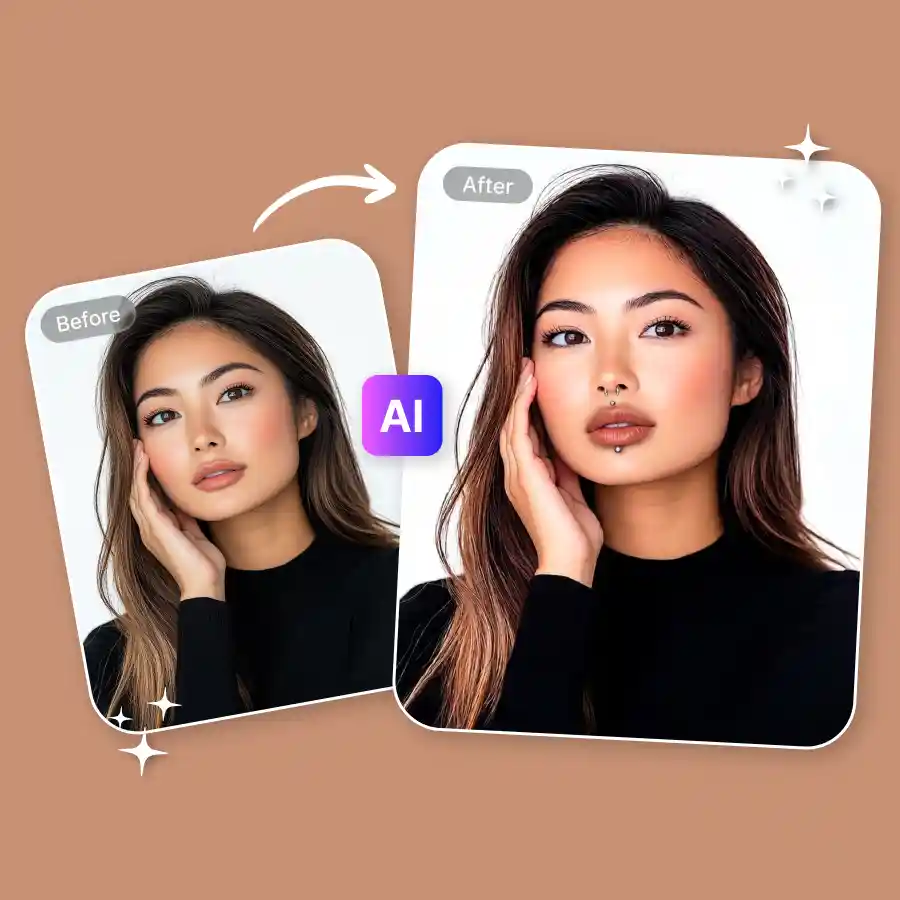
How to virtually try on a piercing?
Upload photo
Upload a photo of yourself in JPEG or PNG.
Enter prompt
Type a prompt describing the piercing you want. For example, you can mention the body part, piercing style, and design.
Download
Click Generate to apply the piercing. Once ready, download the image.
Visualize before you commit
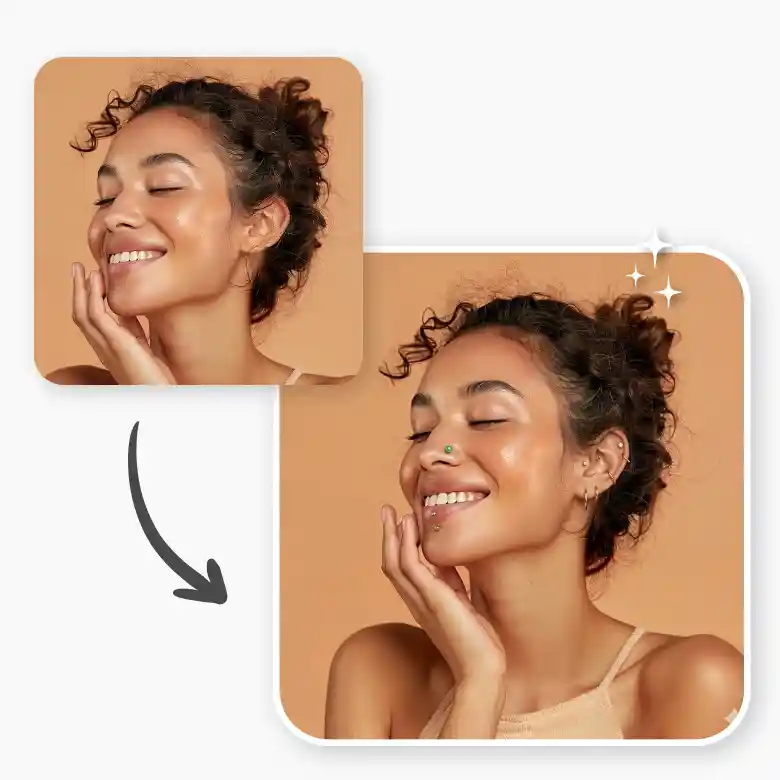
Trying a piercing in real life is a big decision. With the AI piercing filter, you can preview how different piercings will look on you before actually getting one.
• No masking
• No manual editing
• Just type a prompt and get results in seconds
• Fully customizable designs
You have full control over the piercing design, placement, and jewelry material.
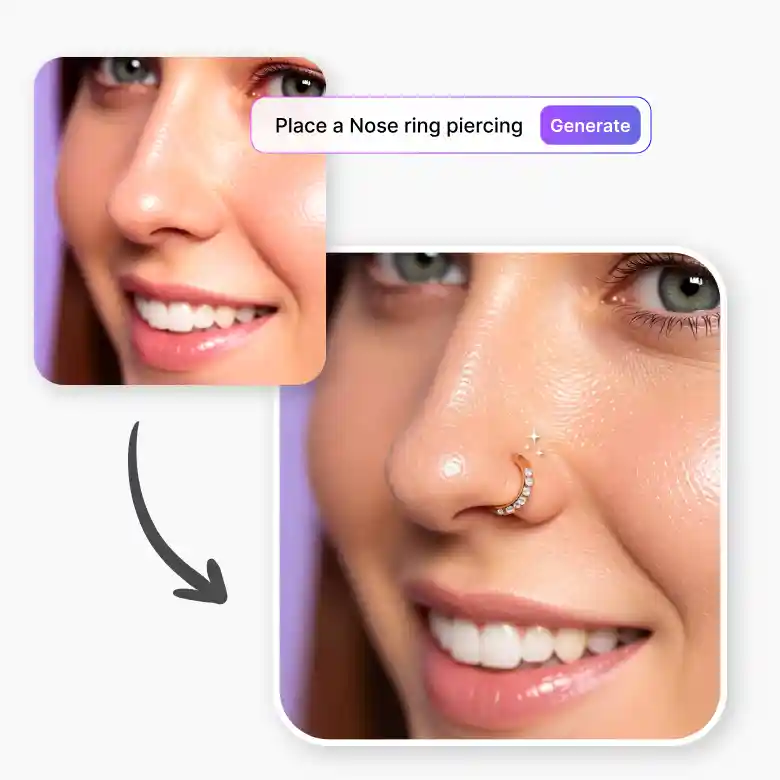
Realistic results
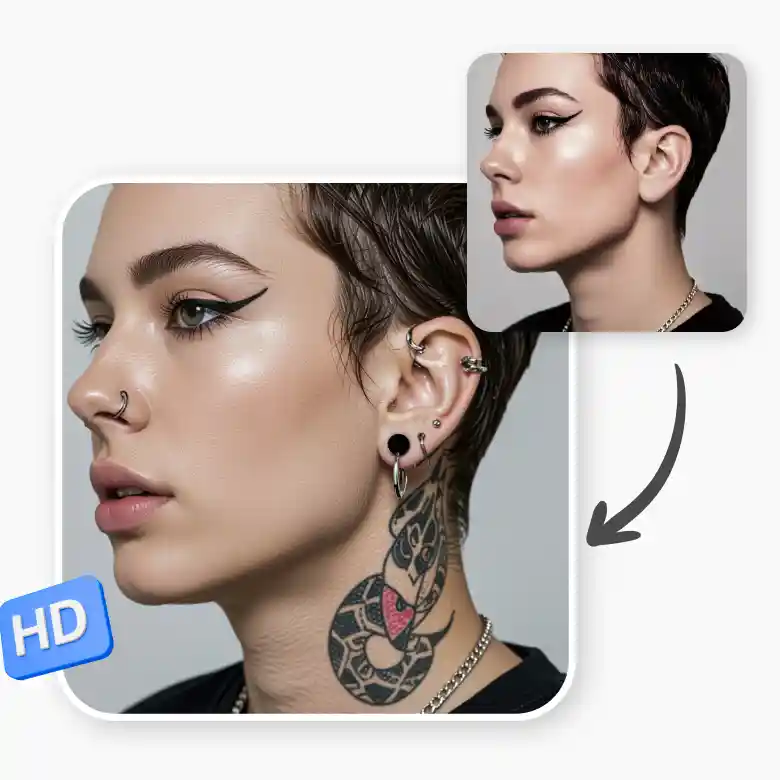
No stickers or overlays. The tool uses generative AI to add the piercing naturally into your photo. The smart AI places the piercing accurately so the visualization feels realistic. It does not change your facial features or body structure, and the results are high quality.
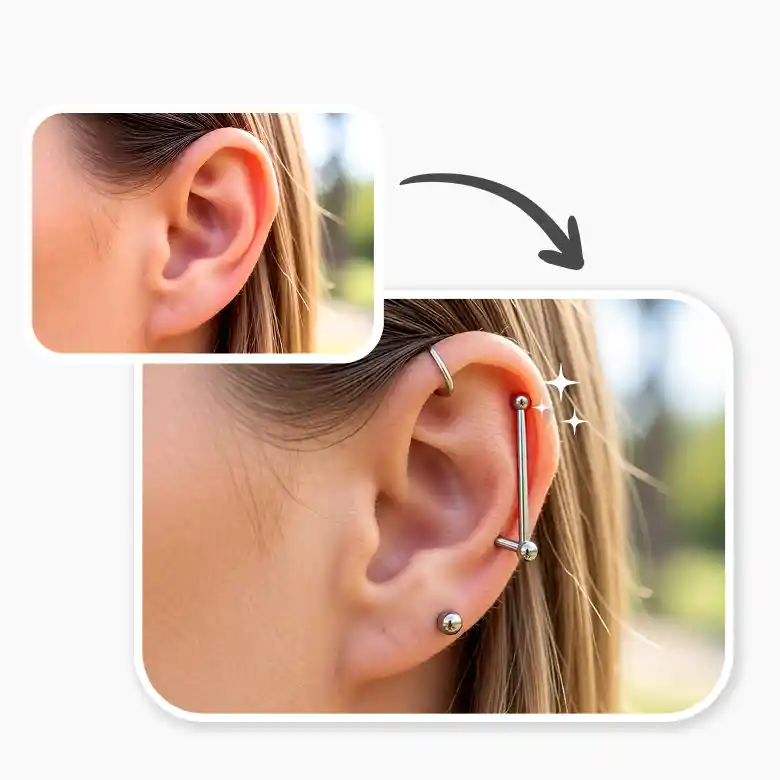
Types of piercings you can try
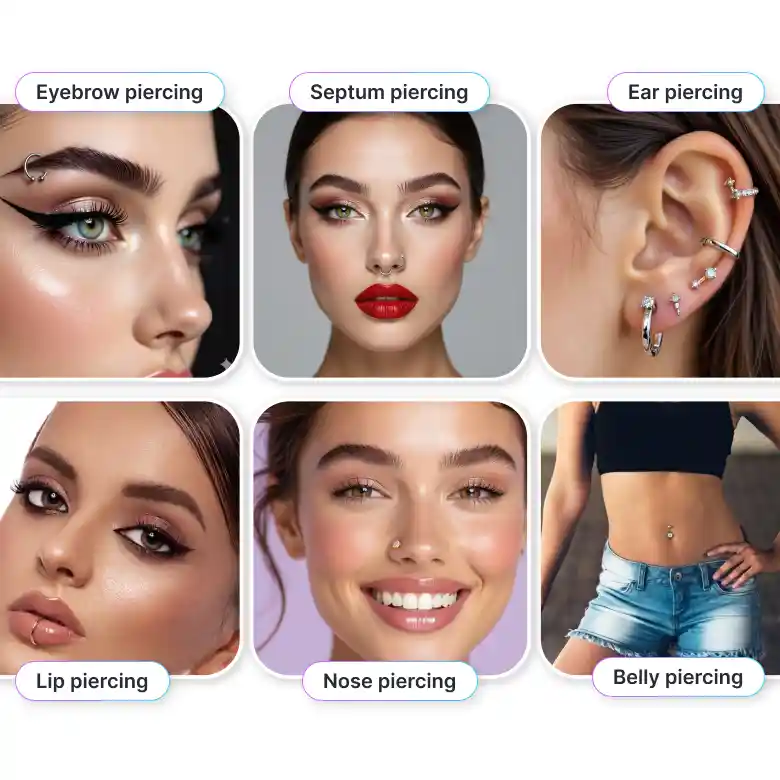
Try many kinds of piercings using our AI piercing filter.
• Nose piercing
• Lip piercing
• Eyebrow piercing
• Ear piercing
• Septum piercing
• Belly button piercing and more
You can also experiment with different jewelry styles and placements using prompts.
Ways to use the AI piercing filter
• Visualize a piercing before committing
• Prank friends with realistic piercing edits
• Generate ideas for Pinterest or inspiration boards
• Show clients different piercing styles
Do more with a full editing suite
LightX is your one-stop solution for all kinds of editing. You can create a completely new look with tattoos on the body, body editing, and face reshaping, making it a hub for editing photos for social media. It is easy, fun, and high-quality. Start editing now.
Frequently Asked Questions


