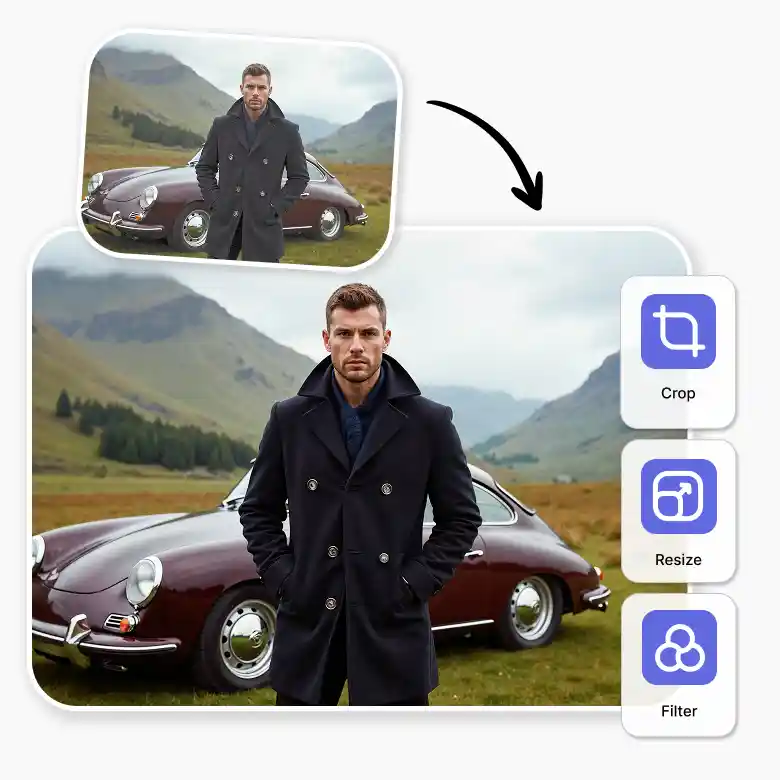

How to add dark effect on image?
Upload your photo
Choose a JPG, PNG, or HEIC file from your device.
Adjust the darkness
Use the AI brightness adjuster to dim the light or apply a dark photo effect.
Download
Save your high-quality image with the perfect lighting and contrast.
Fix over exposure
Photos taken in direct sunlight might look "blown out" or too white. Use the our dark photo editor to fix overexposed areas. Bring back the hidden details like faded texts, faces, or product details while keeping image quality preserved. By adjusting brightness (dimming in this case), you restore the natural colors that were lost in the bright light. It is the easiest way to save a photo that looks too bright to use.
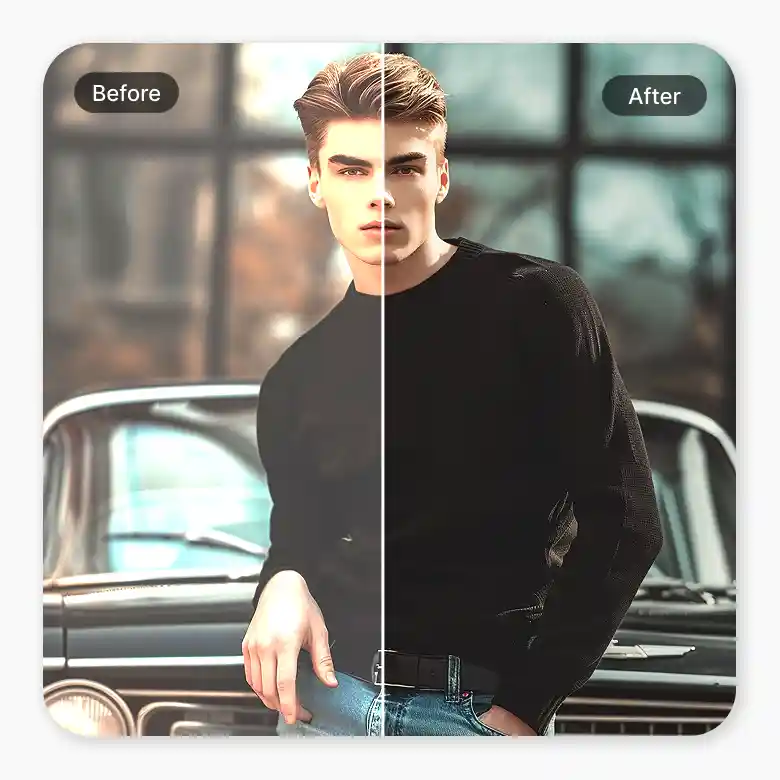
Highlight dark parts
Sometimes a photo looks flat because the shadows are too light. Our tool acts as a smart image dimmer that targets specific areas. It can darken the lines in an image or make the dark parts stand out more. This creates a profound difference in how the textures and shapes look to the eye.
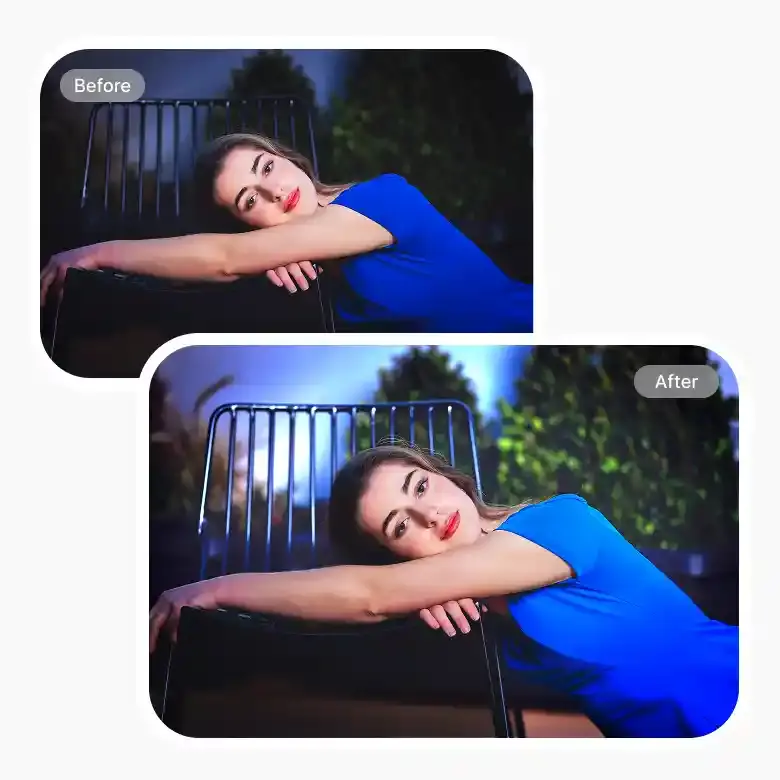
Customize the “dark mode”
This tool is smarter than a basic dimmer because it segregates the foreground from the background automatically. This means you can change the exposure, hue, highlights, and shadows for each part separately. If you want a dark, moody background but want your subject to stay bright and clear, you can do that instead of making the whole thing black.
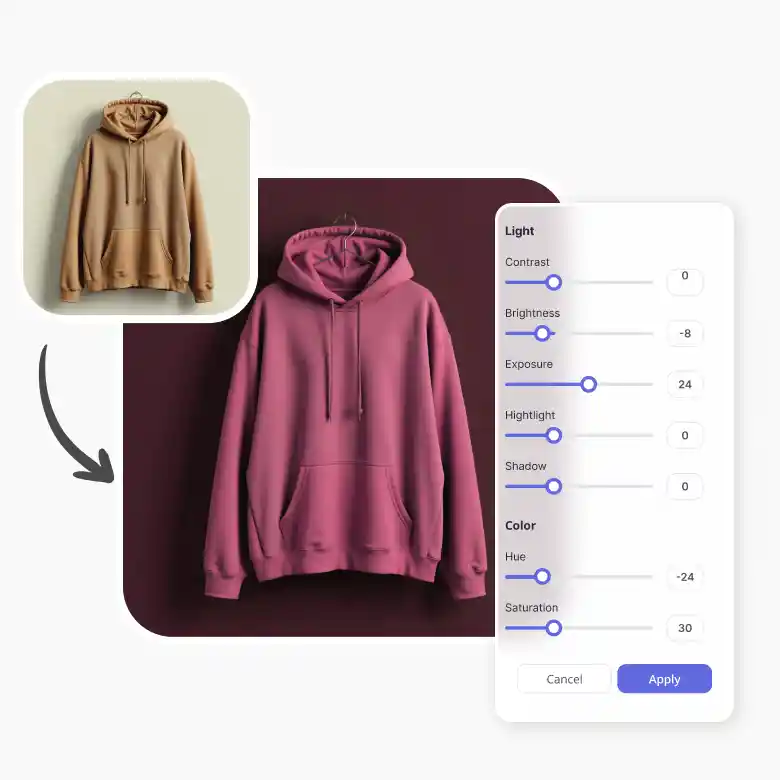
Use cases for the dark photo editor
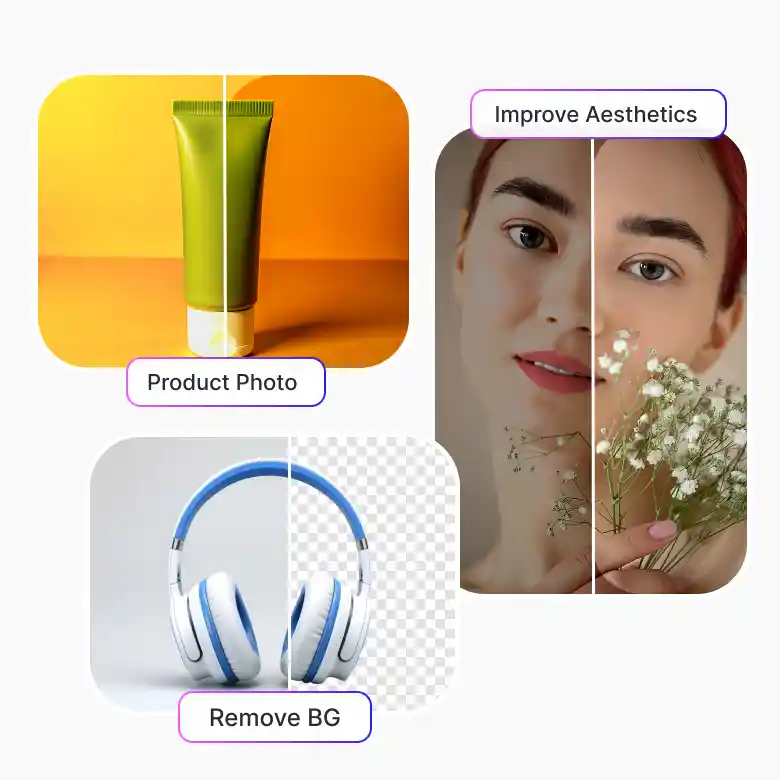
Product Photos: Darken backgrounds of photos to make your product the main star of the shot.
Remove BG: Darken the edges after removing a background to make your subject blend in perfectly.
Improve Aesthetic: Use a darker photo effect to give your social media a moody, high-end feel.
Why use LightX AI brightness adjuster?
High Quality: Your dim photos stay sharp and clear. You them for professional photography edits.
Further Editing: Once you are done, you can crop, resize, or add filters without leaving the site.
Free to Use: Access the dark photo editing tools for free and get results on any device.