


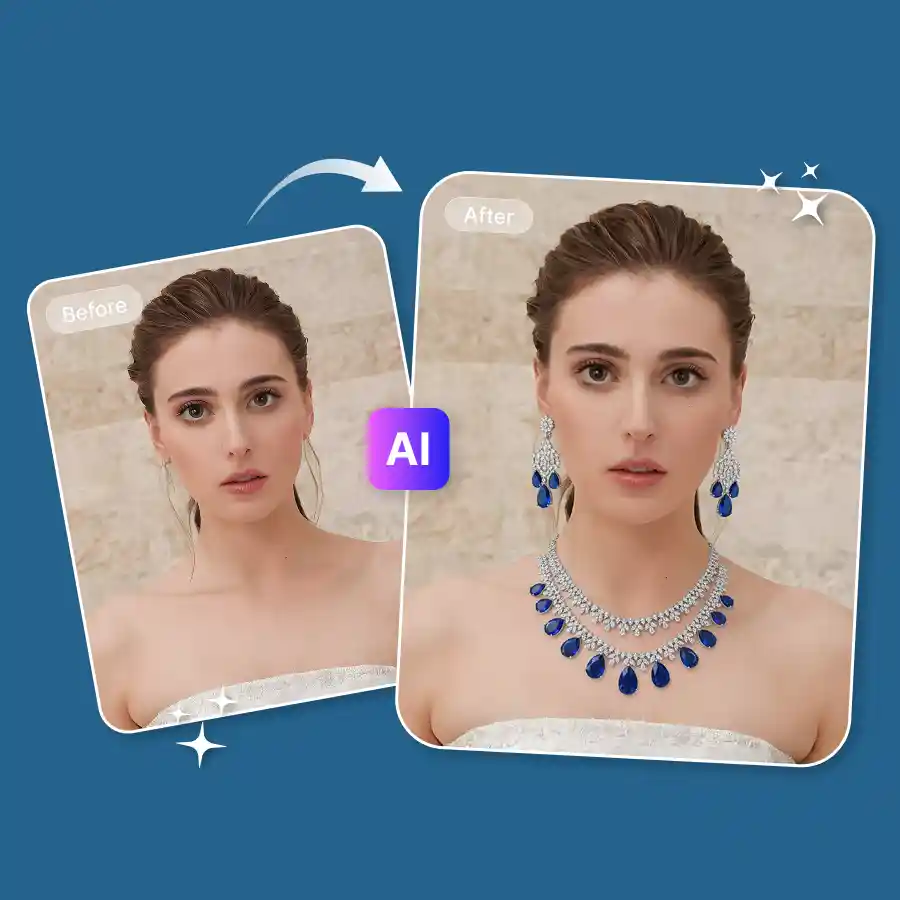
How to generate AI jewellery in photos
Upload Your Photo
Choose a photo in JPEG or PNG format that clearly shows you.
Enter prompt
Enter a prompt describing the jewellery, its design, and where you want to place it.
Generate and Download
Click “Generate” to add the jewellery. Once the image is generated, download it to your device.
Timeless beauty meets modern innovation of AI
Does something feel missing in your favorite selfie or portrait? A perfect piece of jewelry can be beautified a hundred times! With LightX's AI jewelry generator, you can effortlessly accessorize yourself in your photos. Whether you want a stunning diamond AI necklace or elegant pearl earrings, simply add a prompt describing the style, AI will adorn you with your unique statement jewelry realistically and precisely.
Shine on socials with AI jewelry generator's glamour
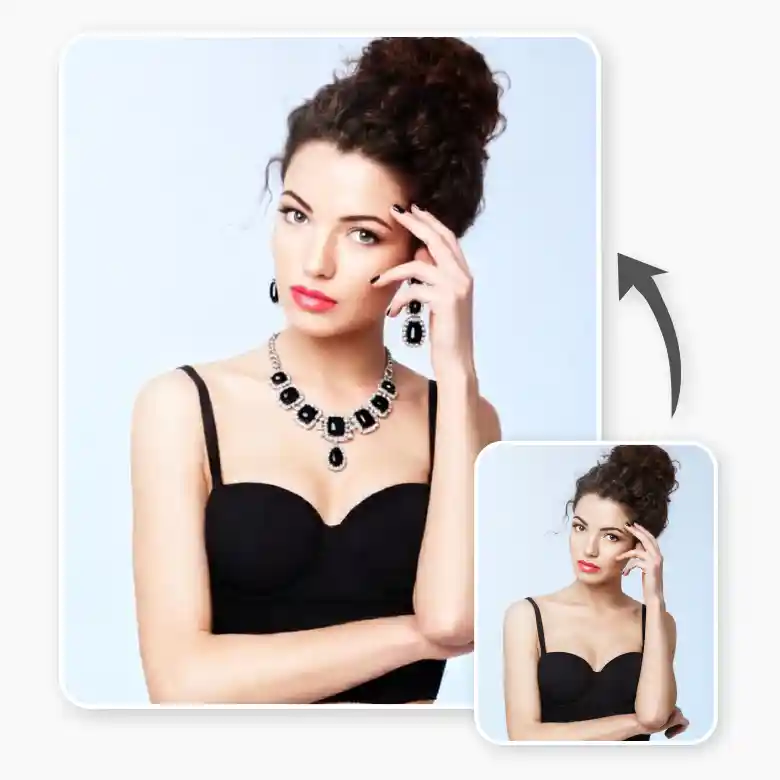
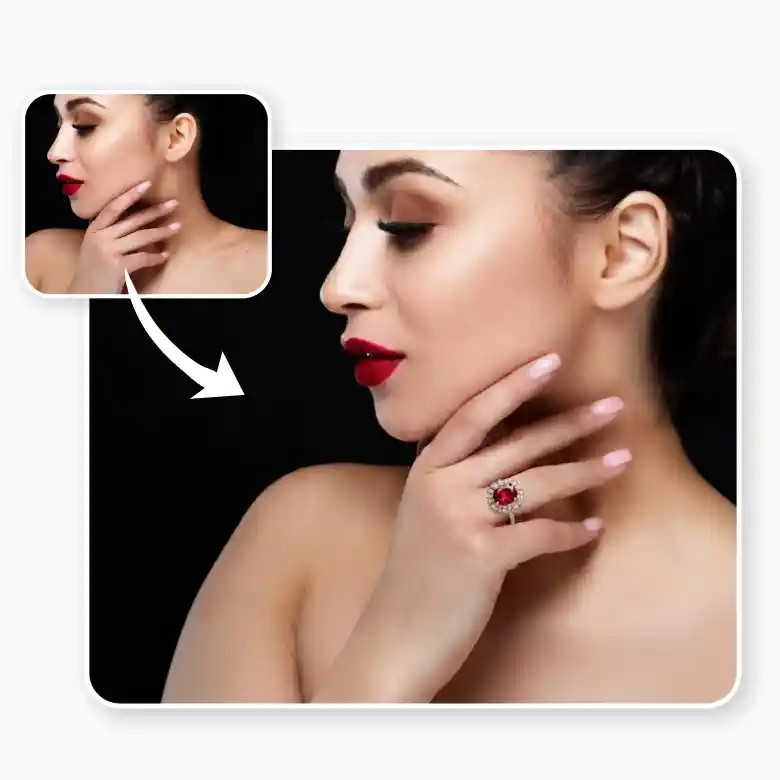
Imagine the potential of the AI jewelry generator to be leveraged by bloggers and social media influencers. Why carry heavy jewelry when AI can easily adorn you with beautiful pieces? Similar to a virtual try-on, easily adds earrings to photos and it allows users to add jewelry to a picture, add rings to a photo, and even recreate famous historical pieces on themselves, giving them countless opportunities for individual expression and getting the best outcomes in a few seconds with LightX.
Frequently Asked Questions
Using a text prompt and AI creates jewelry on your picture. You only need to define the jewelry you want, and AI will intelligently apply it to the designated location so you can easily access your preferred jewelry without any difficulty.