



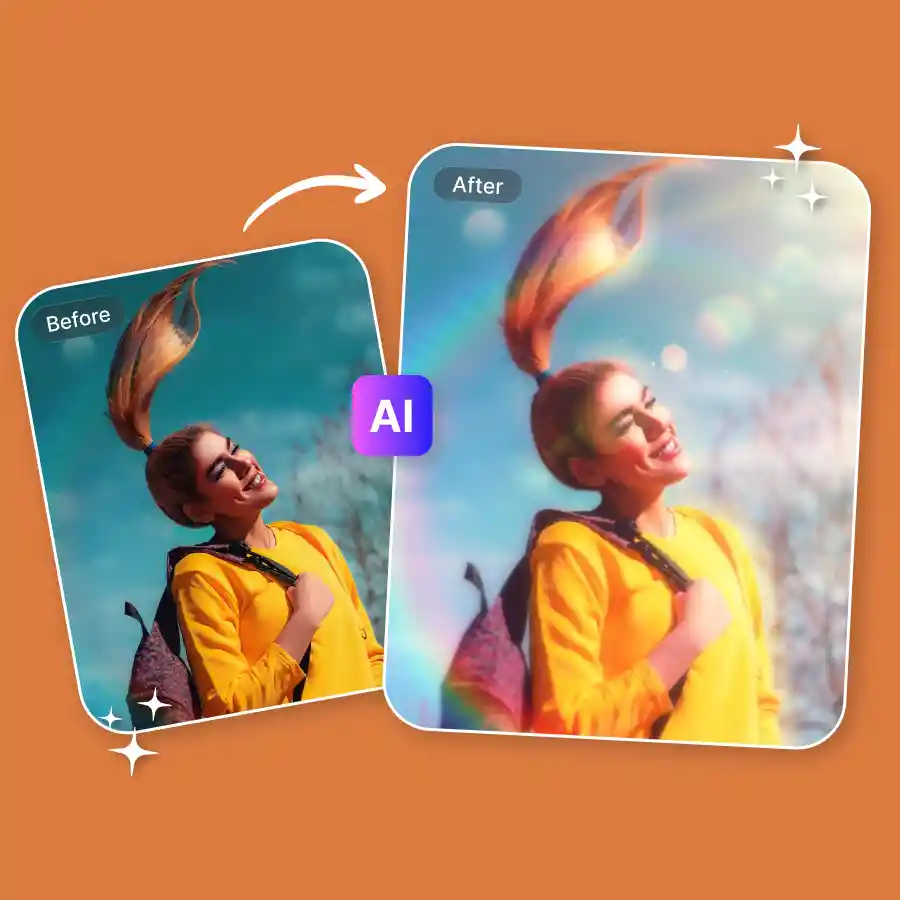
How to add a dreamy filter to a photo?
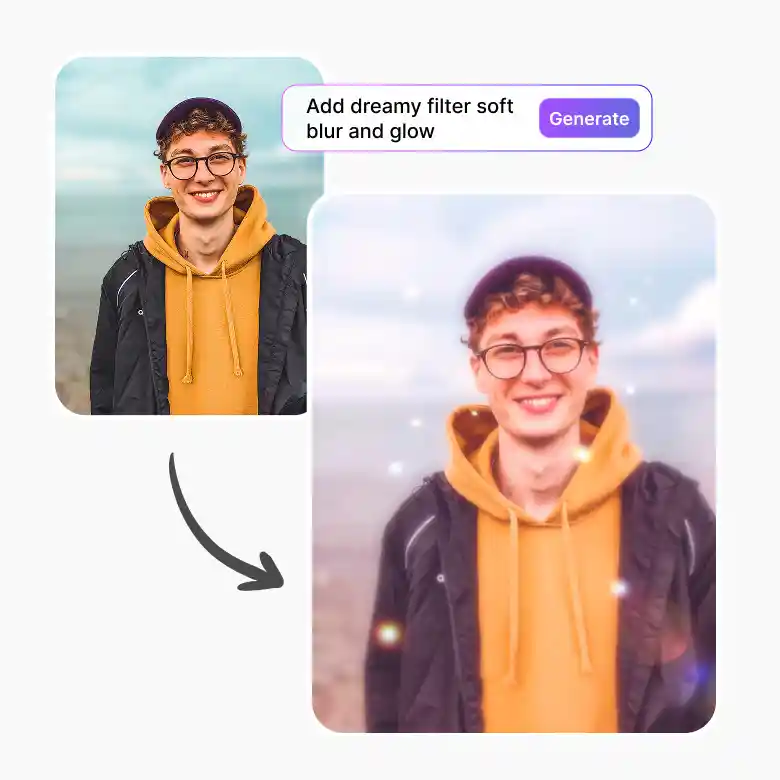
Upload your photo
Upload a clear image in JPEG, PNG, or WEBP format.
Choose lighting
Explore all lighting presets and choose any dreamy lighting from them.
Download
Click generate and download your dreamy photo in high quality once you’re happy with the result.
Make photos look soft and dreamy instantly
Dreamy photo maker tool creates a visual effect that enhances your photos using soft blur, glow, and balanced tones. This creates a calm and aesthetic look by combining elements like diffused light effect, warm light tones, and subtle haze effect. This style is widely used in portrait photography and creative edits to achieve a more artistic feel.
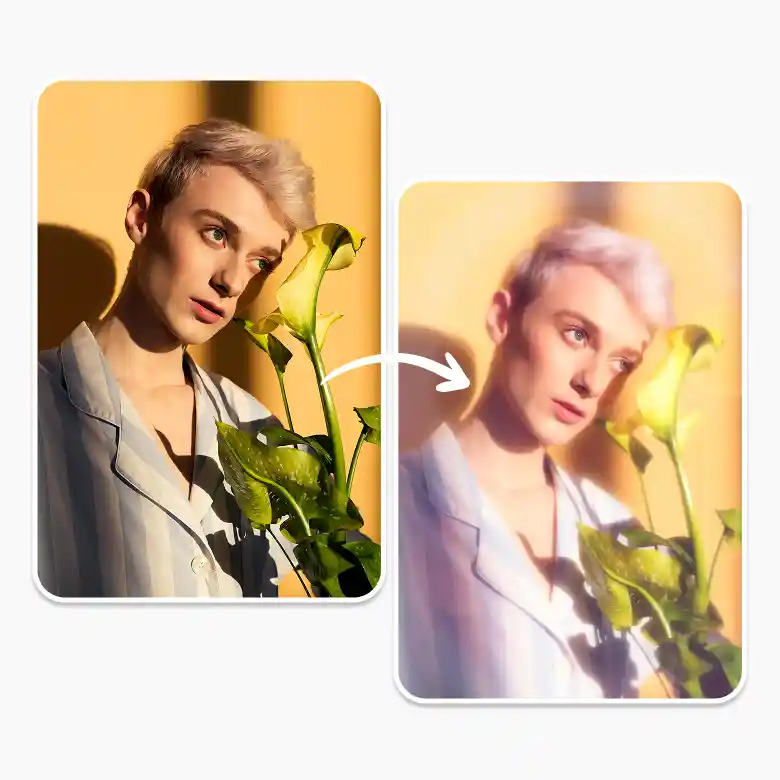
Create different dreamy photo styles
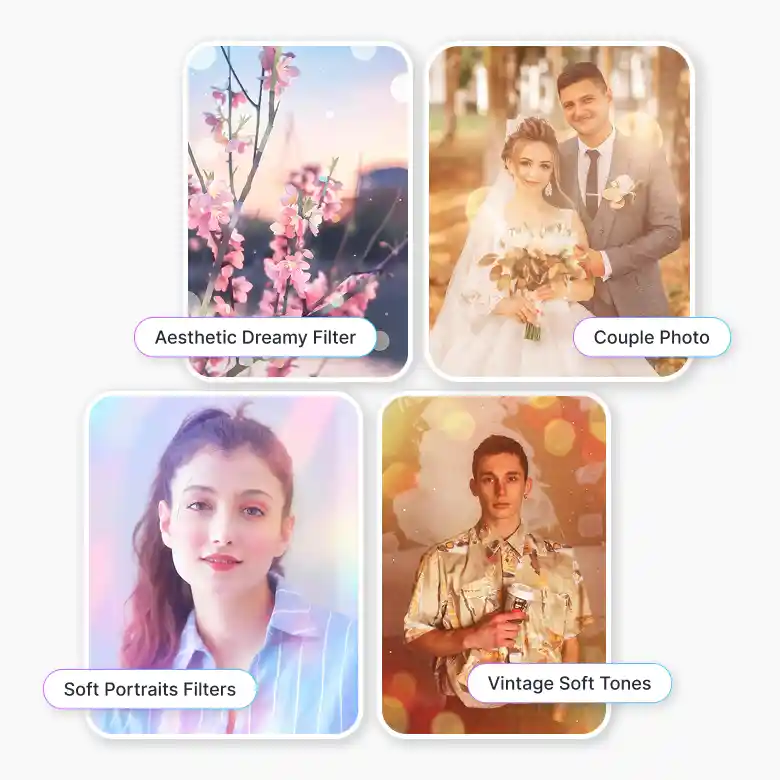
With this tool, you can experiment with multiple looks:
• Aesthetic Dreamy Filter: Clean and modern soft tones
• Vintage Soft Tones: Warm, nostalgic color grading
• Romantic Lighting Effect: Ideal for couples and wedding photos
• Soft Filters for Portraits: Smooth skin and gentle highlights
• Dreamy Lens Filter Look: Subtle glow inspired by camera lenses
Where to use dreamy photo effects
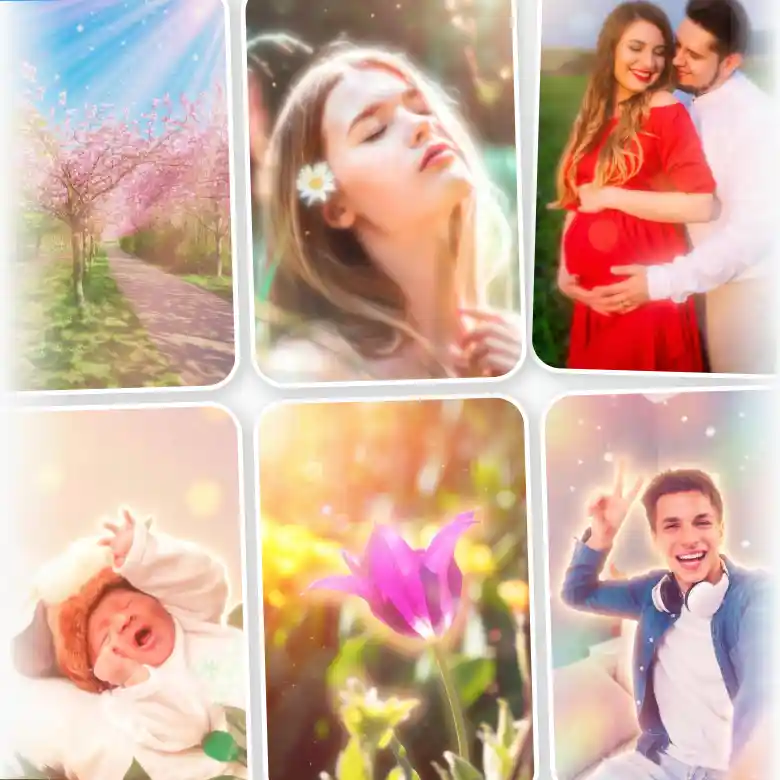
Use the dreamy glow filter to add soft, aesthetic vibes to your images in just a few clicks. This filter is perfect for:
• Portrait and selfie editing
• Social media content creation
• Wedding and romantic photography
• Nature and outdoor visuals
• Maternity and newborn photography for ethereal looks
• Flower and spring/summer photography with a glowing touch
• Creative projects using a dreamy photo generator
Tips for best results
• Use natural or well-lit images for a better glow
• Avoid overly dark backgrounds for a cleaner effect
• Combine soft filters with light haze for balance
• Try one click for “soft dreamy photo effect” or “warm light tones” and more.
Why choose this dreamy photo generator
• Easy to apply a filter without manual editing
• Combines glow, blur, and tone adjustments in one place
• Fast processing for quick results
• Consistent, high-quality output
• Simple to use, no experience required
• Works well for portraits, social media, and creative edits
Additional tools
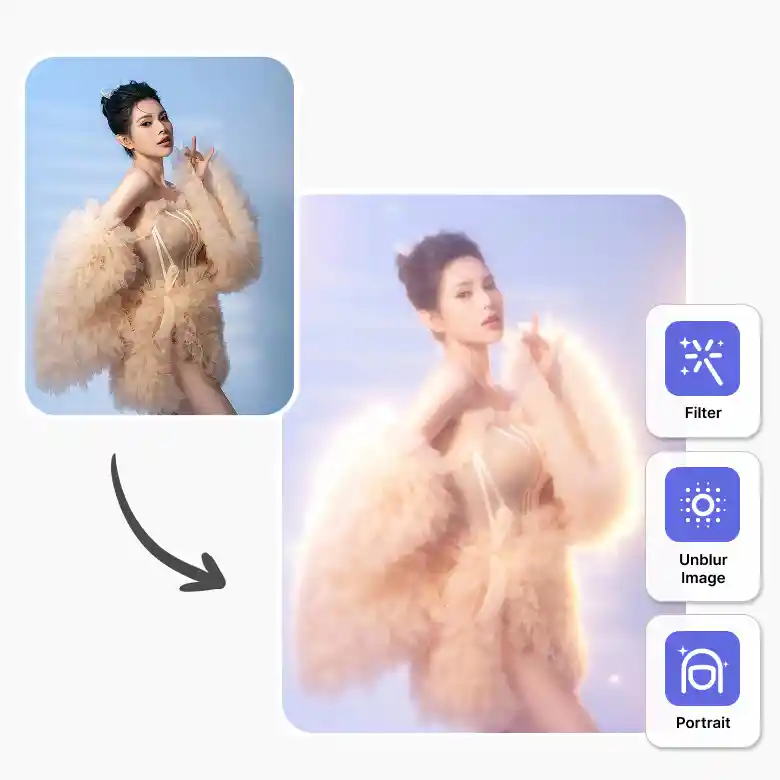
There are a few more tools that can help you take your photo to another level :
• Vintage Filter: Add warm, nostalgic tones to dreamy photos
• Retro Filter: Create a soft, faded old-school look
• Blur Image Background: Add background blur for a stronger dreamy effect
• Portrait Generator: Create portraits and apply dreamy effects easily
• AI Filter Tool: Apply and explore multiple filter styles in one place
Frequently Asked Questions
Discover more tools


