




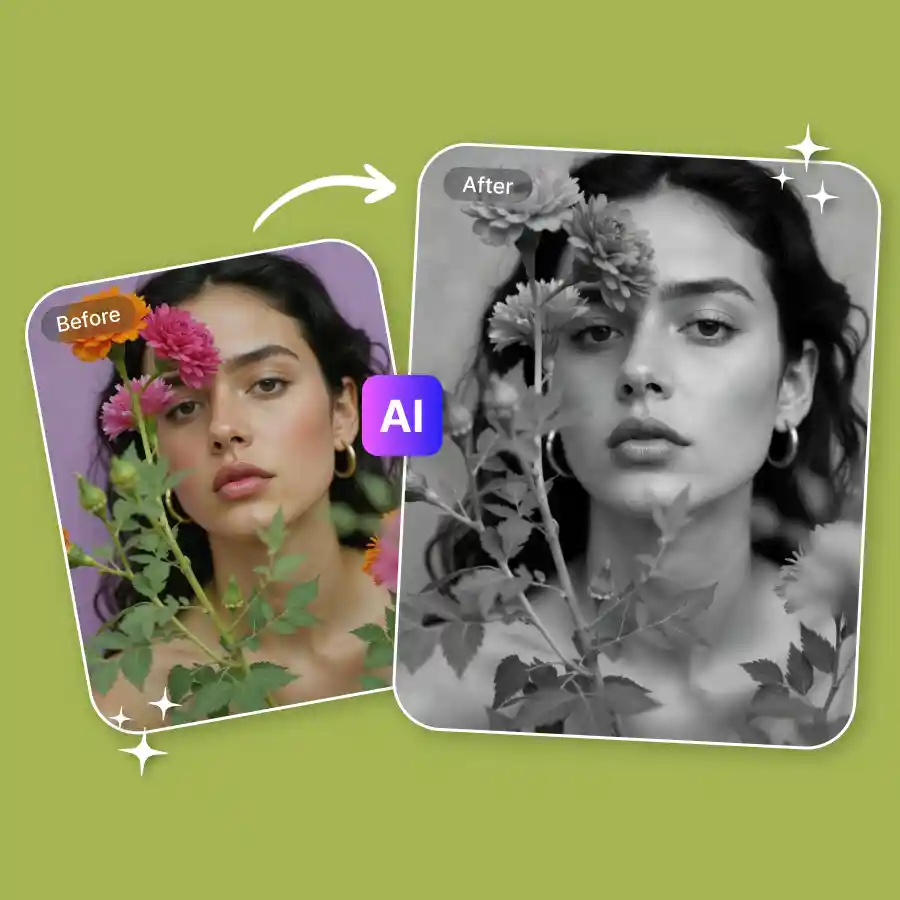
How to apply a black-and-white image filter?
Upload your photo
Choose a JPG or PNG file from your device and upload it to the image-to-image tool.
Apply the filter
You can simply enter a prompt to describe the kind of black-and-white images you want.
Download
Click generate & then download the high-quality image to your device.
Design classic monochrome photos effortlessly
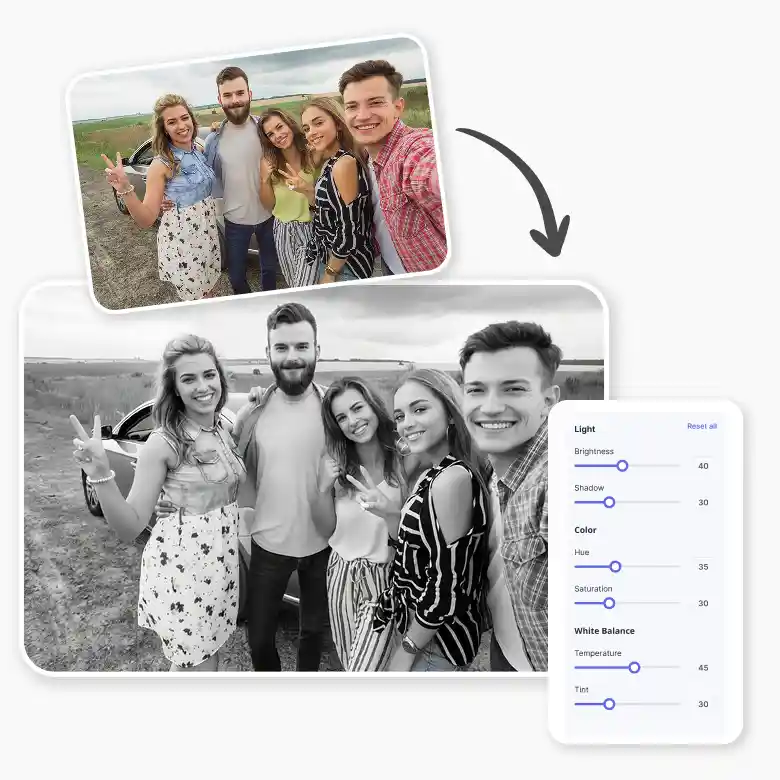
Make powerful monochrome visuals with an easy-to-use black and white generator, as it works with simple prompts. You do not need any editing skills to use this tool; it can all be done in just one click. From soft grayscale to bold contrast, our black and white photo editor helps you convert any colour photo or even low-light pictures into black & white in no time with high-quality results.
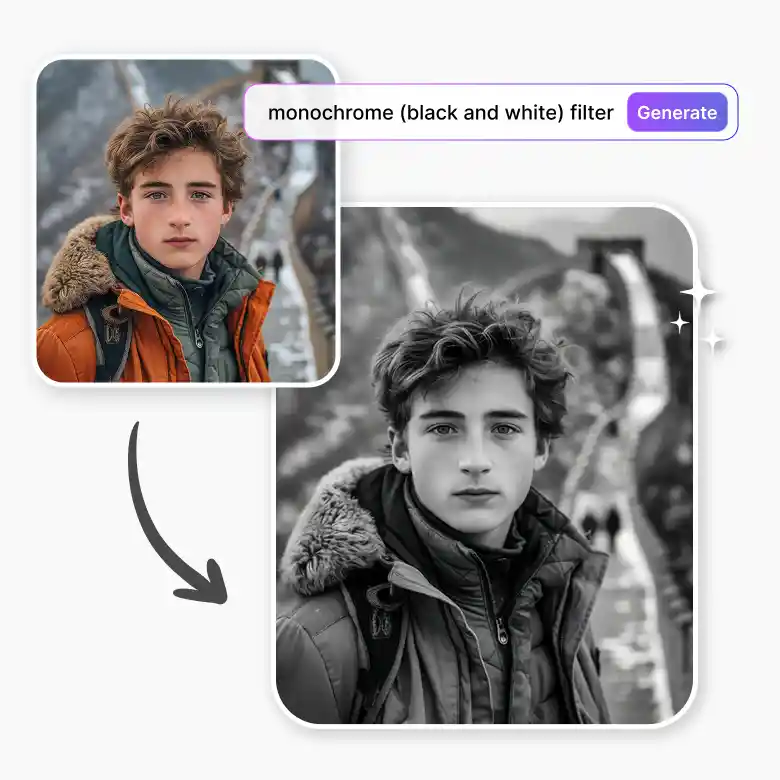
Create different black & white styles with prompts
Our black and white photo converter supports multiple styles in one tool. Simply type a prompt and generate:
• Grainy film look using a b&w filter
• Matte monochrome using a black and white image filter
• Vintage sepia tones from a color photo to a black and white conversion
• Dramatic portraits with enhanced contrast
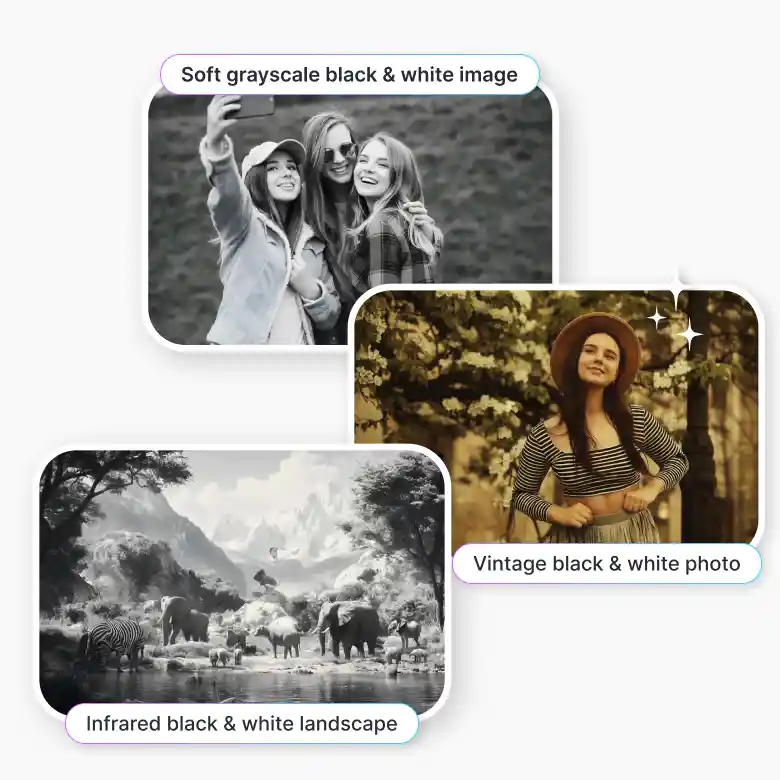
Here are prompt examples for you to understand it:
• Soft grayscale black & white image, balanced tones, natural light
• Infrared black & white landscape, bright foliage, dark sky
• Vintage black & white photo, faded tones, film look
Use cases for black and white editing
• Profile Pictures: Get a clean, aesthetic PFP black and white look that stands out on social media
• Photography: Give your portraits and landscapes a timeless, classic feel
• Creative Projects: Turn your black and white photo into something more artistic and expressive
• Branding: Make product shots or ads look more premium and minimal
• Old Photos: Bring a vintage touch or restore memories with a simple monochrome style
Be more creative
With a vast suite of editing options in one place, you would never need to switch apps. After generating your image, you can upscale, expand, or add text easily. We also offer tools to improve your edits, like color correction, shadows, white balance, and brightness. Do all this and more with an interface so easy that even beginners can use it. The quality so good that even professionals prefer it. Start editing now for free!
Frequently Asked Questions
Discover more tools


