
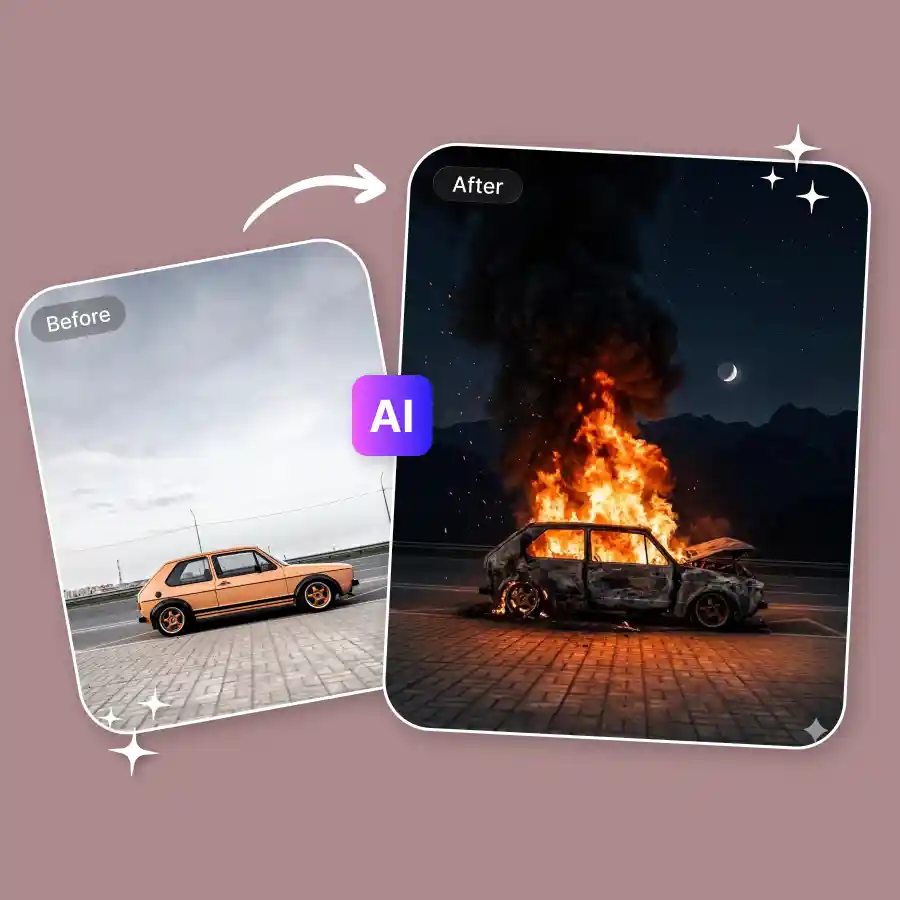
How to add a fire effect to a photo
Upload a picture
Choose a clear picture of yourself. (JPEG, PNG, or WEBP format).
Enter prompt
The prompt is already set to add flames. You can also edit the prompt if needed to try styles like small flames, burning edges, or a strong fire effect.
Generate & download
Click "Generate" to add the fire effect to your image. Try different variations if needed, then download your edited photo in high quality and use it anywhere.
Add realistic flames to images easily
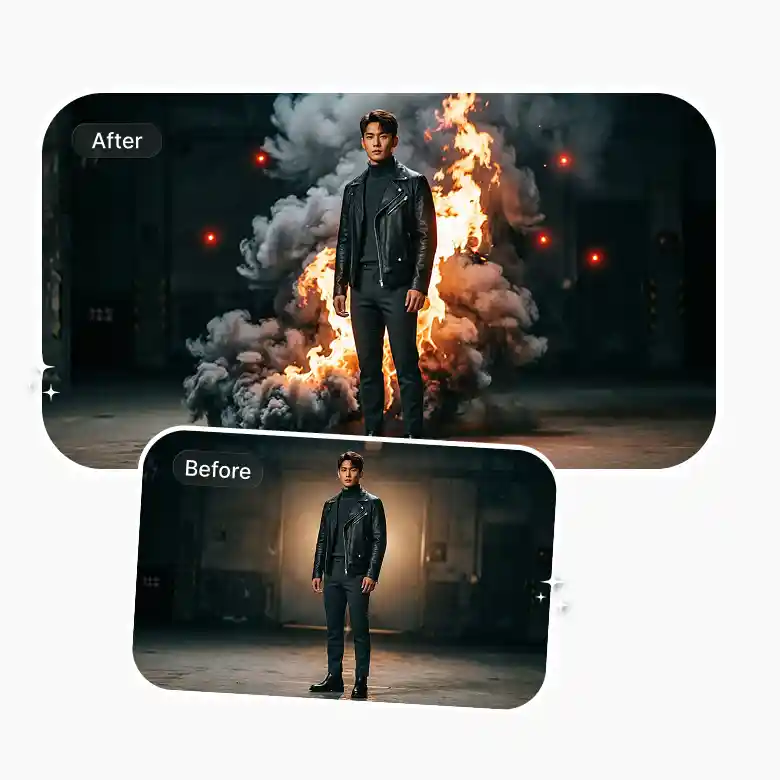
Create a fiery image of yourself with cinematic flames, smoke, and more. You do not need any editing skills or complicated tools to add fire to your photos anymore. Just upload your picture and get the effect applied in seconds.
So, if you want a small glowing flame or a full dramatic scene, our tool gives you full flexibility to try different styles easily. You can easily experiment with different looks and also be able to adjust colour, size, and style with simple prompts.
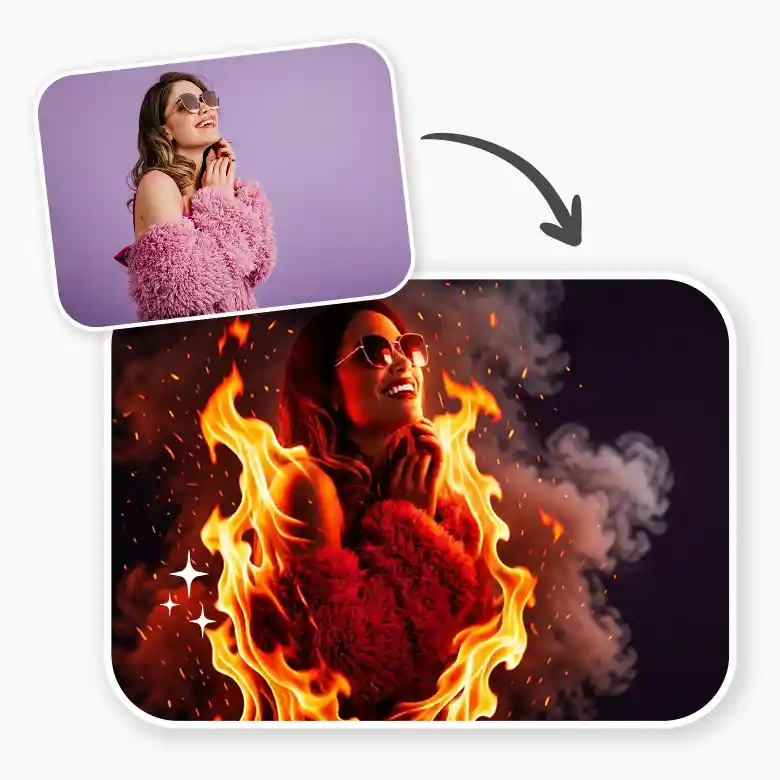
How fire effects improve your photos
• Boost Impact: Make your image bold and attention-grabbing.
• Add Drama: Fire adds energy and a strong mood.
• Focus the Subject: Highlight important parts of your photo.
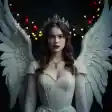
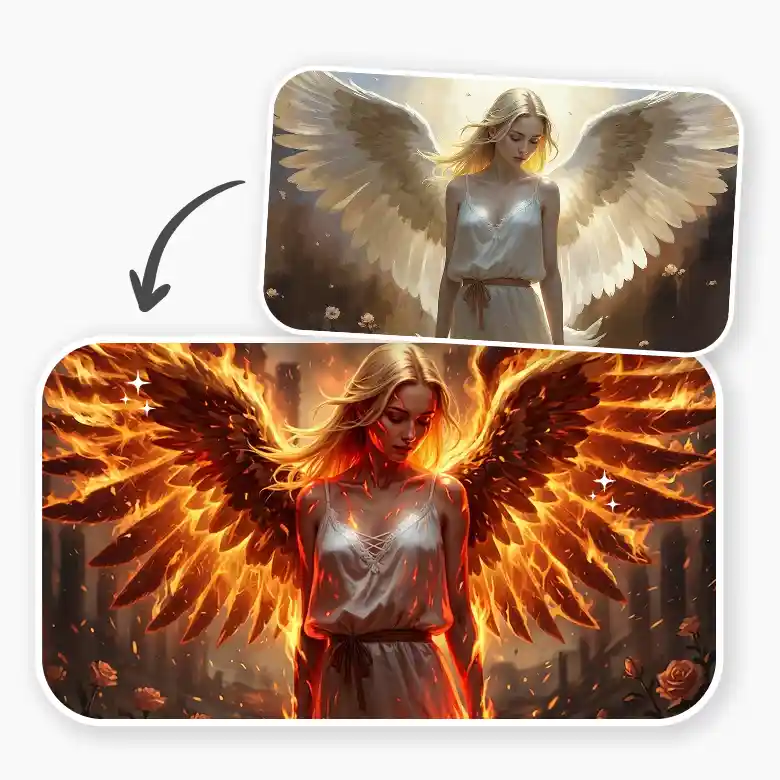
• Get Creative: You can add fire wings, flame border, smoke effect, and more.
• Tell a Story: Show action, intensity, or powerful moments with a burning photo effect.
• Stand Out Online: Make your social media posts more engaging.
Key benefits of using a fire photo editor
• Instant Impact: Make your photos more eye-catching with fire effects.
• No Skills Needed: Create edits easily without any experience.
• Quick Results: Add realistic fire in just a few seconds.
• Easy Customization: Adjust color, size, and intensity effortlessly.
• Versatile Use: Great for social media, marketing, and creative work.
• Try Different Styles: Experiment with looks using simple prompts.
Practical uses of adding fire effects to photos
• Portraits: Add flames to make photos look bold and dramatic.
• Action Photos: Use fire to show speed and energy.
• Creative Edits: Turn normal photos into cool, artistic visuals.
• Social Media: Create more attractive and eye-catching posts.
• Posters & Ads: Make attention-grabbing designs for events or promotions.
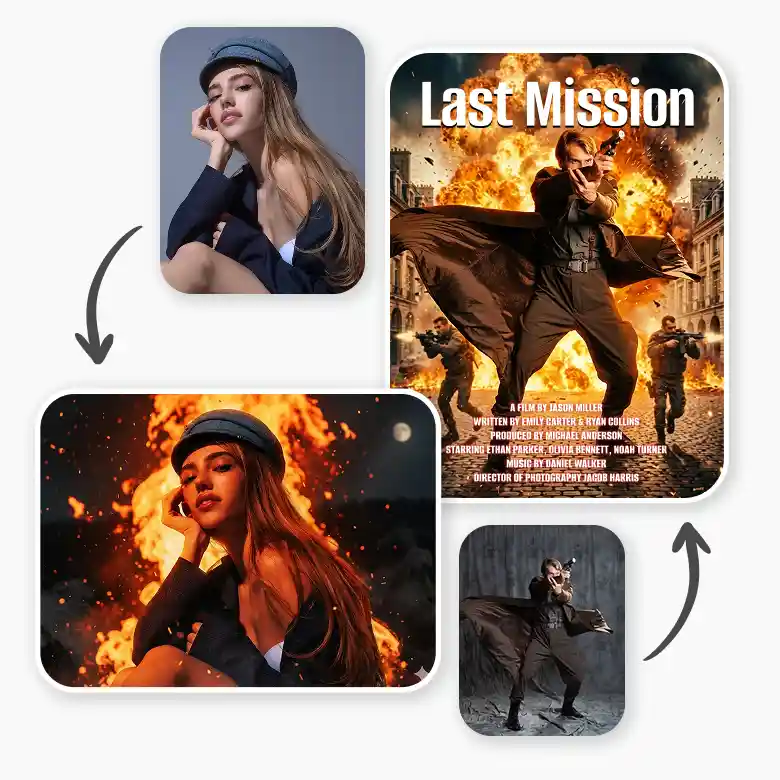
Add fire animation and smoke effects to images
If you want to take it a step further, you can add animation to make your images more lively. Easily add animated flames to your photo and share it on social media. You can also use free fire illustrations and vectors, or add smoke for a more complete and realistic effect. Create striking visuals and surprise your friends with your fiery look.
Frequently Asked Questions
Discover more tools


