

How to add a spotlight to a photo?
Upload your photo
Upload a clear image in (JPEG, PNG, or WEBP) format.
Choose lighting
Explore all lighting presets and choose “Spotlight”.
Download
Click generate and download your edited image in high quality once you’re satisfied with the result.
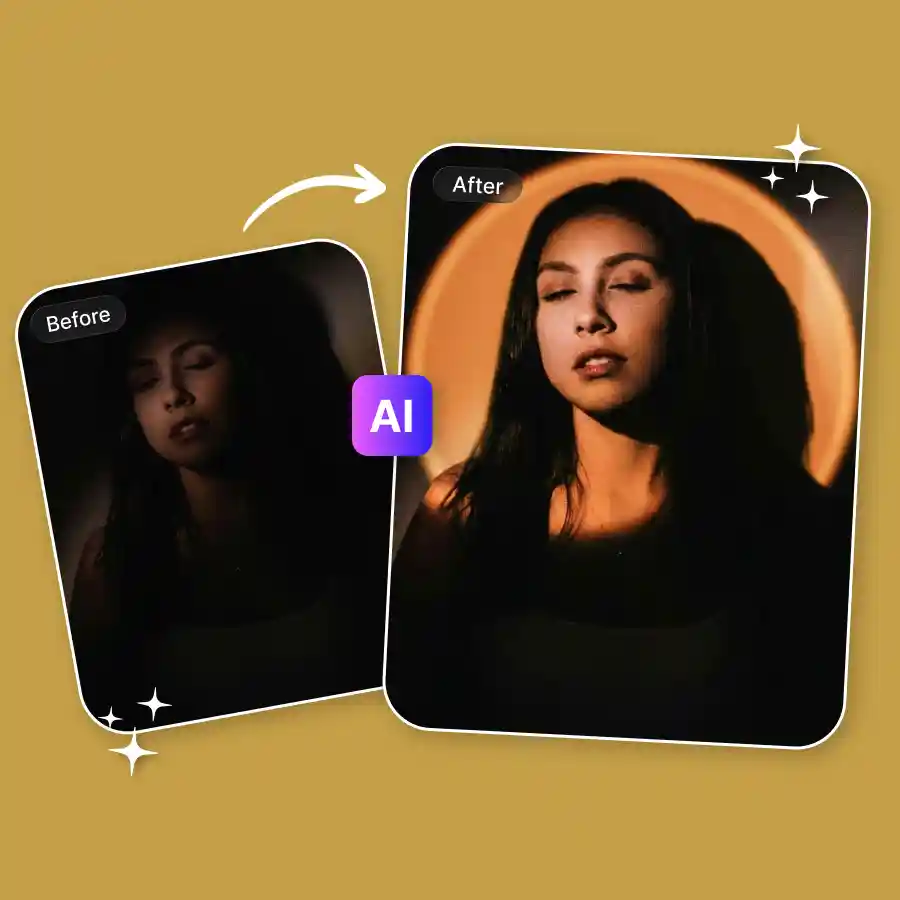
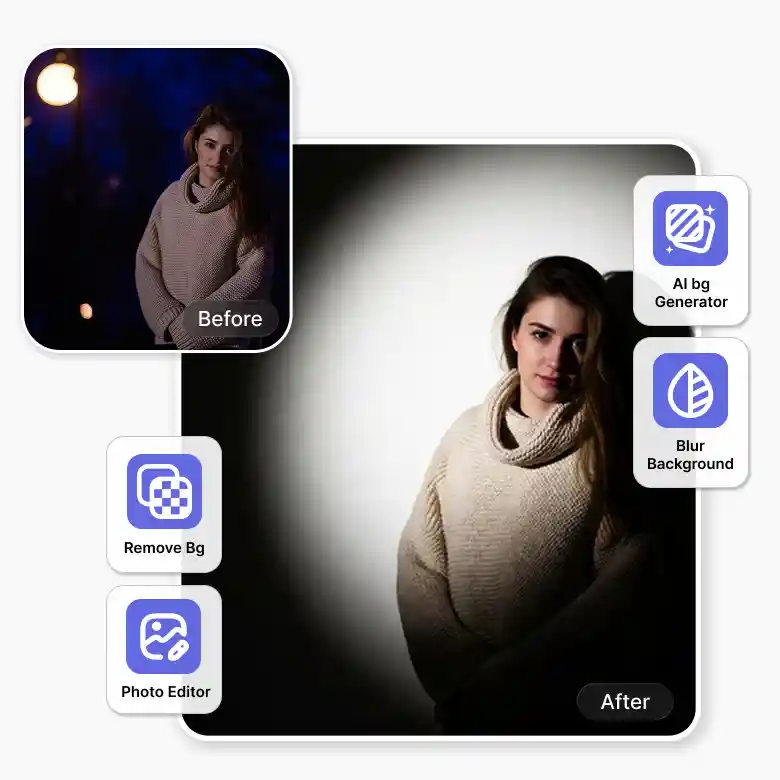
Get studio-style lighting with a spotlight filter
The Spotlight filter tool uses AI to create realistic lighting effects that blend naturally with your photo. It lets you highlight the main subject with focused light, brightness, and direction. You can also control the intensity, position & colour in seconds. Preview results instantly and get the download images, all without any experience needed.
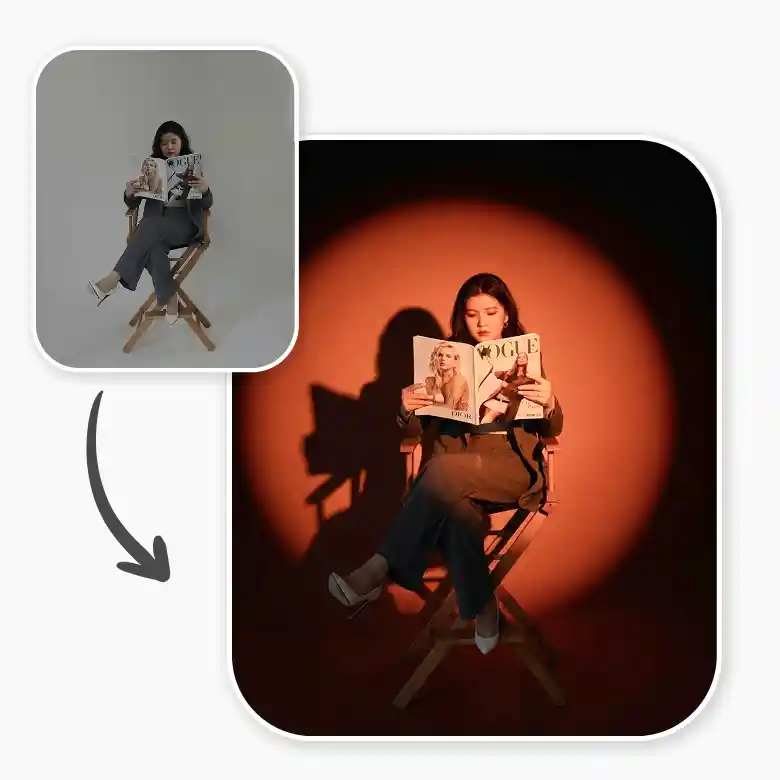
Spotlight lighting styles you can try
Types of spotlight effects you can create
• Focused Center Light: A bright light placed in the middle to highlight your subject.
• Side Lighting Effect: Light comes from one side to create depth and natural shadows.
• Oval Spotlight Shape: This light artistically frames your subject.
• Diffused Soft Light: A spread-out light for a natural and subtle glow.
• Theatrical Spotlight Style: A focused beam with a dark background for a dramatic stage-like effect.
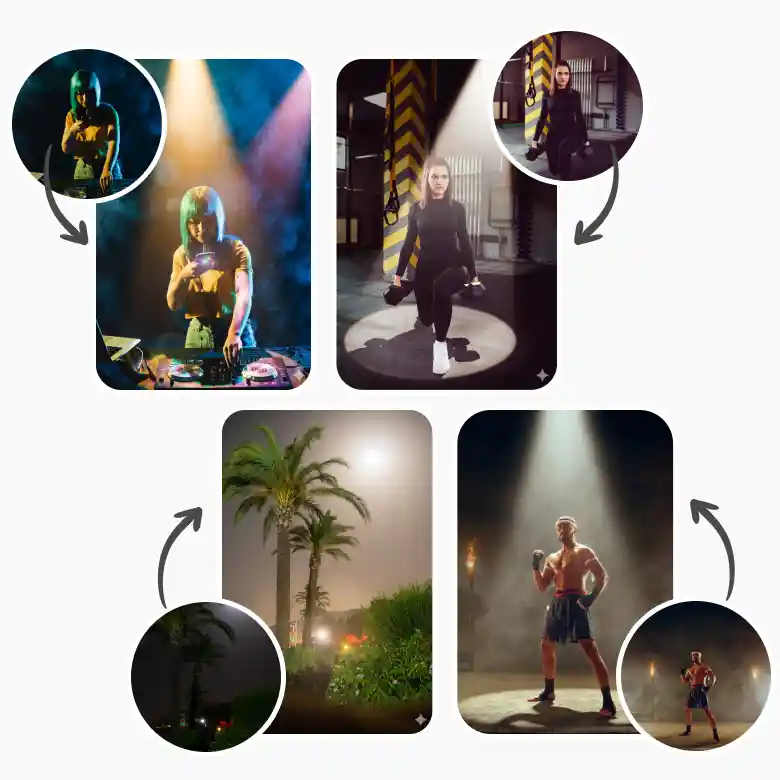
Top features of the spotlight effect tool
• AI Lighting Control: Automatically applies realistic spotlight effects that match your photo.
• Multiple Spotlight Styles: Create center, side, soft, or dramatic lighting looks easily.
• Shape Customization: Adjust light shapes like oval, beam, or diffused effects.
• One- Click Editing: Explore preset lightings and apply to a photo realistically in one click.
• High-Quality Output: Download sharp images ready for any use.
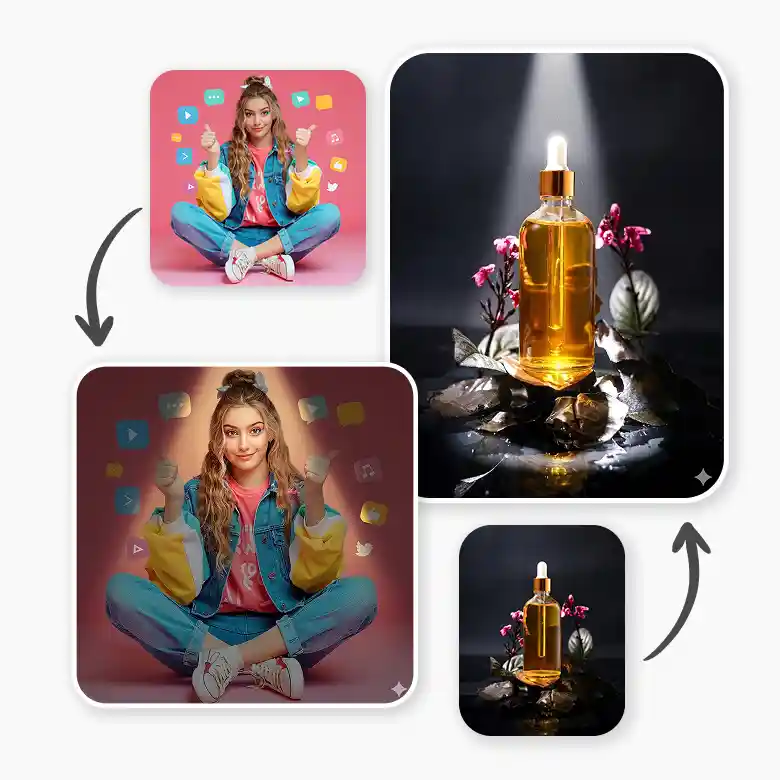
Practical uses of spotlight effects in photos
• Portraits: Great for photographers and creators who want clear faces with spotlight effects.
• Product Photos: Useful for sellers and brands to make products look more appealing.
• Creative Edits: Perfect for designers and artists to add mood and a creative touch.
• Social Media: Helps influencers and marketers grab attention with better-looking photos.
• Posters & Ads: Works well for businesses to highlight key parts of their design.
Helpful tools for perfect photo edits
• Background Remover: Removes unwanted background.
• AI Photo Editor: Fixes light and brightness.
• AI Background Generator: Adds a new background.
• Blur Background Tool: Blurs the background for more creative edits.
• Add Shadow Tool: Adds simple shadows to give a natural look.
Frequently Asked Questions
Discover more tools


