




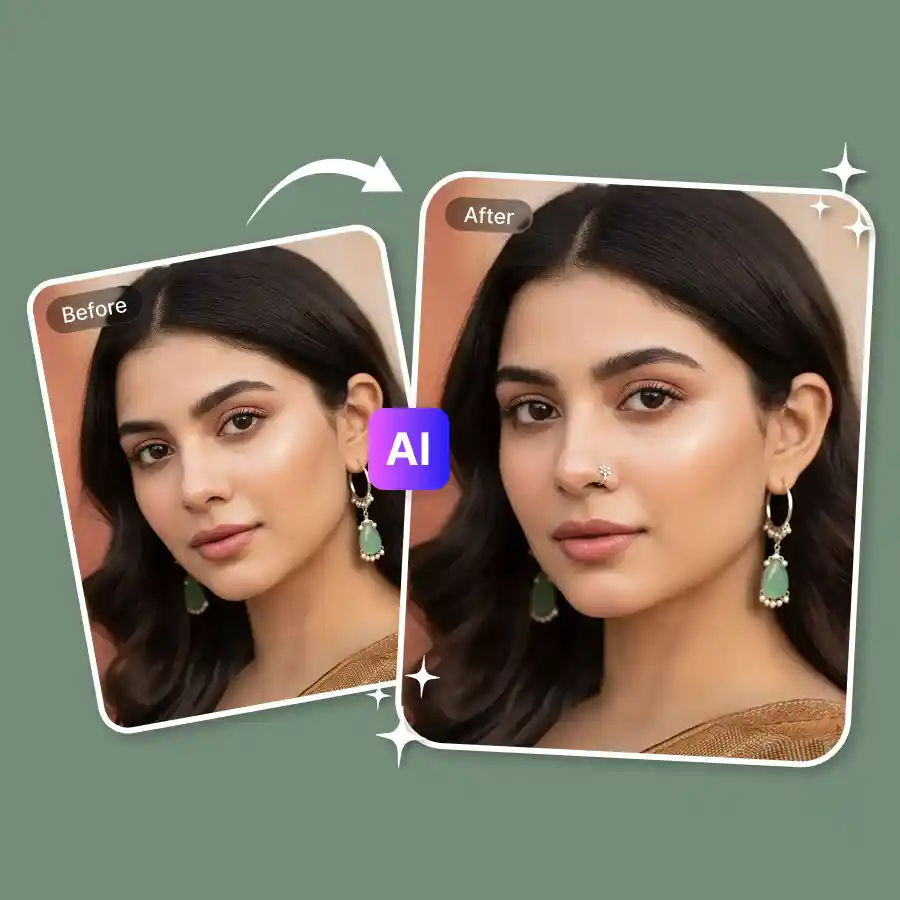
How to apply nose piercing to photo?
Upload your photo
Upload a photo in JPEG or PNG format.
Enter prompt
The prompt “add nose piercing” is already added. Click Generate to proceed. You can edit the prompt to change the piercing style.
Download
Download the edited image to your device.
Place virtual studs, hoops, septum rings, nose bones, and more
Curious about how a nose piercing would look on you? LightX makes it easy to virtually try on nose rings online without making permanent changes. Whether it’s a stud, hoop, septum, or ring—the tool will generate everything. It's fast, smart, and oh-so creative!
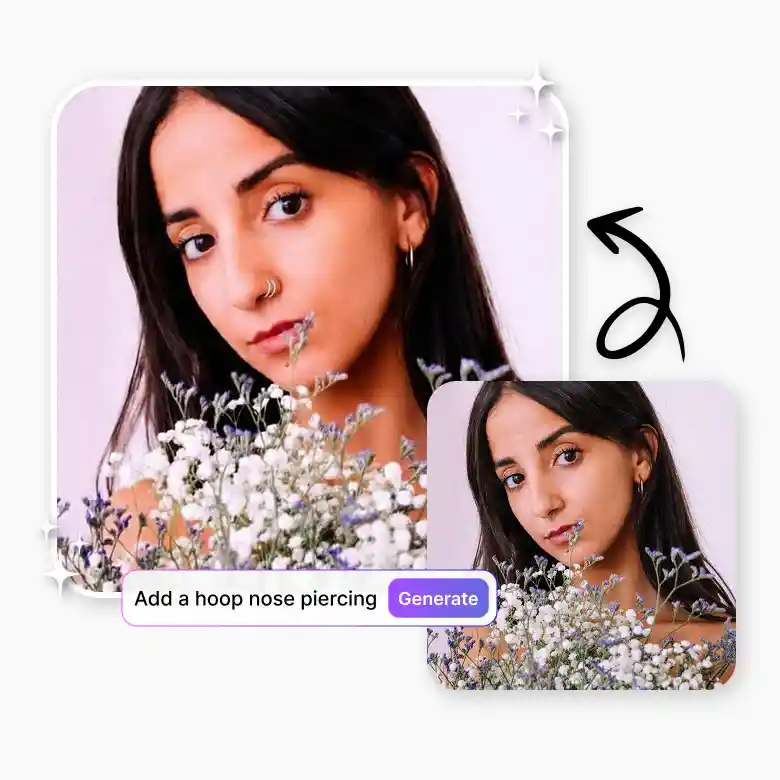
Say goodbye to overlays, hello to realism
LightX’s piercing generator doesn’t just apply jewelry overlays—it simulates realistic nose piercings. It ensures that each design blends perfectly with your facial features. Regardless of the nose ring’s material, color, or size, it adjusts to match your skin tone and face proportions, making it look like a real piercing.
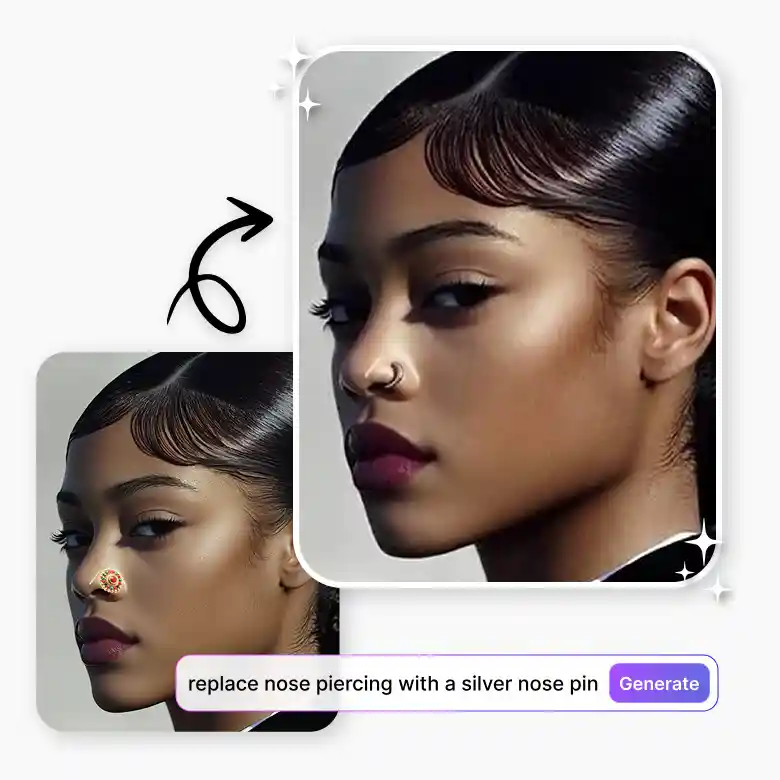
Try additional piercings and accessories
With LightX, you’re not limited to just nose piercings. You can also generate a variety of face piercings and create a look of your own. Simply describe the jewelry you want in the prompt and click Generate to add it to your photo; you’ll get your photo with the jewelry added in just seconds. It is great for creating both classic styles as well as unique, trendy designs in high quality!
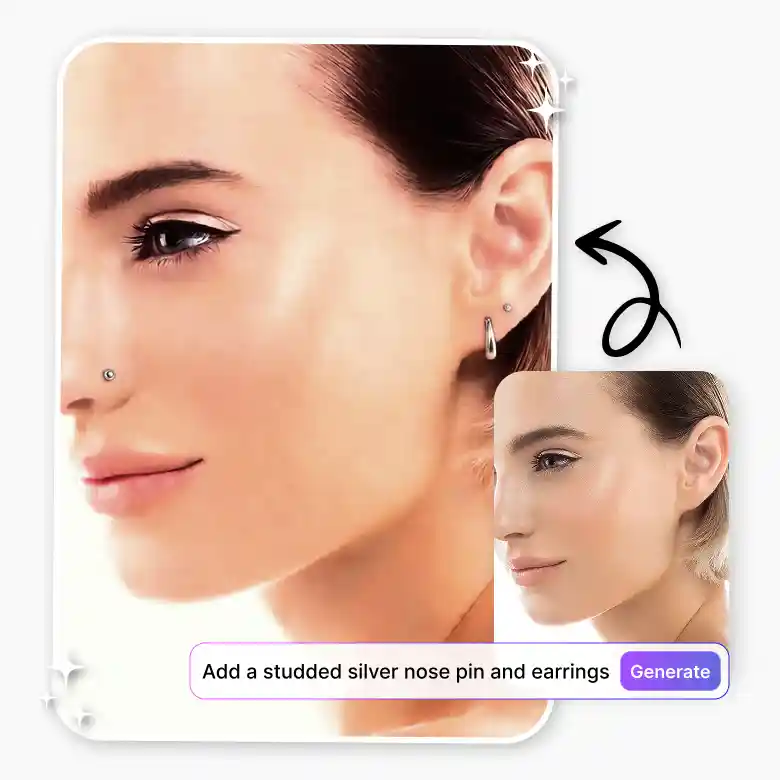
Dazzle your friends on social media
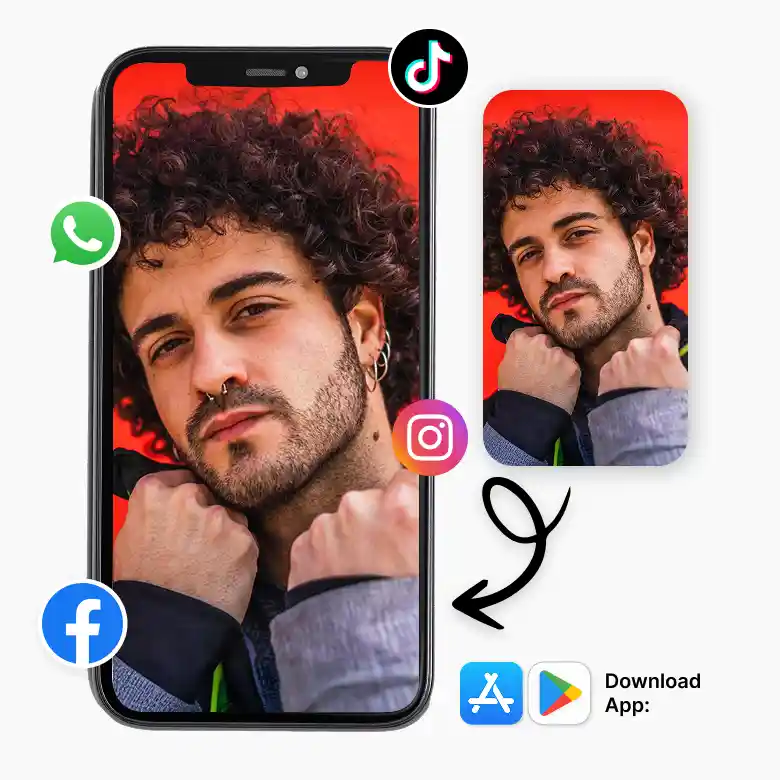
Whether you’re setting a new trend or just getting opinions from family and friends, you can do it all without buying a single piece of jewelry. Share your generated nose ring filter pictures without any watermarks! Edit further with the full AI suite and surprise your friends and followers. Want more ease? Get the LightX nose piercing filter to transform your photos on the go. Get even more amazing features available for both iOS and Android.
Frequently Asked Questions
You get 5 free credits daily, which you can use to add piercings for free.