



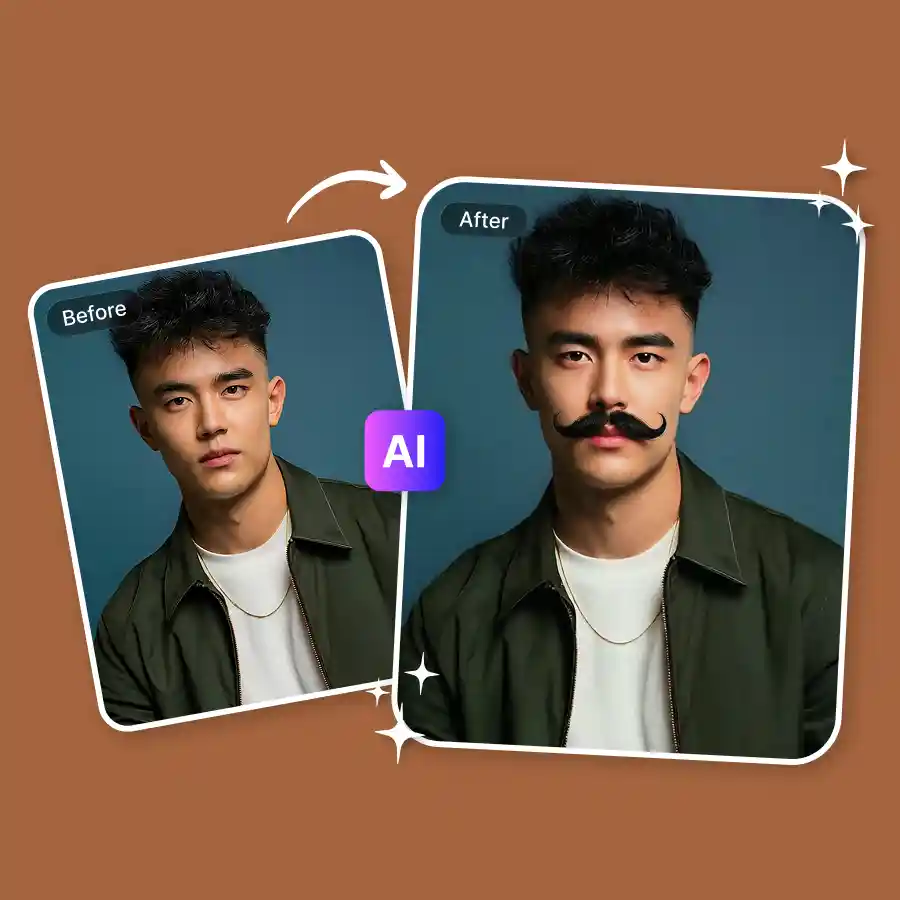
How to add mustache to photo
Upload your photo
Choose a JPEG or PNG of friends, family, yourself, or even your pet. Make sure the faces are visible.
Enter prompt
In the prompt box on the left, mention the type of mustache you want.
Describe & generate
Click “generate” to add a mustache. Wait a few seconds, then download the image.
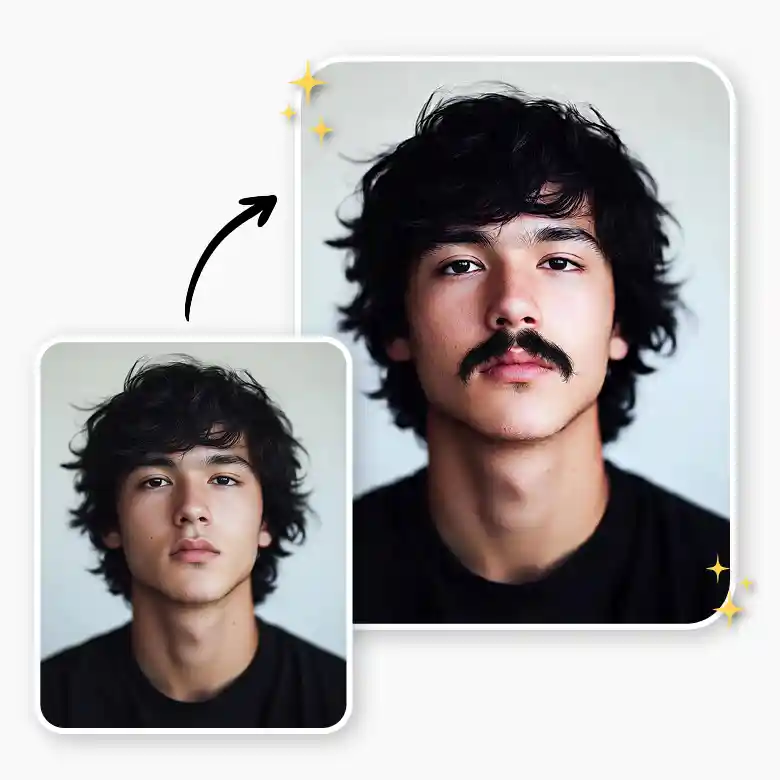
Generate realistic mustache with AI
See how you would look with a mustache using LightX’s virtual mustache try-on. It simulates a realistic mustache on your face with just a swipe—quick and easy! Perfect for experimenting before making any permanent changes. The tool accurately detects the key features of your face and ensures the mustache is placed with the natural contours of your face.
Add funny mustache overlays to photo
Looking to add a fun element to your pictures? LightX is the easiest-to-use mustache photo editor! Explore quirky, pre-designed mustache styles with plenty of options—all fully customizable. Choose from stickers, illustrations, and even animated designs and place them with one click. These overlays create unrealistic and funny stache overlays that don’t just look cute but are also trending!
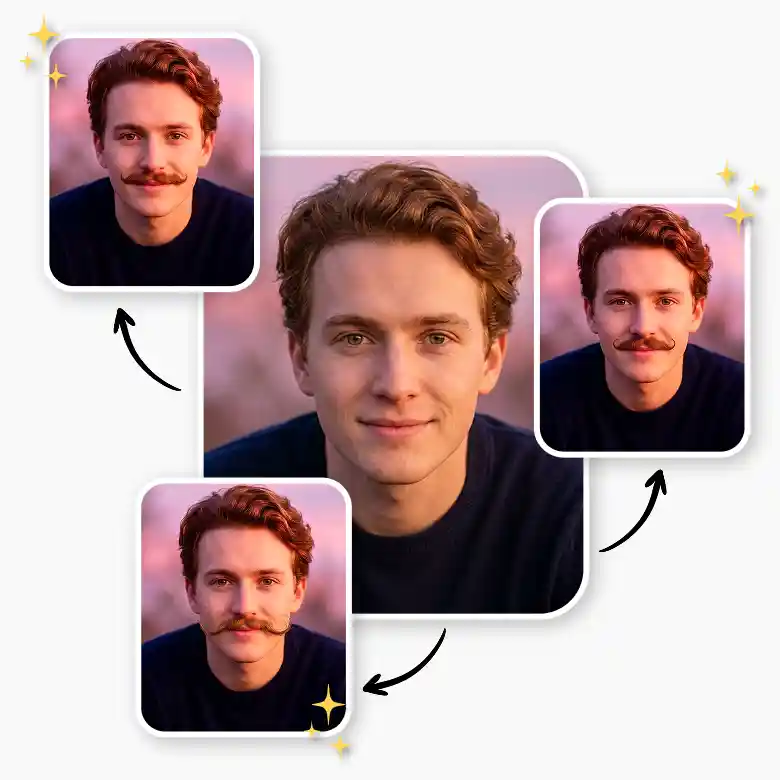
Explore chevron, handlebar, pencil, or iconic celebrity styles
With this online AI mustache filter, creating your dream mustache is as simple as describing it! Whether you’re after a classic chevron, a bold handlebar, or a sleek pencil mustache, or if you want to try iconic celebrity looks like the Top Gun style, Pedro Pascal’s rugged vibe, Kit Harington’s charm, or Charlie Chaplin’s classic. While the LightX AI is highly trained, it continually learns fresh styles, so you’re never behind the trend.
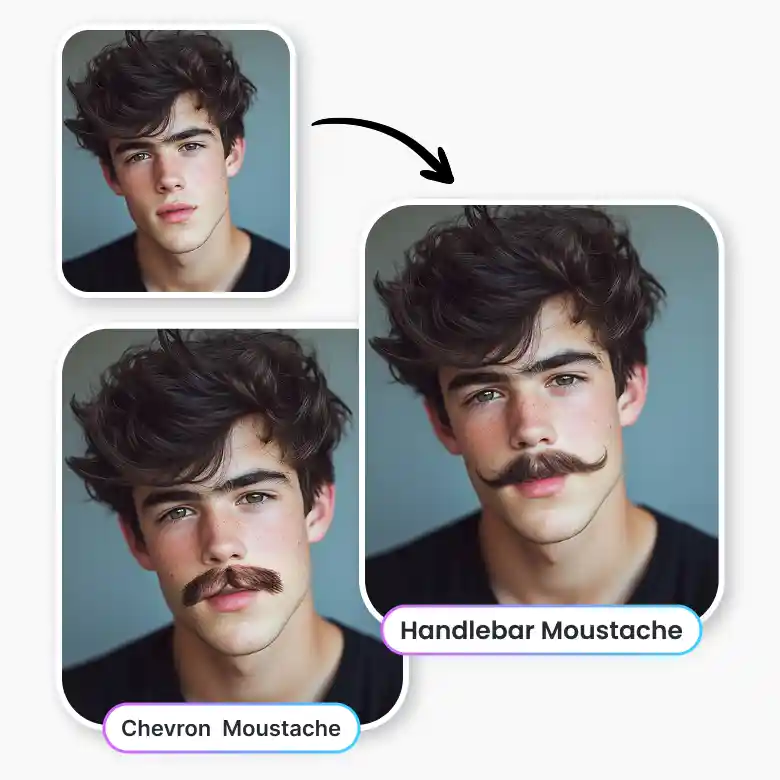
Prank, Share, and Have Fun
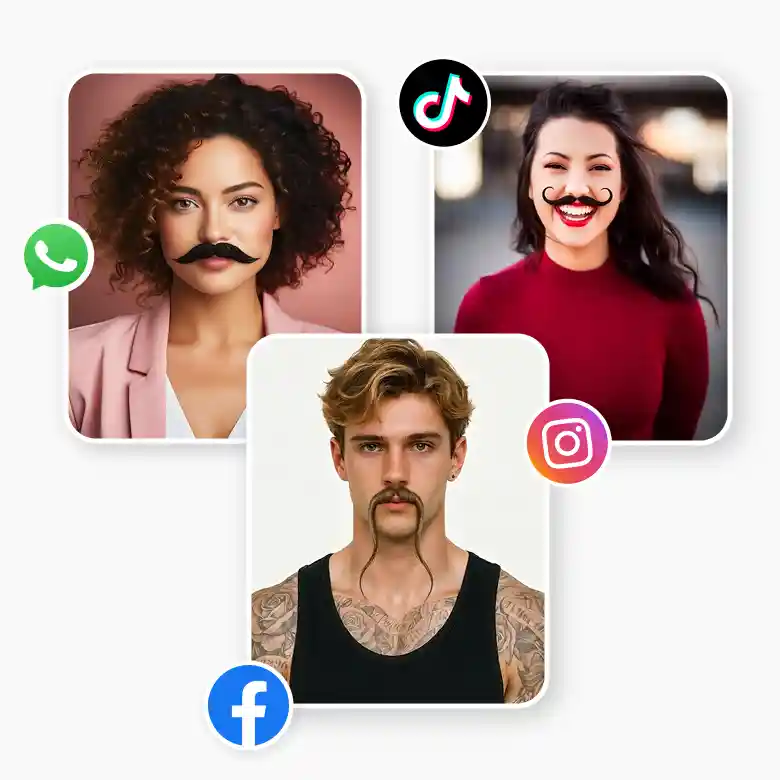
The tool makes the mustache appear as if it’s naturally part of your face, which makes it perfect for sharing on social media. Prank friends with hilarious selfies, take opinions or experiment for fun. The tool works on both men and women. Additionally, take your mustache game anywhere with the mustache filter app. Download for free on iOS and Android.
Why LightX AI mustache generator?
Free to Use
Enjoy creating fun and stylish mustaches without spending a penny—sign up and get free credits daily.
Many Variations
Generate as many variations and styles as you want. The AI understands every style.
Realistic Results
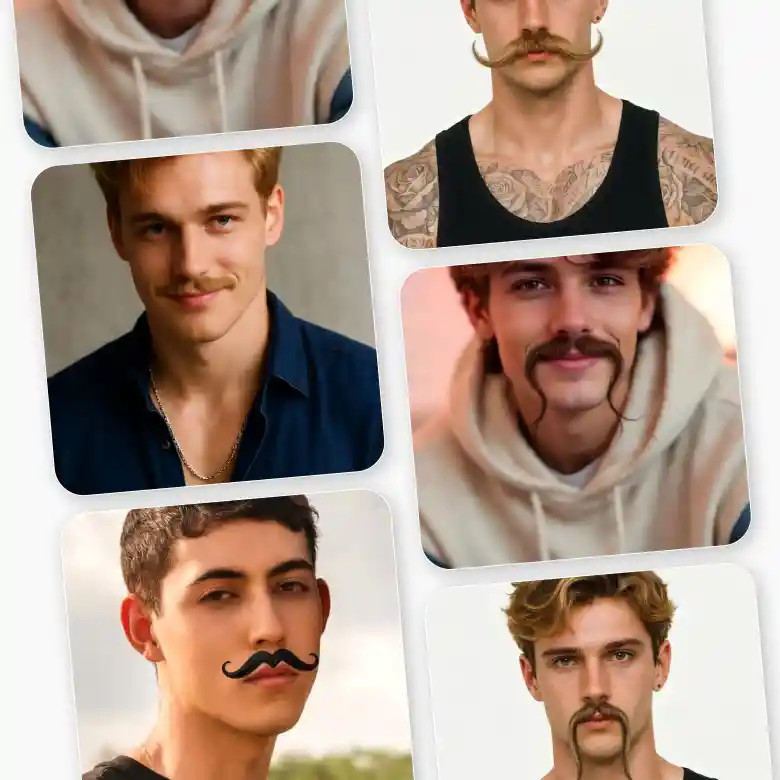
Every hair of the mustache blends naturally with your face to give a natural appearance.
Frequently Asked Questions
Yes, you can easily add mustaches to multiple faces in a group photo. For AI-generated mustaches, simply prompt the AI to choose which face you want to put a mustache on, or apply it to all the faces. If you are using mustache stickers, just drag and drop them onto each face.