
Generate a unique book cover with AI
A well-designed book cover not only looks good but also turns a casual browser into a book reader. With text prompts, you can generate many genres like fantasy, romance, children, horror, mystery, science fiction, yearbook, DIY, textbook, historical fiction, novel, digital notebook, and more.
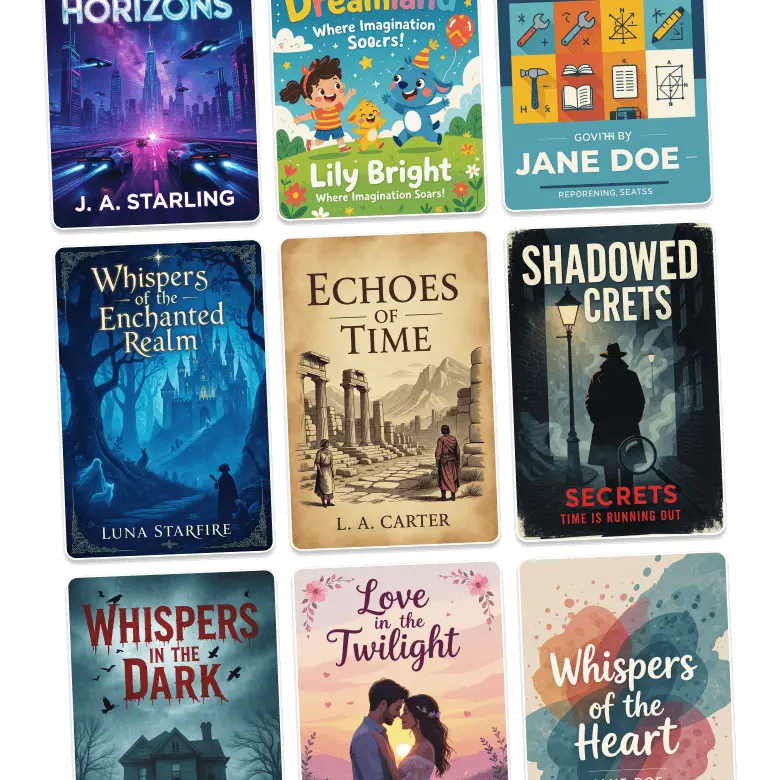
Benefits of AI book front page
Save time and money: No more waiting time to get your cover designed, save on big fees as AI creates professional results in just a few seconds.
Experiment with ideas: Go creative and check the book cover in different styles, including painting, abstract, or try various patterns.
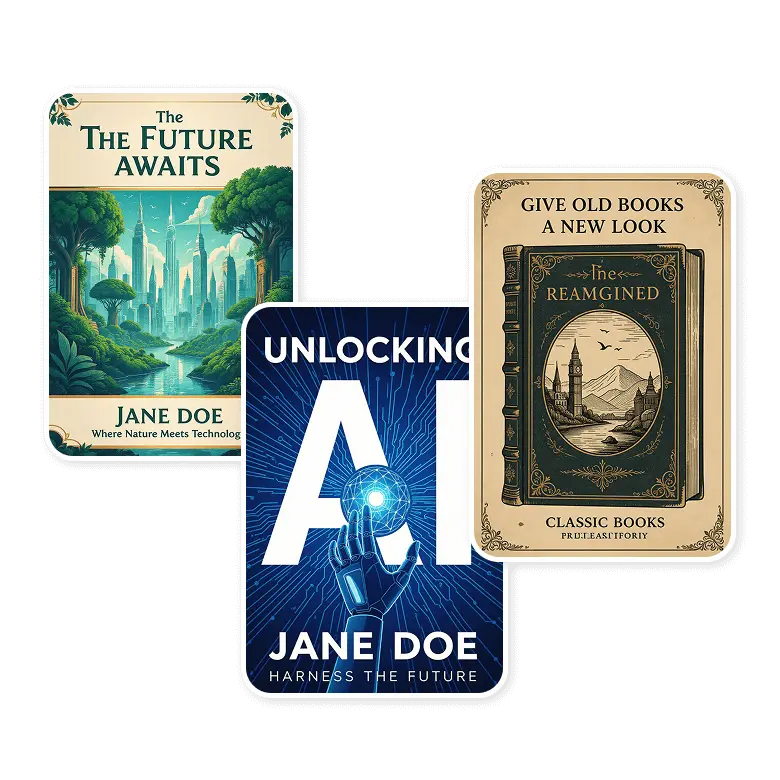
Give old books a new look: Illustrate an aesthetic book cover for your old book. This can attract new readers.
Online presence: A catchy cover helps your book get attention on Kindle and other e-book stores to make a place in competitive marketplaces.
Choose from preset templates
Use LightX’s preset templates for your book cover, available in multiple genres. Easily replace the image, change the text and fonts, and change the overall color themes to match your manuscript. Turn a preset design into your personalized and professional book front cover in just a few clicks.
Design AI book cover for marketing
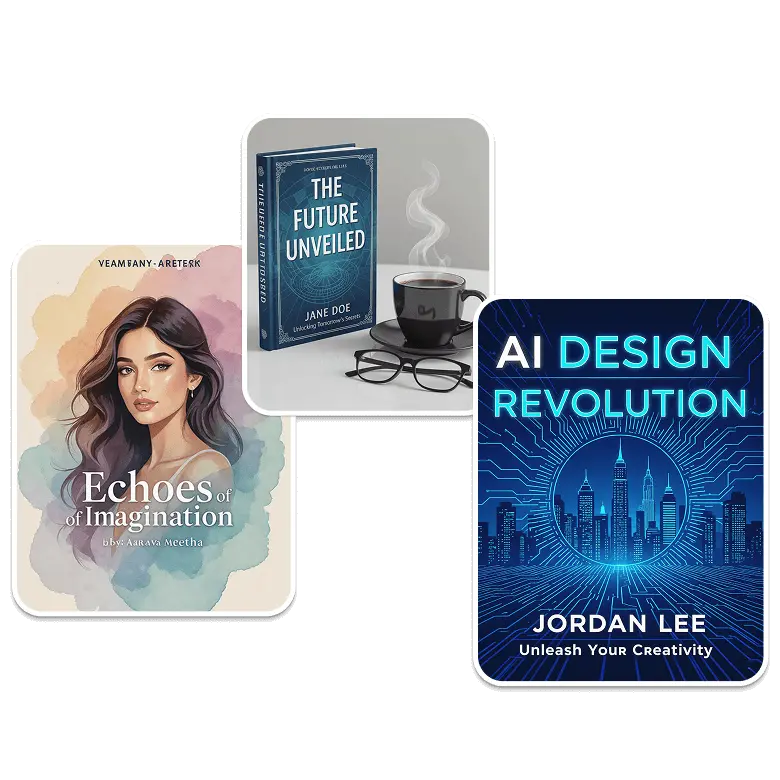
Authors and publishers can use AI-generated book covers to create ads, mockups, and social media campaigns, test their ideas, and ensure consistency in promotions. It generates beautiful AI art on your covers, along with other creations like Album covers. This way, you not only have covers worth publishing, but also will leave a lasting impact on your readers before your book even launches.
How to generate ebook cover ideas
Step 1: Prompt
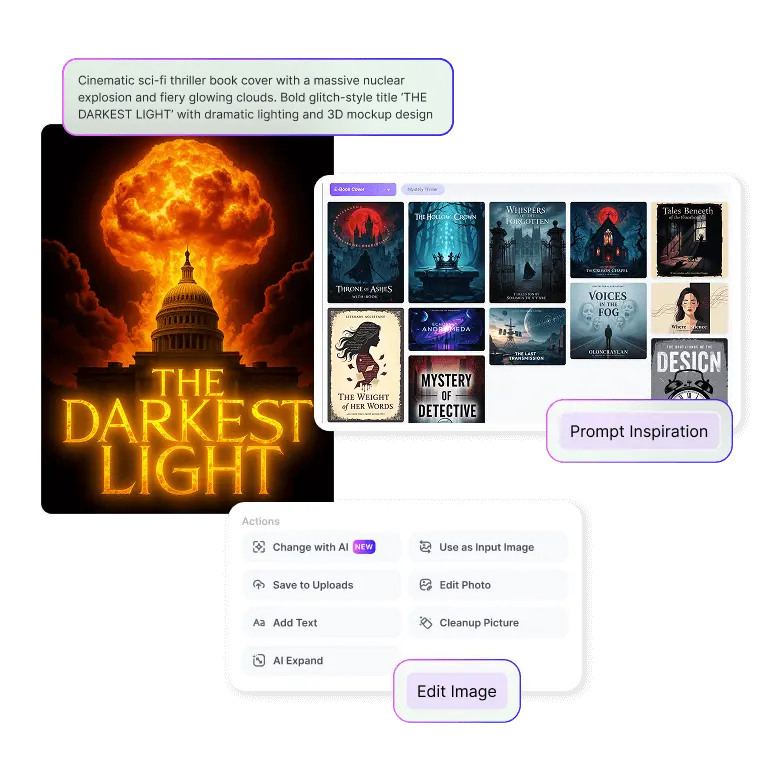
Describe your eBook cover idea — include details like title, subtitle, author name, imagery, motifs, style (minimalist, fantasy, thriller, romance, etc.), and colors. Then click “Generate.”
Step 2: Edit
To edit your generated cover, click ‘Change with AI.’ Mention the changes such as text, font style, layout, and background, and click “Generate” again.
Step 3: Download
Make changes to your cover and download it in JPG or PNG format. Use on your eBook platforms or share with your publisher.

Frequently Asked Questions
Yes, you get 5 free credits daily after login. You can purchase more when needed based on your needs.


