


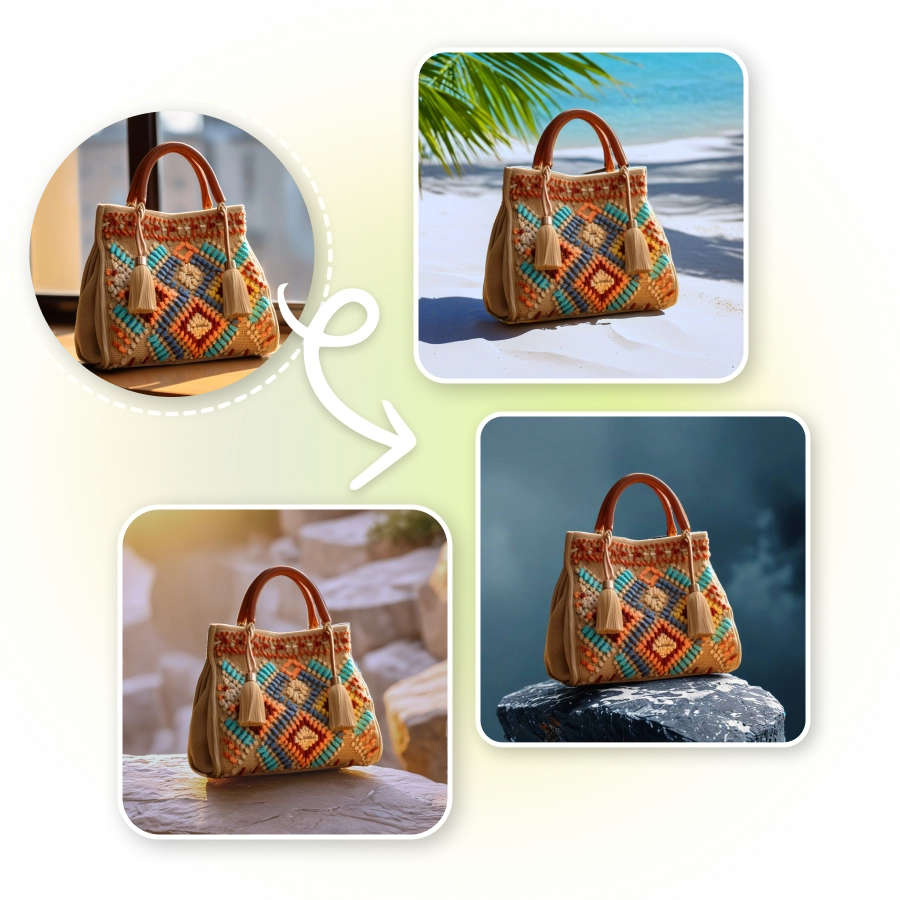
How to do a virtual AI bag photoshoot?
Upload a photo
Add a clear image of your bag (JPEG or PNG).
Apply background setting
Choose a preset or describe it with a short text prompt.
Generate and download
Click Generate, review the result, and download your image.


Preset AI background settings for your bags
Prepare for a stunning bag photoshoot with LightX's AI-generated, one-click background presets. They match perfectly with scenes or settings that complement your bag.
Create your own bag backdrop using a prompt
Design your preferred high-quality backdrop setting or scene for a photoshoot of bags. Simply enter a custom text prompt describing the background, and the AI will generate it.
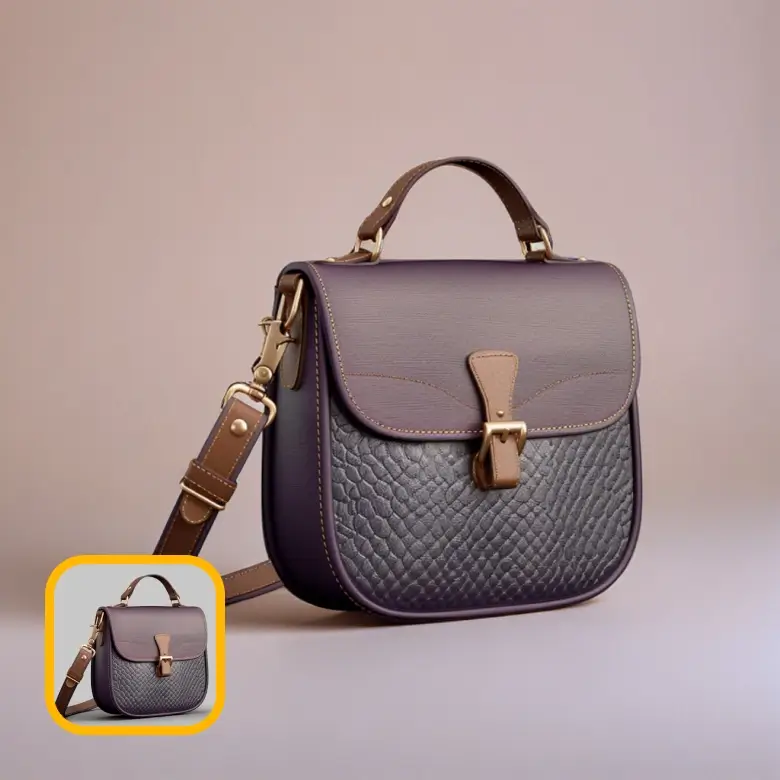
Our AI bag photography supports functionality and presentation
LightX's AI photoshoot quick enhances your bag's presentation online. Its integrated AI background generator lets you places the bag in any background you choose. It further make sure that the bag photo editing with AI looks realistic and fit the background naturally. This makes the product beautiful yet stylish. It helps your customers to see themselves using it, and encourages them to buy one.

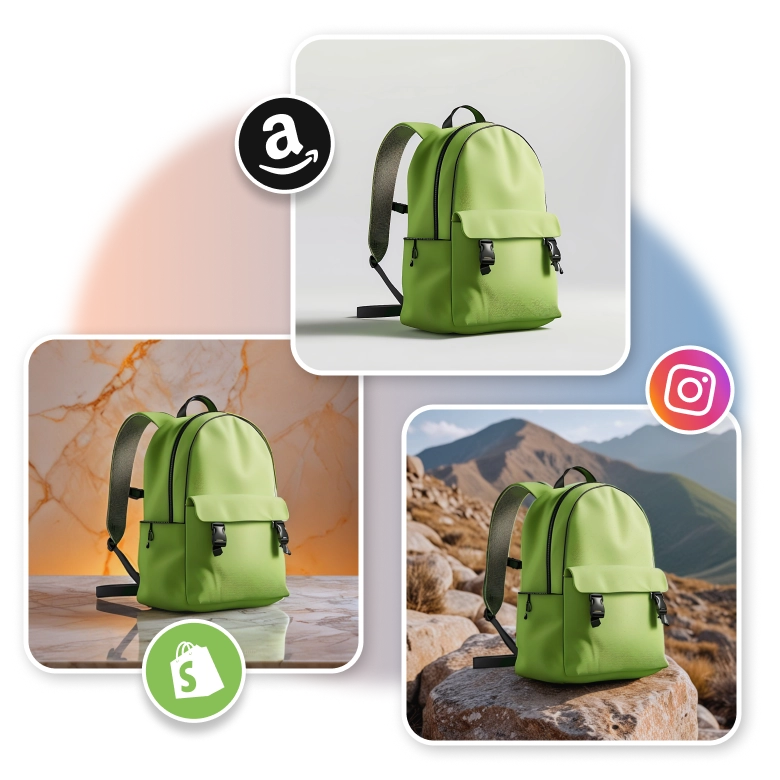
Create images or eCommerce, social media & even prints
Experience an automated, free AI bag photoshoot! All at a fraction of the time, effort, and cost consumed by traditional methods! Get high-quality images of bags with personalized backgrounds. Use them to showcase e-commerce products smartly. Our tool is used confidently and securely by small businesses and product photographers. It is best for new launch announcements or sale promotions across Amazon, Etsy, Shopify, and Instagram.
For handbags
Photograph handbags with simple, everyday backgrounds. You will get soft lighting to highlight the texture and design.
• Conduct a purse bag photoshoot using AI in a trendy urban or natural settings.
• Try a clutch photoshoot in a luxurious interior or evening setting.
The AI helps each handbag look attractive and detailed.

For backpacks
Capturing everyday backpacks or trendy leather designs? Choose outdoor or travel-inspired settings to match the purpose and style. Its AI-generated backgrounds focus on showcasing the bags' durability and appeal flawlessly. Create ideal backdrops, including busy city street, serene landscapes or vibrant cityscapes.

For briefcases and laptop bags
Employing LightX, enhance your office briefcase and laptop bag shots. Go for indoor settings and keep the background minimal with neutral tones. Generate backdrops that show classy office scenes or simple modern styles, this give your photos a neat and polish look. It also highlights the bags designs and quality Clearly.

For travel bags
In case of travel bag, it’s important to focus on both style and comfort. You can create perfect bag photo with the right backdrops, show your duffel bags in travel and adventure places, and suitcase in airport or hotels settings. This makes your bag look useful and makes the image pop.

Edit further to make photos ready-to-use everywhere
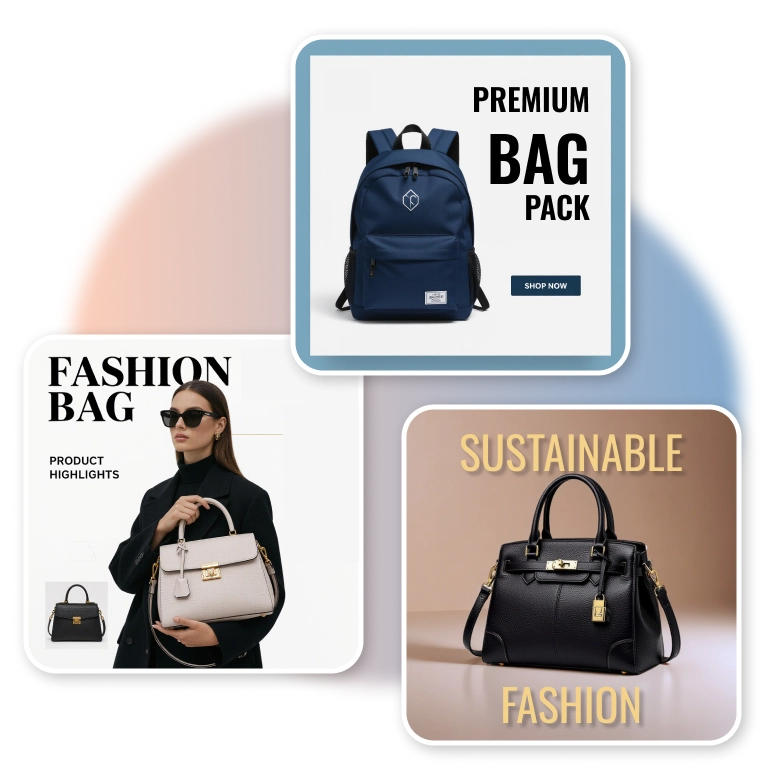
LightX carries not just generative AI and editing tools but also a spectrum of commercial templates. Apply your AI-generated bag photoshoot onto flyers and ads to be further used. We support features such as background removal to make integration of products on graphics seamless. Make every image truly yours by adding a logo, text, or watermarks.
Frequently Asked Questions
Conduct purse product photography for free with LightX. Utilize its AI presets or text for Image generation. Its advanced technology ensures high-quality product photoshoot images for eCommerce and marketing.
Discover more tools


