




How is white background added to your photos?
Upload Image
Choose or drag and drop your picture in JPEG or PNG format to get started.
Remove and Replace
Click “Remove Now” and the background will be automatically erased. Then, select a white color shade of your choice to change it.
Preview and Save
Refine the edges if needed, or click “Download” to save your file in JPG or PNG format.
Make background white in one click!
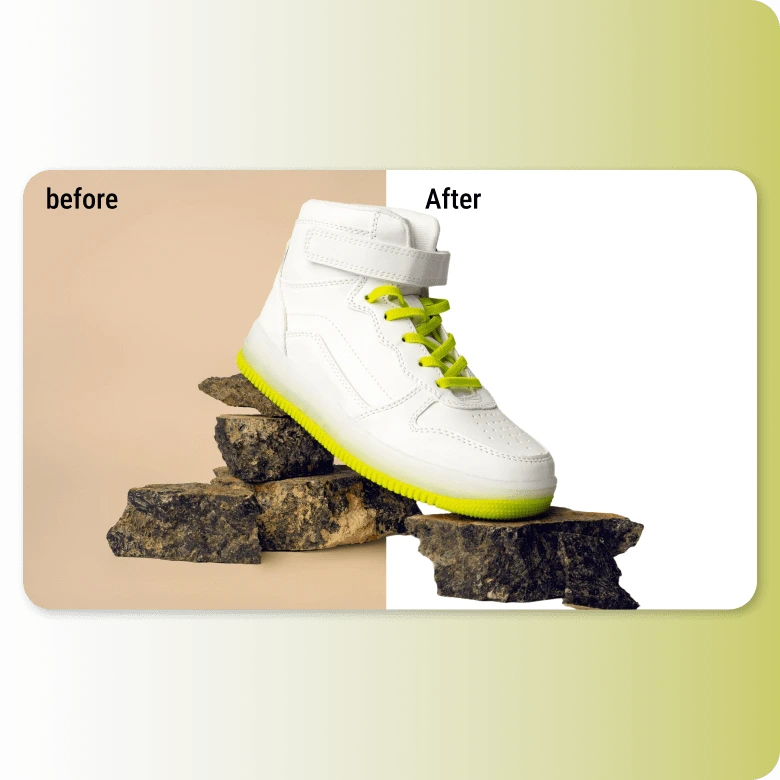
Save hours of manually creating cutouts to change backgrounds. Our AI-powered tool precisely dissects the subject and changes background color to white automatically. It’s completely free with no hidden costs. It auto-enhances the image so the subject blends perfectly with the white background, giving you an all-around solution for professional, clean photos.
Get access to “Fifty shades of… white”
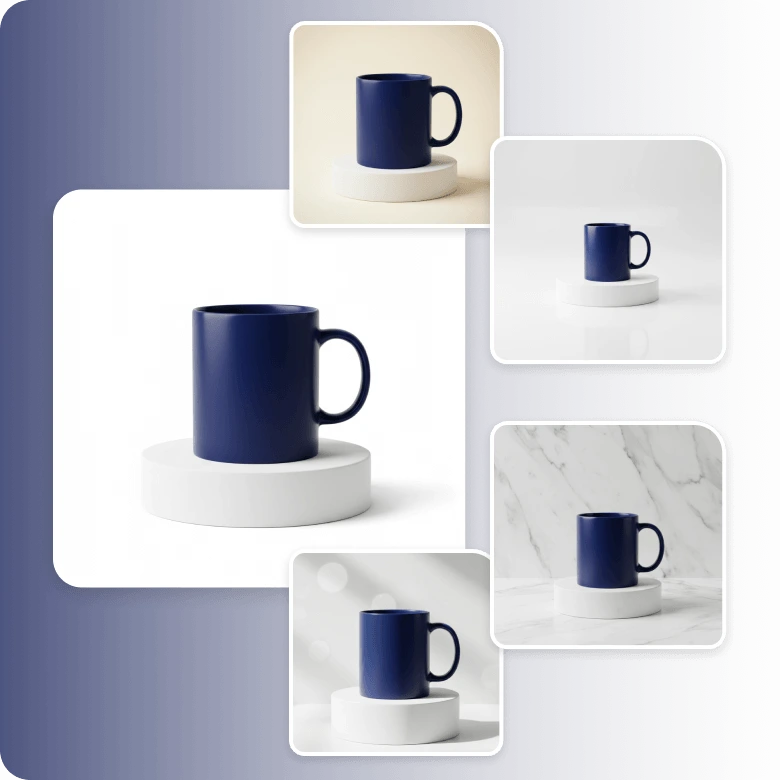
White comes in more shades than you might think. With LightX, you get white background for pictures in every shade, and if you still want a different white, use the color palette tool to create your own.
You can even experiment with white textures like gradients, glossy finishes, marble, or frosted effects using our AI background generator. Just describe and apply!
For e-commerce
The most common use for a white background is behind products. A product photo with white background makes it easier for customers to clearly see product details. In fact, major online marketplaces such as Amazon, eBay, and Etsy have specific guidelines for listing images, that include having a white background. Now you can achieve this quickly and easily. No need to shoot your product in a studio with a white backdrop anymore. Just upload any product photo and let AI change backgrounds like a pro!

For portraits
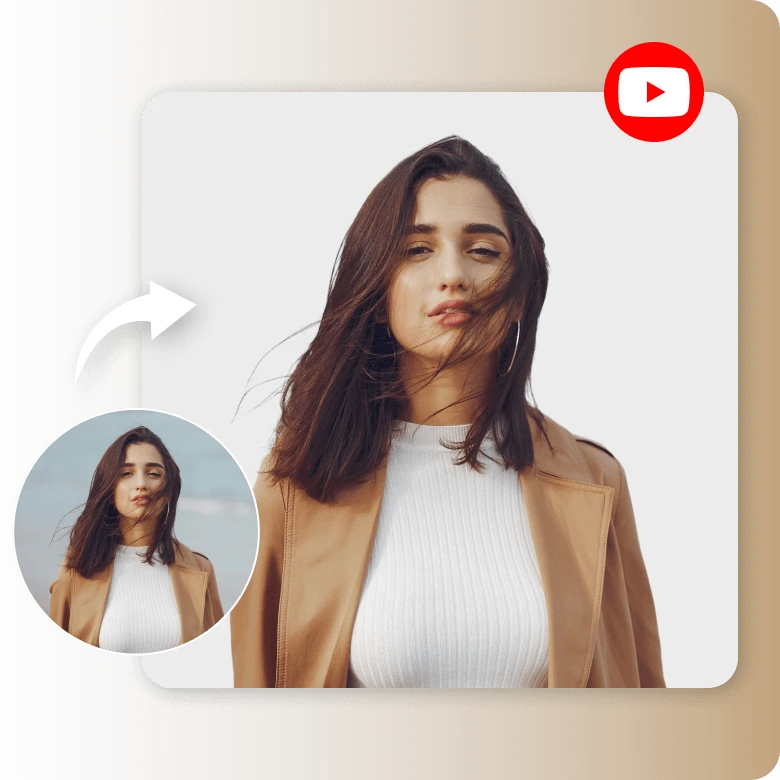
Everyone needs a professional headshot, ID photo, or passport-size photo. But not everyone can visit a photographer, especially when you need these photos at the last minute. Get your professional white background photographs in HD on the go with the LightX app, available for desktop, iOS, and Android. It even makes selfies ideal for use in applications, resumes, and more.

For social media
The white background in an online photo is enormously popular. It is used extensively for its minimalist, educational, and contemporary appeal. You can place it behind your YouTube thumbnails, profile pictures, or even use it in your product ads. A white background holds the power to emphasize even the tiniest details of your subject. For more convenience, edit and share directly on any social media channel through LightX.
Edit further with easy-to-use tools
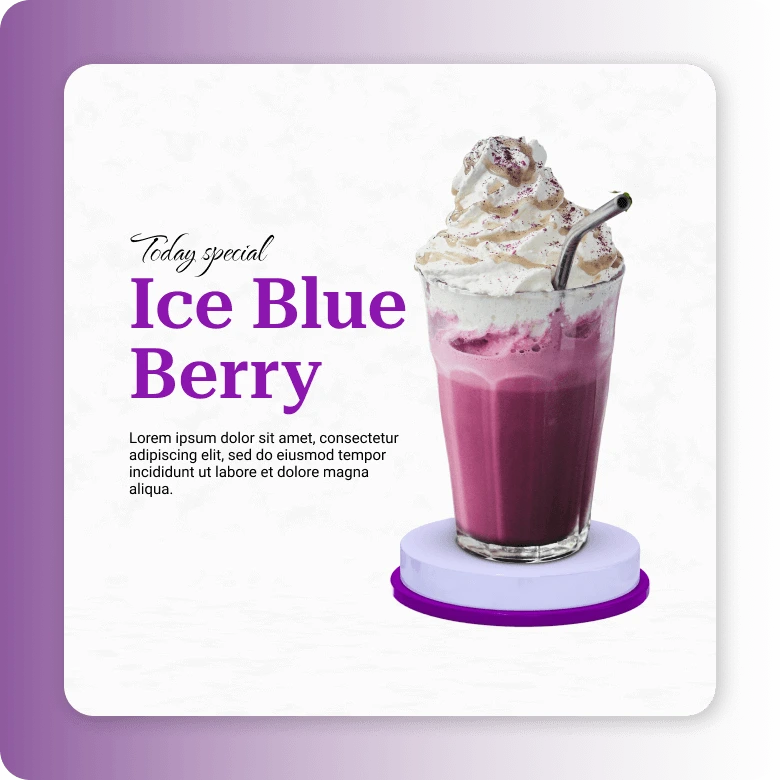
Background change is just the beginning. Transform your photo with a complete edit. Now that you have made a clean photo with a white background, you can make further changes within LightX white background editor. Add text, graphics, and borders, or use them on templates—whether it’s your product photos or selfies. This is a full graphic design suite.
Frequently Asked Questions
E-commerce sites like Amazon advise using a pure white background (#FFFFFF) / RGB (255,255,255) / HSL (0,0,100). However, if your product color is white, you can use an off-white shade (#F7F7F7) / RGB (247,247,247) / HSL (120,0,97).