

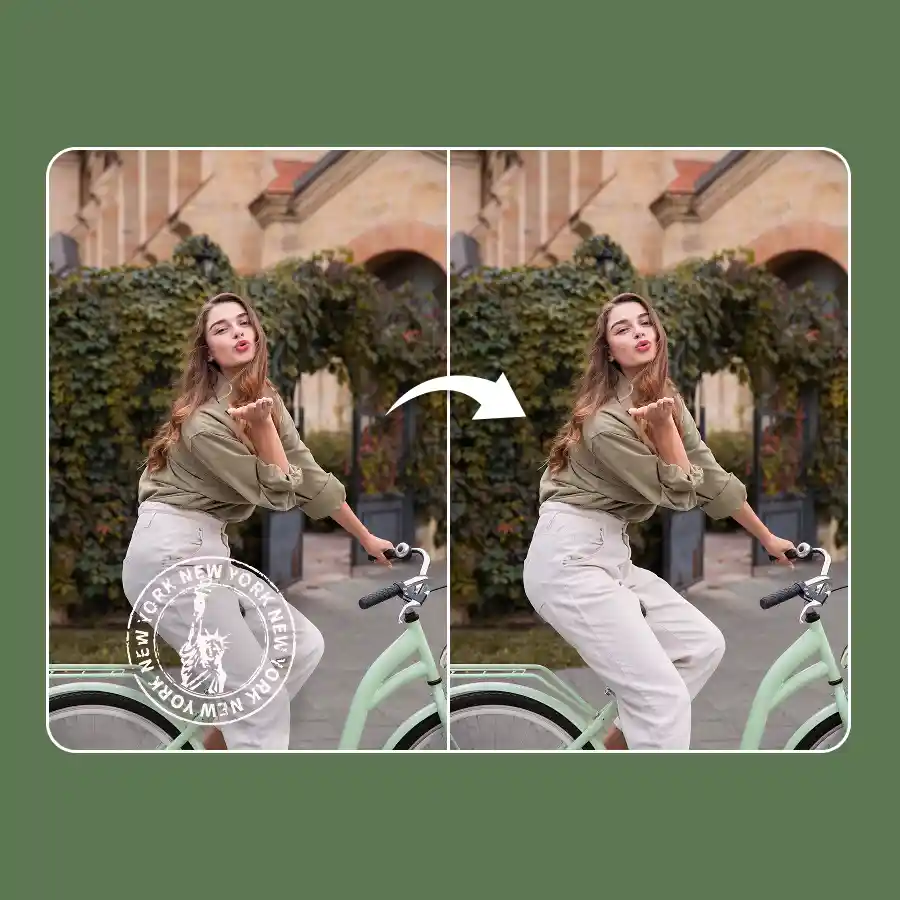
How to remove stamps from photo?
Upload your photo
Choose or drag and drop a photo in the JPEG or PNG format.
Enter prompt
Simply type “remove stamp”, then click Generate.
Download
Download the cleaned-up image to your device.
No manual brush required: 100% automatic
An online photo stamp remover that doesn’t require any manual intervention at all! Our AI is trained specifically to detect and delete stamps on a prompt command. Whether the stamp overlaps the text or subject, the tool will flawlessly remove stamp ink without a trace, keeping everything else intact.

Remove timestamps, date and time, logo stamps, & signatures
Remove company seals, date, time, and location stamps, “Confidential” stamps, e-signature stamps, traditional postage stamps on envelopes, and all kinds of stamps from documents, photographs, and digital images. All you have to do is upload a scanned image onto the tool. For more ease, you can also take a picture from your phone and upload it directly on the LightX iOS or Android app.
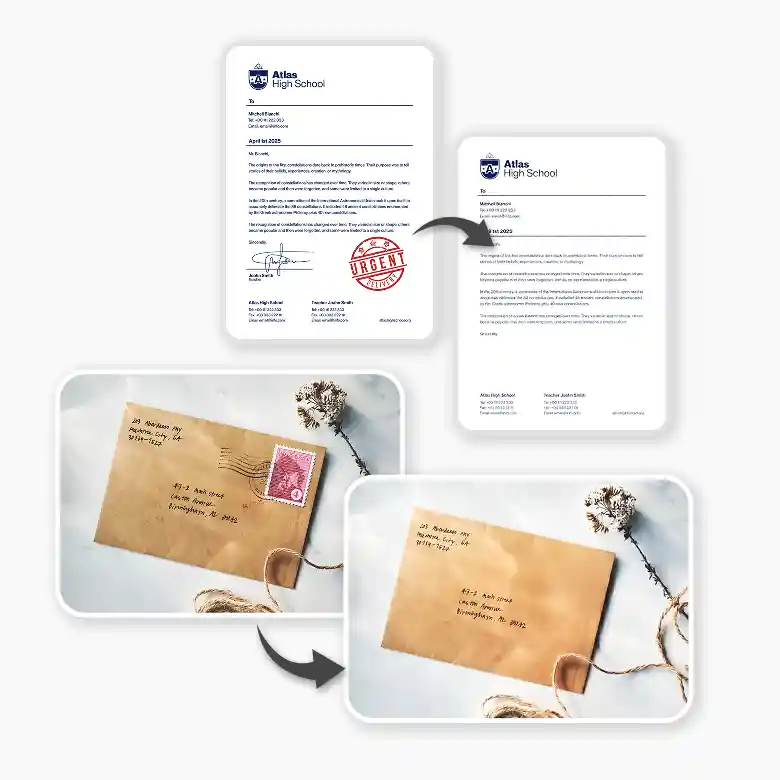
High-quality outputs
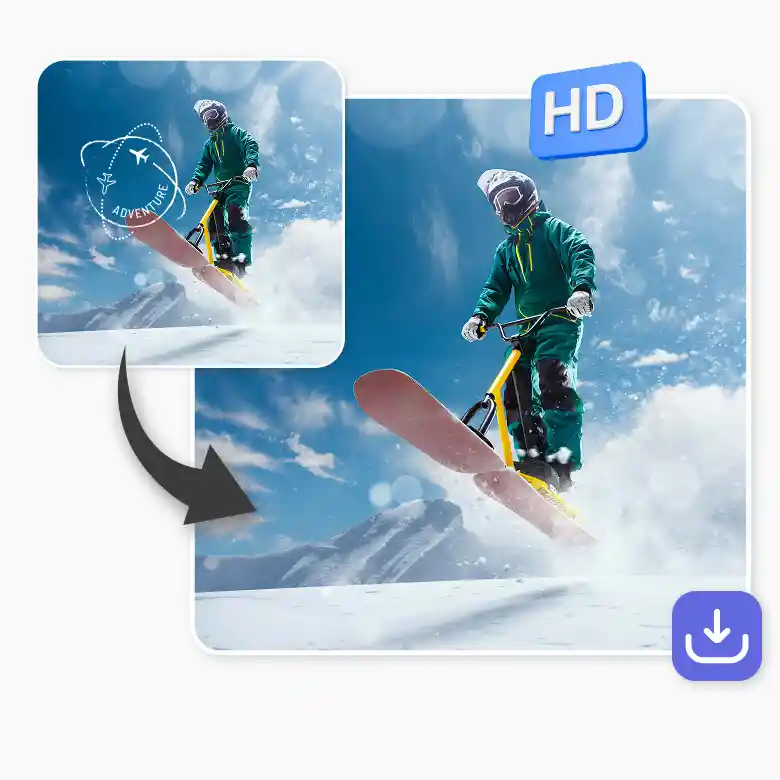
Do not worry about distortion or pixelation after stamp removal. LightX supports input and output of up to 1024x1024 resolution. With integrated generative fill, every pixel stays the same, ensuring your images remain sharp and clear. You can even upscale them further to make your documents high-quality. This is a one-stop solution for document & photo restoration.
Removes more than stamps
With the ability to detect any flaws and fix them automatically, we have trained our tool to remove texts, watermarks, and logos, and to restore and colorize photos in one click. Simply upload photos, sit back, and let AI handle all the work for you. You don't have to worry about work precision and output quality. Start exploring now!

Frequently Asked Questions
Yes you can! Just prompt the AI “remove QR code” and hit generate. The tool will erase like it were never there.


